
Align
자식을 부모 위젯의 특정 위치에 정렬하는데 사용
✔️ Alignment
Alignment상수는 두 가지 방법으로 설정할 수 있다.
- Alignment(double x, double y) _ 함수 위치 직접 지정
- 상수 이름을 사용하여 위치 지정
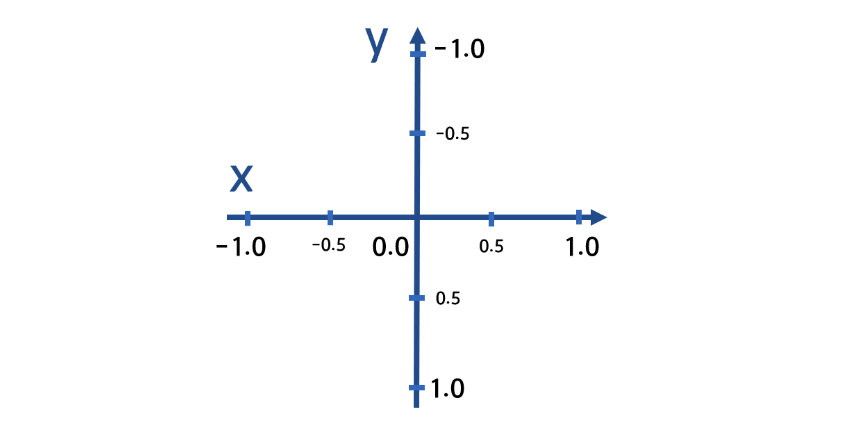
Alignment(double x, double y)
x와 y 좌표는 -1 ~ 1 사이의 값이다.
- 활용
1.
class Home extends StatelessWidget {
  // const Home({super.key});
  @override
  Widget build(BuildContext context) {
    return Scaffold(
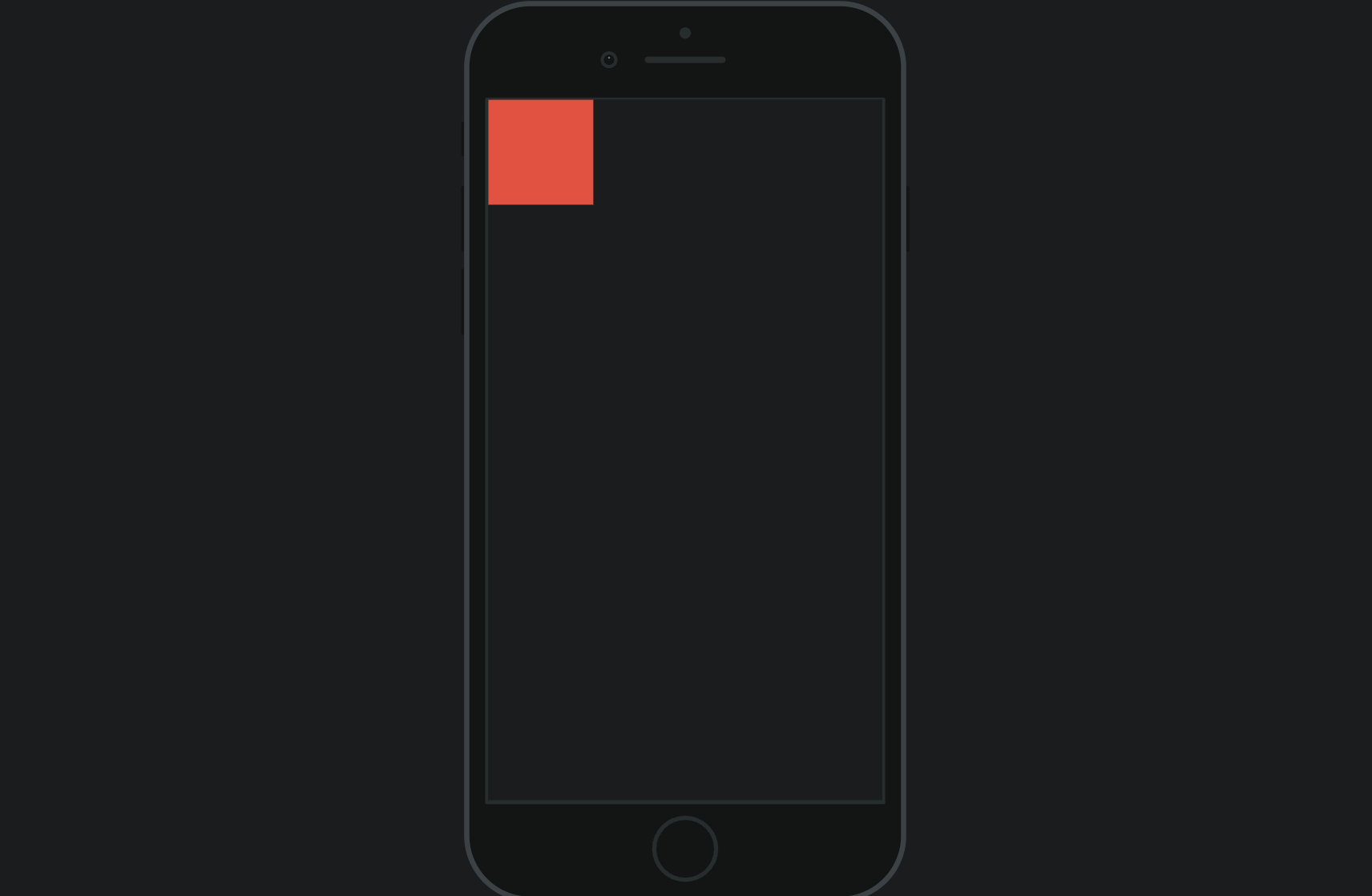
      body:Align(
        alignment: Alignment(-1,-1),
        child: Container(
          color: Colors.red,
          width: 100,
          height: 100,
        ),
      )
    );
  }
}- 결과
- 활용
class Home extends StatelessWidget {
  // const Home({super.key});
  @override
  Widget build(BuildContext context) {
    return Scaffold(
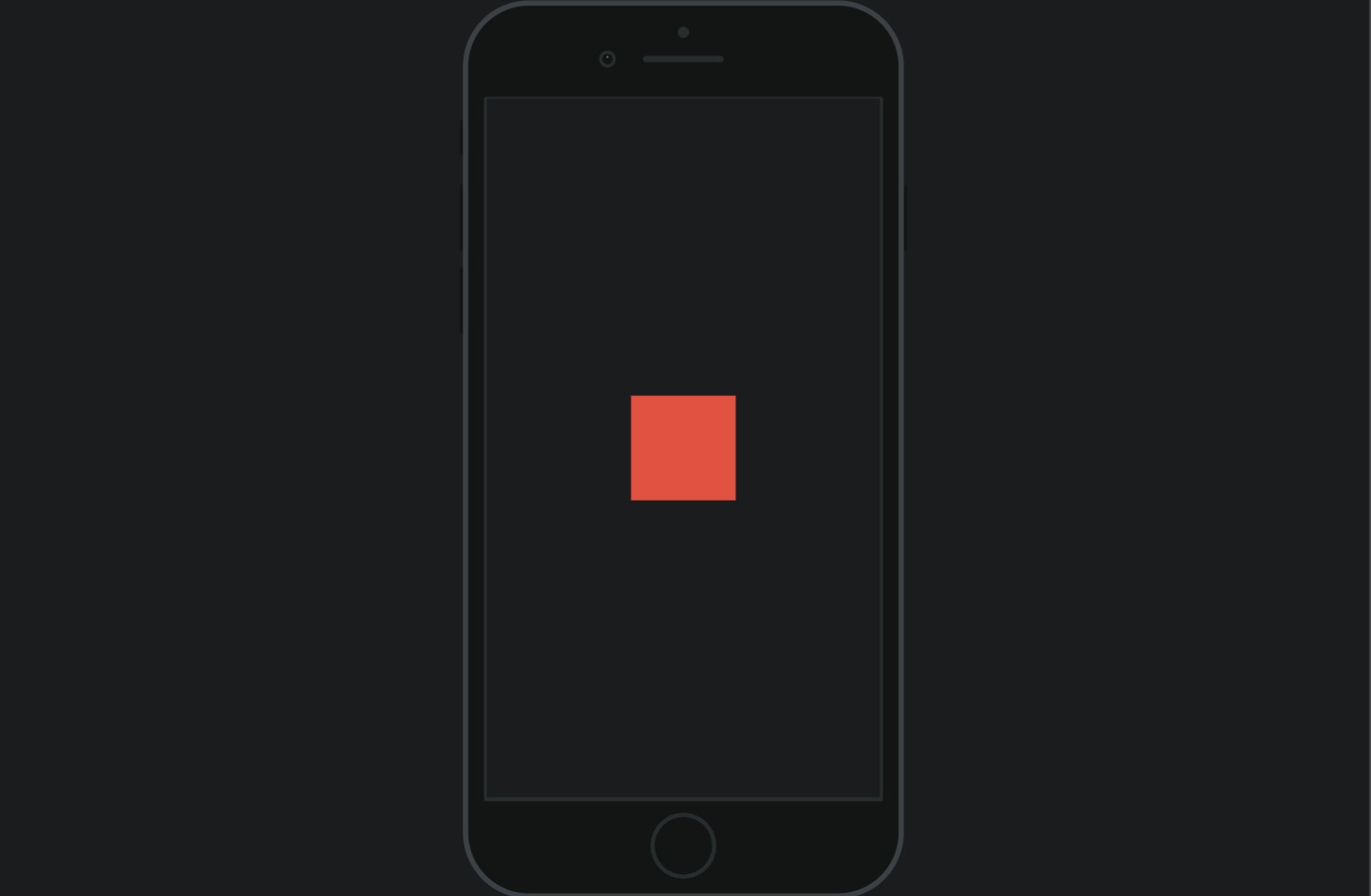
      body:Align(
        alignment: Alignment(0,0),
        child: Container(
          color: Colors.red,
          width: 100,
          height: 100,
        ),
      )
    );
  }
}- 결과
상수 이름으로 위치 지정
- bottomLeft
- bottomCenter
- bottomRight
- centerLeft
- center
- centerRight
- topLeft
- topCenter
- topRight
- 활용
class Home extends StatelessWidget {
  // const Home({super.key});
  @override
  Widget build(BuildContext context) {
    return Scaffold(
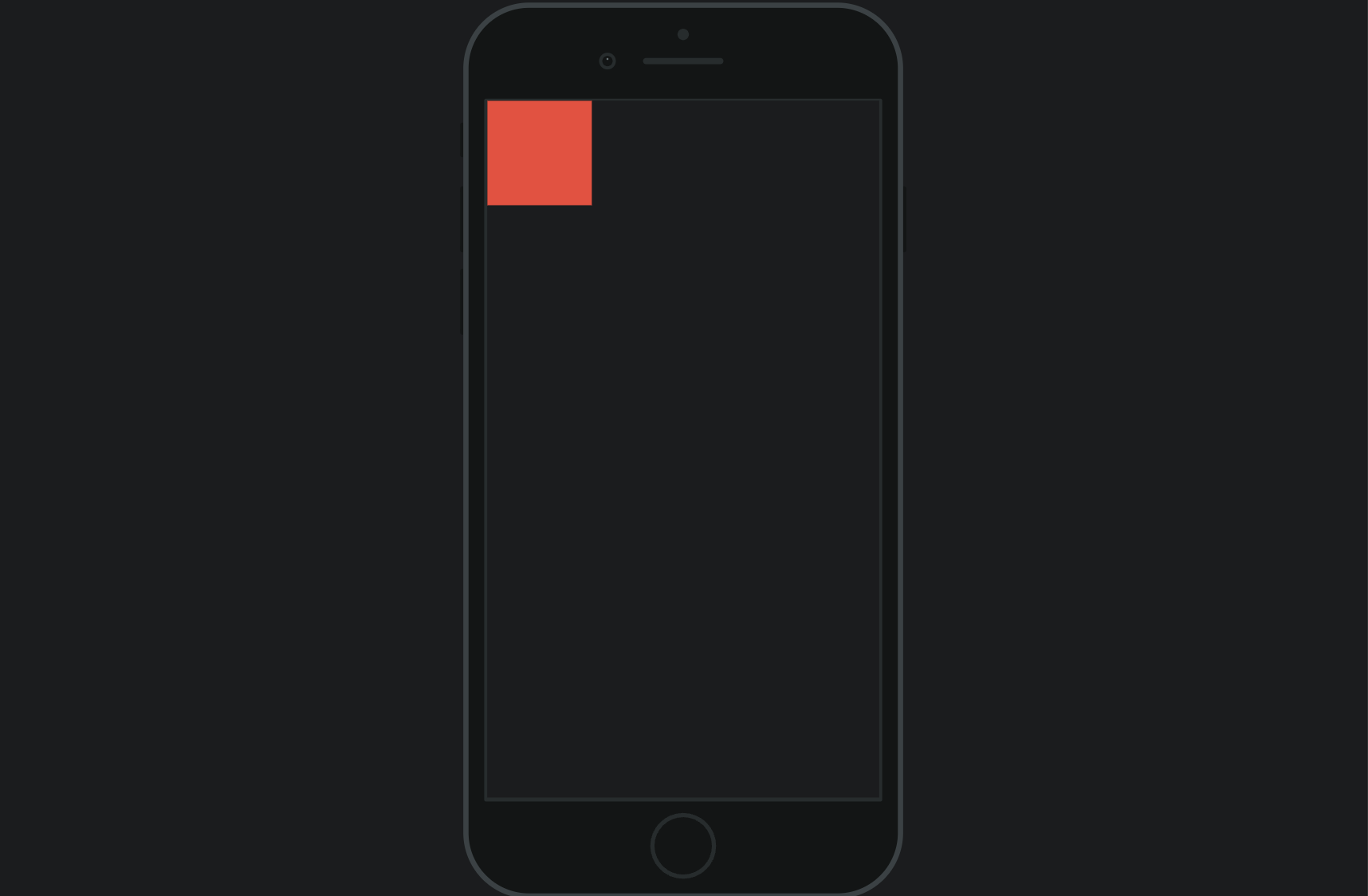
      body:Align(
        alignment: Alignment.topLeft,
        child: Container(
          color: Colors.red,
          width: 100,
          height: 100,
        ),
      )
    );
  }
}- 결과

한별잉