
AspectRatio
자식 위젯을 너비와 높이의 비율로 그릴 수 있다.
- 활용
class Home extends StatelessWidget {
  // const Home({super.key});
  @override
  Widget build(BuildContext context) {
    return Scaffold(
      body: Center(
        child: Container(
          color: Colors.blue,
          width: double.infinity,
          //화면 전체 너비를 차지한다.
          height: 200,
          alignment: Alignment.topLeft,
          child: AspectRatio(
            aspectRatio: 16 / 9,
            child: Container(
              color: Colors.lime,
            ),
          ),
        ),
      )
    );
  }
}- 결과
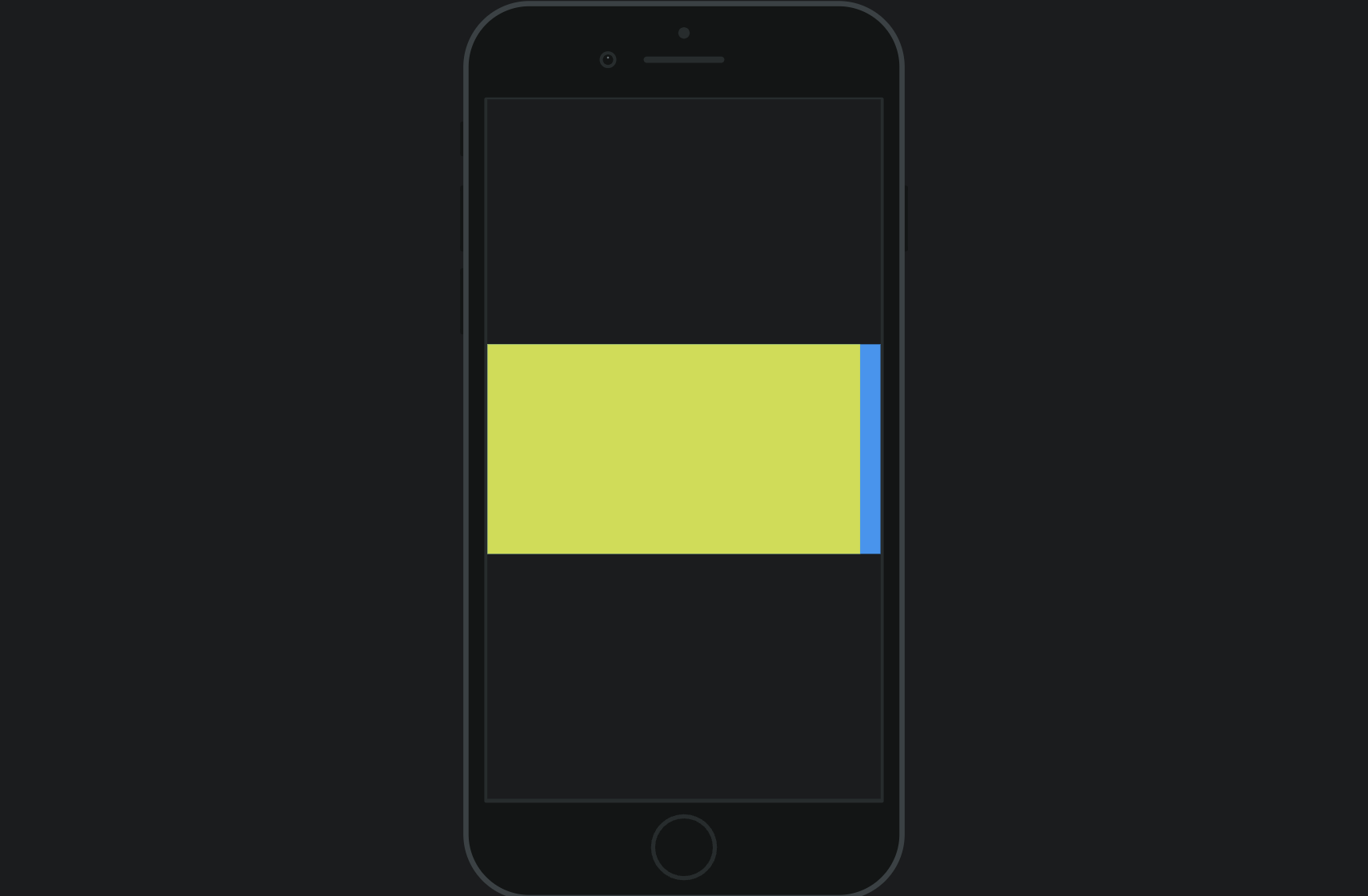
➕ aspectRatio: 1
- code
class Home extends StatelessWidget {
  // const Home({super.key});
  @override
  Widget build(BuildContext context) {
    return Scaffold(
      body: Center(
        child: Container(
          color: Colors.blue,
          width: double.infinity,
          //화면 전체 너비를 차지한다.
          height: 200,
          alignment: Alignment.center,
          child: AspectRatio(
            aspectRatio: 1,
            child: Container(
              color: Colors.lime,
            ),
          ),
        ),
      )
    );
  }
}
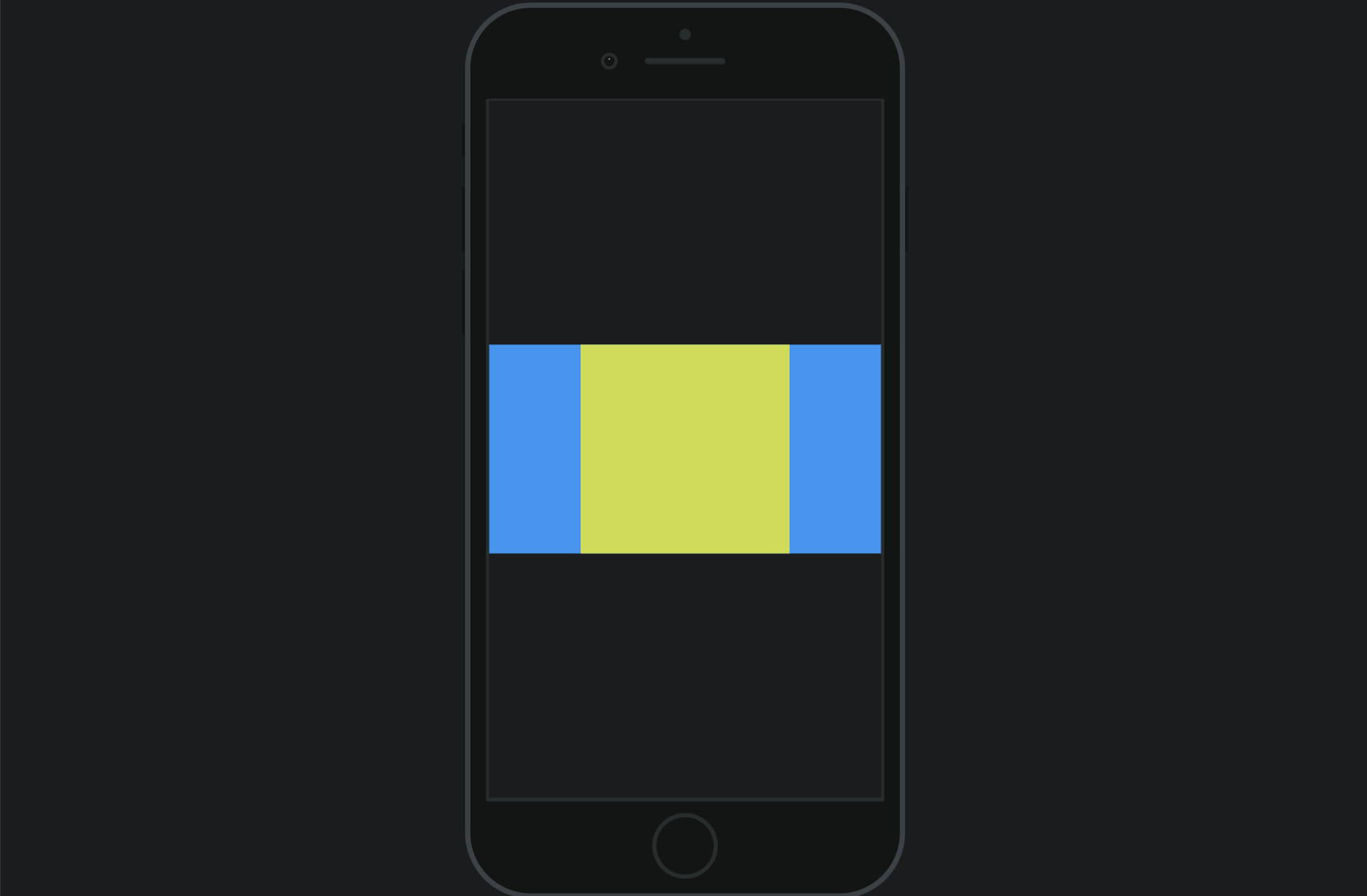
➕ aspectRatio: 4/2
- code
class Home extends StatelessWidget {
  // const Home({super.key});
  @override
  Widget build(BuildContext context) {
    return Scaffold(
      body: Center(
        child: Container(
          color: Colors.blue,
          width: double.infinity,
          //화면 전체 너비를 차지한다.
          height: 200,
          alignment: Alignment.center,
          child: AspectRatio(
            aspectRatio: 4/2,
            child: Container(
              color: Colors.lime,
            ),
          ),
        ),
      )
    );
  }
}


한별잉