Registration Java App in Entra ID
0. Introduction
I've recently become curious about Entra ID's app registration and authentication system. Basically, a service queries an identity provider (IdP) to verify a person's identity. For example, it’s similar to how we prove our nationality when going through immigration in another country. We present our passport, which is a document issued by the Republic of Korea, acting as an IdP, to authenticate our identity.
In this post, I will demonstrate how to register a simple Java app with the Entra ID tenant and perform authentication.
1-1. Develop App: app.cake.run.place
I'll start by creating the app's logo. I just enlarged an emoji.

In Entra ID, you create a custom app. If you go to the "Quick Start" tab of app registration, you'll see that there are many SDKs available for developing apps in various languages.
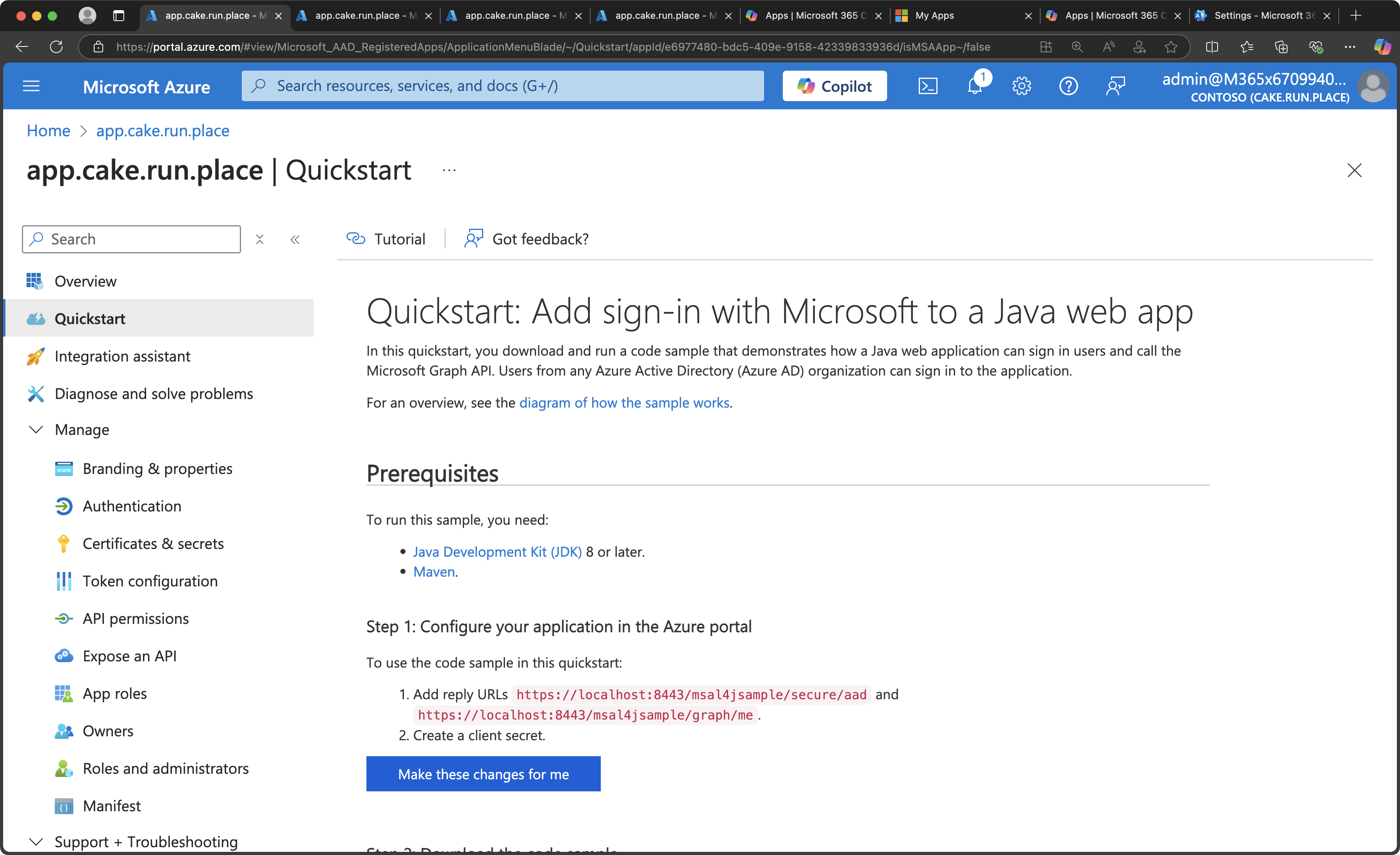
I'm somewhat familiar with Java, so I downloaded the SDK and tested it using IntelliJ. One thing to be particularly careful about is changing the app's client ID (the identifier assigned to my app in Entra ID), the tenant ID, and the client secret ID in the application.properties file under the src directory. These values are used by my app to send requests to the IdP, which is Entra ID.
logging.level.org.springframework.*=DEBUG

server.port=443
server.ssl.enabled=true
server.address=localhost
homePage=https://${server.address}:${server.port}
server.http.port=80
security.require-ssl=true

ssoServiceUrl=https://login.microsoftonline.com/eb7e08b5-829e-4167-83db-38255426634f
endSessionEndpoint=https://login.microsoftonline.com/eb7e08b5-829e-4167-83db-38255426634f/oauth2/v2.0/logout

security.oauth2.client.client-id=e6977480-bdc5-409e-9158-42339833936d

security.oauth2.client.client-secret=F278Q~xLOKnzNXWHU3lCFTxu19Ak.UONiSYJ2cxU
security.oauth2.client.scope=openid profile
security.oauth2.client.authentication-scheme=header
security.oauth2.client.client-authentication-scheme=form

security.oauth2.issuer=https://login.microsoftonline.com/eb7e08b5-829e-4167-83db-38255426634f/v2.0

security.oauth2.client.access-token-uri=${ssoServiceUrl}/oauth2/v2.0/token
security.oauth2.client.user-authorization-uri=${ssoServiceUrl}/oauth2/v2.0/authorize
security.oauth2.resource.user-info-uri=https://graph.microsoft.com/oidc/userinfo

server.servlet.session.cookie.secure=true
server.ssl.key-store=classpath:keystore/cakekeystore.p12
server.ssl.key-store-password=password
server.ssl.key-store-type=PKCS12
server.ssl.key-alias=cakekey
It works well in local.
1-2. Hosting
I transfer the .jar file to the Ubuntu server I’ve prepared in advance using SSH and SCP commands.
administrator@administrators-MacBook-Pro spring-security-web-app % mvn clean package
[INFO] Scanning for projects...
[INFO]
[INFO] ------------< com.microsoft.azure:spring-security-web-app >-------------
[INFO] Building spring-security-web-app 0.0.1-SNAPSHOT
[INFO]   from pom.xml
[INFO] --------------------------------[ jar ]---------------------------------
[WARNING] 1 problem was encountered while building the effective model for org.javassist:javassist:jar:3.20.0-GA during dependency collection step for project (use -X to see details)
[INFO]
[INFO] --- clean:3.1.0:clean (default-clean) @ spring-security-web-app ---
[INFO] Deleting /Users/administrator/Desktop/appCake2/spring-security-web-app/target
[INFO]
[INFO] --- resources:3.2.0:resources (default-resources) @ spring-security-web-app ---
[INFO] Using 'UTF-8' encoding to copy filtered resources.
[INFO] Using 'UTF-8' encoding to copy filtered properties files.
[INFO] Copying 1 resource
[INFO] Copying 3 resources
[INFO]
[INFO] --- compiler:3.8.1:compile (default-compile) @ spring-security-web-app ---
[INFO] Changes detected - recompiling the module!
[INFO] Compiling 3 source files to /Users/administrator/Desktop/appCake2/spring-security-web-app/target/classes
[INFO]
[INFO] --- resources:3.2.0:testResources (default-testResources) @ spring-security-web-app ---
[INFO] Using 'UTF-8' encoding to copy filtered resources.
[INFO] Using 'UTF-8' encoding to copy filtered properties files.
[INFO] skip non existing resourceDirectory /Users/administrator/Desktop/appCake2/spring-security-web-app/src/test/resources
[INFO]
[INFO] --- compiler:3.8.1:testCompile (default-testCompile) @ spring-security-web-app ---
[INFO] No sources to compile
[INFO]
[INFO] --- surefire:2.22.2:test (default-test) @ spring-security-web-app ---
[INFO] No tests to run.
[INFO]
[INFO] --- jar:3.2.0:jar (default-jar) @ spring-security-web-app ---
[INFO] Building jar: /Users/administrator/Desktop/appCake2/spring-security-web-app/target/spring-security-web-app-0.0.1-SNAPSHOT.jar
[INFO]
[INFO] --- spring-boot:2.4.2:repackage (repackage) @ spring-security-web-app ---
[INFO] Replacing main artifact with repackaged archive
[INFO] ------------------------------------------------------------------------
[INFO] BUILD SUCCESS
[INFO] ------------------------------------------------------------------------
[INFO] Total time:  1.917 s
[INFO] Finished at: 2025-03-02T18:19:47+09:00
[INFO] ------------------------------------------------------------------------
administrator@administrators-MacBook-Pro spring-security-web-app % ls
README.md	pom.xml		src		target
administrator@administrators-MacBook-Pro spring-security-web-app % target
zsh: command not found: target
administrator@administrators-MacBook-Pro spring-security-web-app % cd target
administrator@administrators-MacBook-Pro target % ls
classes
generated-sources
maven-archiver
maven-status
spring-security-web-app-0.0.1-SNAPSHOT.jar
spring-security-web-app-0.0.1-SNAPSHOT.jar.original
administrator@administrators-MacBook-Pro target % scp -P 7463 spring-security-web-app-0.0.1-SNAPSHOT.jar administrator@61.74.157.74:/home/administrator/CakeApp
I navigate to the directory where the .jar file is located on the Ubuntu server and run the Spring server with the following command.
sudo java -jar <yourFileName>.jar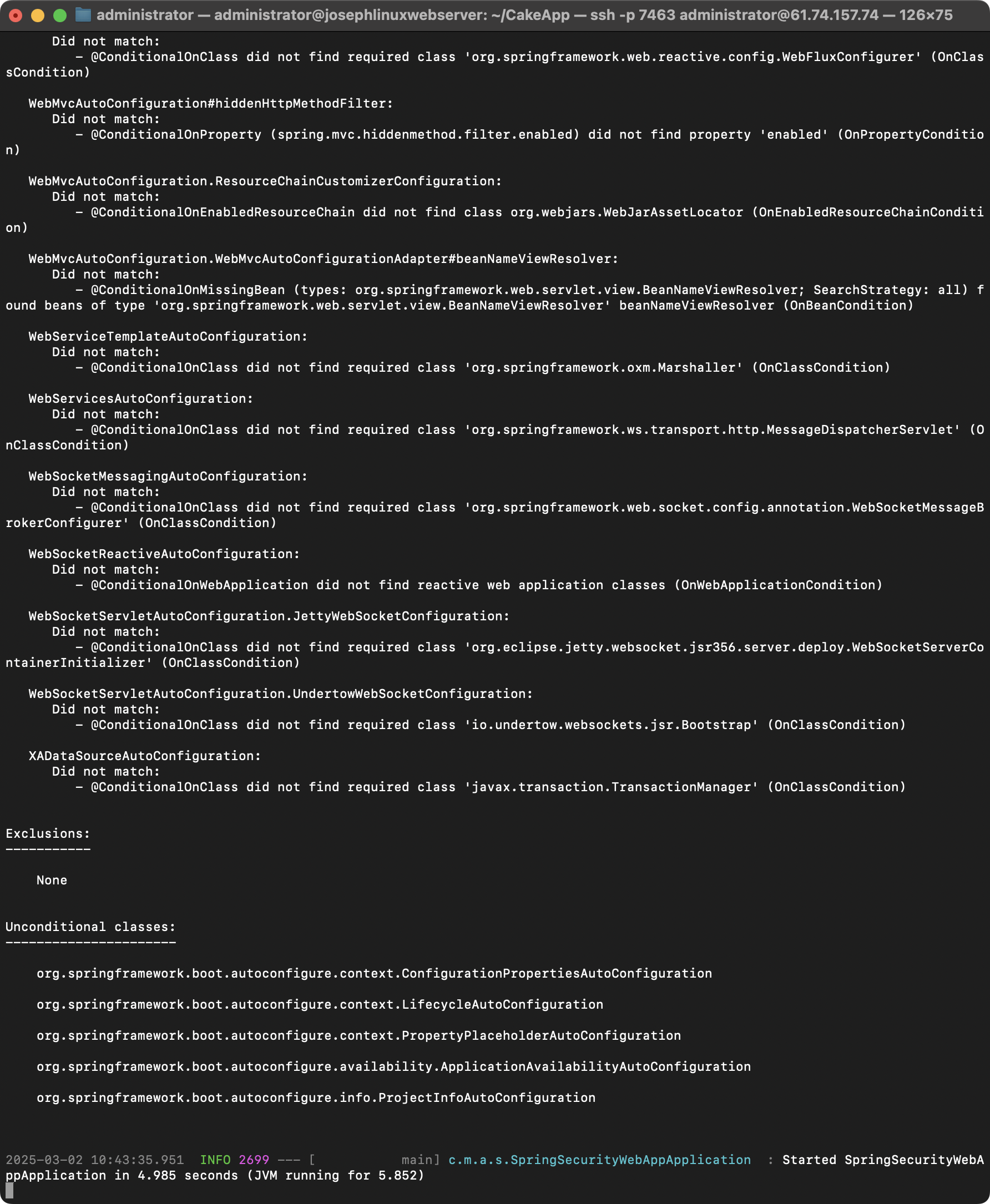
2. SetUp Entra ID side
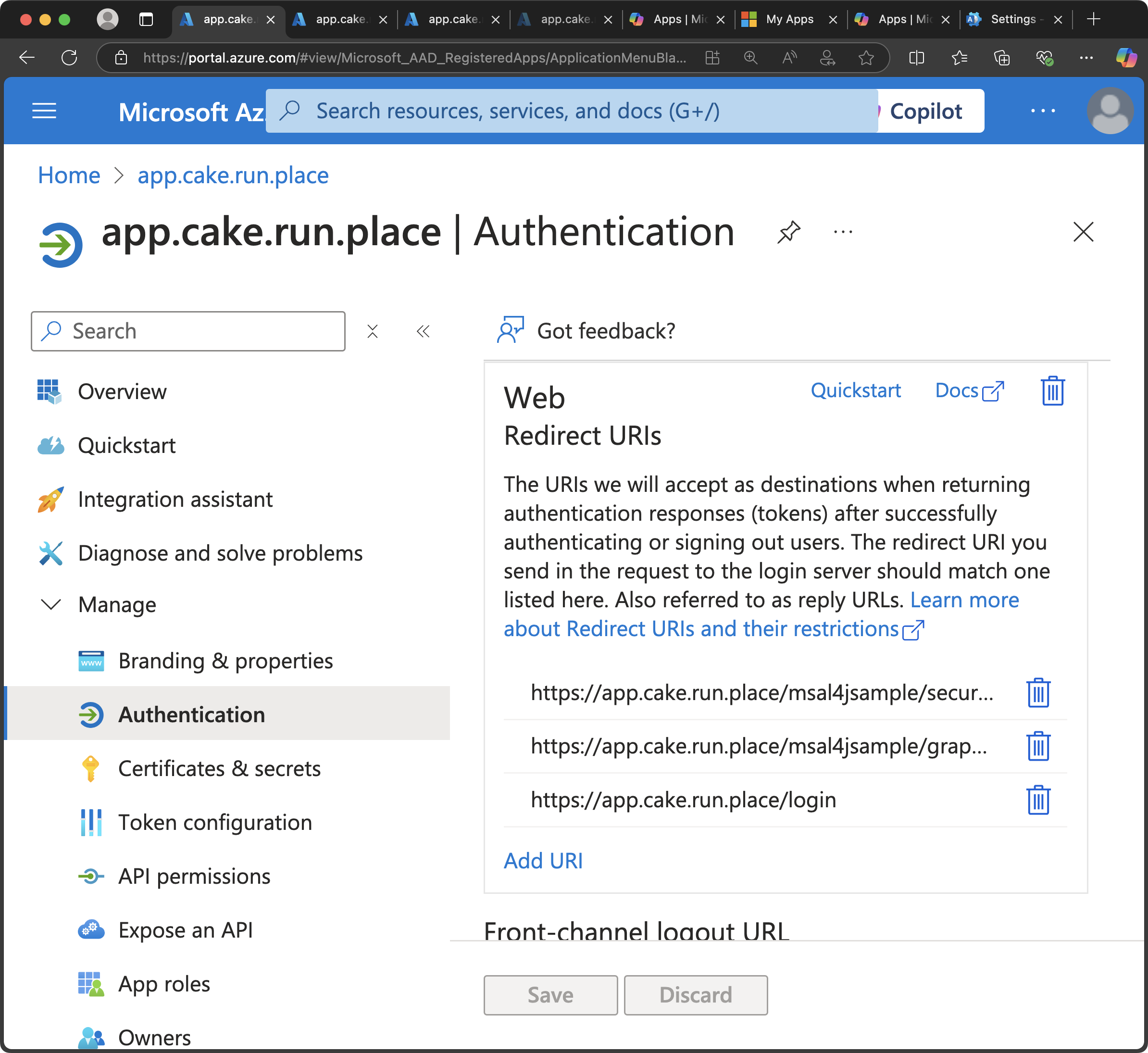
When my app requests authentication from Entra ID, a login page will be displayed to the user. After Entra ID identifies the user, it must send a signal to my app indicating that the authentication was successful, so I can provide the service. The redirect URL is where this signal is received.
I’ll set up the following URLs. These URLs are specified in the quick start guide, so there’s no need to be intimidated.
3. Production
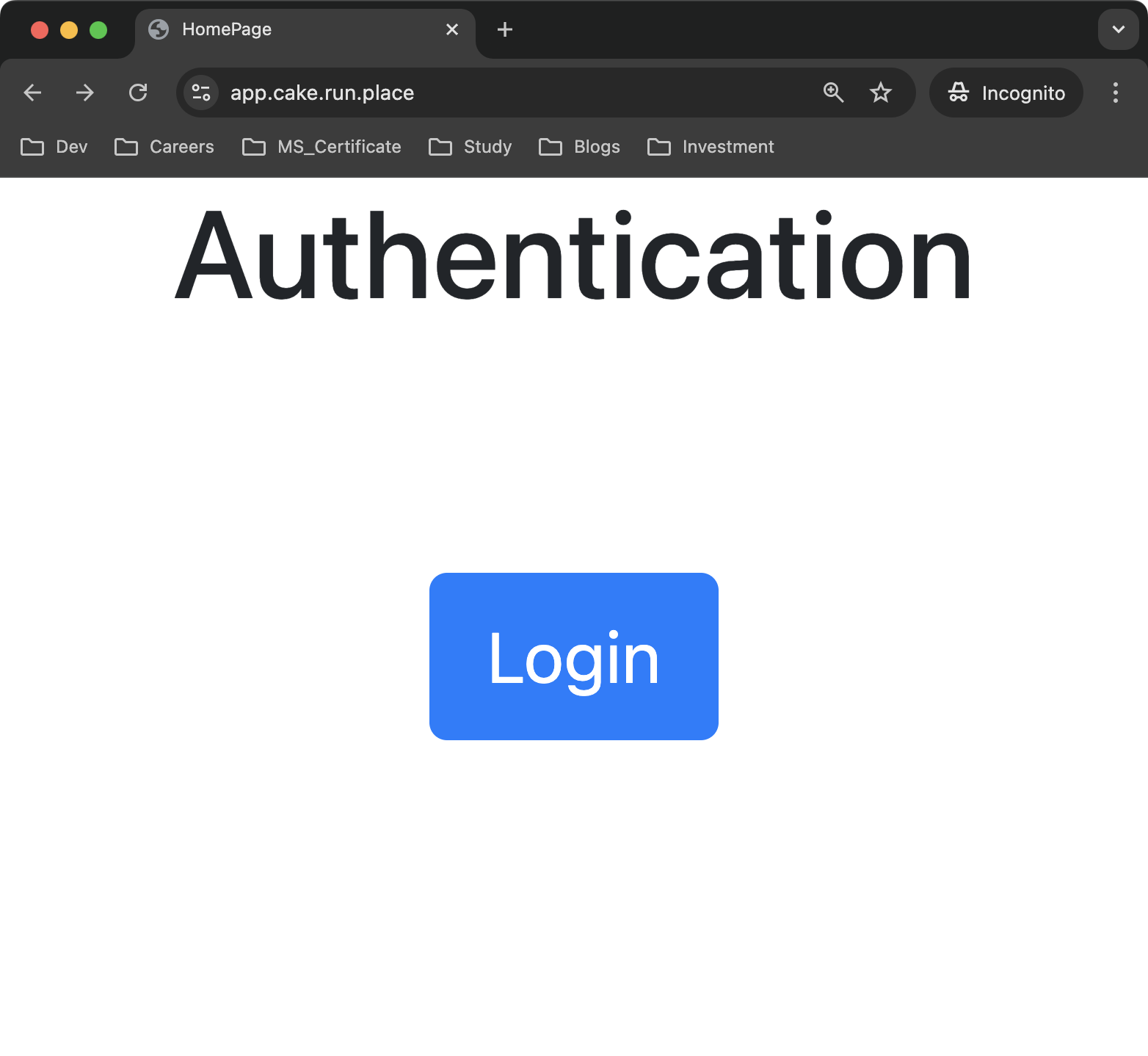
Now that everything is complete, let’s navigate to my service by entering the URL in the address bar.
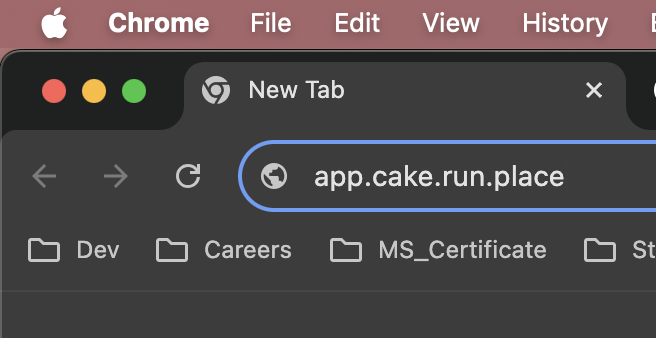
Don't be surprised... since this is just a functionality test, the design is terrible.
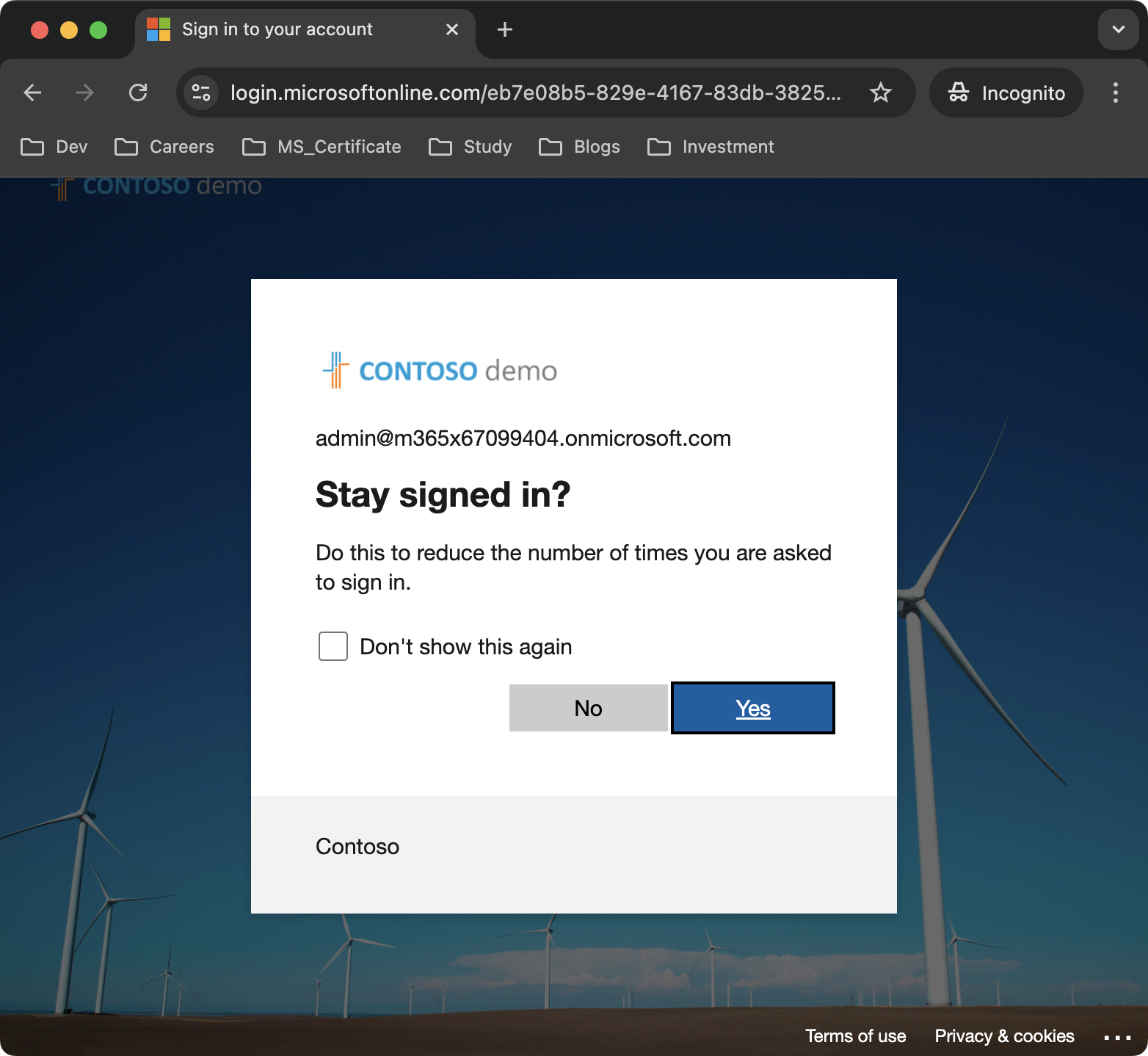
Now, when you click the login button, my app will send an authentication request to Entra ID.
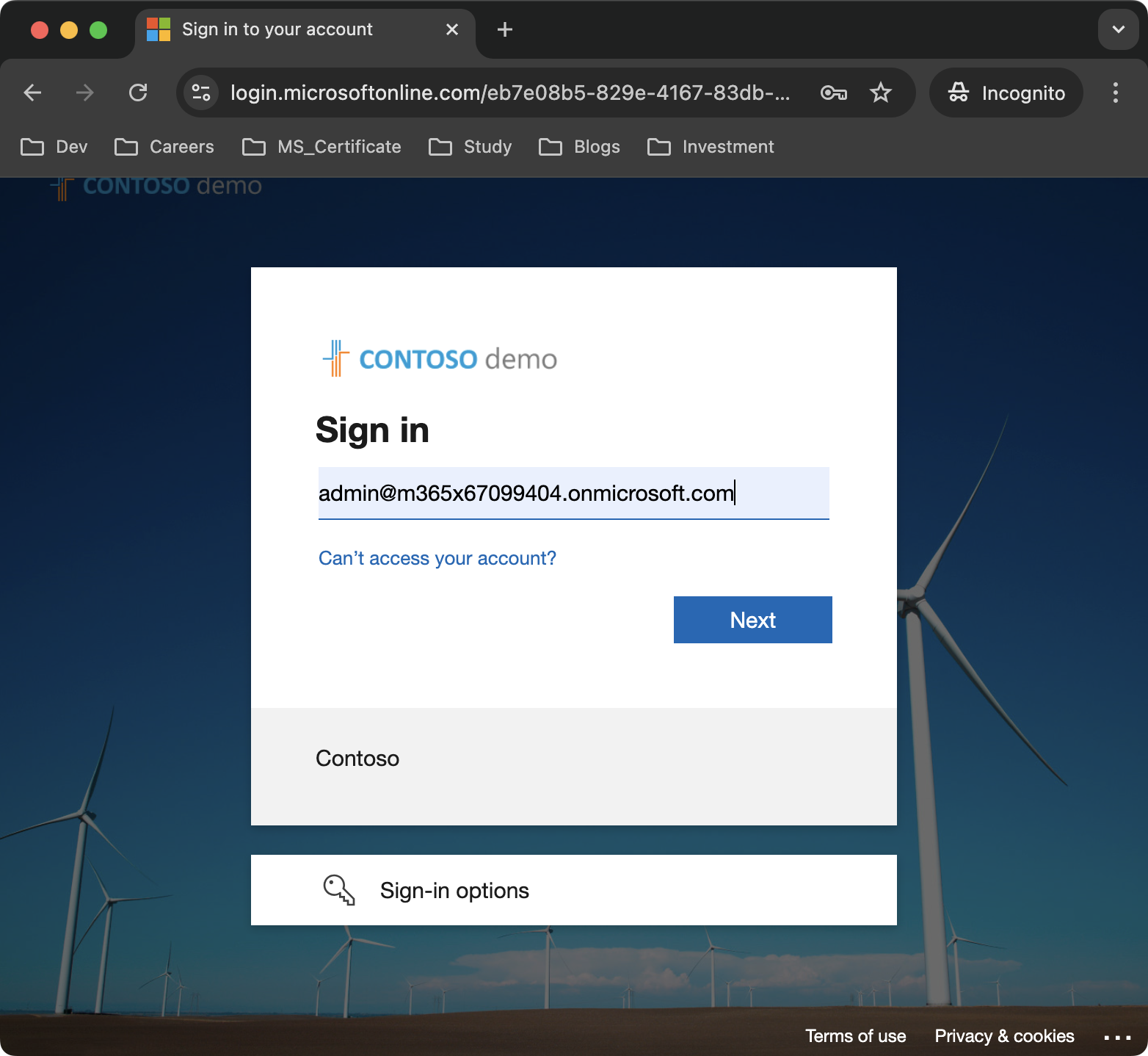
It will be redirected to the following URL. It behaves as recorded in my code.
https://login.microsoftonline.com/eb7e08b5-829e-4167-83db-38255426634f/oauth2/v2.0/authorize?client_id=e6977480-bdc5-409e-9158-42339833936d&redirect_uri=https://app.cake.run.place/login&response_type=code&scope=openid%20profile&state=oTmwwF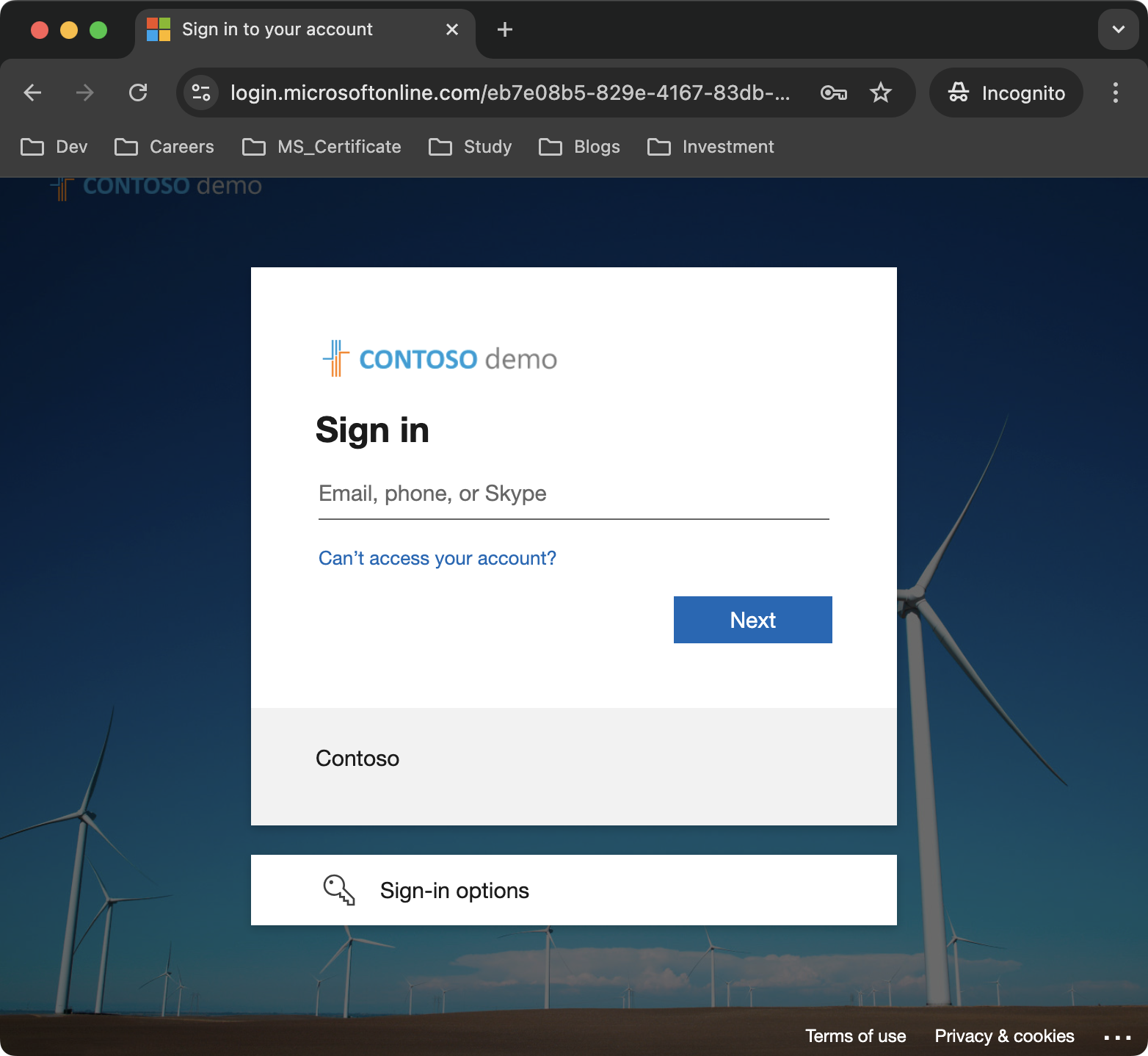
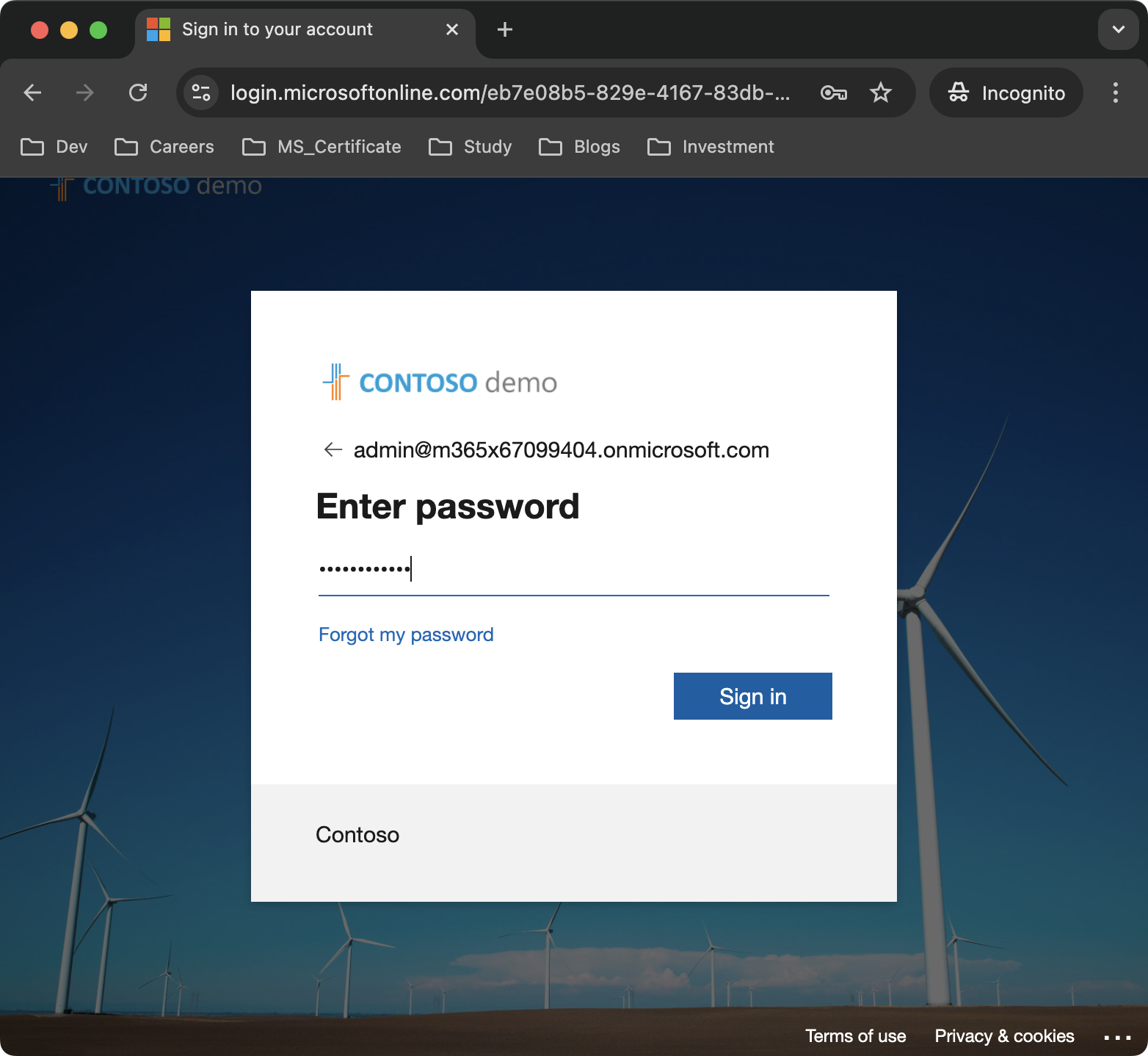
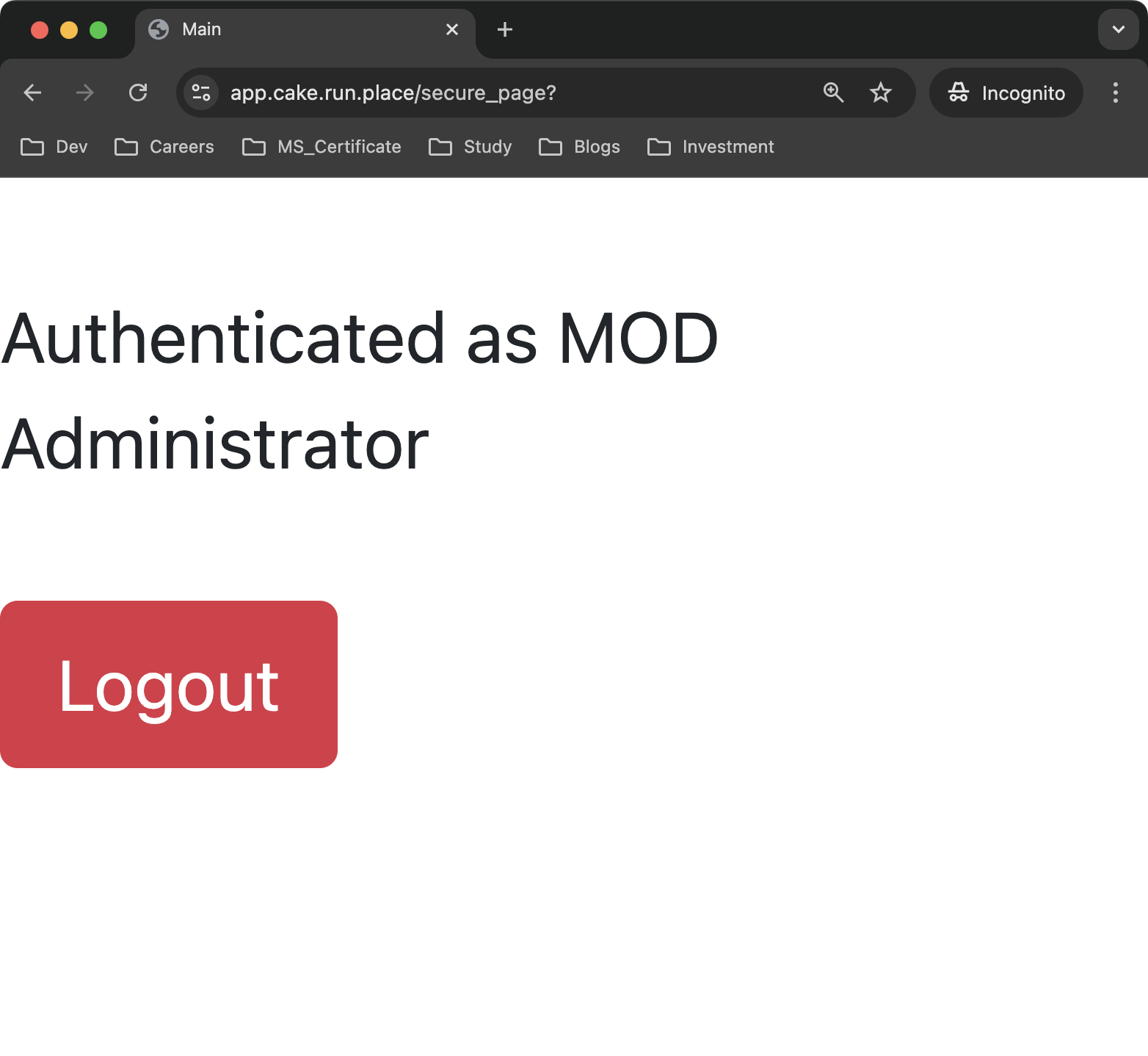
Second surprise.. This is a logged in page.
4. Conclusion
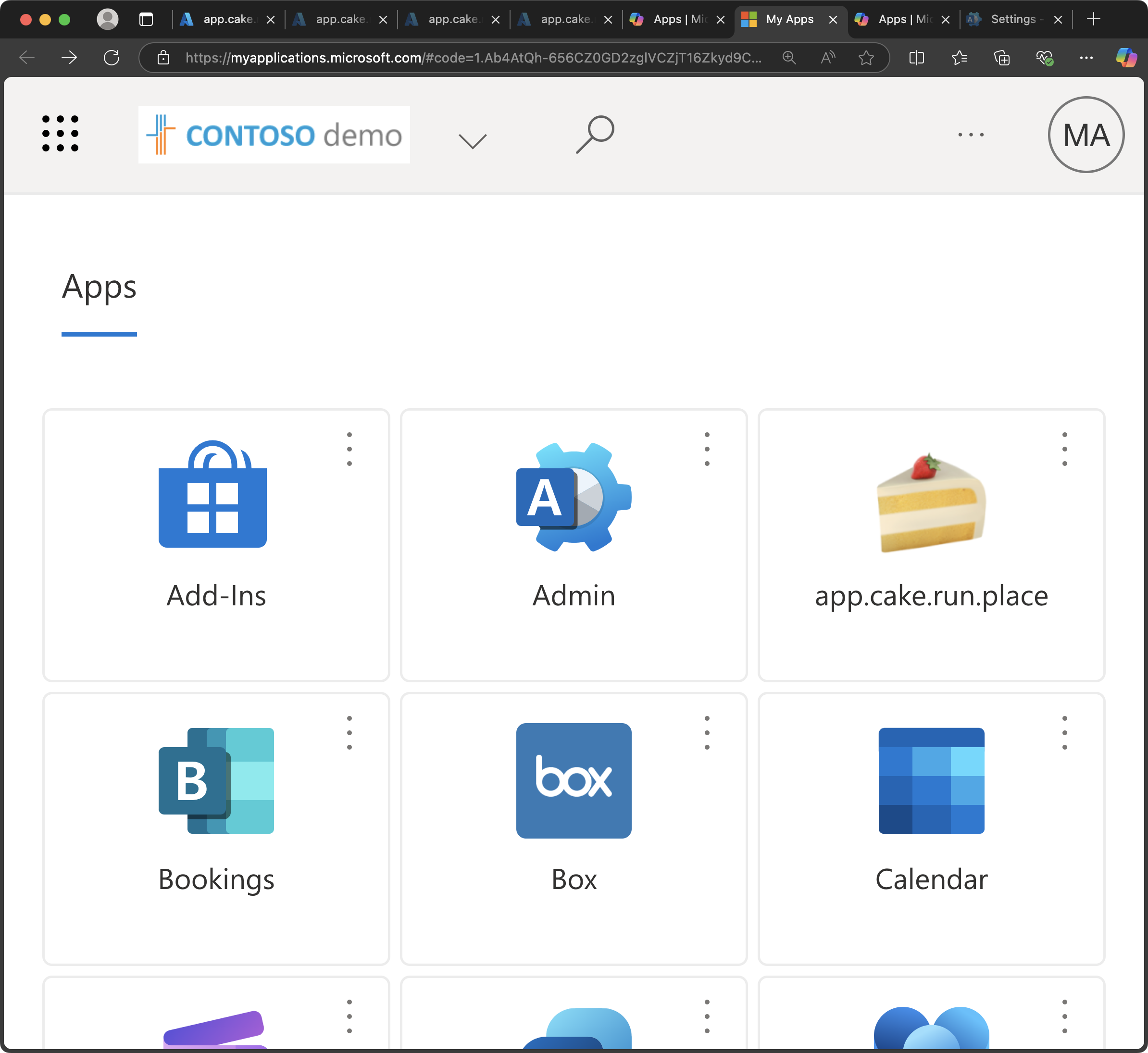
Authentication, when you think about it, is actually quite simple. From the perspective of providing a service, since I’m only offering my service, it’s natural that a query to another organization is necessary.
I may have rushed through the writing, so the content might be a bit lacking, but I ask for your understanding even though this isn't a detailed guide.
I’ll make the GitHub repository public once the certificate expires.
Github
https://github.com/leeyosebi/appCake/tree/main/src/main/resources/keystore