Multiple Domain Support for Federating with Microsoft Entra ID
0. Index
When configuring a hybrid environment, the authentication method for users is also set up through AADC. However, only one authentication method (PHS, PTA, or ADFS) can be selected per forest.
Now, my customer has configured ADFS authentication to allow their headquarters employees to access the M365 environment. However, their branch employees are also in the same forest, and they need access to M365 as well. Since they are in the same forest, they must also authenticate via ADFS.
Is this possible? Let's find out.
1. LAB Configuration
First up first, I have two domains here.
- thecake.kro.kr(Federated)
- hotcake.kro.kr
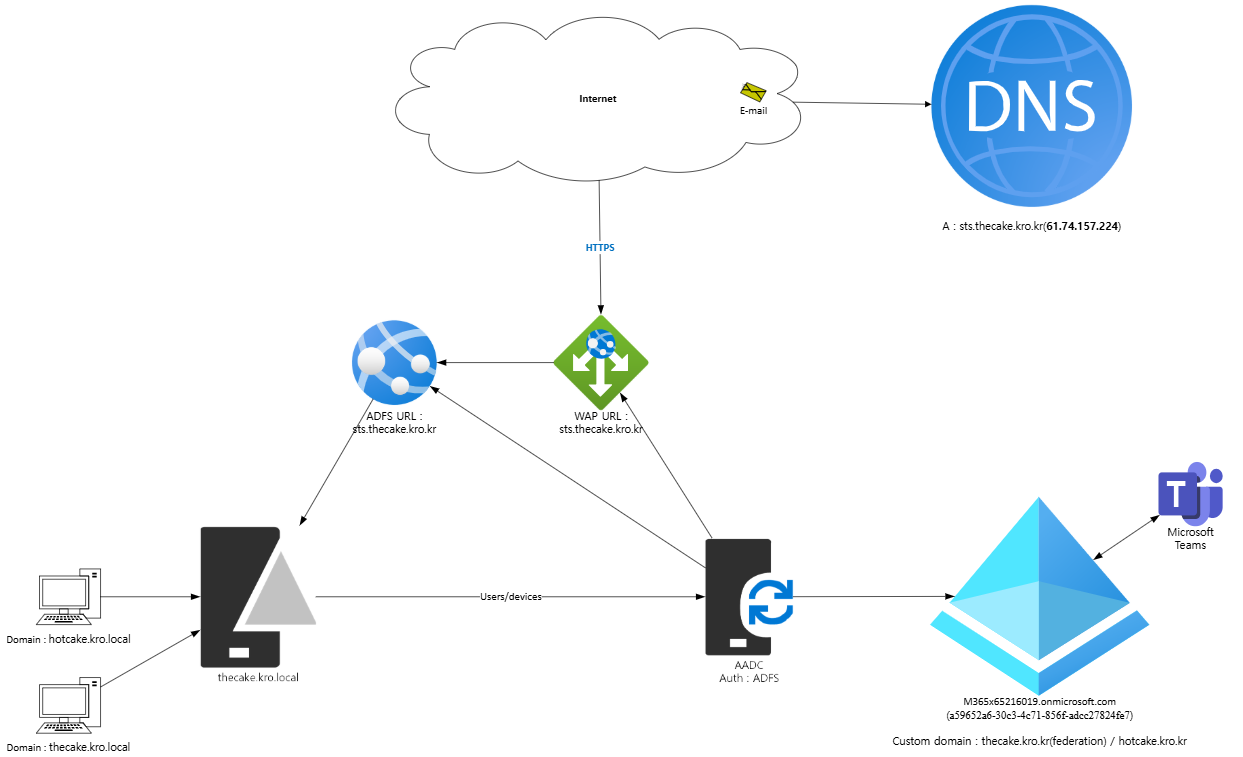
The users whose upn suffix is thecake.kro.kr and hotcake.kro.kr is in the DC(the cake.kro.local). And I synced @thecake.kro.kr users with ADFS authentication in AADC.
And I'm gonna deploy @hotcake.kro.kr users to current ADFS authentication process.
2. Enable -SupportMultipleDomain
First, go to your ADFS server. And execute the commands below.
Connect-MsolService
Set-MsolADFSContext -Computer "thecakeadfs.thecake.kro.local"
Update-MsolFederatedDomain -DomainName thecake.kro.kr -SupportMultipleDomain
3. Enrollment Custom Domain Name
Go to your tenant. Enroll and verify your new Top-Level Domain.

4. Deployment Second Top-Level Domain with Entra ID Connect
Go to your AADC and federate your new doamin.
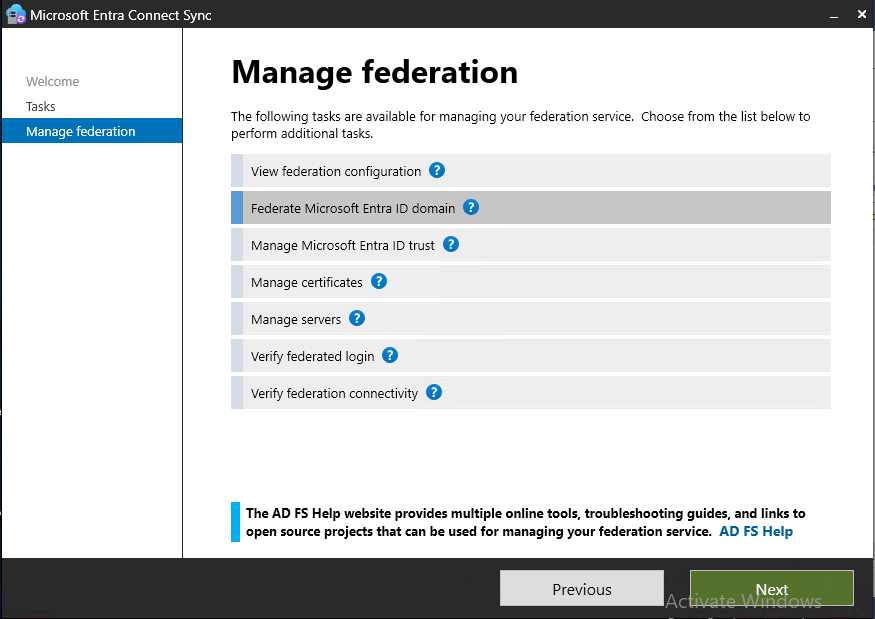
Click 'Manage federation'
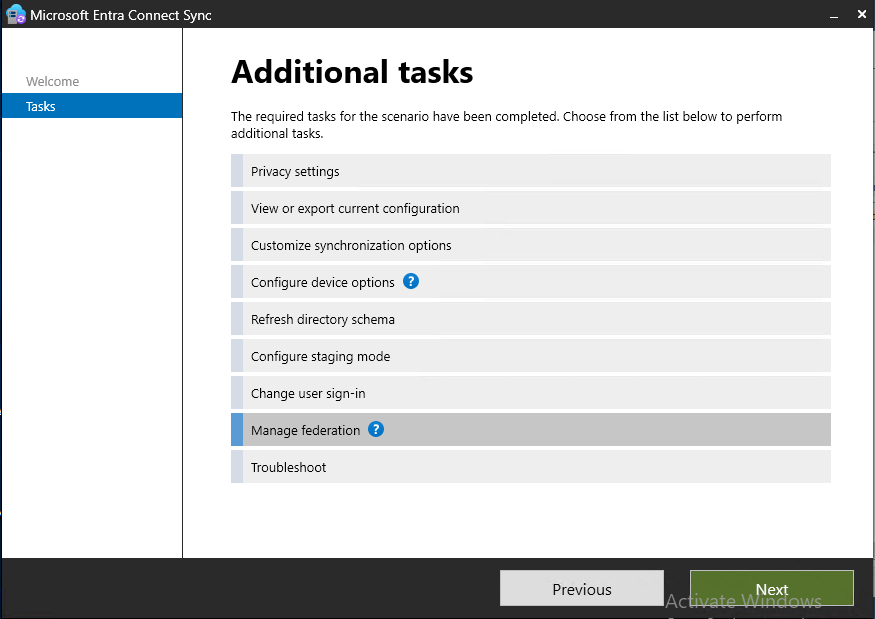
Click 'Federate Microsoft Entra ID domain'.
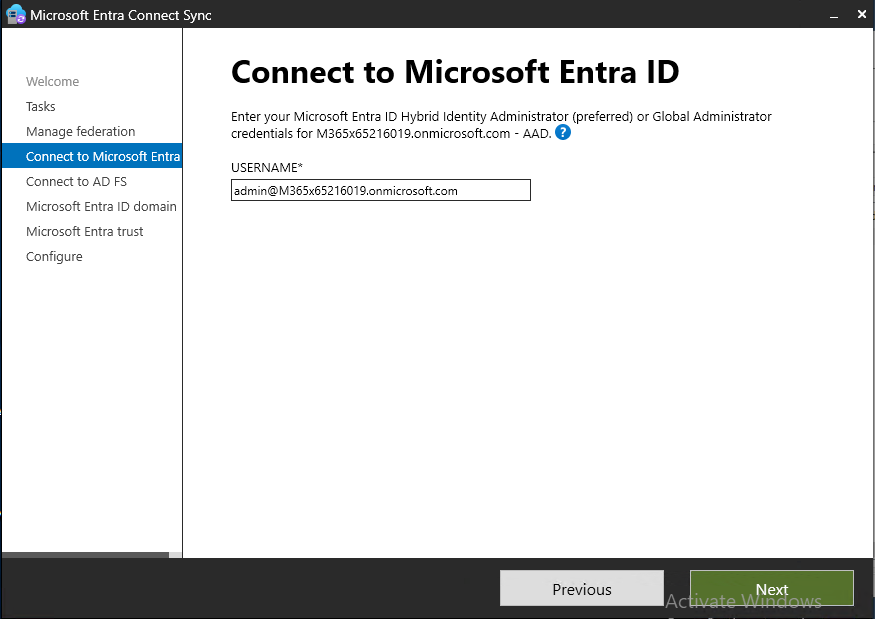
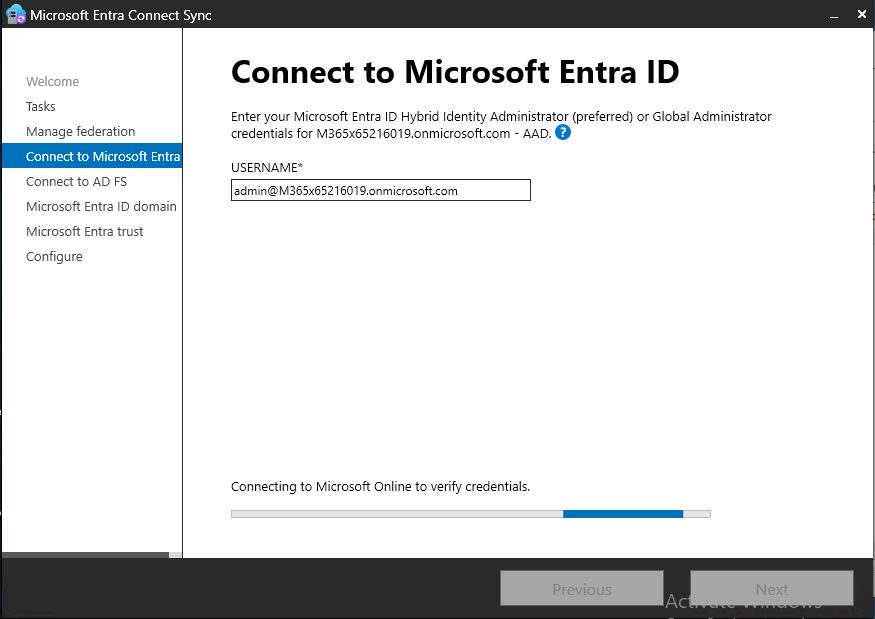
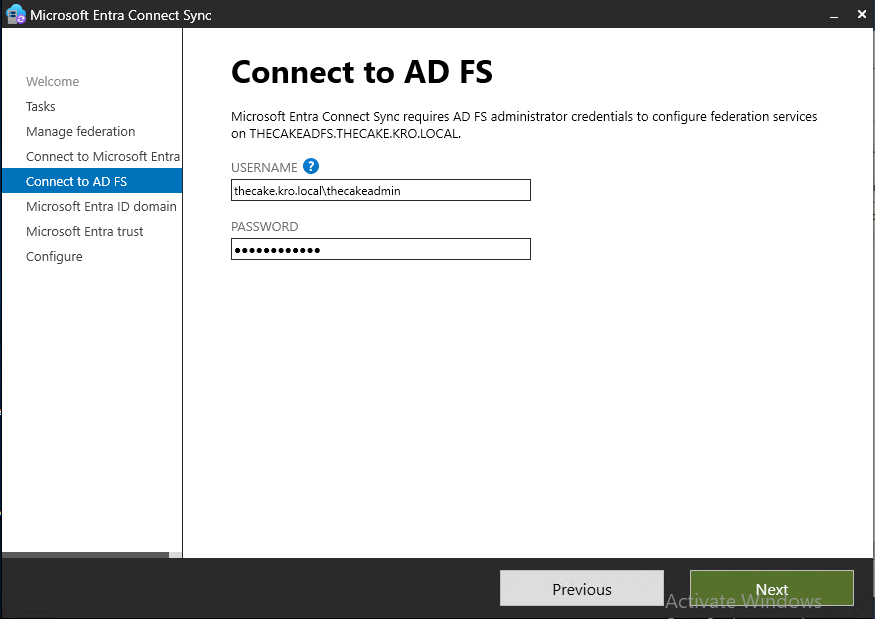
To federate your new domain, you should be identified tenant administrator and ADFS server administrator.
Now, select your new domain that will be federated. If the domain is not visible, you should go tenant and make your new domain verified.
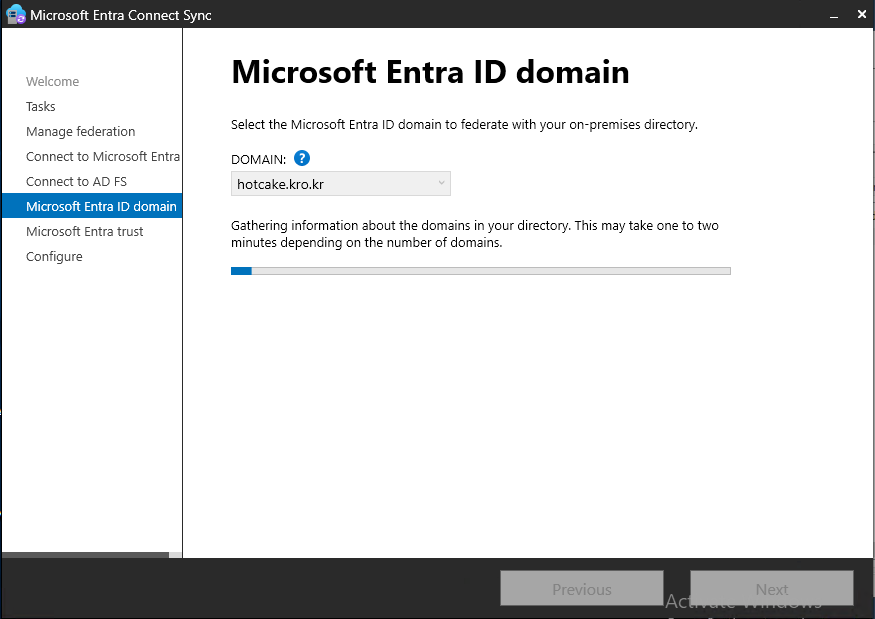
Click 'Next' to update ADFS relying party trust.
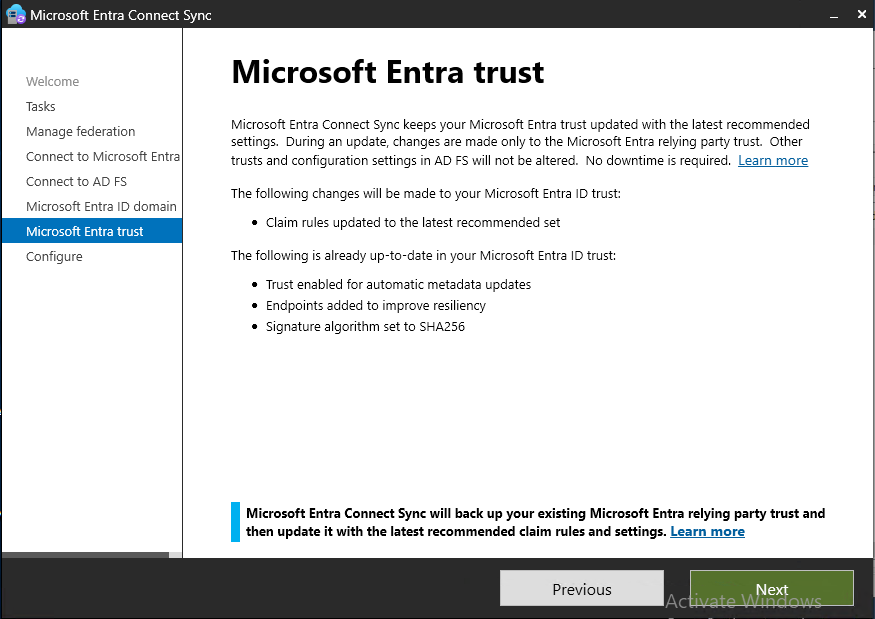
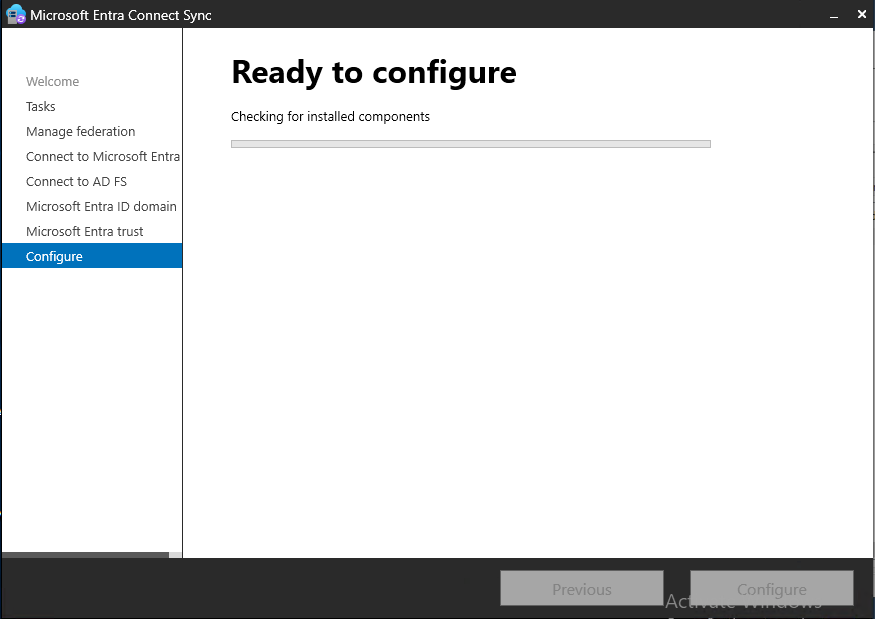
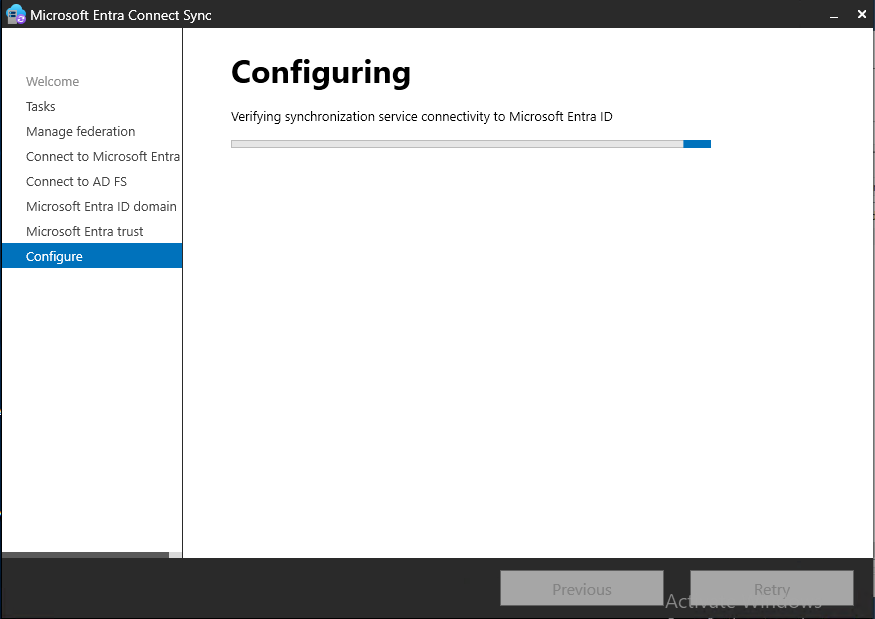
Just let AADC do the work. Once it successfully deployed, you will see the original domain and your new domain displayed with check icon on the Federated collumn.
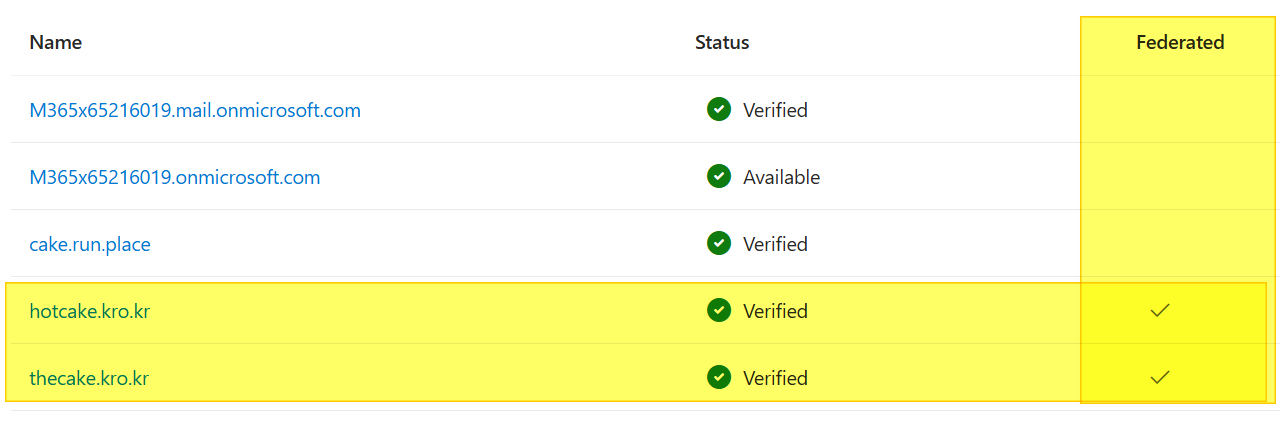
And also, you can check
Get-MsolDomain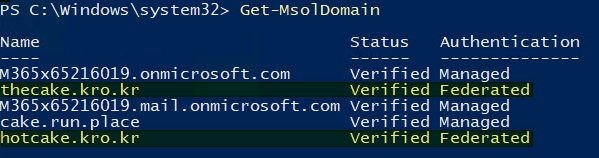
Also use
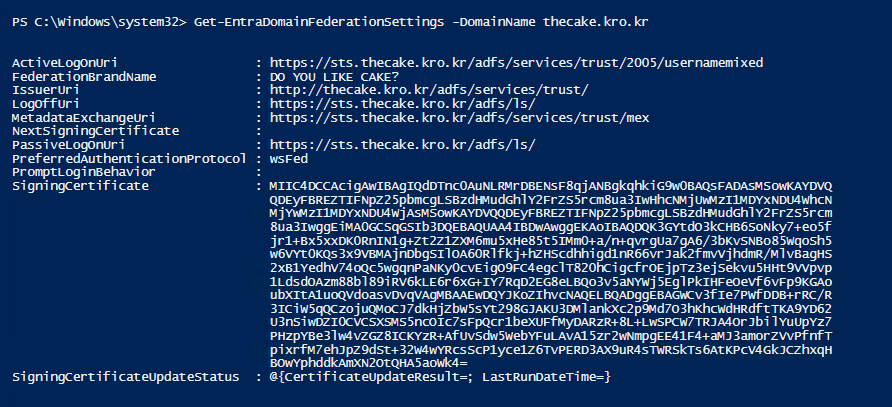
Get-MsolDomainFederationSettings -DomainName thecake.kro.kr'Note the IssuerUri.
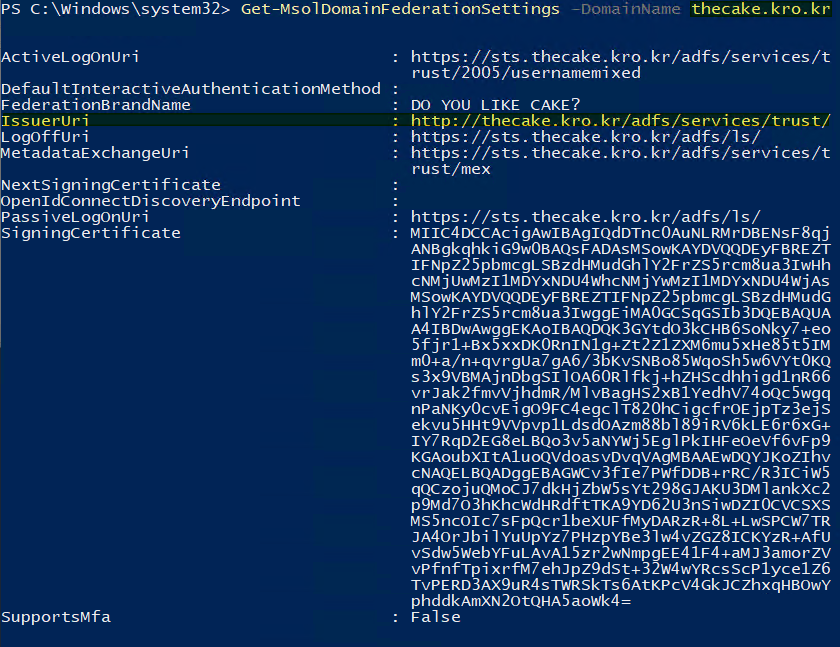
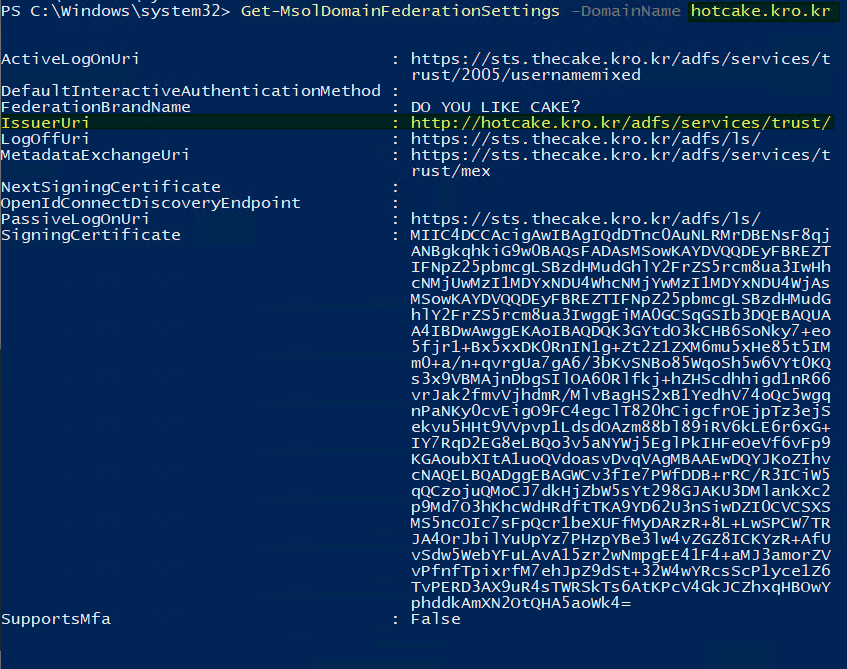
Use
Get-MsolDomainFederationSettings -DomainName hotcake.kro.kr'The IssuerUri is different from Original Domain. But the other URL that used for the ADFS authentication is the same.
5. '@hotcake.kro.kr' user sync
Okay, we are good to go for the @hotcake.kro.kr users to sync M365 environment.
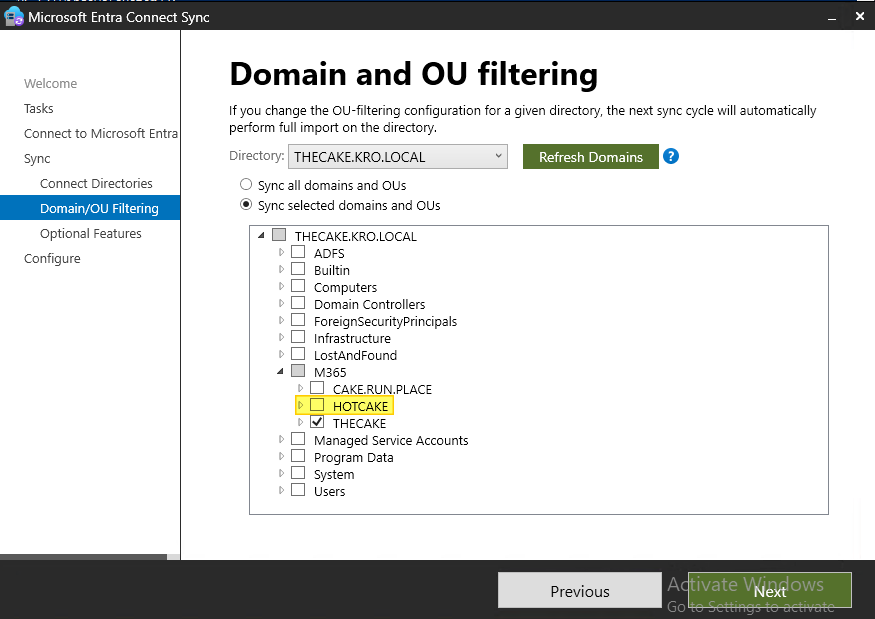
6. Validation
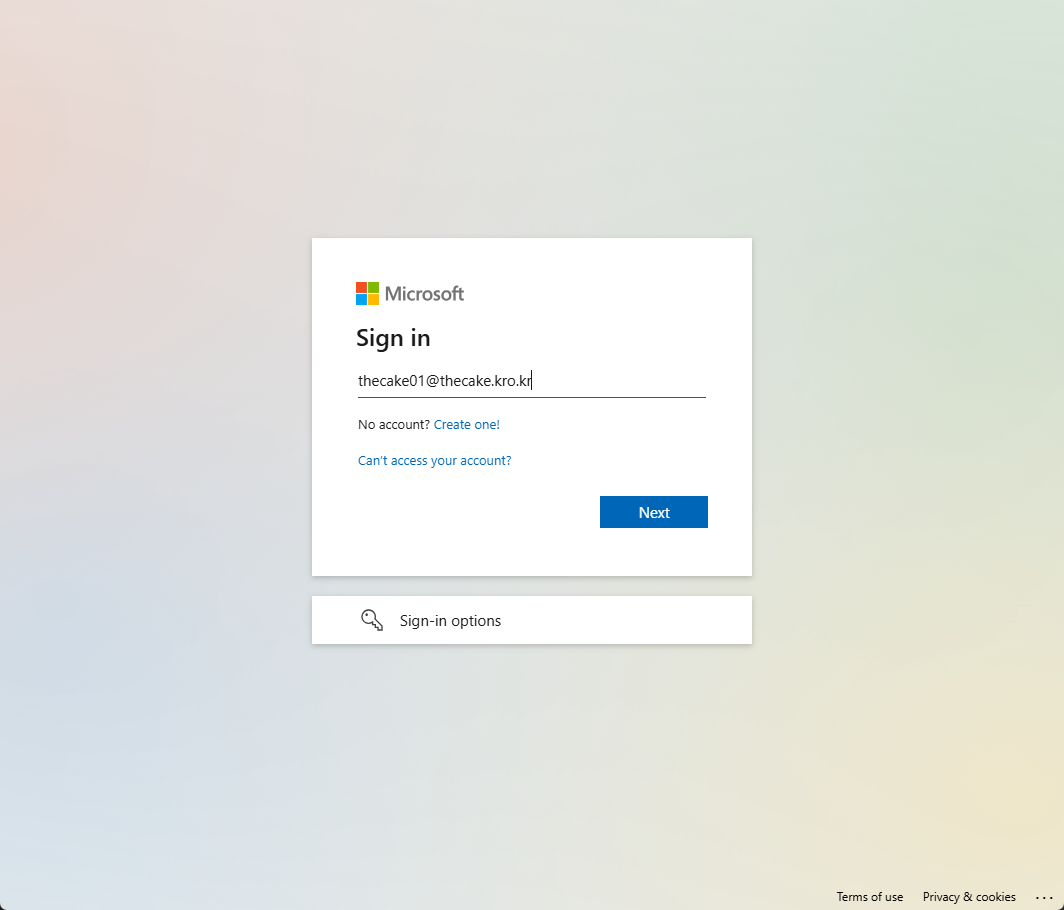
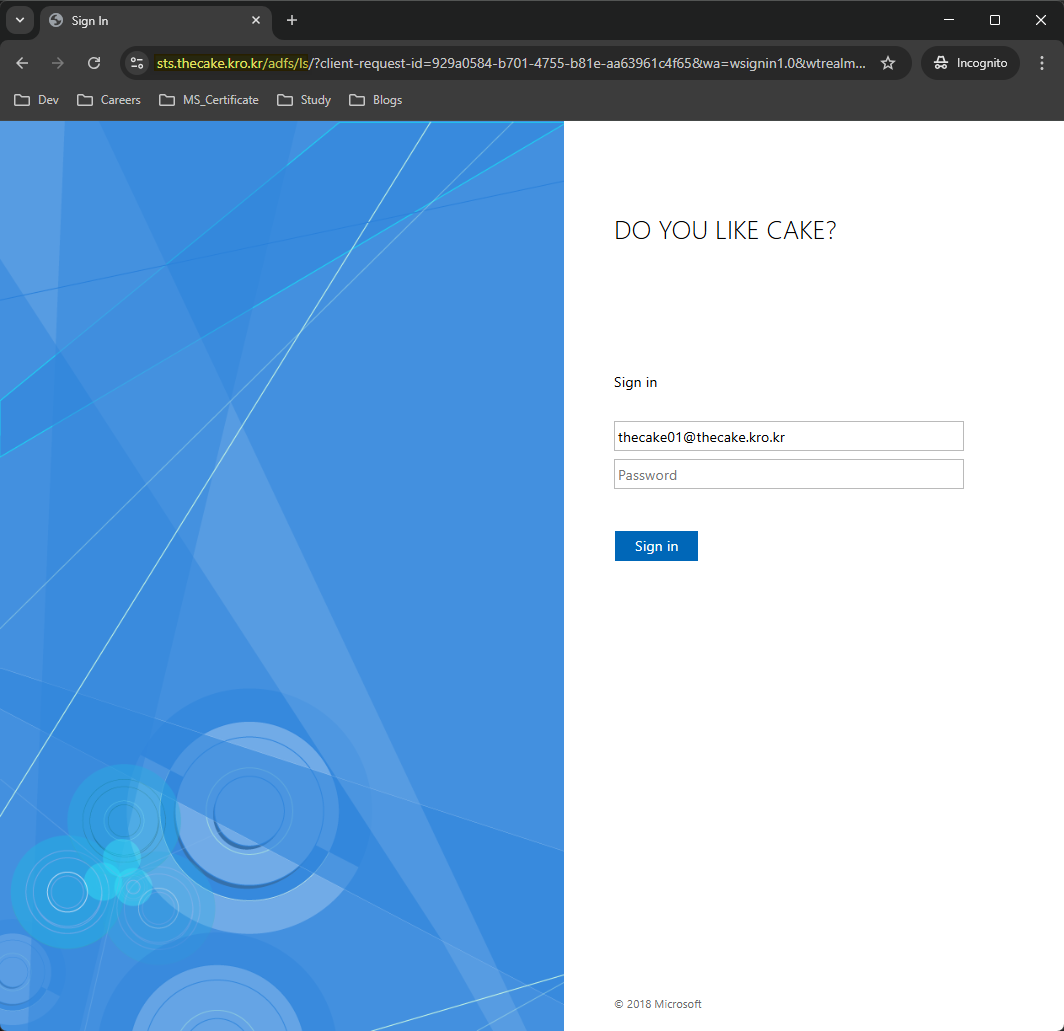
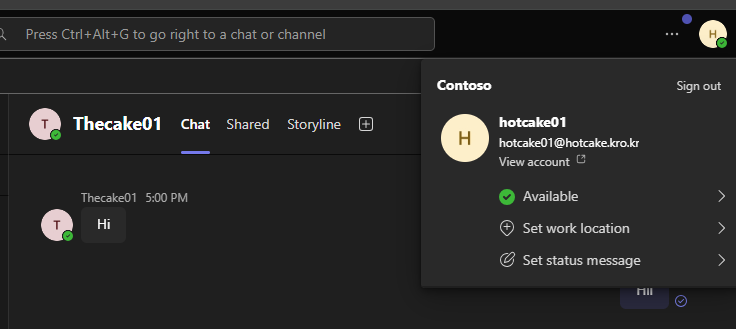
After synchronisation, both domain users redirected to the ADFS server.
@thecake.kro.kr users.
@hotcake.kro.kr users.
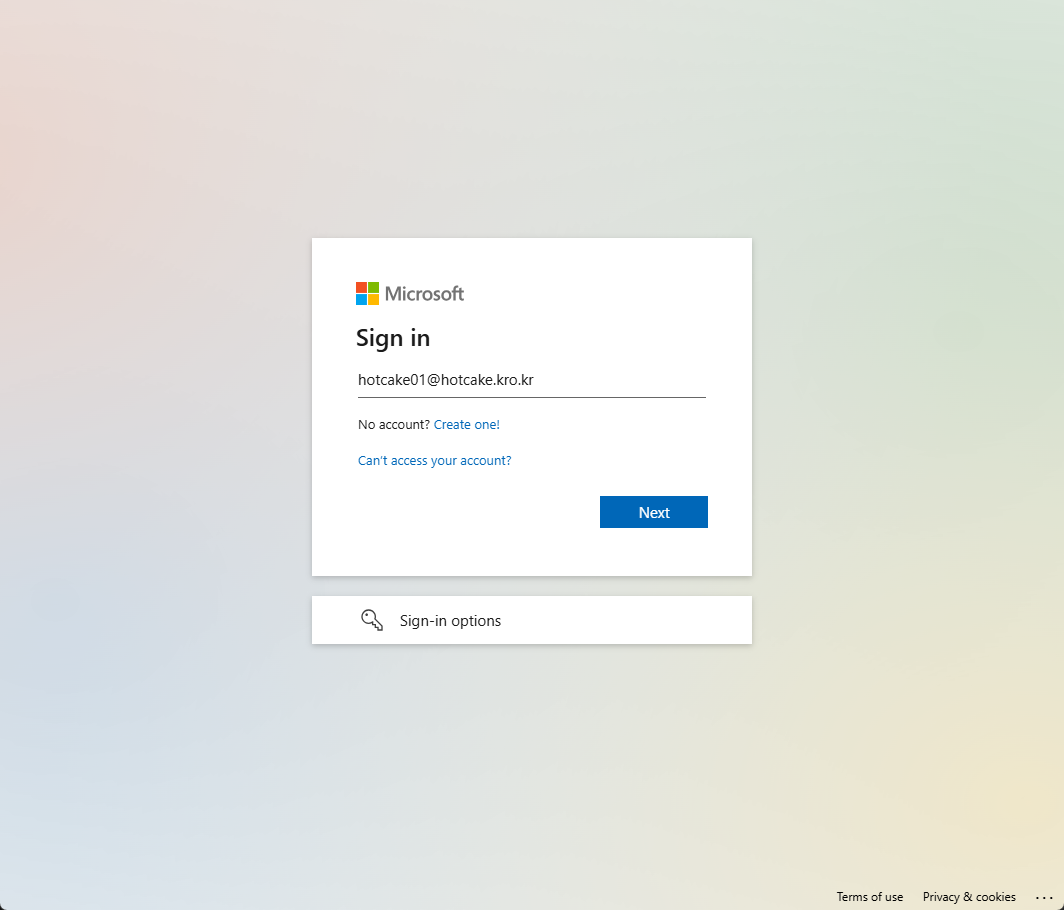
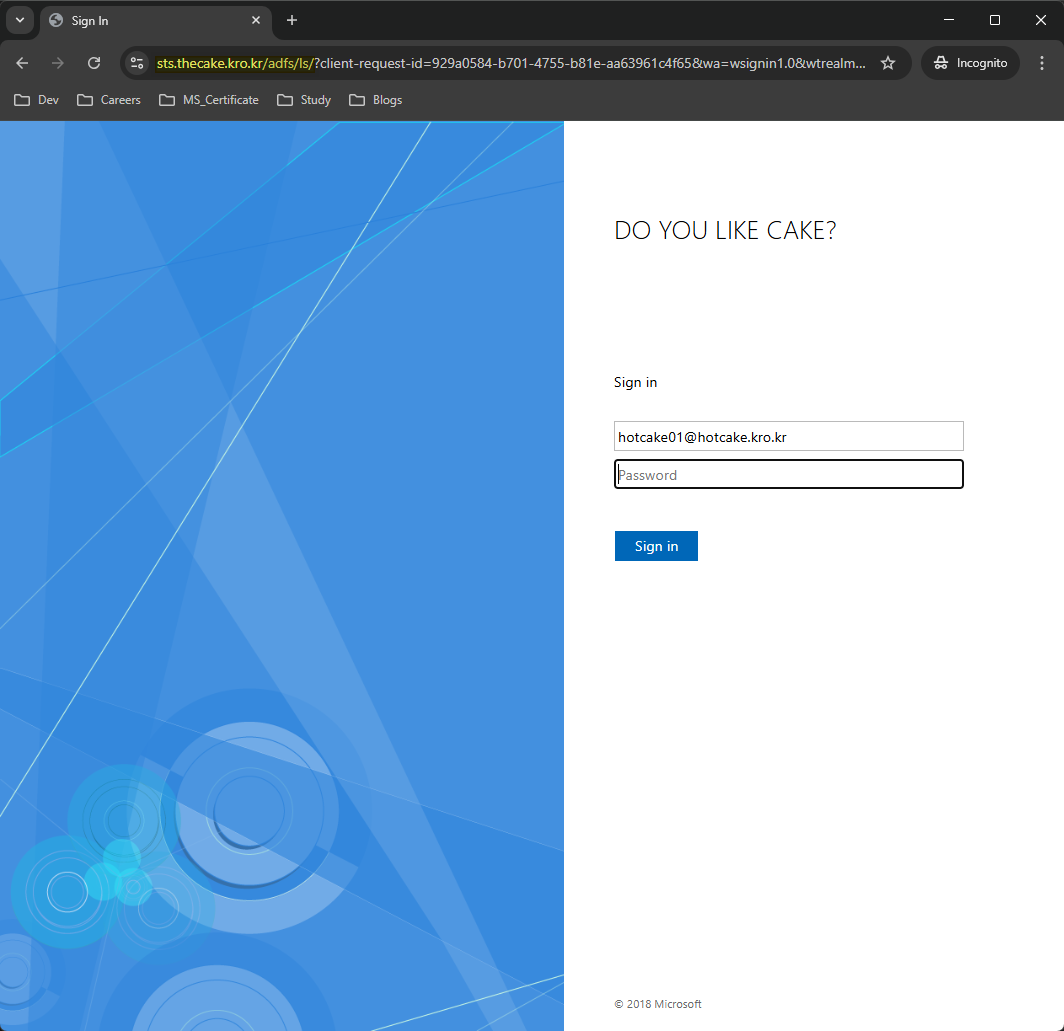
Obviously, they are success in authentication so that they can use M365 services.
7. Ref
Following documents are exactly refering the same content execept the Module.
First one uses MSOnline and second one uses Graph. But graph module and its command in the document has been deprecated.
- https://docs.azure.cn/en-us/entra/identity/hybrid/connect/how-to-connect-install-multiple-domains
- https://learn.microsoft.com/en-us/entra/identity/hybrid/connect/how-to-connect-install-multiple-domains
- https://learn.microsoft.com/en-us/entra/identity/hybrid/connect/how-to-connect-install-multiple-domains
8. Issue: MSOnline Module Retirement
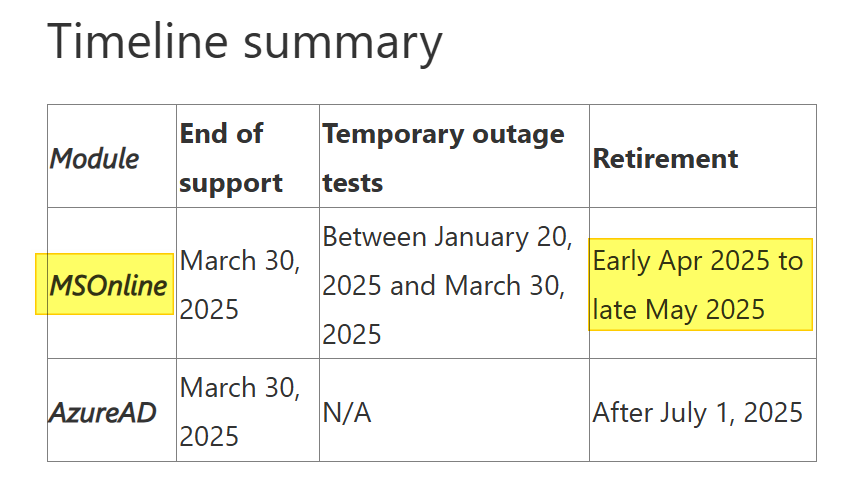
However, MSOnline module also will be retirement soon.
I have no idea what's going on this add new Top-Level domain scenario..
https://techcommunity.microsoft.com/blog/microsoft-entra-blog/action-required-msonline-and-azuread-powershell-retirement---2025-info-and-resou/4364991