추가사항
- 최종발표
사용기술
- HTML
- JavaScript
- CSS
- GitHub
- FireBase
- PPT
- Notion
- ZOOM
완성 결과물
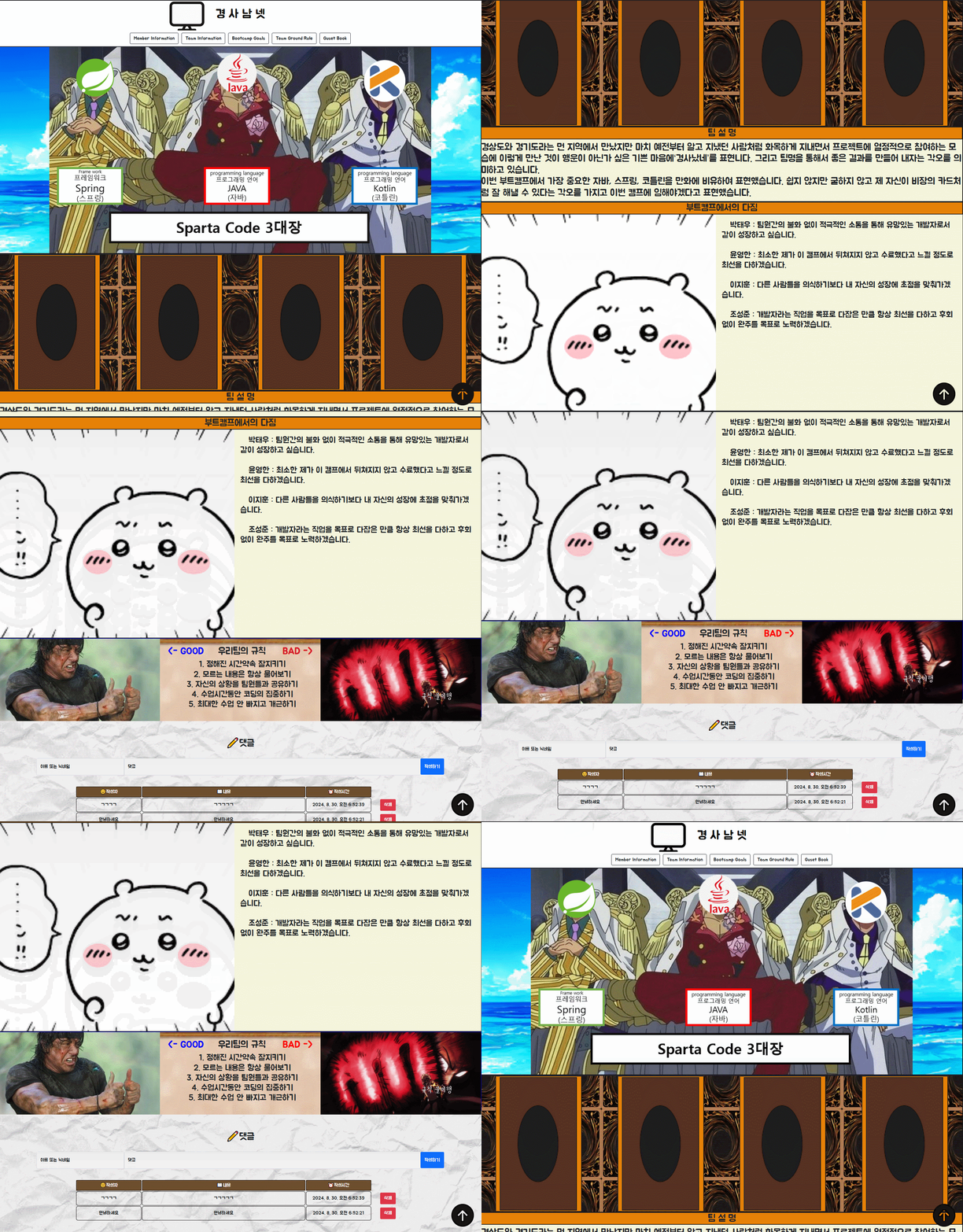
https://wootaepark.github.io/first-project-team3/
(배포 URL이 언제까지 살아있을진 미지수)
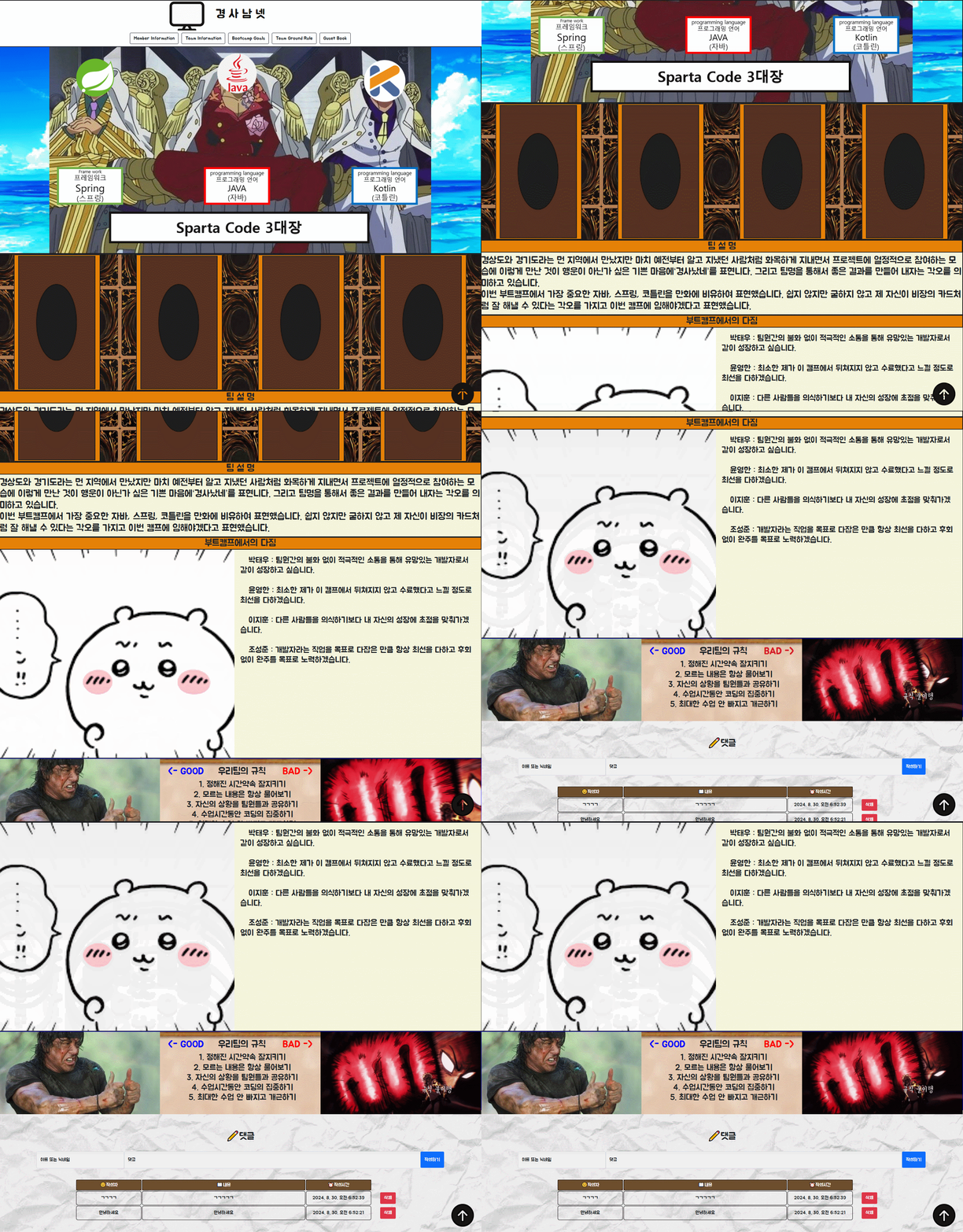
- 지금까지 숨겨왔던 메인컨셉을 드디어 공개. 발표중 PPT중 발췌하자면
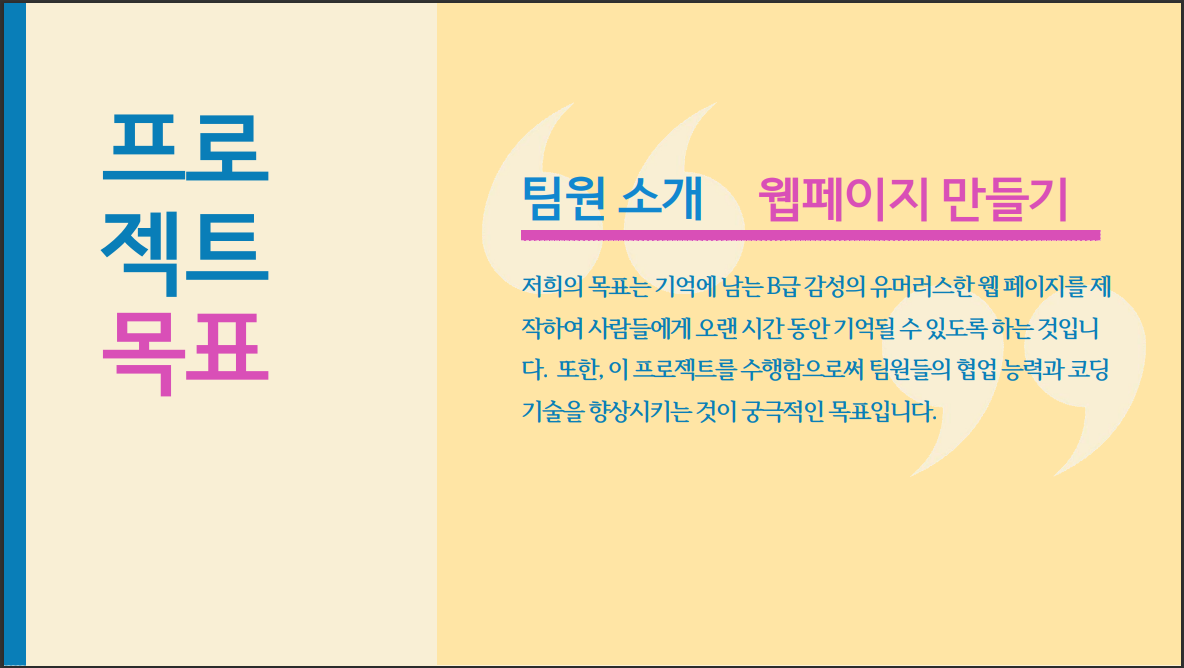
- 목표론적으로 봤을땐 100점을 줄수 있을거라 생각한다.
전체적 기능
1. 네비게이션바를 활용한 유저 편리성 부여 (Down / UP Button)
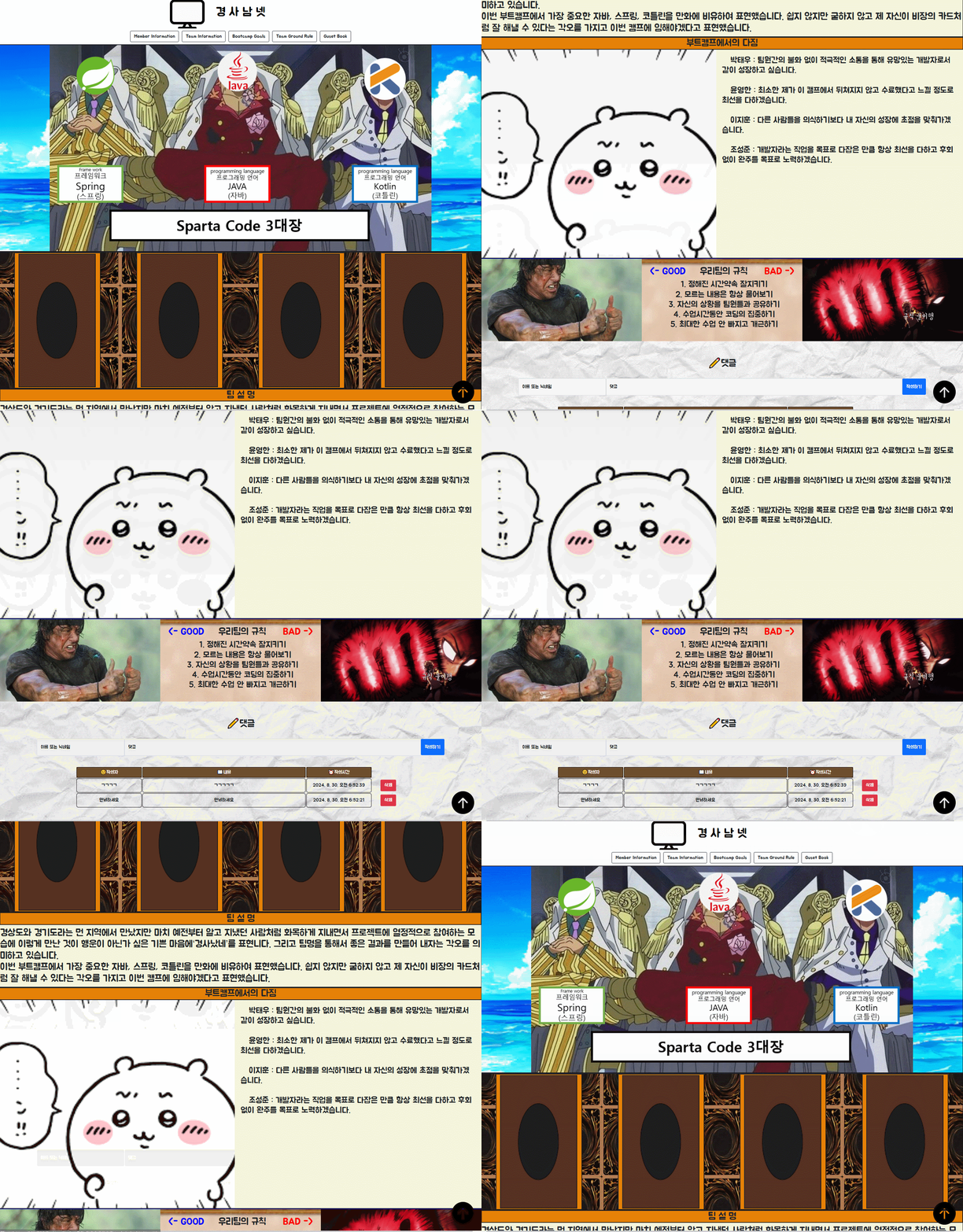
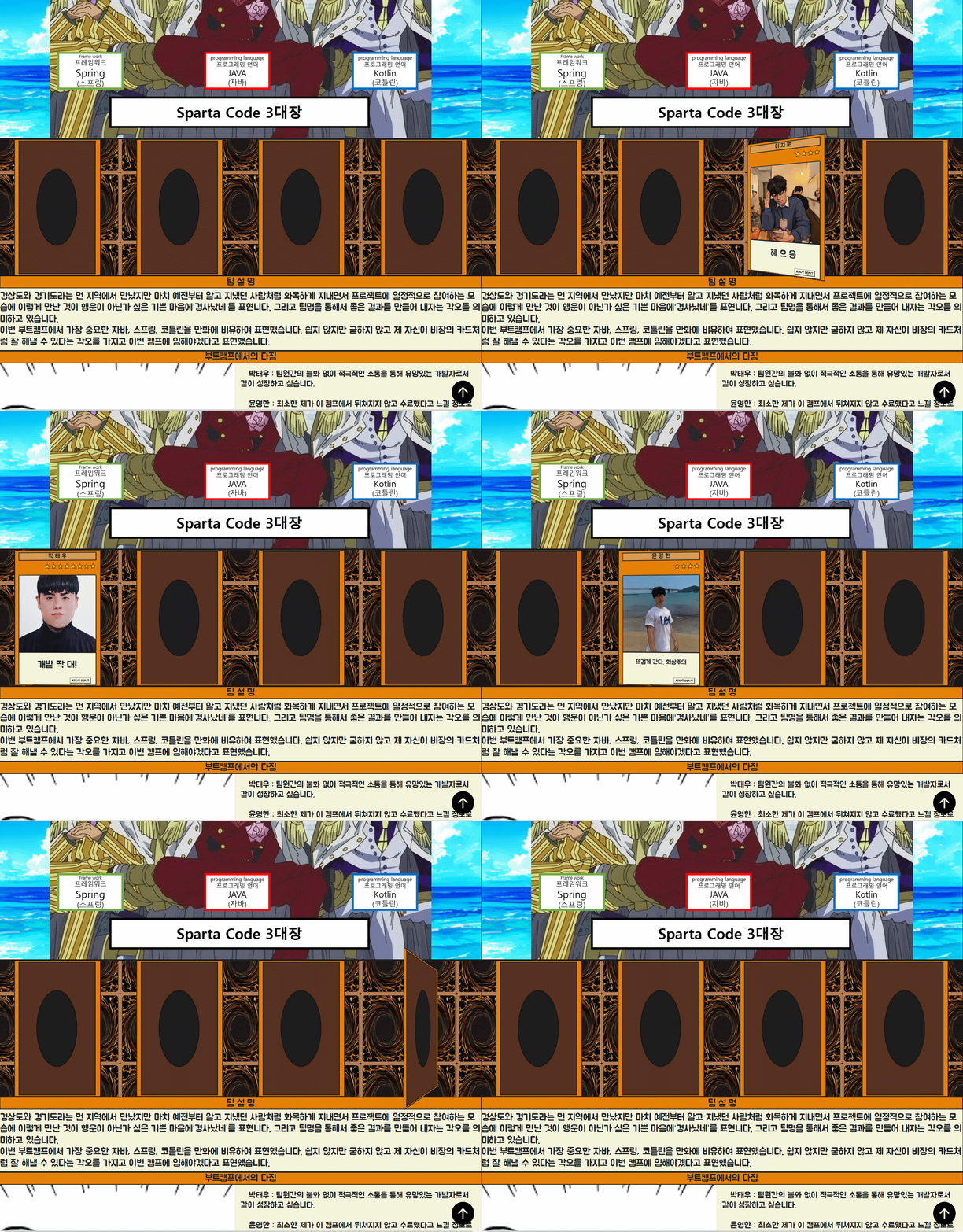
2. 팀원 Card형 정보란 및 애니메이션
3. PopUP기능을 통한 상세자기소개
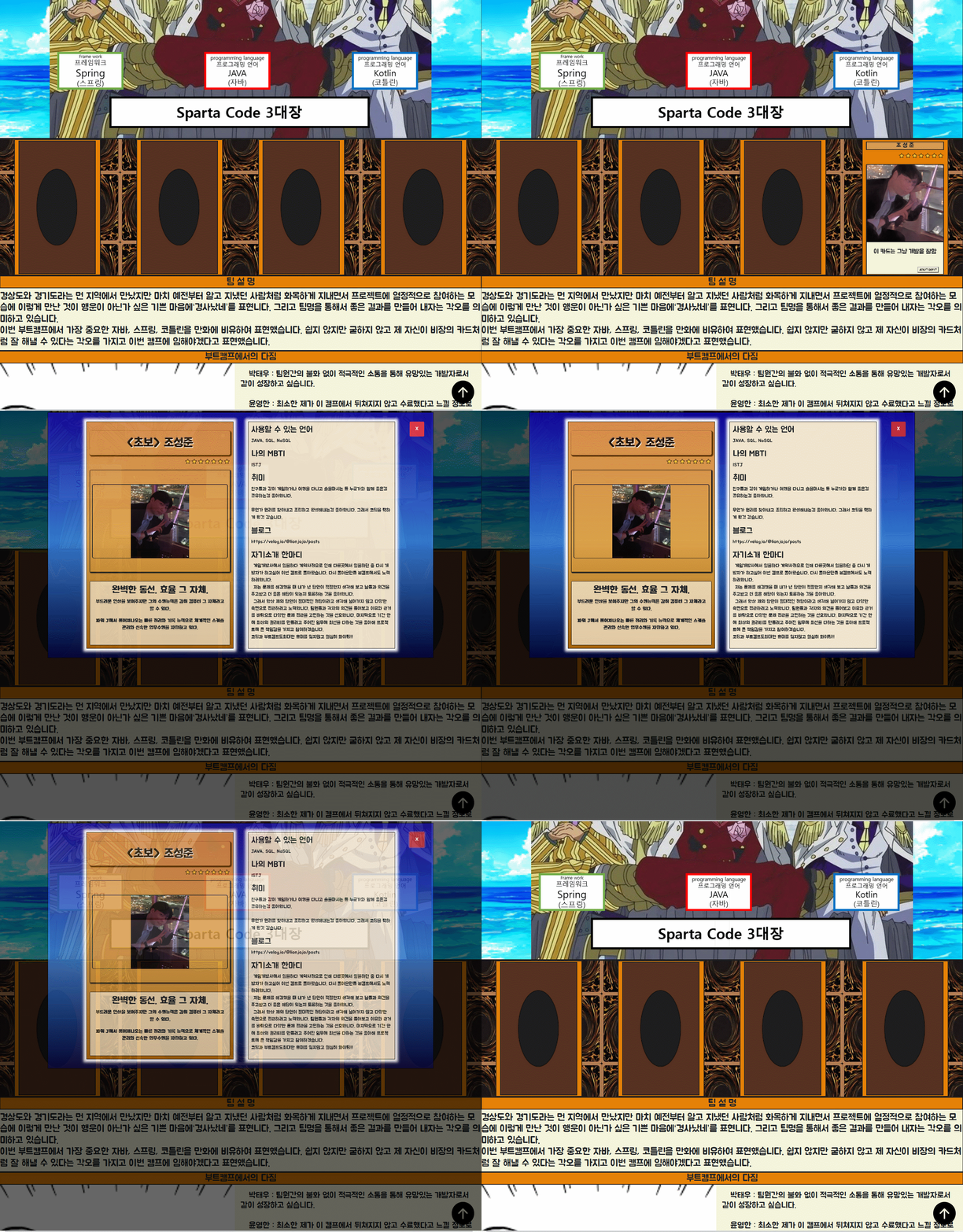
- 팝업 관련 html을 따로 작성하였다. 그리고 메뉴바와 스크롤에서의 방식과 같이
data-target을 이용하기 위해서 id 값도 부여를 함 - 팝업을 열 수 있는 버튼과 닫을 수 있는 버튼이 있는데 이것에 각 기능에 따라 class 값을 부여하여 해당 class 값을 통한
jQuery를 이용하여 열기 기능, 닫기 기능을 구현함 jQuery와 이전에 말한data-target을 이용하여 target 을 설정하고 그 값에fadeIn(), fadeOut()함수를 이용하여 해당 팝업을 보여주거나 숨길 수 있도록 구현하였다.
  // 팝업 열기 및 닫기 기능
        $(document).ready(function () {
            // 팝업 열기 버튼 클릭 시 해당 팝업 열기
            $(".open-popup").click(function () {
                var targetPopup = $(this).data("target"); // data-target 속성에서 타겟 팝업 ID를 가져옴
                $("#" + targetPopup).fadeIn(); // 해당 팝업을 보여줌
            });

            // 팝업 닫기 버튼 클릭 시 해당 팝업 닫기
            $(".close-popup").click(function () {
                var targetPopup = $(this).data("target"); // data-target 속성에서 타겟 팝업 ID를 가져옴
                $("#" + targetPopup).fadeOut(); // 해당 팝업을 숨김
            });
        });
4. CRUD 기능을 이용한 방명록
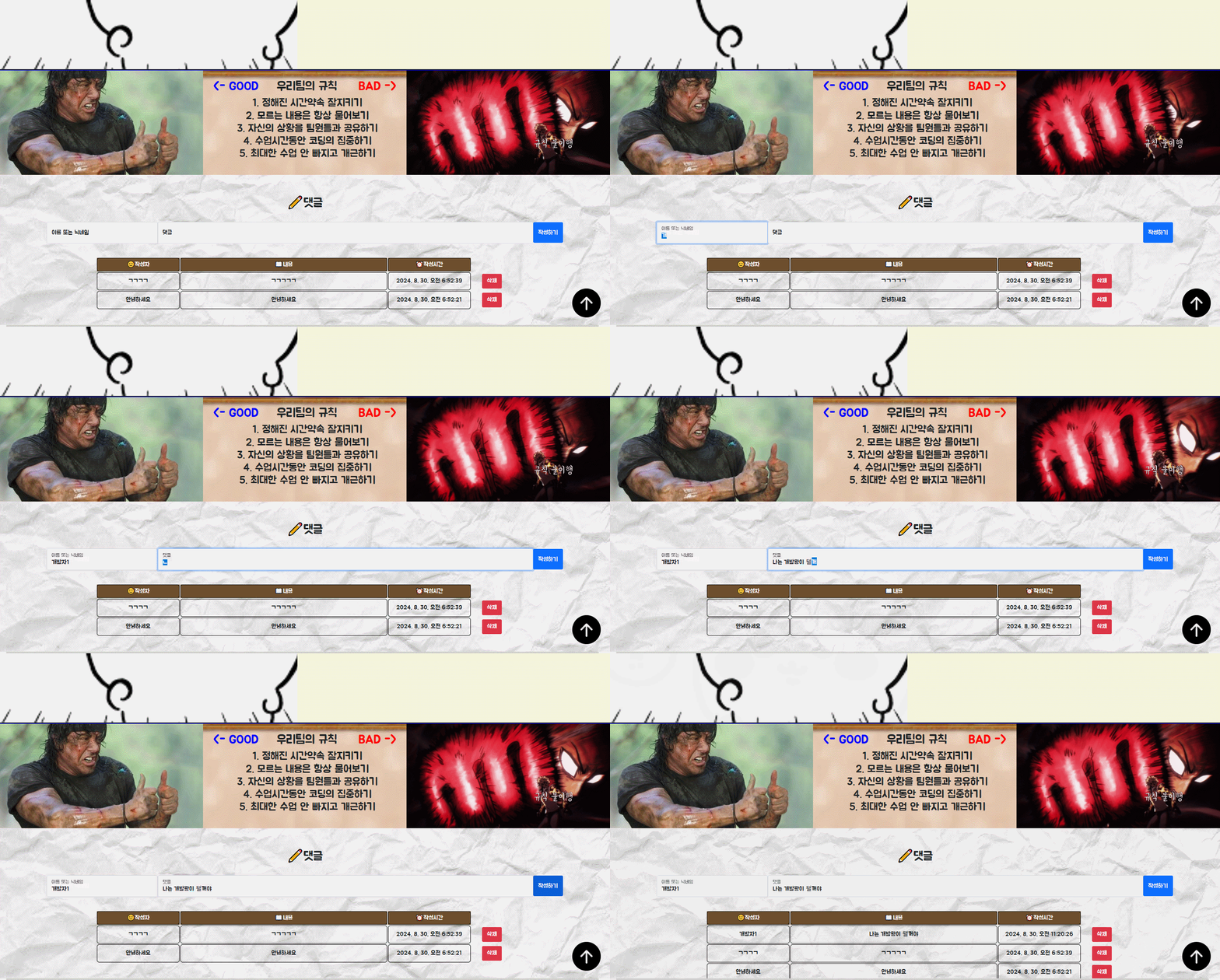
댓글 작성
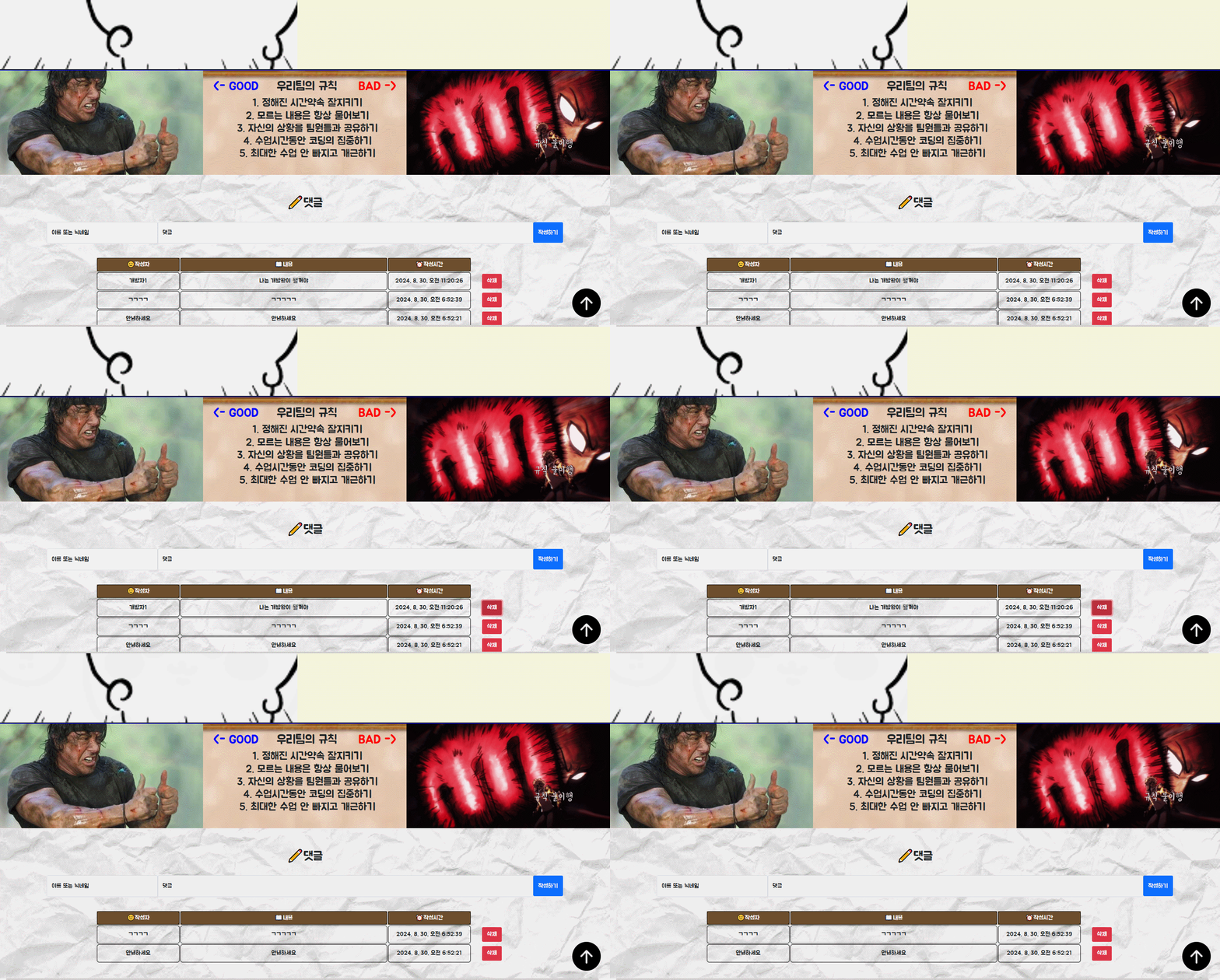
댓글삭제
- 강의에서 들었던 것 처럼 google 에서 제공하는 Firestore 의 데이터베이스를 이용함. jQuery 문을 통해
firebase-firestore로부터 addDoc, getDocs, deleteDoc 함수를 import 해와서 각각 댓글 생성, 댓글 조회, 댓글 삭제 기능을 구현함. - 빈칸이 제출되는 것을 방지하기 위해 자바스크립트의 조건문을 이용하여 ‘이름, 내용’ 이 둘 중 하나라도 존재하지 않으면 저장이 될 수 없도록 하였다.
- 삭제 시에는
confirm함수를 이용하여 정말로 삭제 할 것인지 (확인, 취소) 버튼을 두어 사용자의 선택에 따라 결과가 정해지도록 하였다. firebase-firestore에서 제공하는 query, orderBy 를 통해 사람들의 댓글이 작성자의 이름의 오름차순으로 정렬 되도록 구현하였다.
데이터생성
        $("#postingbtn").click(async function () { // 데이터 삽입

            let name = $('#name').val();
            let comment = $('#comment').val();
            if (!name || !comment) {
                alert('작성자와 내용을 모두 적어주세요!');
                return;
            }
            let doc = {
                'name': name,
                'comment': comment,

            }; // 넣고 싶은 데이터
            await addDoc(collection(db, "comments"), doc);
            alert('작성 되었습니다.');
            window.location.reload();
        })
데이터조회
$(document).ready(async function () {
            const q = query(collection(db, "comments"), orderBy("name", "asc"));
            const querySnapshot = await getDocs(q);


            $('#comments').empty();
            let commentCount = 0;

            querySnapshot.forEach((doc) => {
                commentCount++;
                let row = doc.data();
                let name = row['name'];
                let comment = row['comment'];
                let docId = doc.id;

                let temp_html = `
                    <tr id="comment-${docId}">
                        <td>${name}</td>
                        <td id="comment-area">${comment}
                            </td>
                            <td class="action-column"><button class="btn btn-danger" data-id="${docId}" id="delete-btn">삭제</button></td>
                    </tr>


                `;
                $('#comments').append(temp_html);
            });

            if (commentCount === 0) {
                $('table').hide();
            } else {
                $('table').show();
            } // 테이블에 내용이 없는 경우 테이블 모양 숨기기
        });
데이터삭제
// 삭제 기능 구현
        $(document).on('click', '#delete-btn', async function () {


            let answer = confirm('정말로 삭제하시겠습니까?');
            if (answer) {
                let docId = $(this).data('id');
                await deleteDoc(doc(db, "comments", docId));
                $(`comment-${docId}`).remove();
                alert('삭제되었습니다.');
                window.location.reload();
            }
            else {
                alert('삭제를 취소합니다.');
            }
        });
팀프로젝트 소감
좋았던점
- 정말 오랜만에 공통의 목적을 가지고 코딩을하며 협업도구를 사용하는 협업은 처음이었음 가장 중요한건 경험과 완성을 통한 성취감이라 생각함.
- 처음에는 막막했지만 서로 소통하고 하나하나 찾아가며 원하는 기능을 직접 구현했던것.
- 했던 기능에대해서 완성하고 넘어가는것이 아닌 기록을 통해 어떻게 구현했는지, 문제가 무엇인지 작성하여 포스팅한것.
- 문제를 개인의 문제가아닌 팀의 문제라 인식하고 서로 돕고 포기하지않은것.
아쉬웠던점
- Git을 이용한 협업이라하지만 Git의 기능을 제대로 활용하지못한점
(그저 코드저장 및 push만 했지 내가 받아오거나 직접적인 기능을 적극활용하지 못함.) - Ex) 깃 컨벤션이나 깃 규칙을 통한 업로드 규약, 충돌대비등 실무에서 사용하는 느낌으론 사용하지못했음.
- Git을 이용한 협업이라하지만 Git의 기능을 제대로 활용하지못한점
팀 종합회고
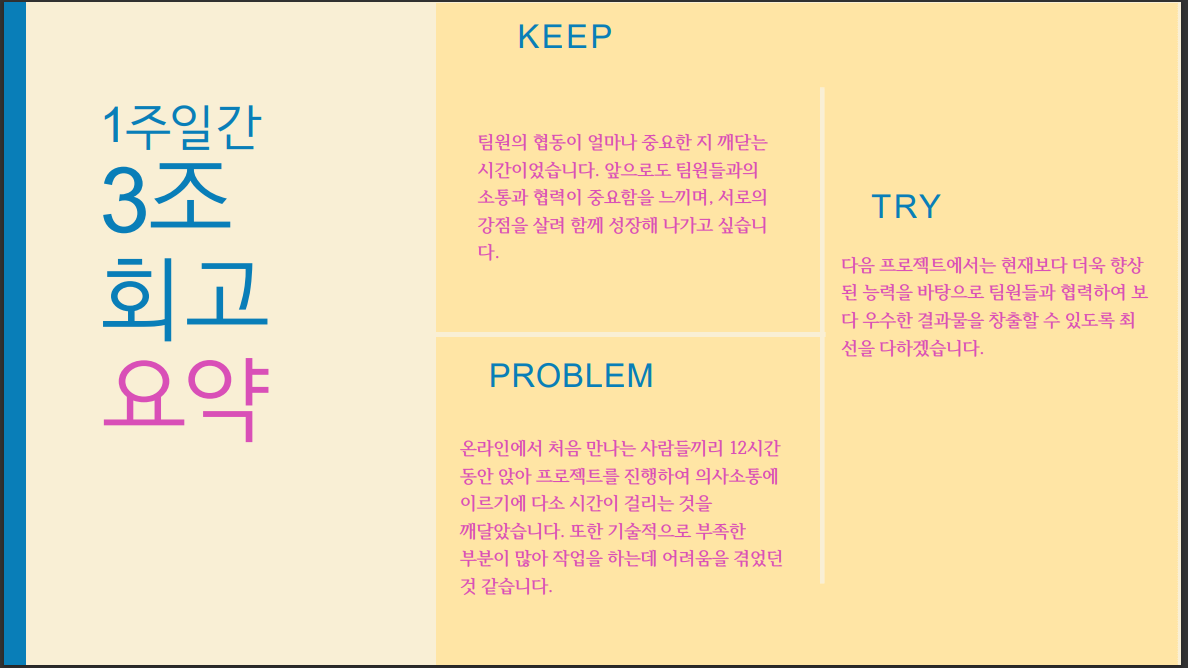
팀 노션 및 팀원 블로그

70살까지 개발하고싶은 개발자