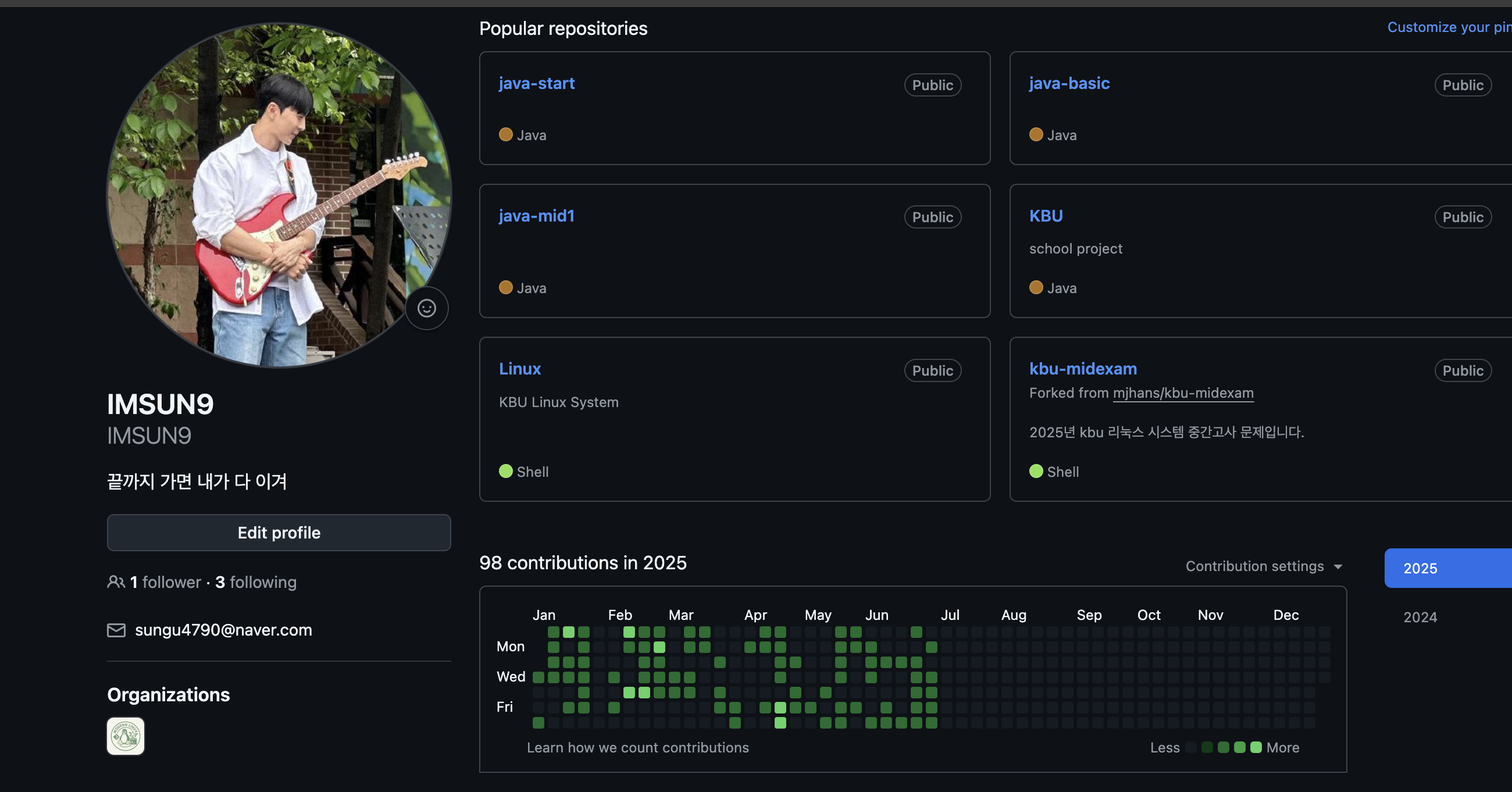
 오늘의 잔디
🌟 오늘의 개발 기록: "오늘 날짜로 이동" 버튼 구현
✅ 기능 목표
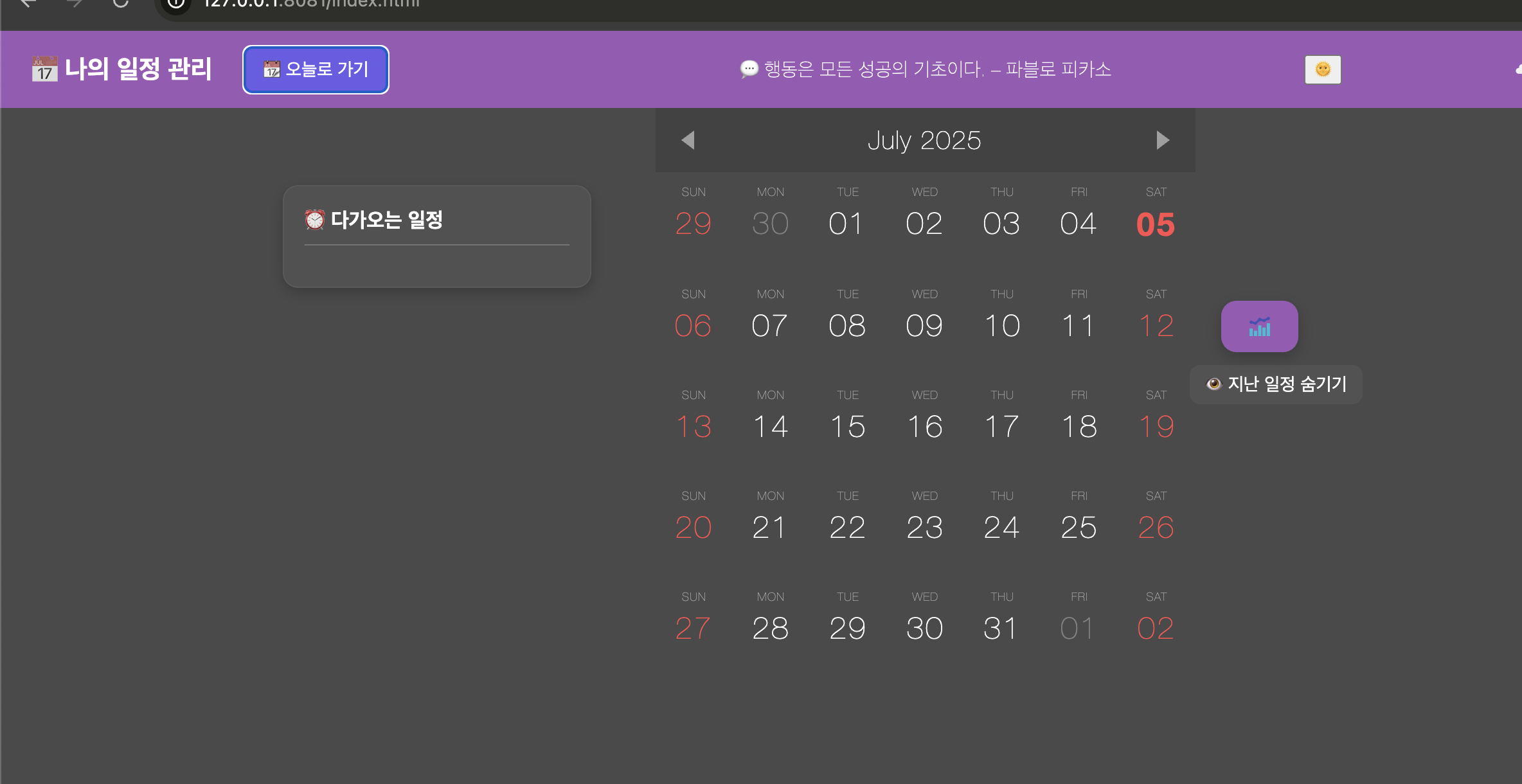
- 사용자가 클릭 한 번으로 현재 날짜가 포함된 월로 이동할 수 있는 버튼을 만들자.
- 해당 날짜에 시각적 효과(하이라이트) 도 줄 수 있으면 UX에 더 좋음!
🛠 구현 방식
1. HTML에 버튼 추가
<button id="goTodayBtn">📅 오늘로 가기</button>👆 캘린더 상단 왼쪽 또는 상단 바에 버튼을 배치했음.
2. JS(index.js)에 버튼 클릭 이벤트 처리
document.getElementById('goTodayBtn').addEventListener('click', () => {
  if (!calendarInstance) return;

  // 현재 월의 1일로 설정 → 달력을 현재 월로 렌더링
  calendarInstance.current = moment().date(1);
  calendarInstance.draw();

  // 오늘 날짜 셀 하이라이트 효과
  const todayStr = moment().format("YYYY-MM-DD");
  const todayCell = document.querySelector(`[data-date="${todayStr}"]`);
  if (todayCell) {
    todayCell.classList.add('highlight-today');
    setTimeout(() => todayCell.classList.remove('highlight-today'), 2000); // 2초 뒤 제거
  }
});
3. CSS에 하이라이트 스타일 추가
.highlight-today {
  outline: 2px solid #00bfff;
  border-radius: 50%;
  animation: pulse 1s ease-in-out infinite alternate;
}

@keyframes pulse {
  from { transform: scale(1); }
  to { transform: scale(1.1); }
}
💡 배운 점 / 느낀 점
- 날짜 이동은
moment()로 손쉽게 처리할 수 있다. - 현재 달로 이동 후, DOM 요소에
data-date속성을 활용해 오늘 날짜 셀을 정확히 찾아 강조하는 게 핵심! - 시각적인 피드백은 작지만 UX 향상에 크게 기여한다.


끝까지 가면 내가 다 이겨