GitLab 설치
방화벽 설정
sudo ufw status

sudo ufw enable

sudo ufw status

sudo ufw allow 80

sudo ufw status
GitLab dependencies 패키지 설치
sudo apt update

sudo apt upgrade -y

sudo apt install -y curl openssh-server ca-certificates tzdata perl
GitLab 패키지 레포 추가 및 설치
레포추가
curl https://packages.gitlab.com/install/repositories/gitlab/gitlab-ee/script.deb.sh | sudo bash\gitlab 설치
sudo apt install gitlab-ee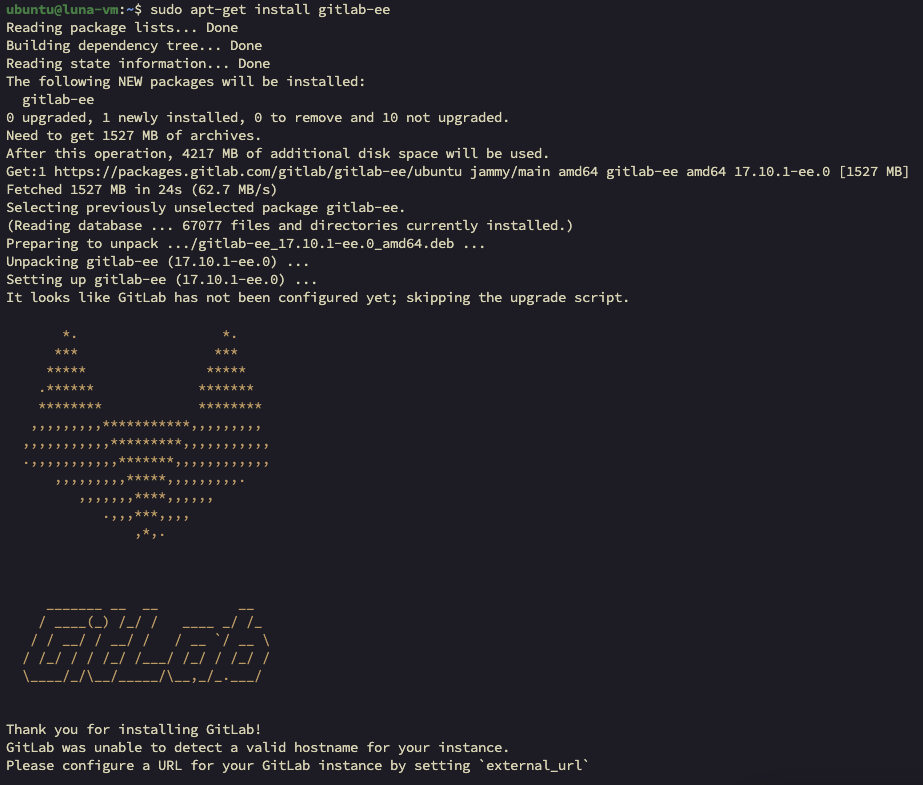
Gitlab 환경파일 수정
sudo vim /etc/gitlab/gitlab.rb

## 아래 항목 수정
external_url 'http://34.64.112.31:80'
Gitlab 환경 파일 적용 및 상태 확인
gitlab 변경 파일 재구성 및 재기동
sudo gitlab-ctl reconfigure현재 gitlab 상태 확인
sudo gitlab-ctl statusGitLab 접속
root 접속 패스워드 확인
sudo cat /etc/gitlab/initial_root_password# WARNING: This value is valid only in the following conditions
# 1. If provided manually (either via `GITLAB_ROOT_PASSWORD` environment variable or via `gitlab_rails['initial_root_password']` setting in `gitlab.rb`, it was provided before database was seeded for the first time (usually, the first reconfigure run).
# 2. Password hasn't been changed manually, either via UI or via command line.
#
# If the password shown here doesn't work, you must reset the admin password following https://docs.gitlab.com/ee/security/reset_user_password.html#reset-your-root-password.
Password: 6qdsFN01VN/jttpnbc8q56ssen7bnEHcyR6SpHHUFVk=
# NOTE: This file will be automatically deleted in the first reconfigure run after 24 hours.- username: root
- password: 6qdsFN01VN/jttpnbc8q56ssen7bnEHcyR6SpHHUFVk=
로그인 후 화면
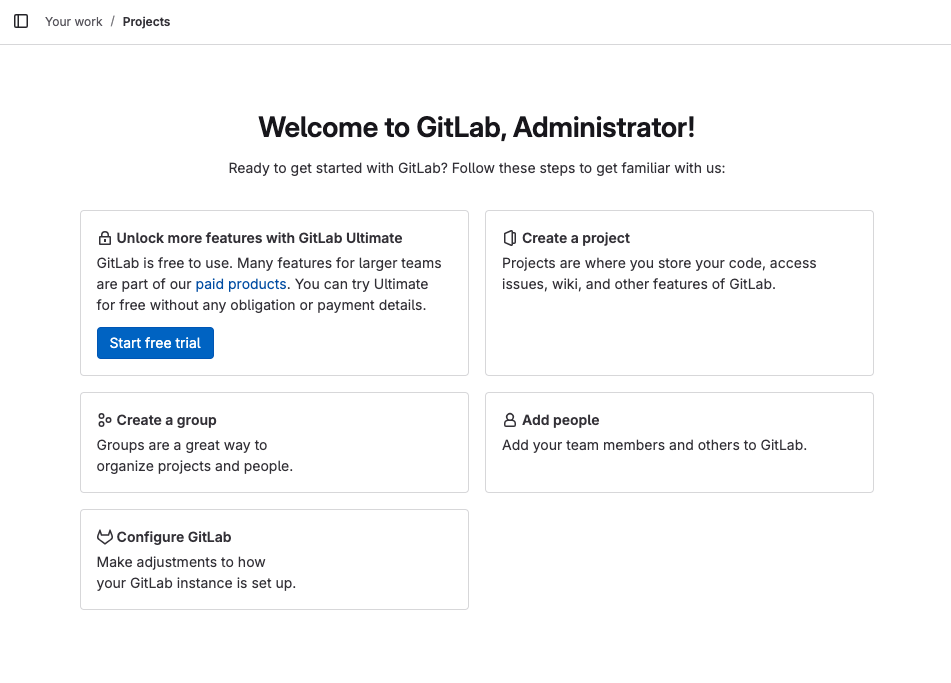
root 비밀번호 재설정
GitLab 콘솔 진입
sudo gitlab-rails console콘솔에서 아래 명령어 입력
user = User.find_by_username('root')
user.password = 'fnskxptmxm'
user.password_confirmation = 'fnskxptmxm'
user.save!
저장 확인 메시지가 => true 인 것 확인
exit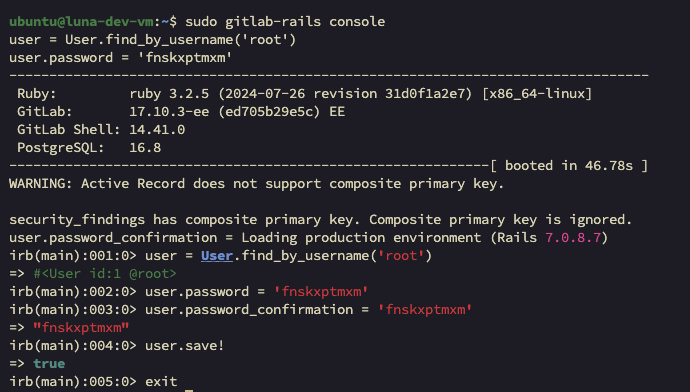
계정 추가 및 비밀번호 설정
계정 추가
- Admin area > New User
- Account 정보 입력 후
Create user클릭
계정 비밀번호 설정
- Admin area > Users > ${계정이름} > Edit
- Password 란에 비빌번호 입력 후
Save changes클릭
