강의는 다 들었지만 실습을 다 못해서.. 오늘 한 것..
[실습] Image to Text, Text to Image
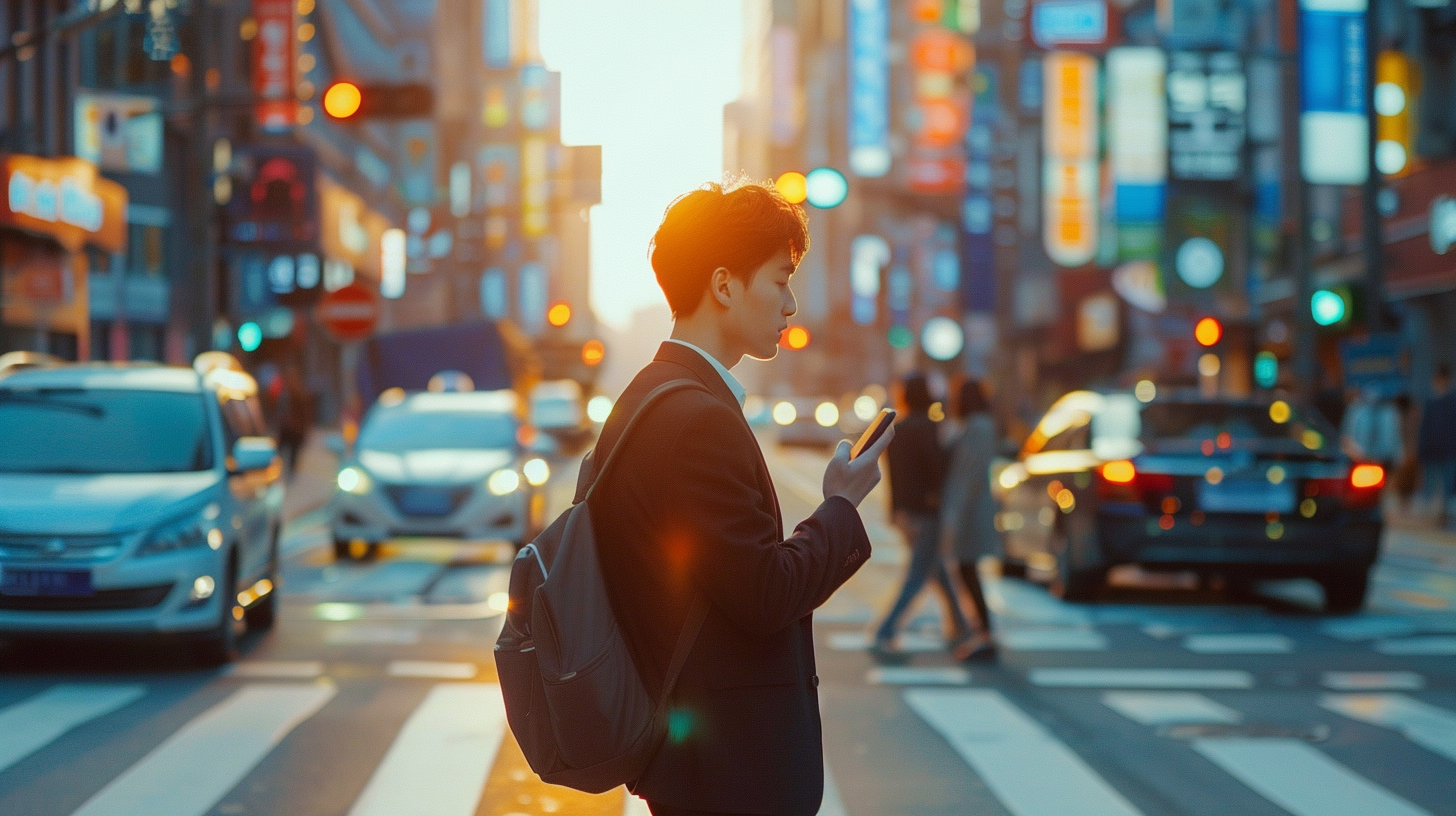
이미지 생성
이미지를 보고 프롬프트로 작성해 보세요.
작성 시, 접두사 + 장면 + 접미사 + 파라미터 구조로 작성해 보세요.
작성한 프롬프트로 다시 이미지를 생성해 보세요.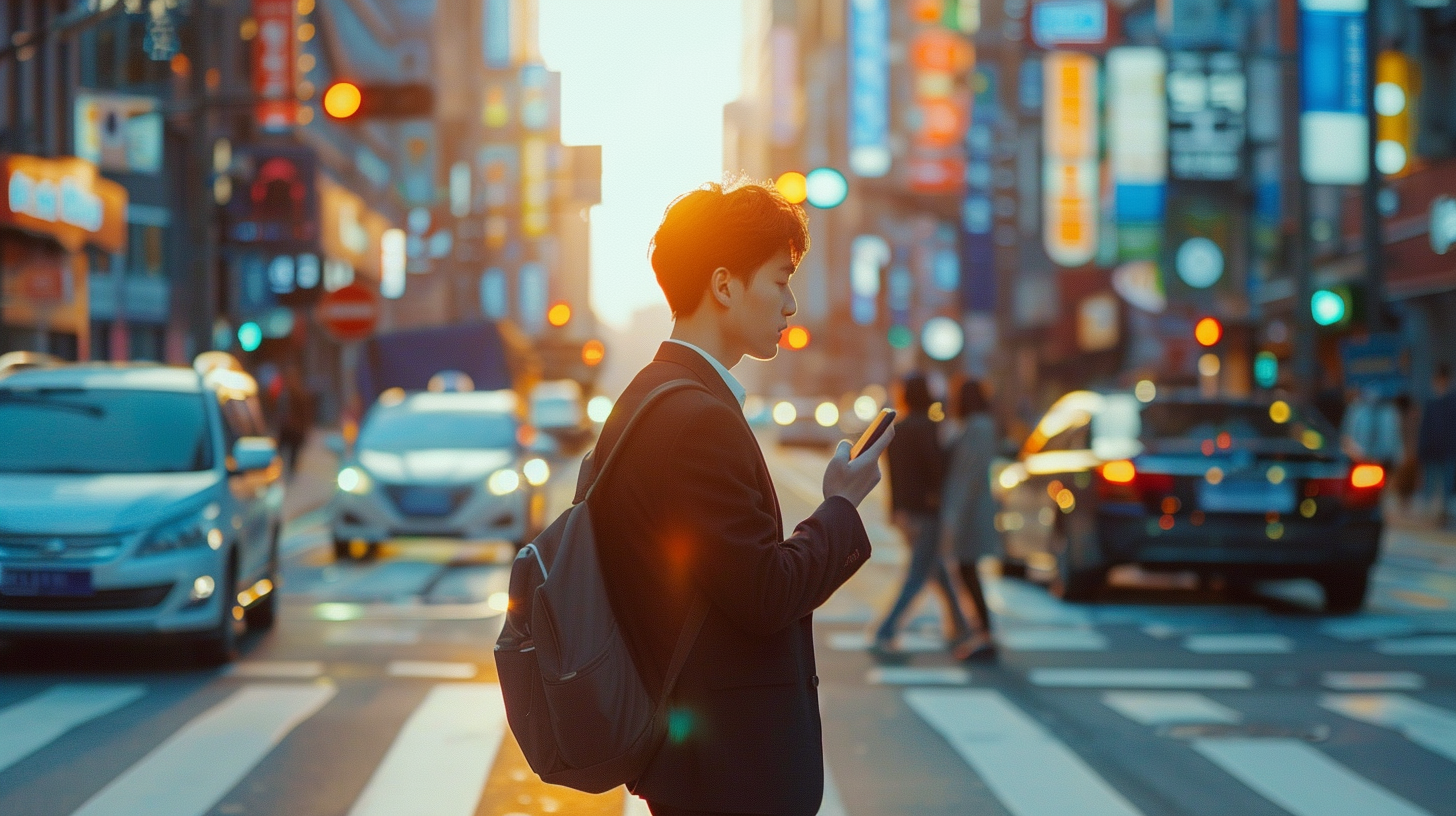
ㄴ원본 이미지
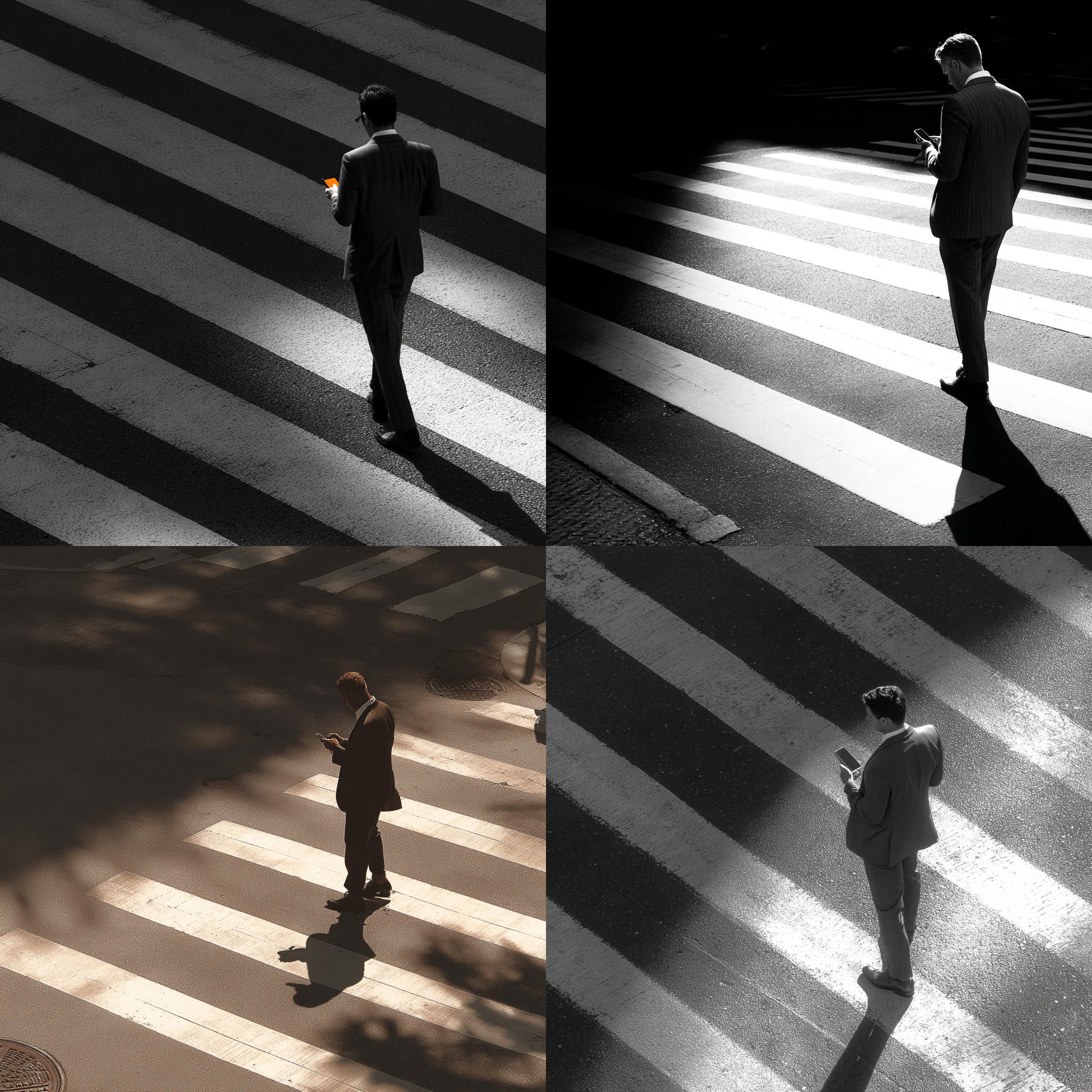
ㄴ1차 시도(완전 실패)
High Resolution photo, / The center of the crosswalk, the man in the suit, looking at his phone, side view, / hyper-realistic, back light파파고로 열심히 만든 프롬프트..
너무 외국인이고 이게 사이드 뷰..?
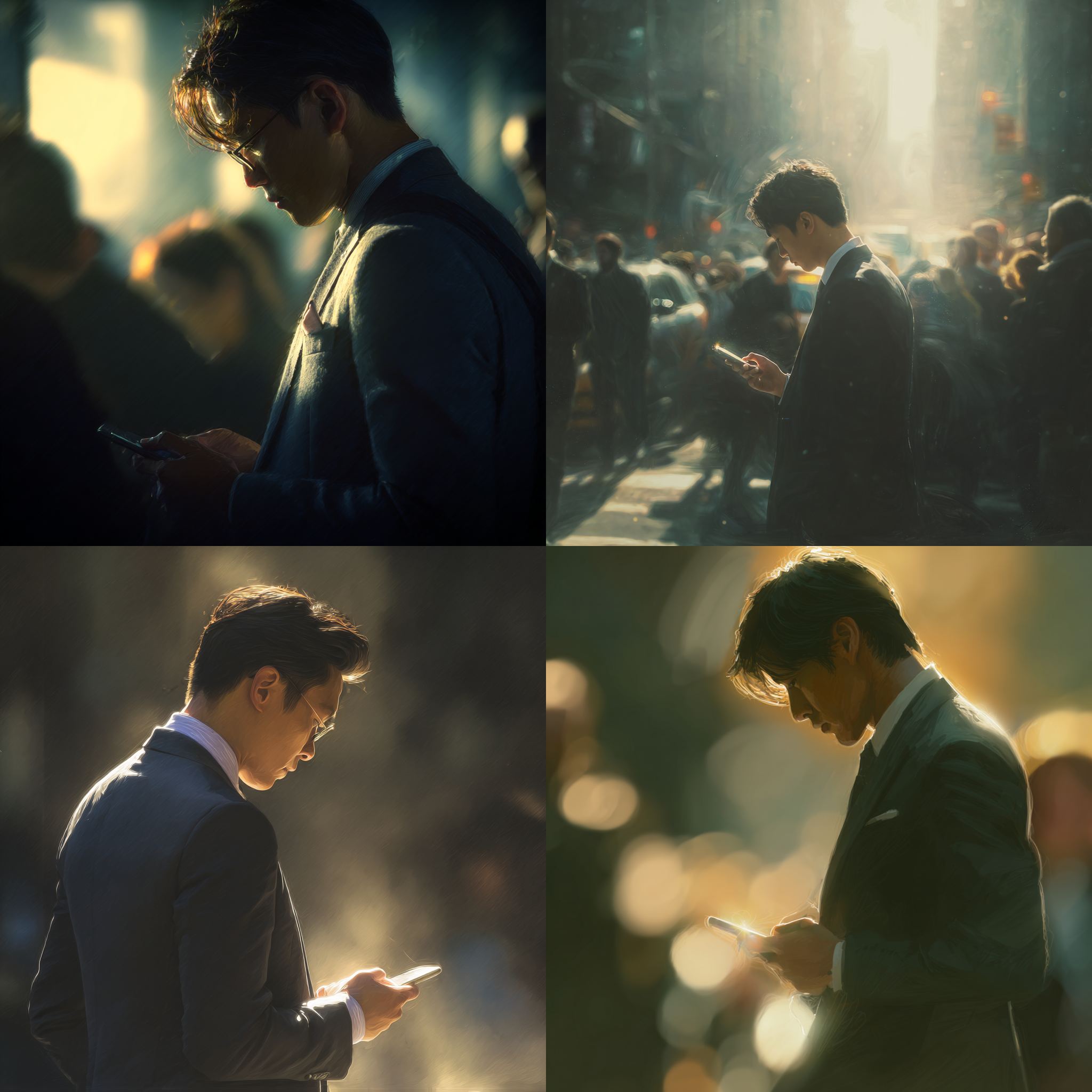
ㄴ2차 시도
High Resolution photo, | morning rush hour, Asian man, suit, looking at his phone, side view, right, | hyper-realistic, back light, soft lighting, sunlight | --v 7.
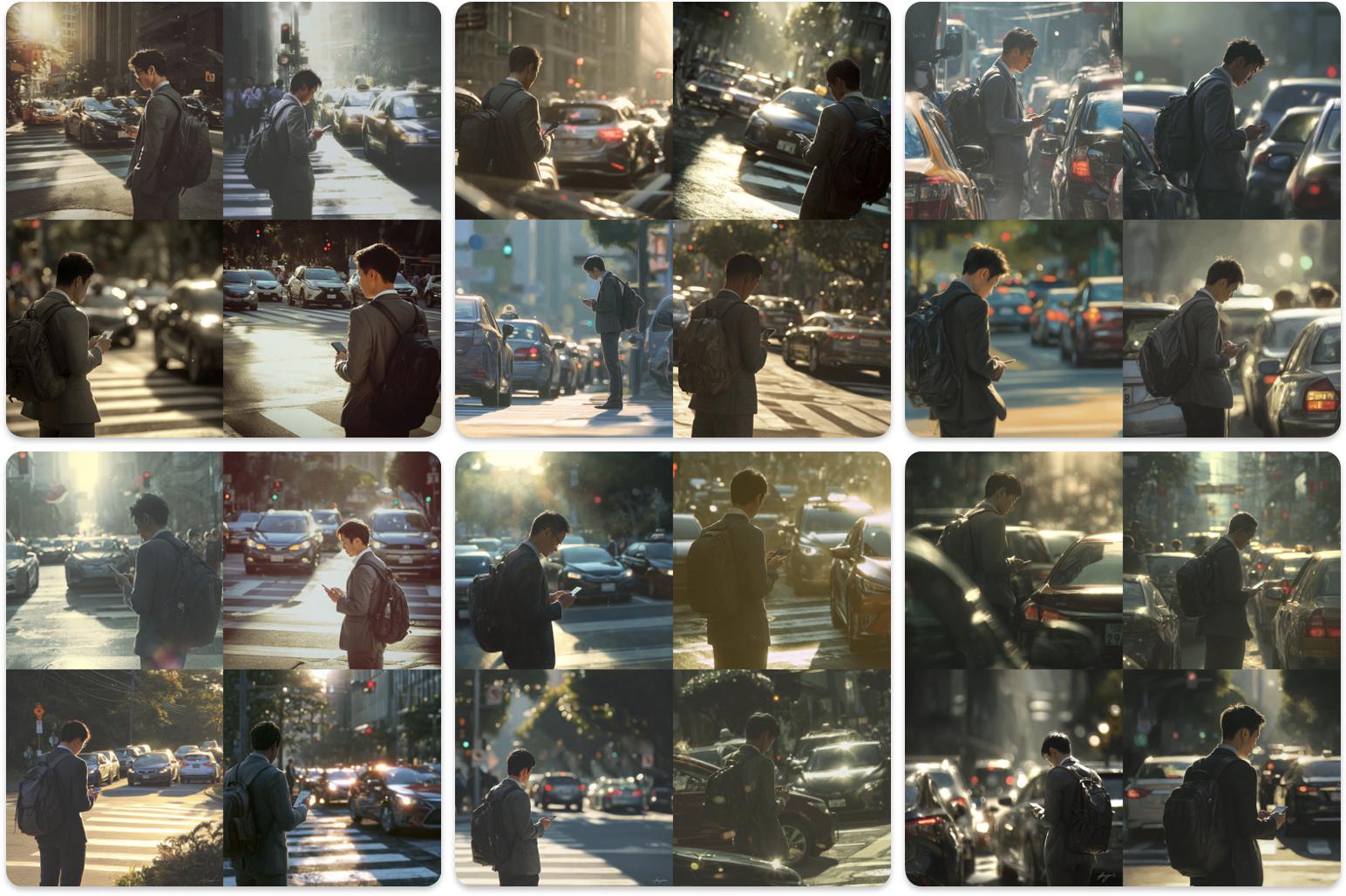
ㄴ3차 시도
High Resolution photo,
side view, right, morning rush hour, crosswalk, an Asian man wearing a suit and backpack, looking at his phone, cars waiting for a signal,
hyper-realistic, back light, soft lighting, sunlight
비슷한 느낌으로 시도를 계속 해봤는데 신호등 방향을 계속 다른 방향으로 생성해줌..
이쯤 시도하니 드는 생각.. 비율 설정을 까먹었네..?
정리해보면,,신호등 방향 다름, 남자가 센터에 있지 않음, 원본에 밝고 청량한? 느낌이 안나오고 빛바랜 느김..
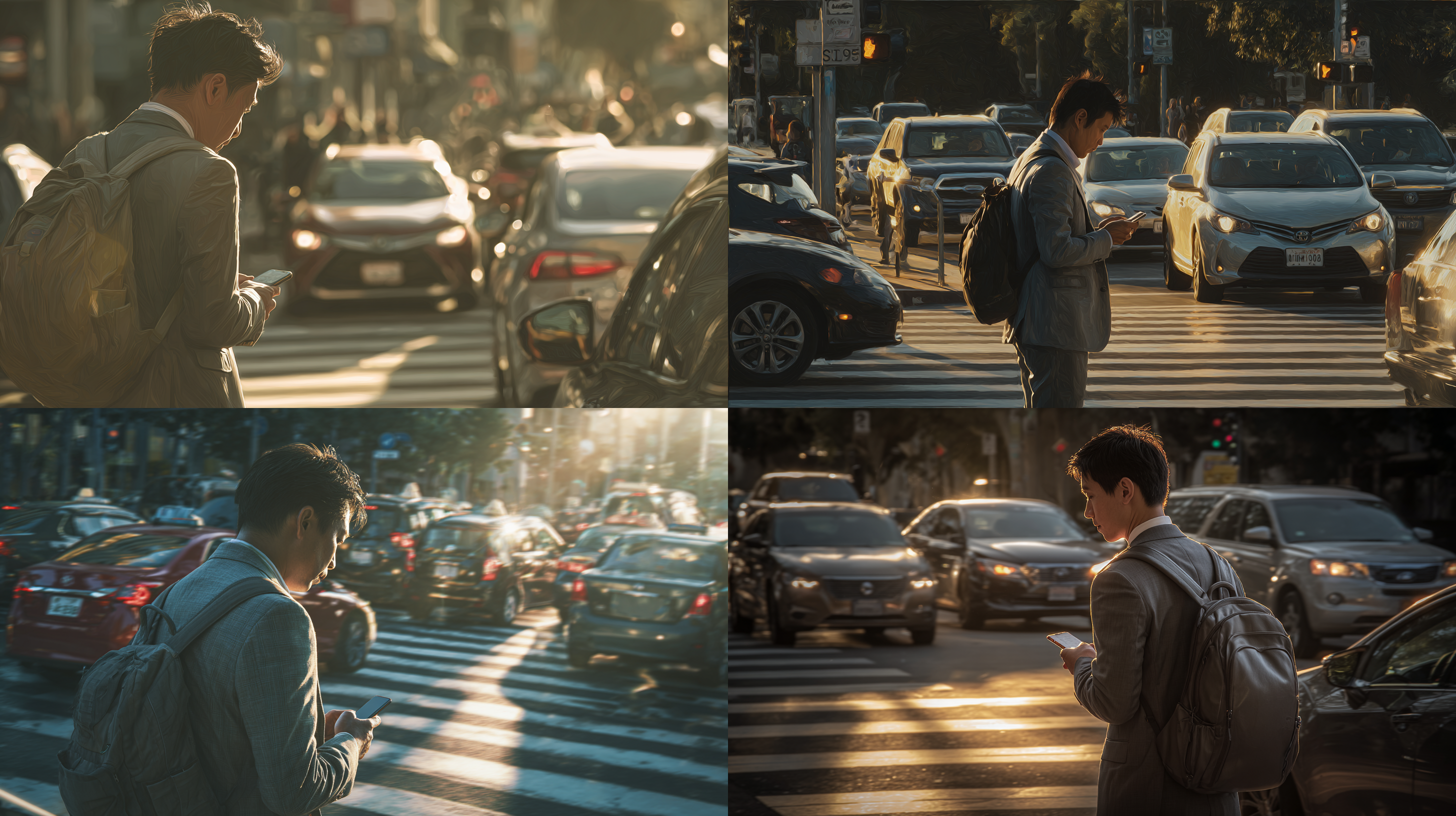
ㄴ 다시 시도해봤지만..
차 왜 이렇게 많아.. 우리나라가 아니야.. 무슨 인간이랑 차랑 같이 가고 있어..
또 다시 떠오른 사실.. 동양인으로 입력했음
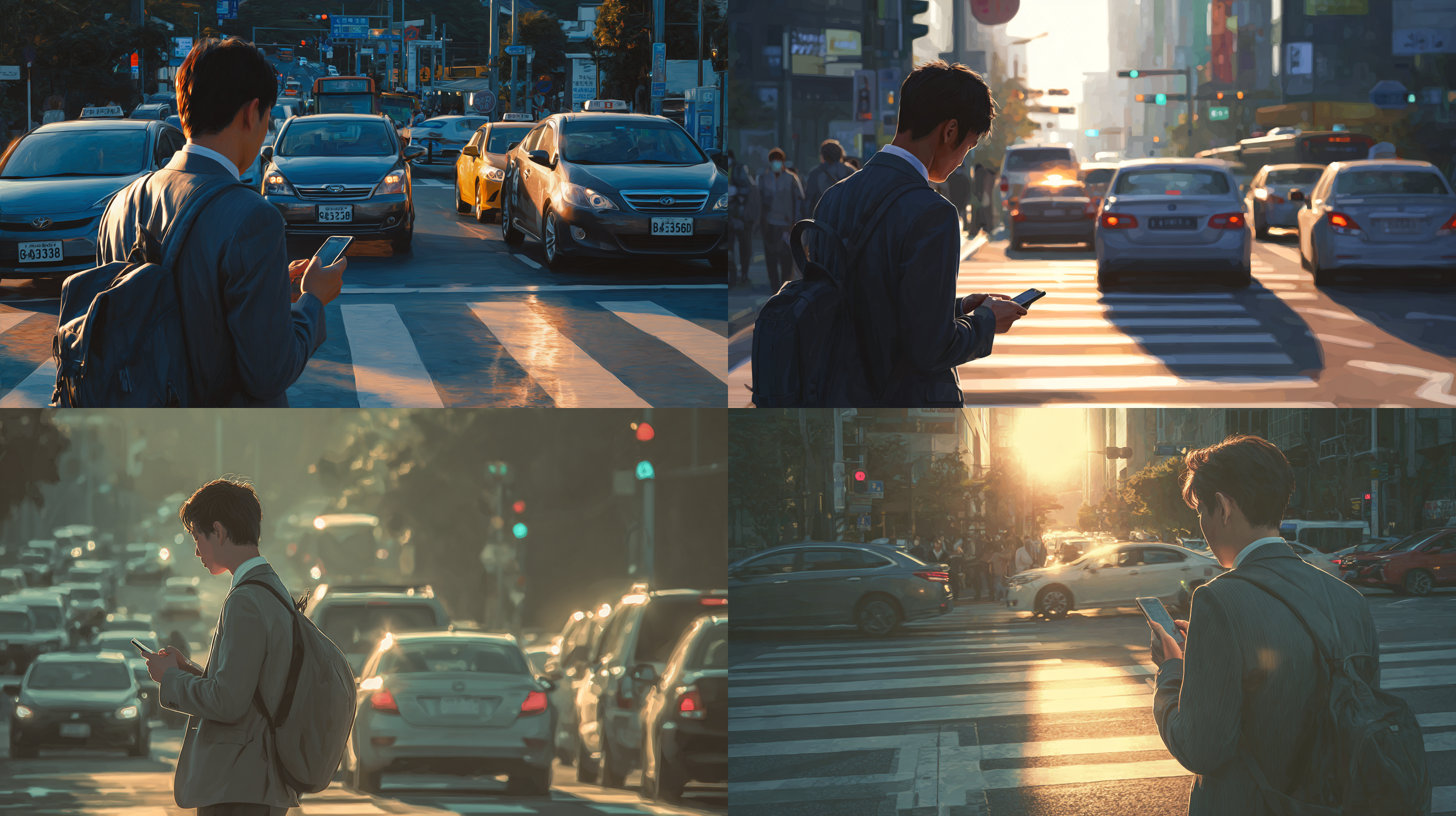
ㄴ 마지막 Korean men으로 다시해봤지만 비슷하다ㅎ 그래도 배경은 좀 비슷해진 것 같기도
/describe의 도움을 받자
4개 중 비슷한 느낌의 이미지와 프롬프트
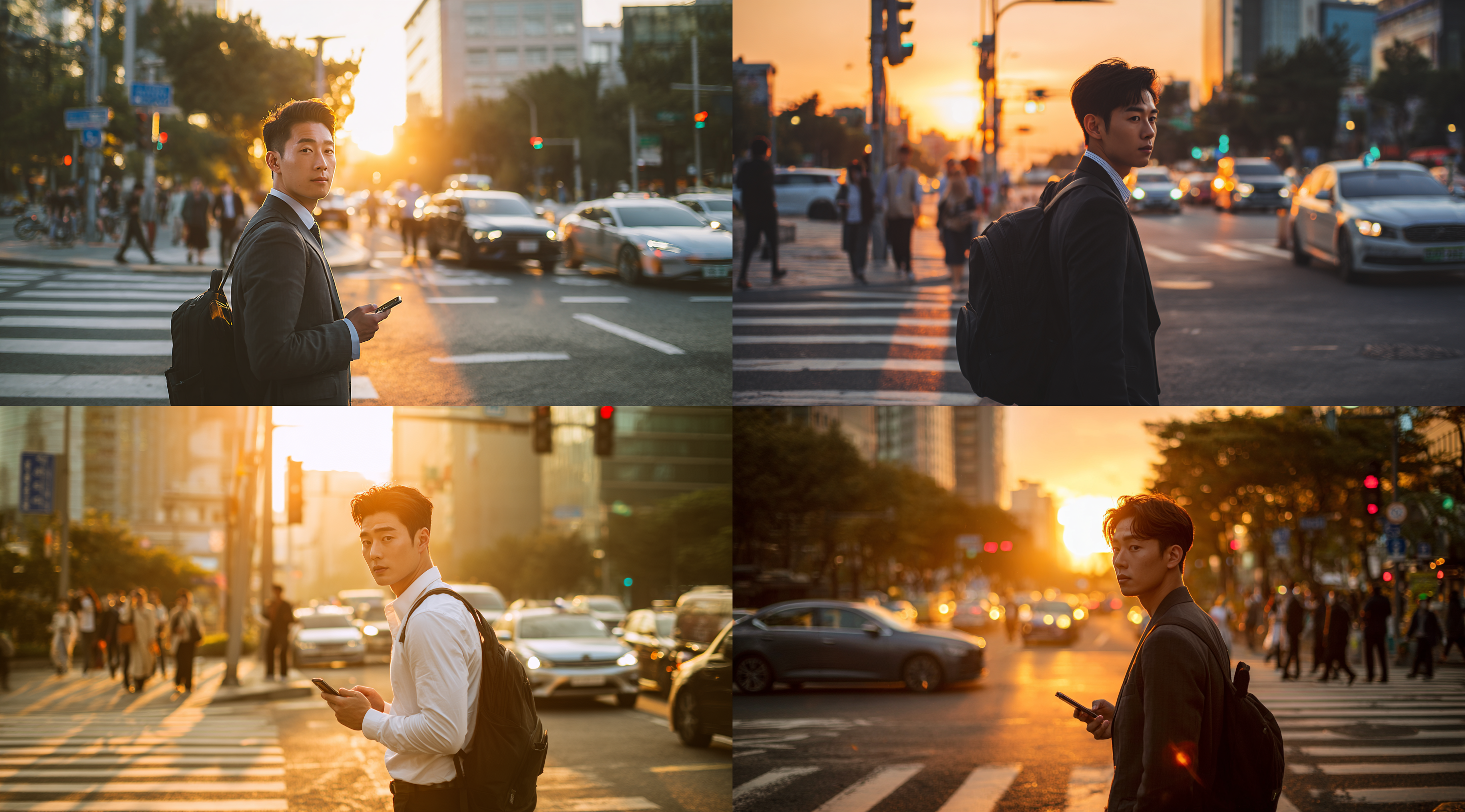
a young korean man in business attire, holding his phone and looking at the crosswalk on an urban street corner during sunset.
he is walking with cars passing by. the city lights create a warm glow as he turns to look behind him while waiting for the traffic light.
a backpack hangs from one shoulder, adding character to the scene. in the background, there are people crossing the road, adding depth to the composition. --ar 128:71
look behind him while waiting for the traffic light -> 이런 식으로 작성해야 저런 느낌이 나오는군아.. 근데 옆모습인디 왜 자꾸 얼굴을 보여주거나 정면이 나오는건데.
미드저니가 횡단보도는 모르는 것 같다.
5-1. 프롬프트 분석 및 의도 파악 (1)
[실습] 프롬프트 분석 및 수정 재생성
이미지 생성
아래 제시한 프롬프트 그대로 이미지를 생성해보고, 프롬프트가 모두 잘 반영되었는지 분석해 보세요.
(1)**반영이 안된 프롬프트를 반영하는 방향**의 프롬프트 수정 > 재생성(프롬프트의 변경일 수도 있고,
파라미터의 조절일 수도 있음. 반영이 될때까지 프롬프트를 수정하고 재생성)
(2)**이미지를 개선할 수 있는 방향**의 프롬프트 수정 > 재생성(처음 생성한 이미지를 보고 프롬프트와
상관없이 이미지를 더 개선할 수 있는 방향으로 프롬프트를 수정하고 재생성)
/imagine: a beautiful digital illustration of an African American woman with medium black hair and light brown eyes she has red stripes on her face, a white wolf is next to the girl, background is in a grey color with geometric patterns, there is text that says 'Wild Life' in the style of the artist --ar 17:30 --niji 6
프롬프트 그대로 이미지를 생성
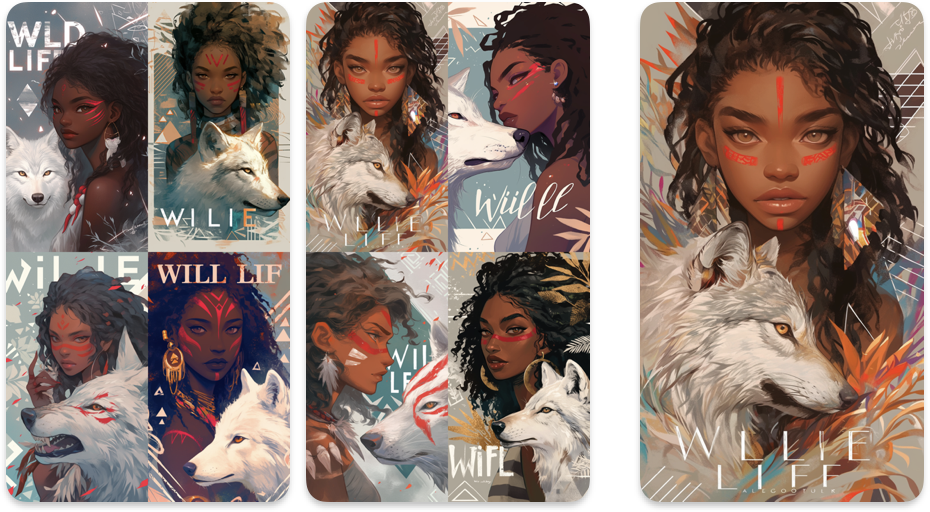
혹시 모르니 두번 생성.
보기 쉽게 문장을 쪼개서 반영이 잘 됐나 분석.
[a beautiful digital illustration of an African American woman]
[with medium black hair and light brown eyes]
[she has red stripes on her face,]
[a white wolf is next to the girl,]
[background is in a grey color]
[with geometric patterns,]
[there is text that says 'Wild Life' in the style of the artist]
[--ar 17:30] [--niji 6]

[아프리카계 미국인 여성의 아름다운 디지털 일러스트] O
[머리카락은 중간 길이의 검은색이고, 눈은 밝은 갈색이다] △(중간 길이 애매, 머리 갈색도 포함)
[그녀의 얼굴에는 붉은 줄무늬가 있다.(페인트나 전사 무늬 같은 느낌)] O
[여자 옆에는 흰 늑대가 있다.] O
[배경은 회색이며,] △
[기하학적인 패턴이 들어가 있다] △(잎도 있고, 기하학 패턴이라기엔 애매)
[작가의 스타일로 ‘Wild Life’라는 텍스트가 들어가 있다] X(작가 스타일? 모르겠, 철자 틀림)
[--ar 17:30] [--niji 6]
그나마 2번째 이미지의 첫번째가 반영을 잘한 것 같아서 여러번 생성.
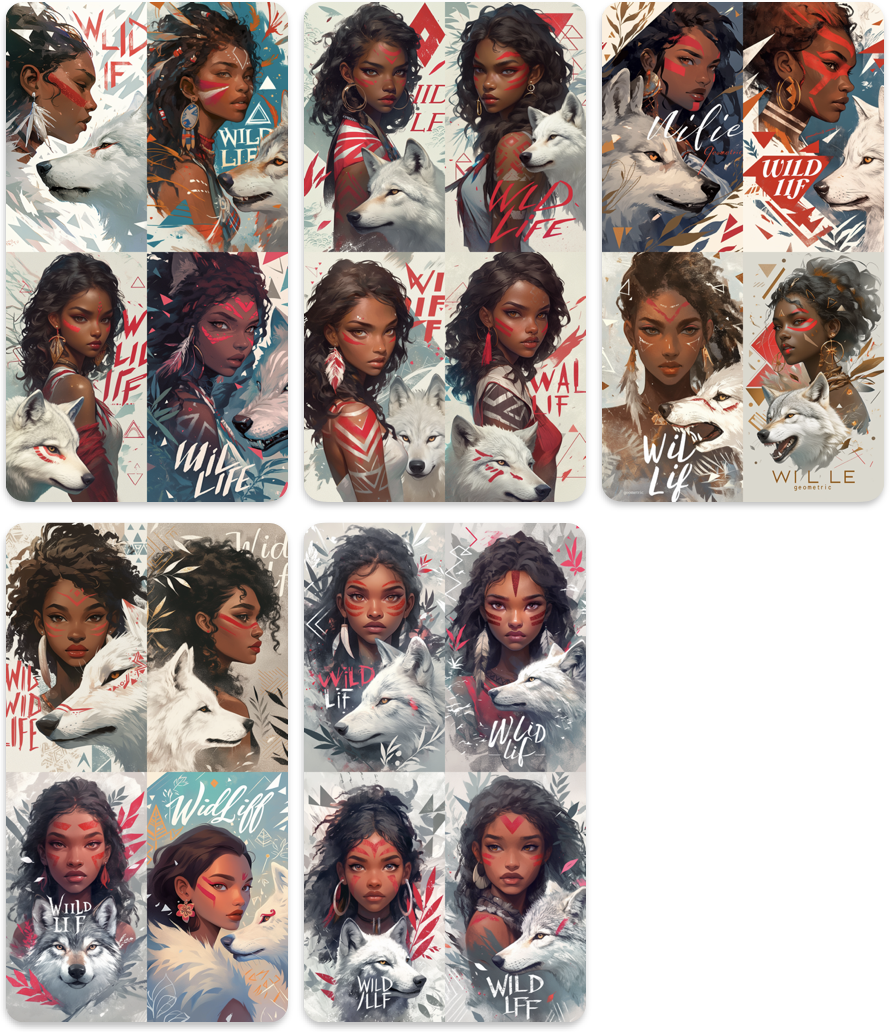
a beautiful digital illustration of an African American woman,
with medium black
hair and light brown eyes, she has red stripes on her face,
a white wolf is next to the girl,
grey background, with Repeating geometric pattern of triangles and
squares, there is text that says 'Wild Life' in the calligraphy style
--ar 17:30 --niji 6
프롬프트 아주 살짝씩 바꿔가면서 여러번 생성했음. 기하학 패턴이 잘 나왔으면 해서 세모, 네모 키워드도 넣어보고,, 좀 더 단순하게 수정해보고, 작가 스타일의 텍스트는 무슨 의미인지 모르겠어서 캘리그래피 문구를 넣었다.
배경을 기하학적으로 넣는 건 어려운가봄.. 뭔가 될 것 같으면서도 아쉬운 느낌..
이 중에선 3번째 이미지의 4번째가 맘에 듦. 4번째 사진으로 다시 베리.
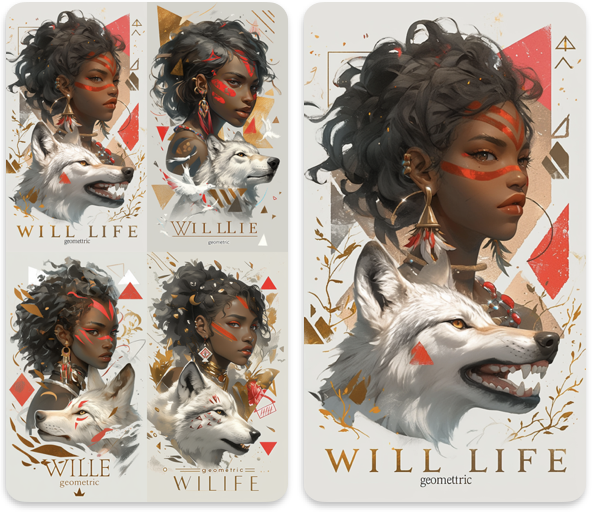
음 뭔가 다 비슷해보이는데 두번째가 기하학 패턴은 마음에 들고 첫번째가 전체적으로 맘에 드는군.
나의 한계는 여기까지..