Top UAT Testing Software Solutions for Modern QA Teams
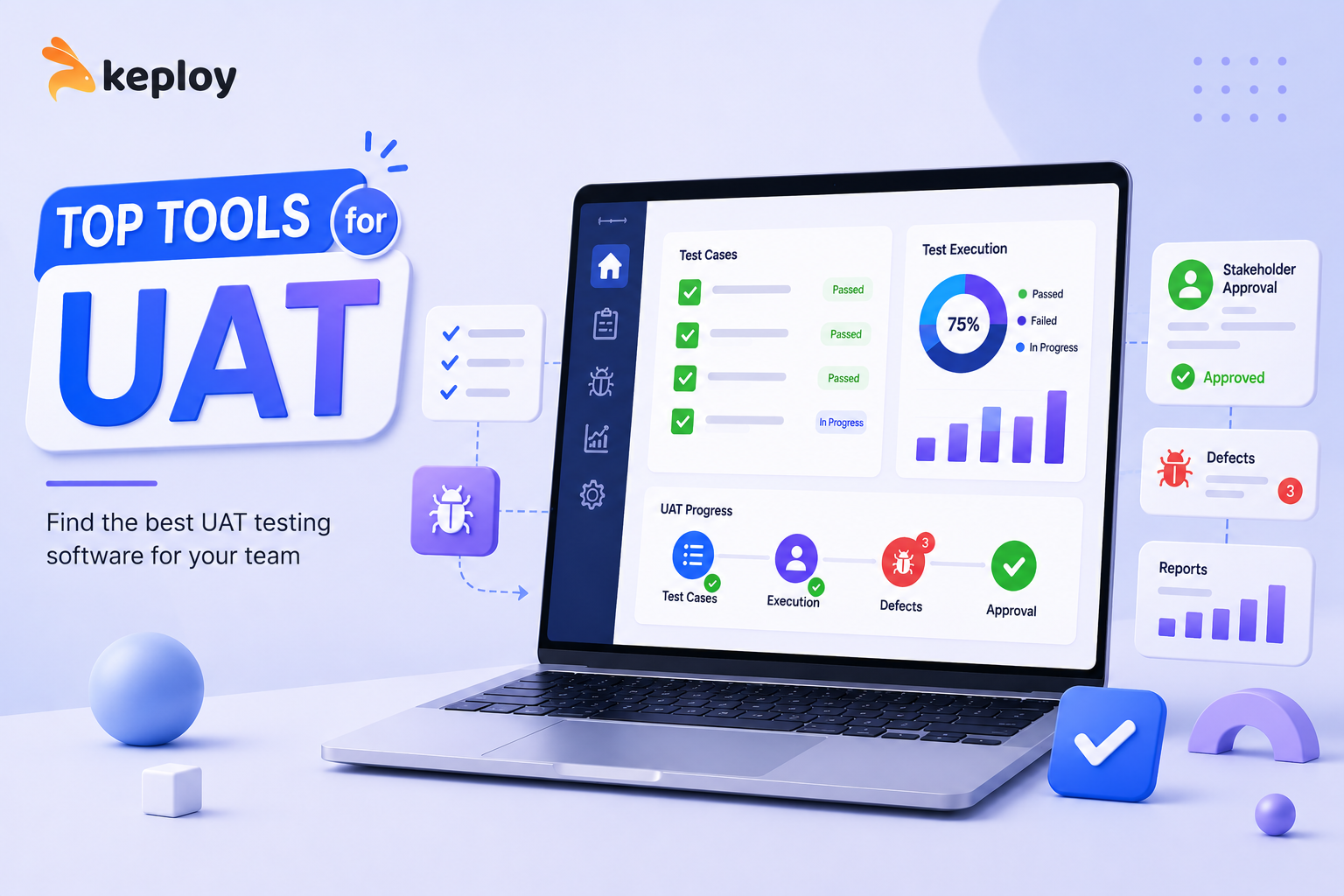
Software development teams invest significant time and resources into building features, fixing bugs, and ensuring application stability. However, no matter how well a product performs in development and QA environments, the ultimate measure of success is whether it meets user and business expectations. This is where User Acceptance Testing (UAT) becomes essential.
UAT serves as the final validation phase before software is released to production. During this stage, actual users, stakeholders, or business representatives verify that the application functions according to requirements and solves the intended business problems. To streamline this process, organizations rely on specialized UAT testing software tools that help manage test cases, collect feedback, track issues, and improve collaboration.
What Is User Acceptance Testing?
User Acceptance Testing (UAT) is the last stage of the software testing lifecycle before a product goes live. Unlike functional testing or integration testing, which focus on technical correctness, UAT focuses on business requirements and user expectations.
The goal of UAT is to confirm that the software:
- Meets business requirements
- Supports real-world workflows
- Provides a satisfactory user experience
- Functions correctly in realistic scenarios
- Is ready for production deployment
By conducting thorough UAT, organizations can reduce production risks and increase confidence in software releases.
Why UAT Testing Software Matters
Many organizations still manage UAT using spreadsheets, emails, and manual documentation. While these approaches may work for small projects, they quickly become difficult to manage as applications and teams grow.
Modern UAT testing software provides a centralized platform where teams can manage testing activities efficiently.
Improved Collaboration
Business users, testers, developers, and project managers can collaborate in a shared environment, ensuring everyone stays aligned throughout the testing process.
Better Requirement Traceability
Requirements can be linked directly to test cases and reported issues, making it easier to validate business objectives.
Faster Feedback Collection
Stakeholders can quickly submit comments, screenshots, and bug reports during testing.
Enhanced Reporting
Real-time dashboards provide visibility into testing progress, issue status, and release readiness.
Reduced Release Risk
Structured UAT processes help identify critical issues before software reaches production.
Key Features to Look for in UAT Testing Software
Choosing the right solution requires evaluating several important capabilities.
Test Case Management
The platform should allow teams to create, organize, execute, and track UAT test cases efficiently.
Requirement Mapping
Requirements should be connected to testing activities to ensure complete validation.
Defect Tracking
Built-in issue tracking or integrations with bug management systems simplify communication between testers and developers.
Collaboration Tools
Features such as comments, notifications, and task assignments improve teamwork.
Reporting and Analytics
Detailed reports help stakeholders understand testing progress and identify potential risks.
Third-Party Integrations
Compatibility with project management, CI/CD, and testing tools improves workflow efficiency.
Top UAT Testing Software Tools
1. TestRail
TestRail is a popular test management platform used by QA teams worldwide. It provides comprehensive test planning, execution tracking, and reporting capabilities.
Key Features:
- Centralized test case management
- Customizable reports
- Requirement traceability
- Integration with Jira and DevOps tools
2. Jira
Although Jira is primarily a project management platform, many organizations use it successfully for UAT management due to its flexibility and integration ecosystem.
Key Features:
- Issue tracking
- Workflow customization
- Team collaboration
- Extensive plugin marketplace
3. PractiTest
PractiTest offers a complete quality management solution with powerful test management and reporting features.
Key Features:
- Requirement management
- Test execution tracking
- Defect management
- Enterprise scalability
4. Zephyr
Zephyr integrates directly with Jira and supports both manual and automated testing activities.
Key Features:
- Test planning and execution
- Jira integration
- Real-time reporting
- Agile testing support
5. TestMonitor
TestMonitor focuses on simplicity and usability, making it suitable for both technical and non-technical stakeholders.
Key Features:
- User-friendly interface
- Progress tracking
- Stakeholder collaboration
- Flexible reporting
How Automation Supports UAT
While UAT is typically performed by real users and business stakeholders, automation can significantly improve software quality before acceptance testing begins.
Tools such as Keploy help development teams automate API testing and regression testing by generating test cases from real application traffic. This reduces the number of defects that reach the UAT stage and allows stakeholders to focus on validating business functionality.
Benefits include:
- Improved test coverage
- Reduced manual effort
- Faster testing cycles
- Earlier defect detection
- Higher release confidence
Best Practices for Successful UAT
Define Clear Acceptance Criteria
Establish measurable success criteria before testing begins.
Involve Actual End Users
Real users provide valuable insights into usability and workflow effectiveness.
Use Realistic Test Scenarios
Testing should mirror actual business processes and user behavior.
Track Issues Centrally
Use a dedicated UAT platform to manage defects, feedback, and approvals.
Review Results Thoroughly
Analyze findings carefully before approving production deployment.
Common Challenges in UAT
Organizations often face several obstacles during user acceptance testing:
- Limited stakeholder participation
- Unclear requirements
- Poor communication between teams
- Insufficient testing time
- Difficulty tracking feedback
Using dedicated UAT testing software helps address many of these challenges by providing structure and visibility throughout the process.
The Future of UAT Testing
As software delivery becomes increasingly agile, UAT practices continue to evolve. Modern testing trends include:
- Continuous testing approaches
- Cloud-based collaboration platforms
- AI-assisted test management
- Automated feedback analysis
- Improved integration with DevOps pipelines
Organizations that adopt these innovations can accelerate releases while maintaining high software quality standards.
Conclusion
User Acceptance Testing is one of the most critical phases of the software development lifecycle. It ensures that applications meet business objectives, satisfy user expectations, and are ready for production deployment.
The right UAT testing software tools can simplify collaboration, improve visibility, streamline feedback collection, and reduce release risks. Whether you're evaluating TestRail, Jira, PractiTest, Zephyr, or TestMonitor, investing in an effective UAT strategy can significantly improve software quality and customer satisfaction.
For a detailed comparison of leading UAT solutions, visit:
https://keploy.io/blog/community/best-uat-testing-software-tools
