split 메소드
split 메소드는 문자열을 잘라주는 메소드다.
예를 들겠다.
public class Q31 {
    public static void main(String[] args) {
        String s = " try hello world    ";
        String[] strArr = s.split(" ");
        System.out.println(Arrays.toString(strArr)); // [,try,hello,world] 출력
String s = "try,hello,world";
String[] strArr = s.split(",");
System.out.println(Arrays.toString(strArr)); // [try, hello, world] 출력
이처럼 공백이나 쉼표 등을 기준으로 문자로 자를때 사용된다.
split limit
근데 스플릿 메서드에는 리미트를 가지는데
코드를 입력하세요
public class Q31 {
    public static void main(String[] args) {
        String s = "tryhelloworld";
        String[] strArr = s.split("");
        System.out.println(Arrays.toString(strArr));
    }
}       // [t, r, y, h, e, l, l, o, w, o, r, l, d] 출력
String[] strArr = s.split("",3); // [t, r, yhelloworld] 출력
String[] strArr = s.split("",6); // [t, r, y, h, e, lloworld] 출력
이정도 예시면 대충 감이 올꺼다.
limit 의 디폴트는 0이다.
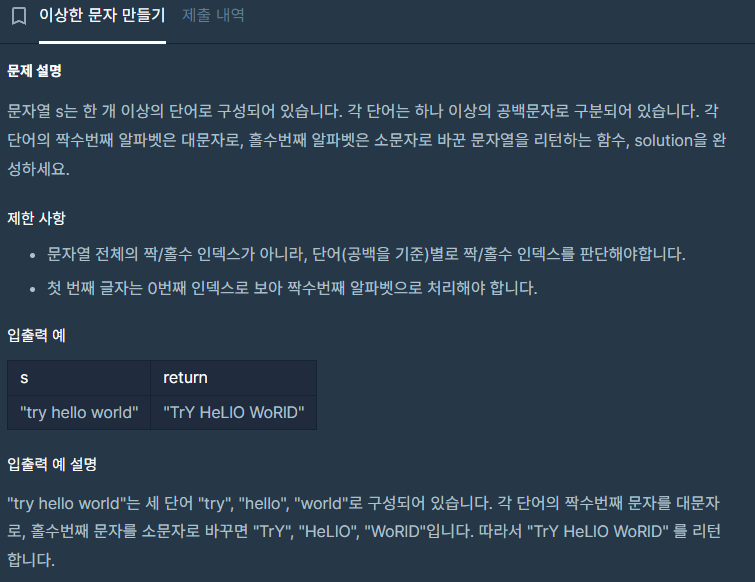
여기에서
class Solution {
    public String solution(String s) {
        // 공백 기준으로 문자열 자르기(마지막에 오는 빈 문자열도 포함하도록)
        String[] strArr = s.split(" ");

        for(int i=0; i < strArr.length; i++) {
            // 한 글자 씩 자르기
            String[] str = strArr[i].split("");
            for(int j=0; j < str.length; j++) {
                // 짝수인 경우 대문자로 변경
                if(j%2 ==0) {
                    str[j] = str[j].toUpperCase();
                }
                // 홀수인 경우 소문자로 변경
                else {
                    str[j] = str[j].toLowerCase();
                }

            }
            // 문자열로 합치기
            strArr[i] = String.join("", str);
        }
        return String.join(" ", strArr);
    }
}
공백을 기준으로 짜르니 특정 예시에서 실패한다.
이유는 리미트 설정을 잘못해서 문자열 맨 뒤의 공백을 읽지 못해서 이다.
예시를 들어보자
public class Q31 {
    public static void main(String[] args) {
        String s = " try hello world    ";
        String[] strArr = s.split(" ");
        System.out.println(Arrays.toString(strArr));
    }
}
 // [, try, hello, world] 출력
이처럼
try hello world 뒤의 공백을 읽지 못한다.
이럴때 limit 를 -1로 설정하면
public class Q31 {
    public static void main(String[] args) {
        String s = " try hello world    ";
        String[] strArr = s.split(" ",-1);
        System.out.println(Arrays.toString(strArr));
    }
}
  // [, try, hello, world, , , , ] 출력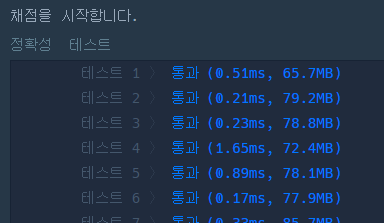
이처럼 맨 뒤에 공백을 읽어와서 반례에 성공하는 것을 볼 수 있다.

개발자 지망생