🫂 키오스크 팀 프로젝트 1일차!
👨🏫 튜터님 피드백 S.A 반영
- 어제 튜터님께서 피드백 주신 내용을 S.A 문서에 반영했다.
- 브랜치 전략 작성
- 브랜치 룰 작성
- 브랜치 네이밍 작성
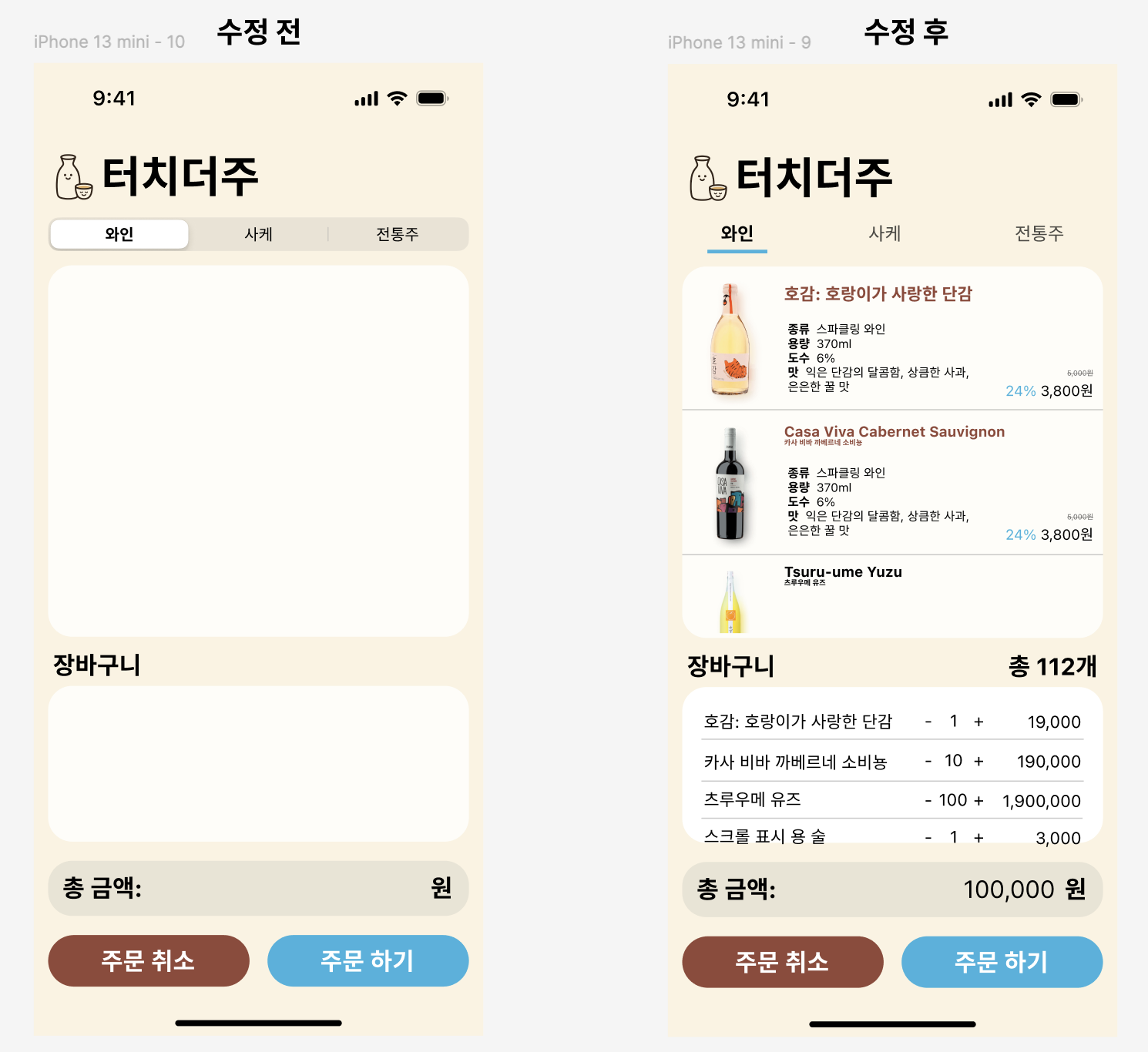
🔹 와이어프레임 수정
- 목표 화면을 더 자세히 구성했다.
- 오토레이아웃 설정 시, 헷갈리지 않게 UI 컴포넌트들의 위치와 간격 값을 조정했다.
🔹 마일스톤 작성
-
마일스톤을 자세히 작성해달라고 요청하셔서, 아래와 같이 작성했다.
-
명노훈 :
- 장바구니 UI 구성하기
UILabel사용하여 장바구니 표시CollectionView사용하여, 기본 틀 만들기Auto Layout을 이용해 위치 및 크기를 지정
- 목표 화면
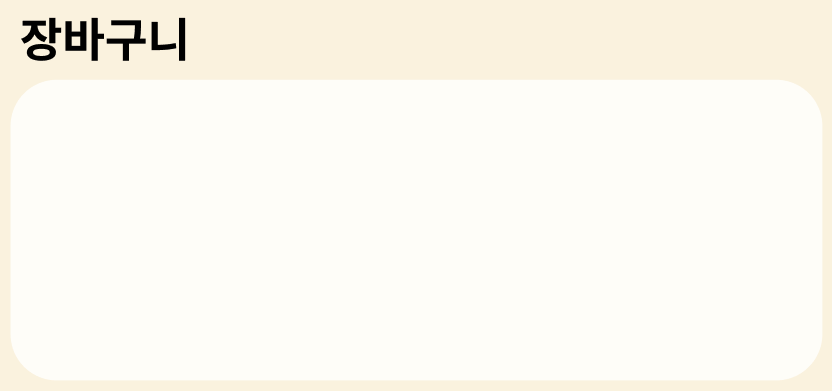
- 장바구니 UI 구성하기
-
오늘은 장바구니의 대략적인 UI를
CollectionView로 구성하는 것 까지가 목표다!
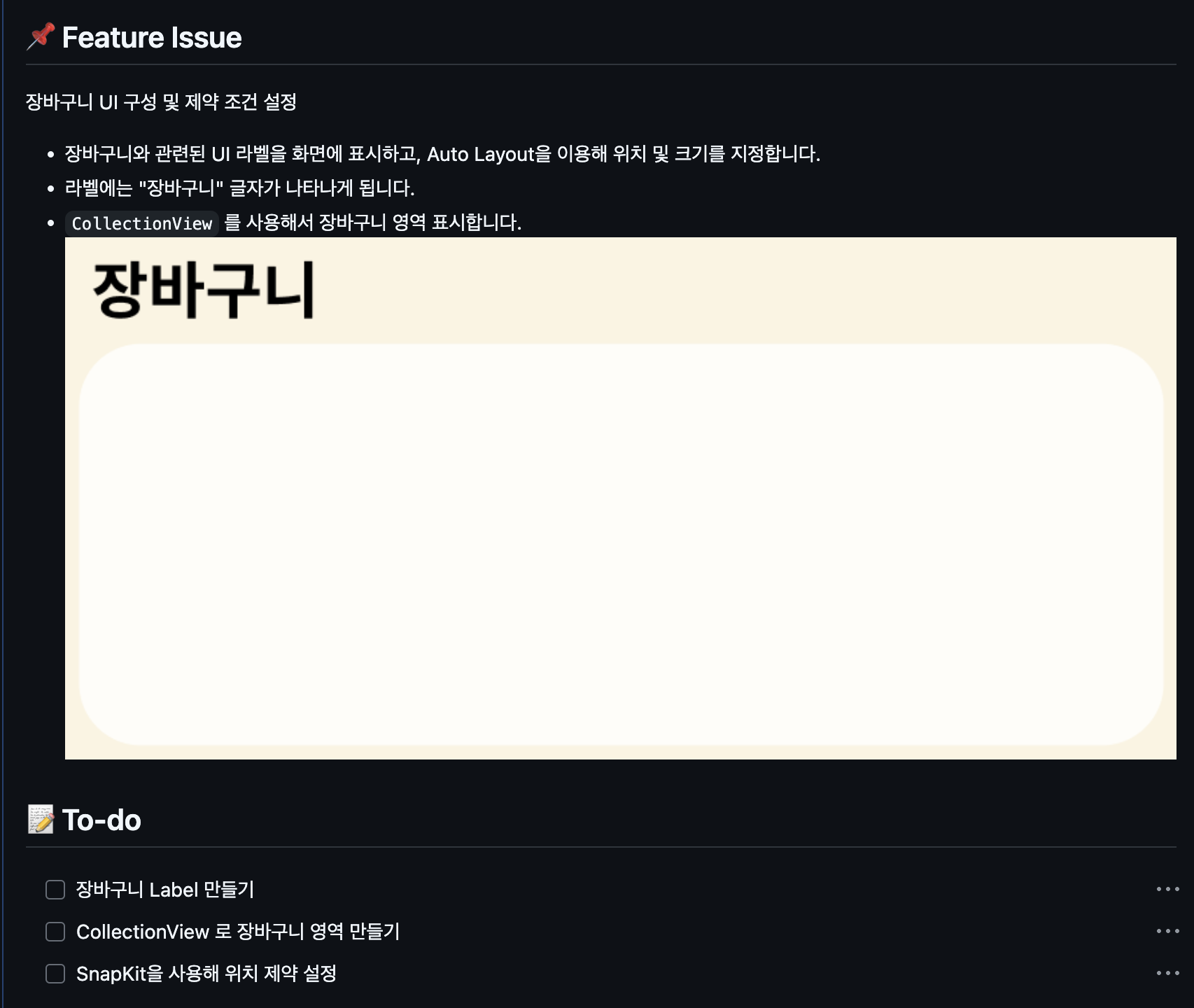
맡은 역할에 대해 github issue 추가
- 드디어 이제 나름 개발자처럼 깃으로 협업하는 느낌이 난다!!
- 이슈 기능을 몰랐었는데, 이번 팀프로젝트를 통해서 처음 해보았다.
- 내가 맡은 개발 일감을 써놓으면, 연계된 브랜치를 생성해주는 기능도 있다!
장바구니 UI 구성 시작
- 장바구니의 기능은
CollectionView를 사용하여 구현하기로 했다. - 코드베이스로 사용해본적이 없어서 오늘 시간을 엄청 잡아 먹었다.
🔹 내가 만든 코드
CollectionView 인스턴스 생성
- 내용은 CollectionView 인스턴스를 만든 코드다.
// MARK: - 컬렉션 뷰 인스턴스 정의
lazy var collectionView: UICollectionView = {
    // 1. 셀의 배치를 정해주는 레이아웃 객체 생성
    let layout = UICollectionViewFlowLayout()

    layout.scrollDirection = .vertical // 세로 방향 스크롤
    layout.minimumLineSpacing = 0 // 셀 사이의 간격 (줄 간격)
    layout.itemSize = CGSize(width: 351, height: 40) // 셀 크기 설정

    // 2. 컬렉션 뷰 생성
    let collectionView = UICollectionView(frame: .zero, collectionViewLayout: layout)

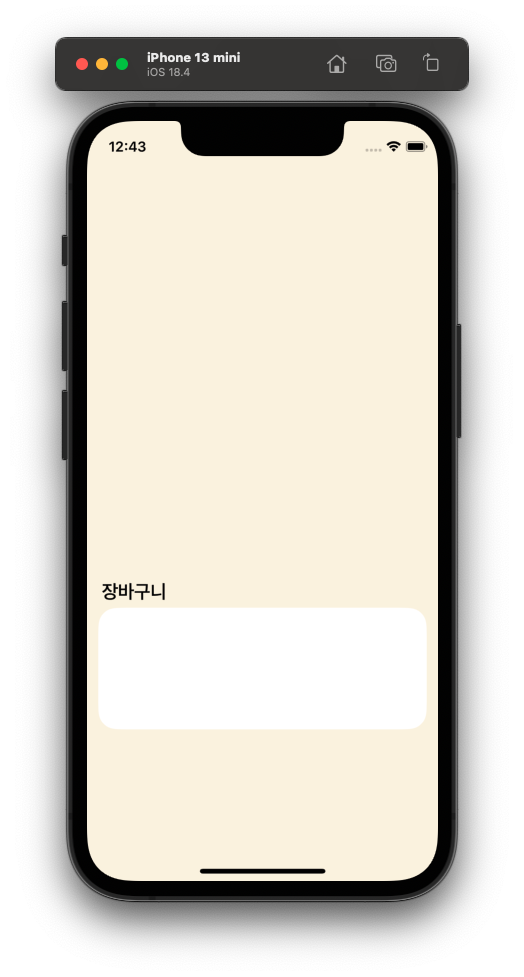
    collectionView.backgroundColor = .white

    // 3. 델리게이트, 데이터소스 연결
    collectionView.delegate = self
    collectionView.dataSource = self

    collectionView.layer.cornerRadius = 20
    collectionView.translatesAutoresizingMaskIntoConstraints = false // 오토레이아웃 설정

    // 4. 커스텀 셀 등록
    collectionView.register(CartCollectionViewCell.self, forCellWithReuseIdentifier: "CartCell")
    return collectionView
}()
CollectionView 인스턴스의 오토 레이아웃 설정
- 내용은 CollectionView 인스턴스의 오토 레이아웃 설정 코드다.
- 피그마에서 정의한 수치를 넣어줬다.
// MARK: - 컬렉션 뷰 오토 레이아웃
func setCollectionView() {
    view.addSubview(collectionView)

    // 오토레이아웃 설정
    NSLayoutConstraint.activate([
        collectionView.widthAnchor.constraint(equalToConstant: 351),
        collectionView.heightAnchor.constraint(equalToConstant: 130),
        collectionView.topAnchor.constraint(equalTo: view.topAnchor, constant: 520),
        collectionView.leadingAnchor.constraint(equalTo: view.leadingAnchor, constant: 12)
    ])
}
커스텀 셀 정의
- 커스텀 셀을 사용하기 위해
CartCollectionViewCell이라는 파일을 만들었다. - 오늘은 UI만 구성하므로 따로 데이터는 없다.
import UIKit

class CartCollectionViewCell: UICollectionViewCell {
    // MARK: - Lifecycle
    override init(frame: CGRect) {
        super.init(frame: frame)

        // 셀 디자인
        contentView.backgroundColor = .white
        contentView.clipsToBounds = true
    }

    required init?(coder: NSCoder) {
        fatalError("init(coder:) has not been implemented")
    }
}
결과: 성공!!!!
🏆 알고리즘 풀기!
😱 저주의 숫자 3
- 프로그래머스 문제 링크 이동
🔹 문제 설명
3x 마을 사람들은 3을 저주의 숫자라고 생각하기 때문에 3의 배수와 숫자 3을 사용하지 않습니다. 3x 마을 사람들의 숫자는 다음과 같습니다.
10진법 3x 마을에서 쓰는 숫자 10진법 3x 마을에서 쓰는 숫자 1 1 6 8 2 2 7 10 3 4 8 11 4 5 9 14 5 7 10 16 정수
n이 매개변수로 주어질 때,n을 3x 마을에서 사용하는 숫자로 바꿔return하도록solution함수를 완성해주세요.
🔹 제한 조건
1 ≤
n≤ 100
🔹 첫 시도
 import Foundation

func solution(_ n:Int) -> Int {
	var result = n
	let array = Array(String(result))
    let mod = result % 3

    while array.contains("3") || result % 3 == 0 {
        result += 1
    }
}

print(solution(15)) // 25- 반복문을 돌면서
result값이 올라가, 변수array와mod의 값도 변할줄 알았다. - 하지만 변하지 않았다... 실패.
🔹 두번째 시도
 import Foundation

func solution(_ n:Int) -> Int {
	var num = 1
	var threeXTown = 1

    while num < n + 1 {
        if Array(String(threeXTown)).contains("3") || threeXTown % 3 == 0 {
            threeXTown += 1
        }
        threeXTown += 1
        num += 1
	}
    return threeXTown
}

print(solution(15)) // 25- 반복문 안에 조건문을 넣어서 3이 포함되거나 3의 배수면 변수의 값을 1씩 더하게 했다.
- 하지만 조건문에서 3이 포함된 숫자를 찾지 못했다.
- 조건문을 수정하여 다시 도전해야겠다.
디버깅
디버깅 결과 새로운 사실을 알았다.
12는3의 배수13은3이 포함된 숫자..
연속으로 건너뛰어야는 숫자가 나와서 답이 이상하게 나온것이다!!!
🔥 조건문을 수정하자!!!
🔹 세번째 시도
import Foundation

func solution(_ n:Int) -> Int {
   var num = 1
    var threeXTown = 1

   while num < n + 1 {
       while Array(String(threeXTown)).contains("3") || threeXTown % 3 == 0 {
           threeXTown += 1
       }

       threeXTown += 1
       num += 1
   }
   return threeXTown
}

print(solution(15)) // 25if문을while문으로 변경했다. 연속해서 건너뛰어야 하는 숫자가 나와도 계속 건너 뛸수있게.- 하지만 왜 실패했지...????
- 값이 1식 더해져서 나온다...
🔹 최종 코드
import Foundation

func solution(_ n:Int) -> Int {
    //guard n >= 1 && n <= 100 else { return }

    var num = 1
    var threeXTown = 1

    while num < n + 1 {
        while Array(String(threeXTown)).contains("3") || threeXTown % 3 == 0 {
            threeXTown += 1
        }

        print("10진수 : \(result), 3x마을 : \(threeXTown)")

        if num == n {
            break
        }

        threeXTown += 1
        num += 1
    }
    return threeXTown
}- 기존 코드에서
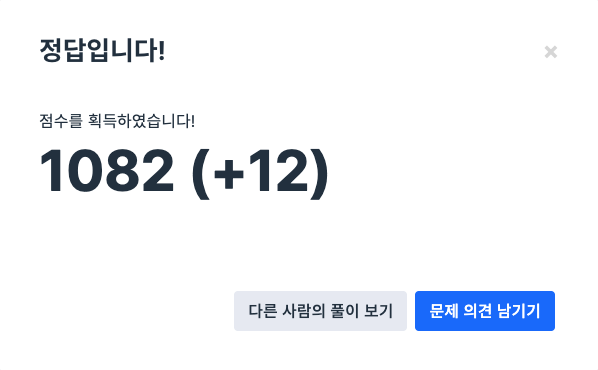
num변수가n과 같아지면 반복문에서 탈출하도록 바꿔주었다. - ...결과는?
오늘도 해냈다!!!
✍️ 느낀점 & 배운점
- 오늘은 드디어 팀 프로젝트에서 맡은 역할에 대해 실제 개발에 들어갔다.
- 기대했던 깃허브로 협업을 해보면서 조금은 개발자에 가까워진것 같아서 설레였다.
- 안써본 코드베이스 환경에서
CollectionViewController를 사용해보느라 고생을 좀 했지만, 그래도 배우는 것이 즐거웠다!! - 알고리즘도 오늘 일정이 바쁜 와중에도 결국 풀어버려서 산뜻하고 보람찼다

iOS 개발 블로그