In case, If you encountered the situation that want to screenshot without any program in Linux,
this solution would be the best choice to screenshot!
Solution: Change a shortcut in Settings
Development Environment
- Jetson Nano Ubuntu 20.04 LTS
-
"Select keyboard Shortcuts" In Setting
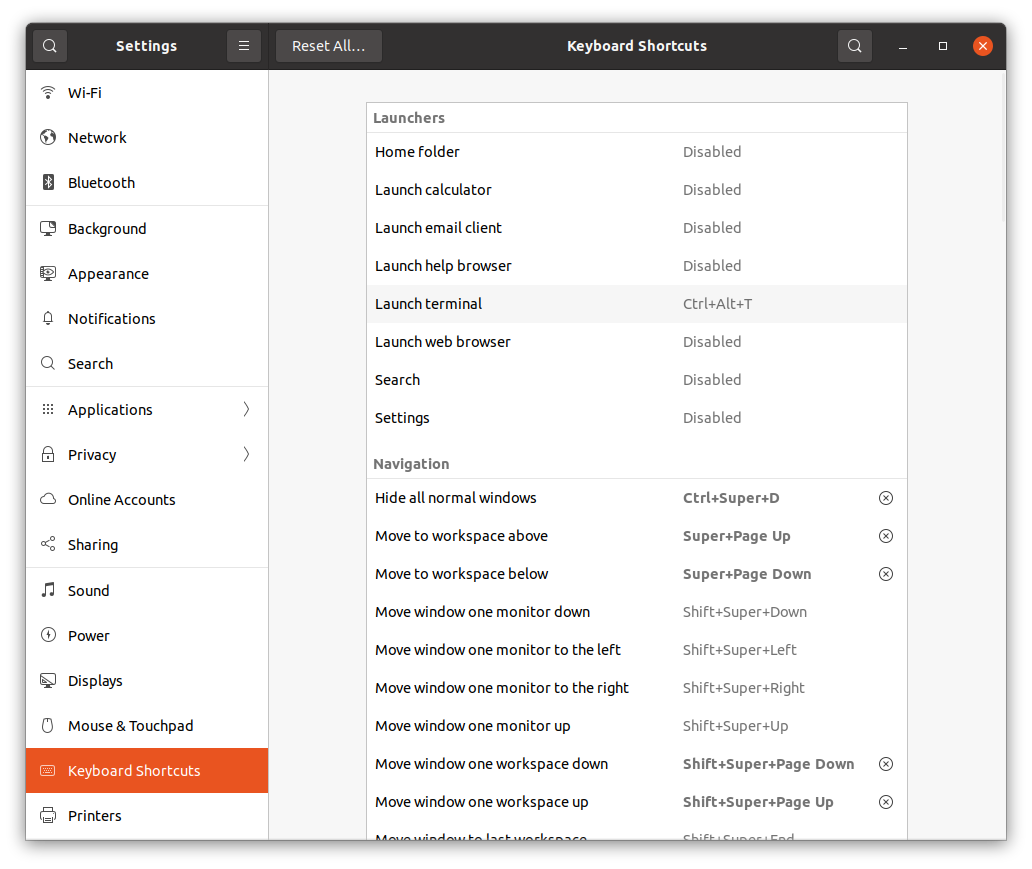
-
Search "Screenshot"
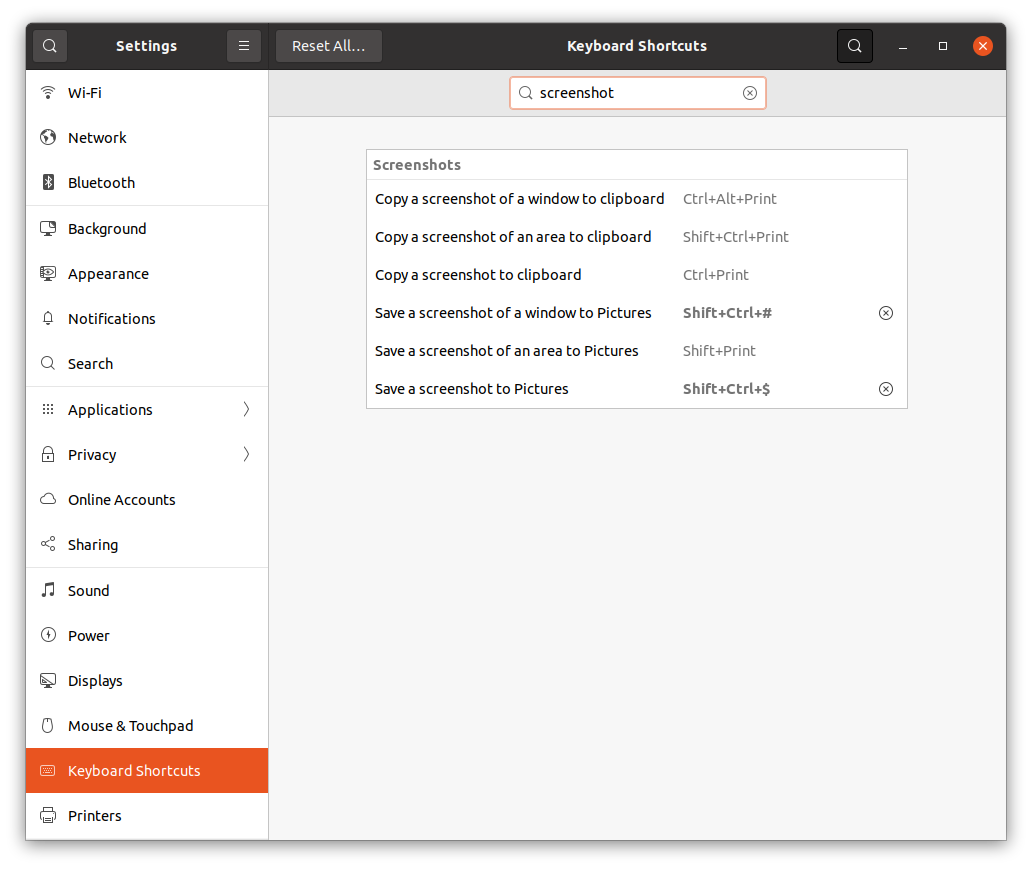
-
Click right side
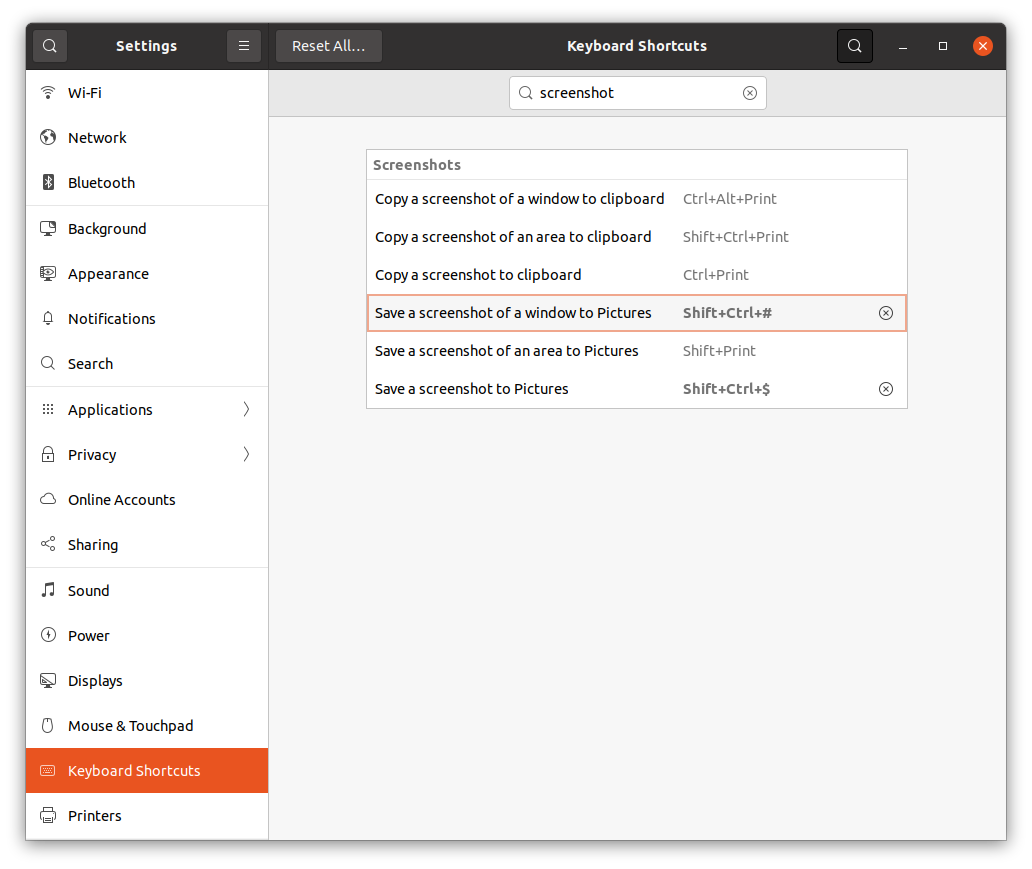
4.Change shortcut to custom keys
(shift + Ctrl + #)
- Finally you can screenshot on "75-row keyboard" & Linux
..