10/10 5, 6세션
A. Streamlit Layout
A-1. Sidebar
with st.sidebar사용st.sidebar.selectbox(): 사이드 바 내에서 selectbox 사용
# sidebar- with 사용하기 📧  📱  ☎︎
with st.sidebar:
    st.header('1. Sidebar')

add_selectbox = st.sidebar.selectbox('어떻게 연락드릴까요?', ('Email', 'Mobile Phone', 'Office phone'))

if add_selectbox == 'Email':
    st.sidebar.title('🌅')
elif add_selectbox == 'Mobile Phone':
    st.sidebar.title('😍')
else:
    st.sidebar.title('😘')
TIP! Streamlit의 with
특정 레이아웃 블록 (예: col1, col2 등) 내에서만 코드를 실행할 수 있도록 함.
streamlit 에서는 with 사용을 권장함col1.text('A cat') col1.image('cat.image')with col1: st.text('A cat') st.image('cat.image') # 둘은 동일하다
A-3. Columns
칸 나누기
st.columns(n)사용
st.header('2. Columns')
col1, col2, col3 = st.columns(3)

with col1:
    st.text('A cat')
    st.image('https://images.pexels.com/photos/2071873/pexels-photo-2071873.jpeg?auto=compress&cs=tinysrgb')
with col2:
    st.text('A dog')
    st.image('https://images.pexels.com/photos/3361739/pexels-photo-3361739.jpeg?auto=compress&cs=tinysrgb')
with col3:
    st.text('An owl')
    st.image(' https://images.pexels.com/photos/3737300/pexels-photo-3737300.jpeg?auto=compress&cs=tinysrgb')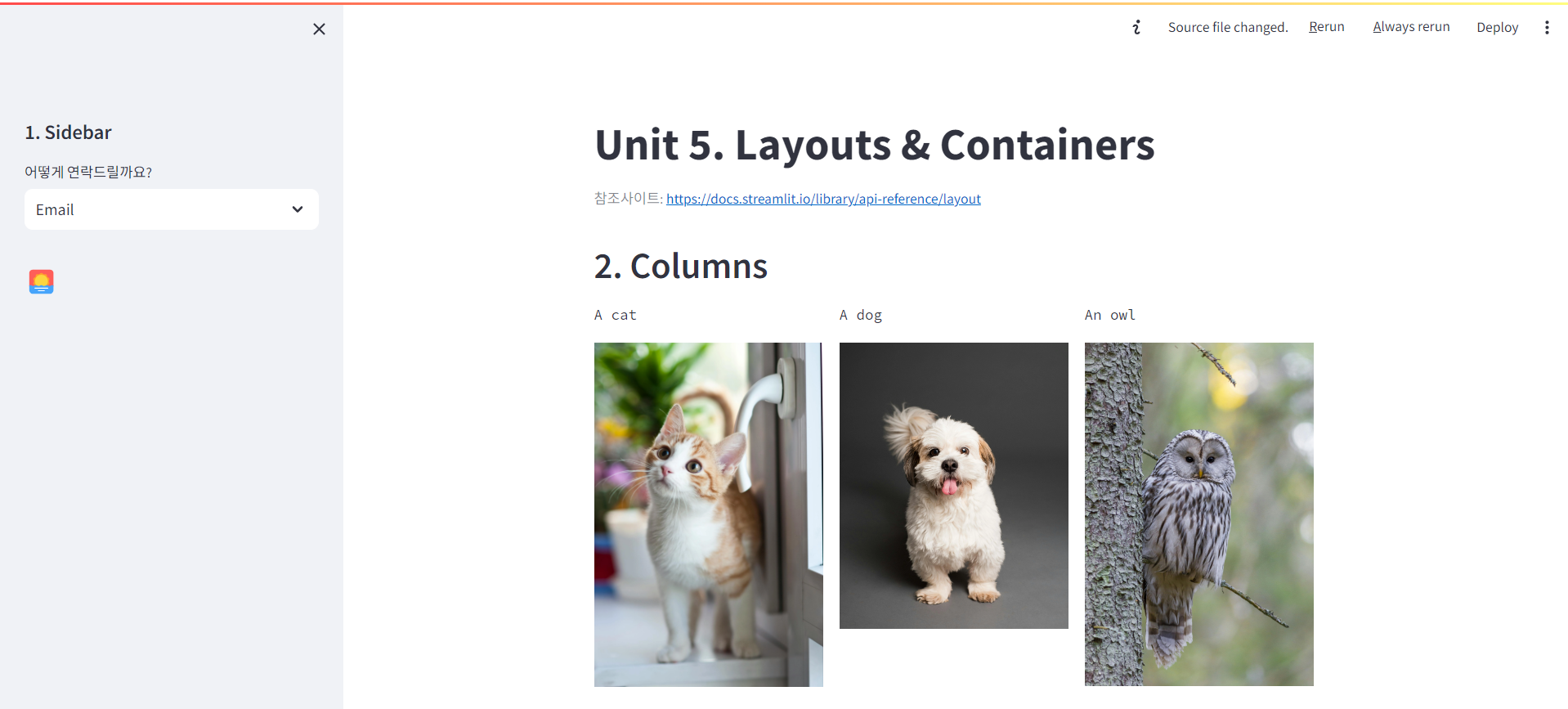
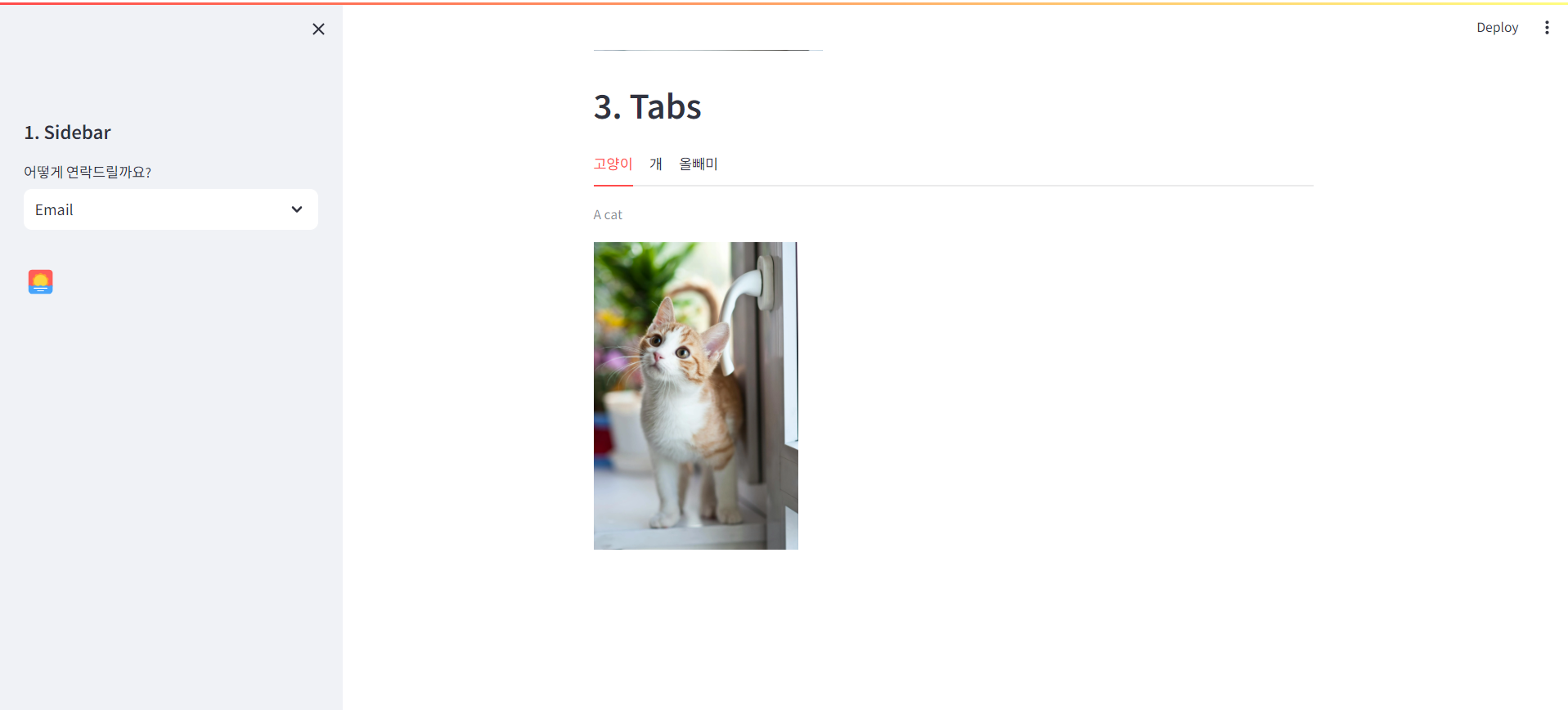
A-3. Tabs
탭 만들기
st.tabs([탭1, 탭2, 탭3])사용