참고블로그
1. oh-my-zsh 설치하기
2. oh my zsh (여기서 스크립스 코드 추출 해옴)
1. oh-my-zsh 설치
sudo apt install zsh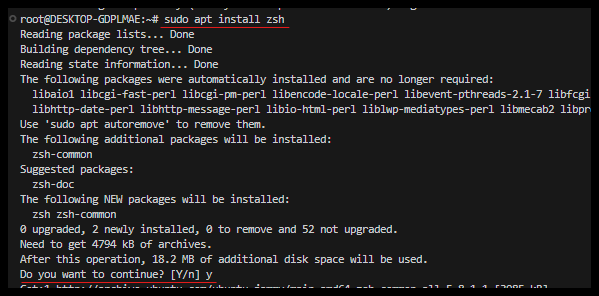
참고 블로그 - oh my zsh (여기서 스크립스 코드 추출 해옴)
sh -c "$(curl -fsSL https://raw.githubusercontent.com/ohmyzsh/ohmyzsh/master/tools/install.sh)"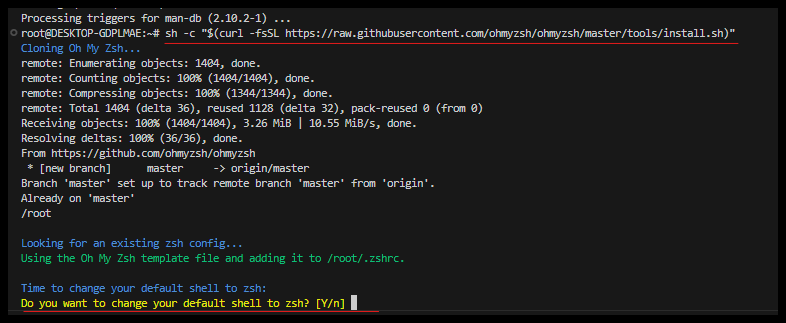
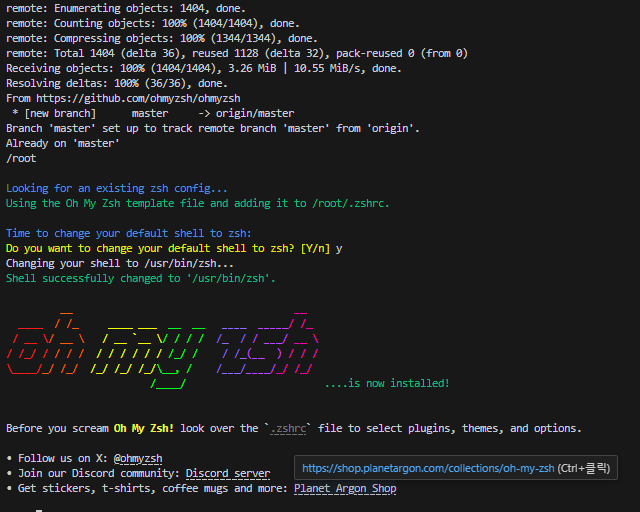
현재 셸을 zsh로 전환
zsh2. 테마설정
sudo nano ~/.zshrc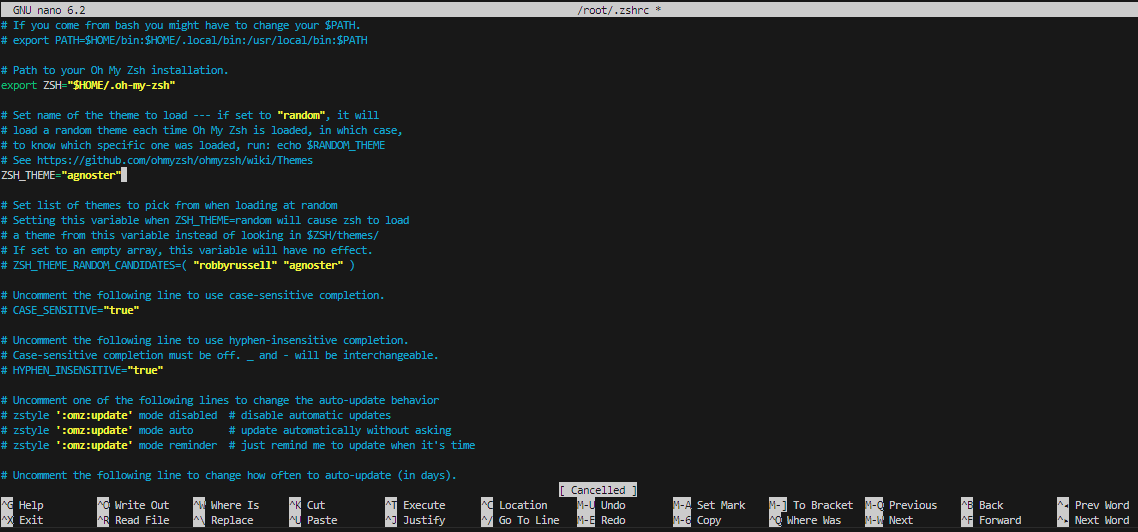
컨드롤+o : 저장 → enter
컨트롤+x : 나가기 → enter
source ~/.zshrc폰트 설정
sudo apt install fonts-powerline
3. 플러그인 설치
1. syntax hightlight
syntax hightlight는 말그대로 구문을 강조하는 플러그인
GITHUB: https://github.com/zsh-users/zsh-syntax-highlighting
$ git clone https://github.com/zsh-users/zsh-syntax-hightlighting.git ${ZSH_CUSTOM:-~/.oh-my-zsh/custom}/plugins/zsh-syntax-highlighting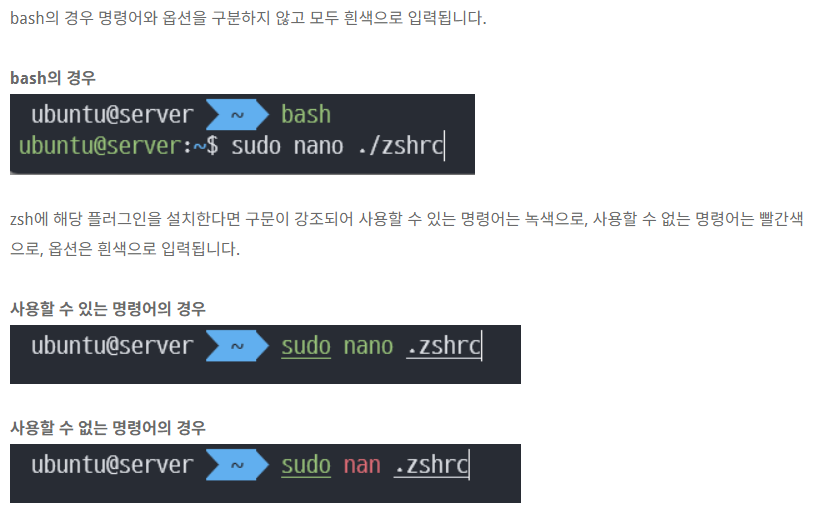
플러그인 다운로드
$ git clone https://github.com/zsh-users/zsh-syntax-hightlighting.git ${ZSH_CUSTOM:-~/.oh-my-zsh/custom}/plugins/zsh-syntax-highlighting플러그인 설정해주기
$ sudo nano ~/.zshrc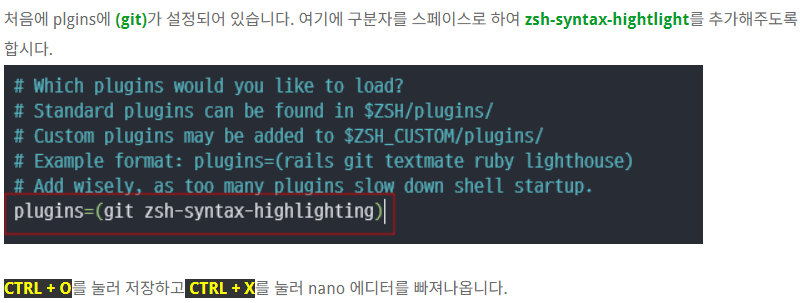
zsh-syntax-highlighting
소싱 해주면 이제 적용된다.
source ~/.zshrc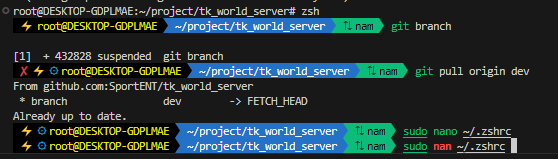
이런식으로 잘못되면 빨간색으로 확인할 수 있다.

기록하는 습관