
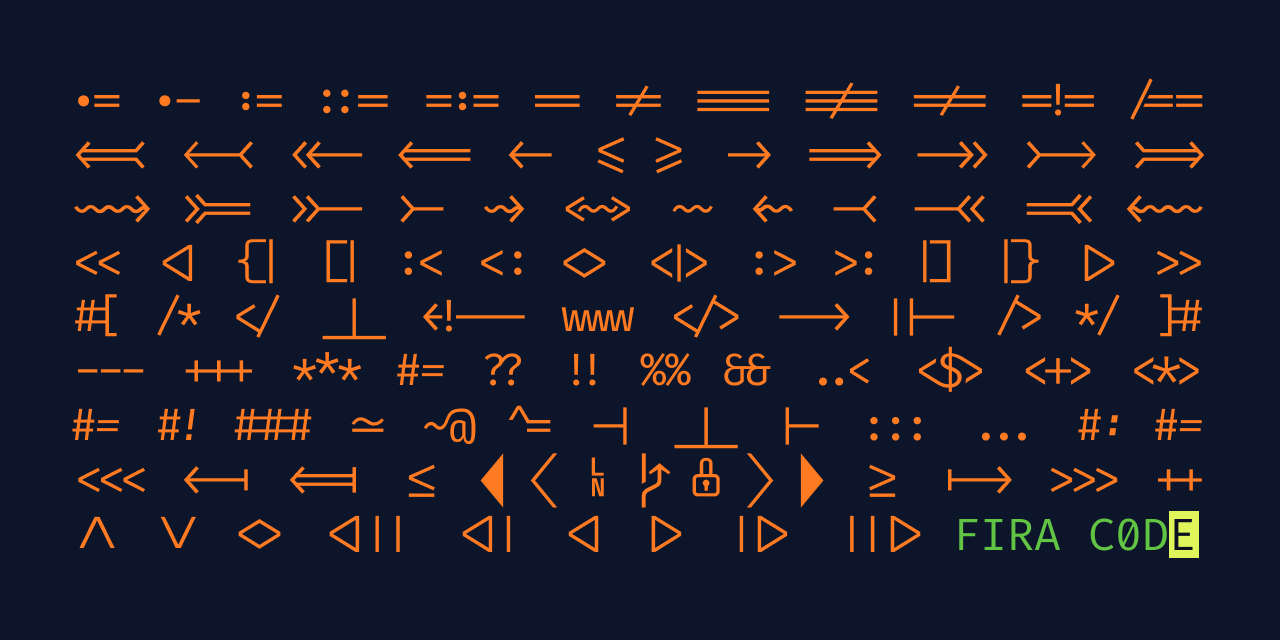
https://github.com/tonsky/FiraCode
- 위의 깃허브로 들어가서 How to install로 접속
- 폰트 다운로드
- VS Code 접속
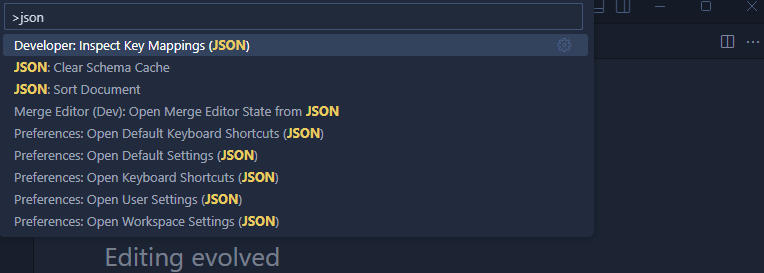
- ctrl + shift + p -> json -> user settings
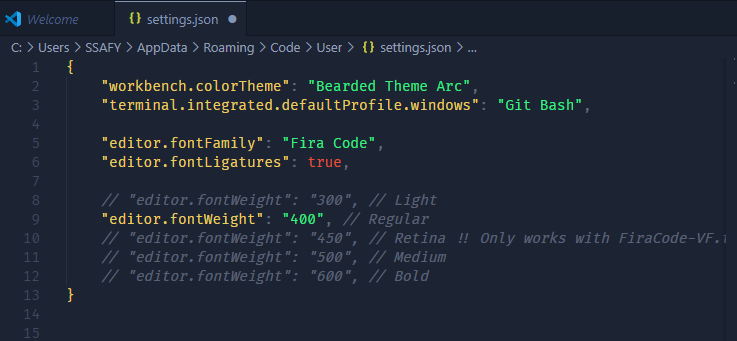
4-1) 붙여넣기
"editor.fontFamily": "Fira Code",
"editor.fontLigatures": true,
"editor.fontWeight": "300" // Light
"editor.fontWeight": "400" // Regular
"editor.fontWeight": "450" // Retina !! Only works with FiraCode-VF.ttf installed, see below when using separated font files (the normal case).
"editor.fontWeight": "500" // Medium
"editor.fontWeight": "600" // Bold
여기서 본인이 원하는 폰트 선택

이것저것 학습 기록장