이미지를 DockerHub 저장소에 올리는 법
-
컨테이너 생성
docker run -it --name ubuntu-test ubuntu:latest -
이미지 생성
docker commit ubuntu-test ubuntu-iamge:1.2.2
docker tag ubuntu-image:1.2.2 nxxyxxn/ubuntu-linux:1.0 -
이미지 리스트 확인 (생성 확인)
docker images이미지 리스트 확인 -
이미지로 실행 ?
docker run -it --name ubuntu nxxyxxn/ubuntu-linux:1.0 -
파일 생성
cd~ls
echo "sample file" > sample.txt
ls파일 생성 확인
exit -
저장소에 Push
docker push nxxyxxn/ubuntu-linux:1.0
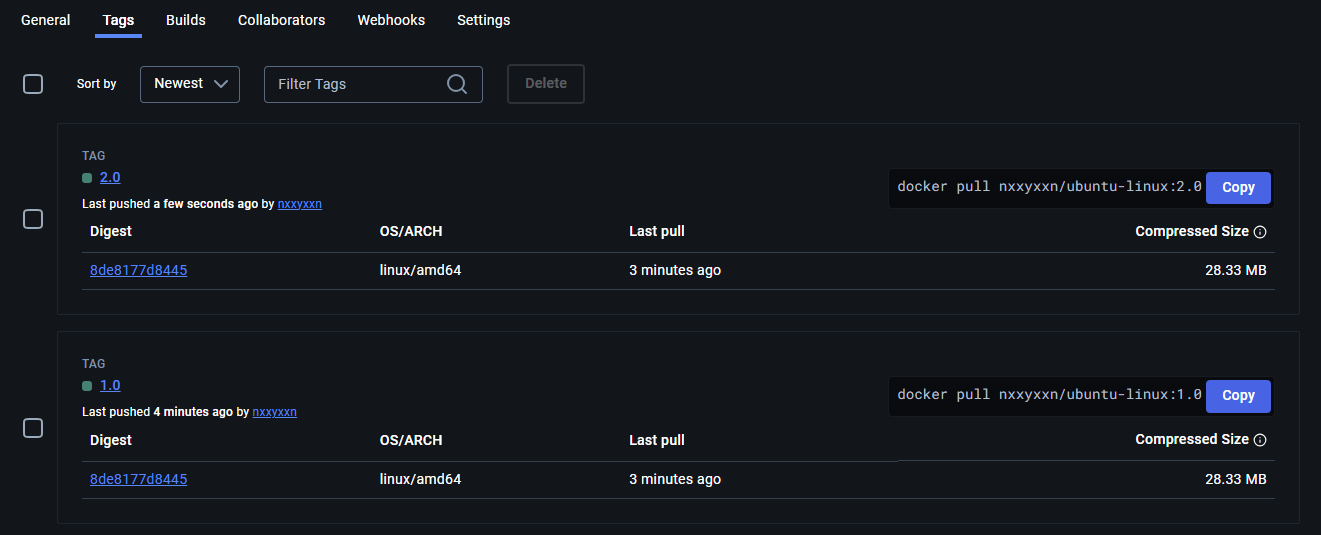
저장소에 push 된 것 확인

ヾ(•ω•`)o 노력하자