Biometric_Android Study
Biometric_Android Study
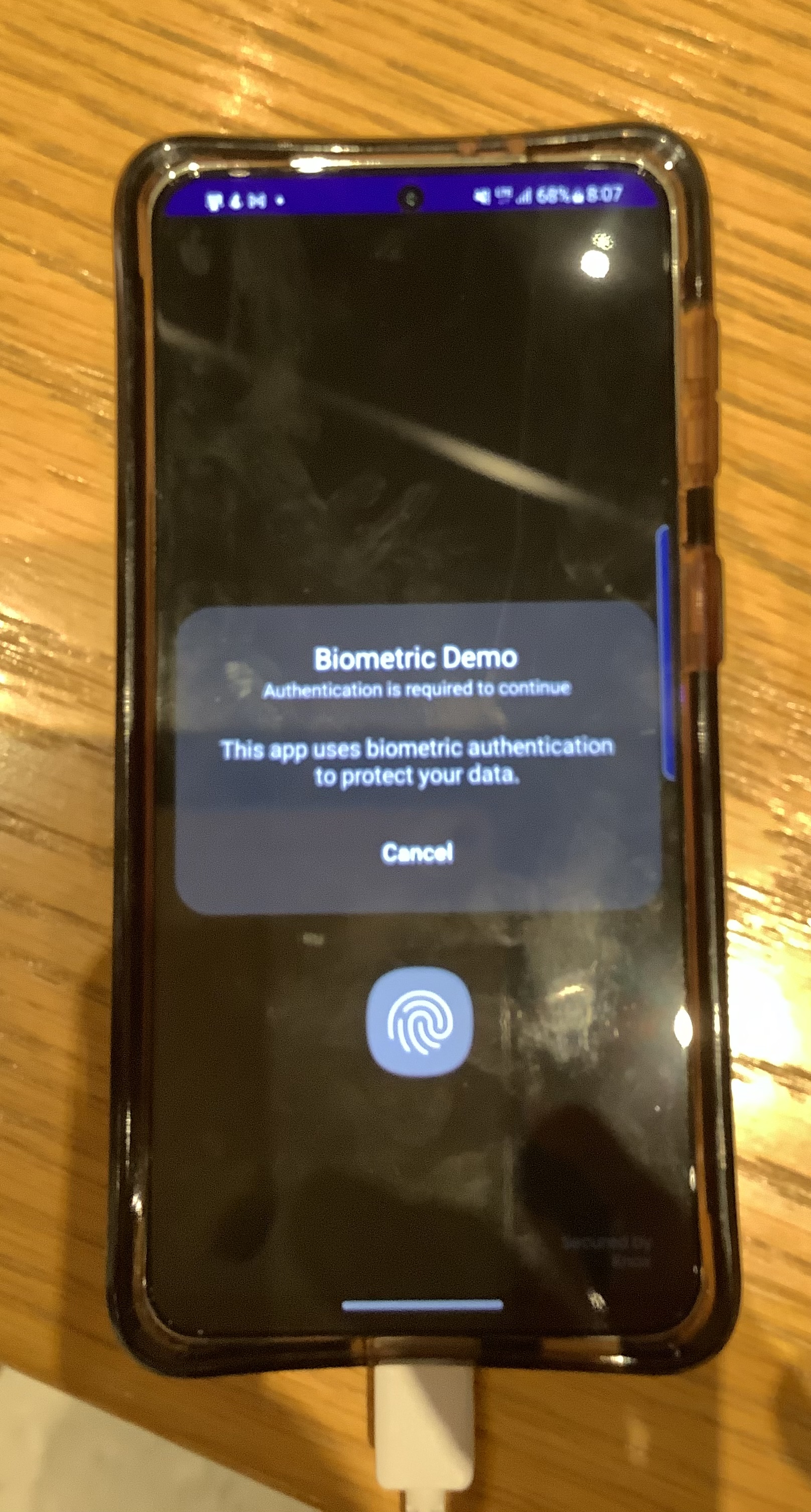
- 필요권한 AndroidManifest에 명시한다.
<uses-permission
    android:name="android.permission.USE_BIOMETRIC" />
- AuthenticationCallback Object
private val authenticationCallback: BiometricPrompt.AuthenticationCallback get() = object : BiometricPrompt.AuthenticationCallback(){ override fun onAuthenticationError(errorCode: Int, errString: CharSequence?) { notifyUser("Authentication error: $errString") super.onAuthenticationError(errorCode, errString) } override fun onAuthenticationHelp(helpCode: Int, helpString: CharSequence?) { super.onAuthenticationHelp(helpCode, helpString) } override fun onAuthenticationSucceeded(result: BiometricPrompt.AuthenticationResult?) { notifyUser("Authentication Succeeded") super.onAuthenticationSucceeded(result) } override fun onAuthenticationFailed() { super.onAuthenticationFailed() } } - 생체인증 팝업창
fun authenticateUser(){ val biometricPrompt = BiometricPrompt.Builder(this) .setTitle("Biometric Demo") .setSubtitle("Authentication is required to continue") .setDescription("This app uses biometric authentication to protect your data.") .setNegativeButton("Cancel", this.mainExecutor, DialogInterface.OnClickListener{dialogInterface, i-> notifyUser("Authentication cancelled") }).build() biometricPrompt.authenticate(getCancellationSignal(),mainExecutor, authenticationCallback) } - 권한확인 함수
private fun checkBiometricSupport(): Boolean{ val keyguardManager = getSystemService(Context.KEYGUARD_SERVICE) as KeyguardManager if(!keyguardManager.isKeyguardSecure){ notifyUser("Lock screen security not enabled in Setting") return false } if(ActivityCompat.checkSelfPermission( this, Manifest.permission.USE_BIOMETRIC) != PackageManager.PERMISSION_GRANTED){ notifyUser("Fingerprint authentication permisson not enabled") return false } return if(packageManager.hasSystemFeature( PackageManager.FEATURE_FINGERPRINT)){ true } else true } - Compose 이용한 버튼중앙 배치 코드
@Composable fun widget_position(){ Column( modifier = Modifier .fillMaxWidth() .fillMaxHeight(), verticalArrangement = Arrangement.Center, horizontalAlignment = Alignment.CenterHorizontally ){ SimpleButton() } } @Composable fun SimpleButton(){ //val context = LocalContext.current Button(onClick = { authenticateUser() }){ Text(text = stringResource(id = R.string.authenticate)) } } - CancellationSignal object
private var cancellationSignal: CancellationSignal? = null

    private fun getCancellationSignal() : CancellationSignal {
        cancellationSignal = CancellationSignal()
        cancellationSignal?.setOnCancelListener {
            notifyUser("Cancelled via signal")
        }
        return cancellationSignal as CancellationSignal
    }

개발 포지션은 Native Android 입니다.