맥북 세팅 - Homebrew 다운로드
 /bin/bash -c "$(curl -fsSL https://raw.githubusercontent.com/Homebrew/install/HEAD/install.sh)"
==> Checking for `sudo` access (which may request your password)...
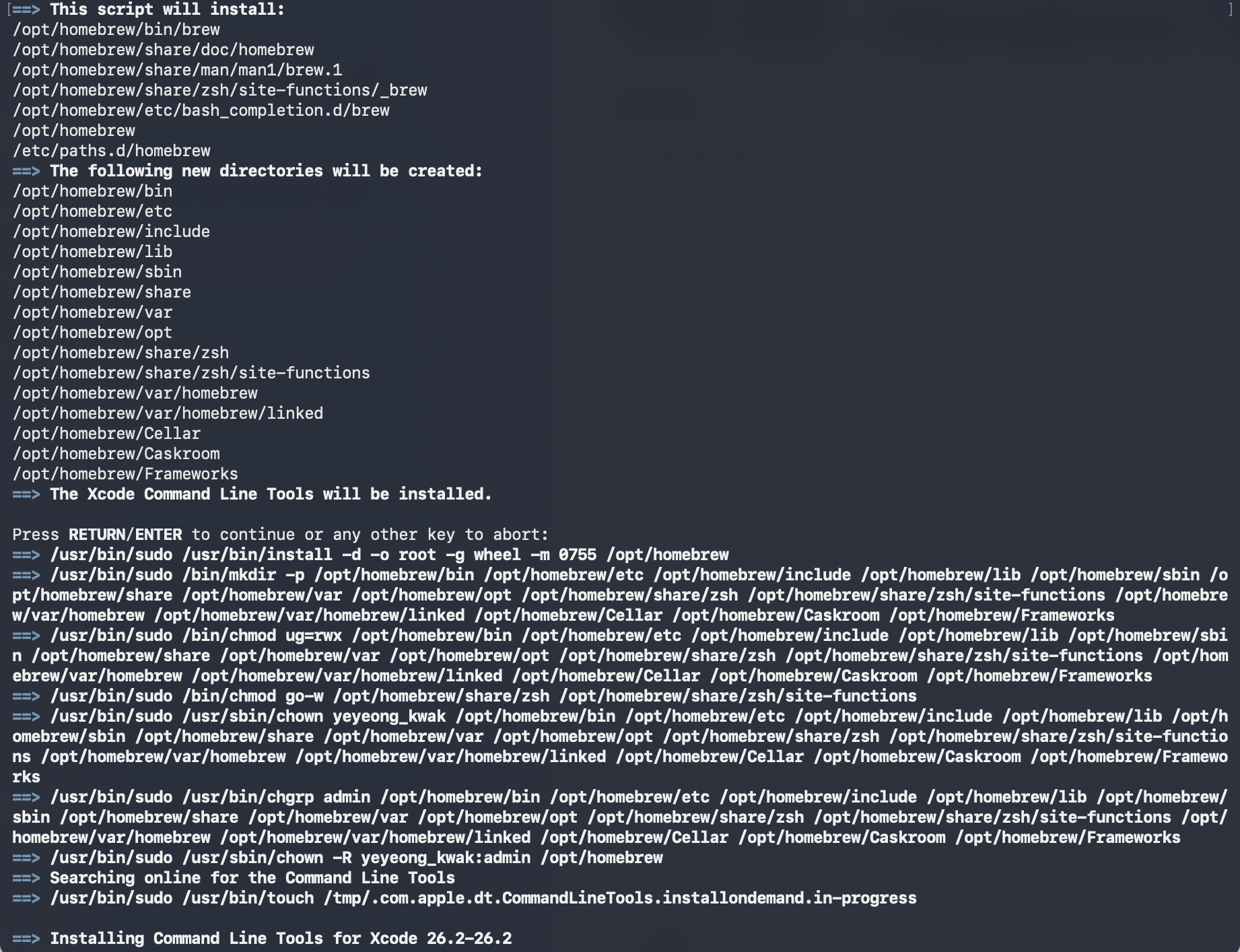
- Run these commands in your terminal to add Homebrew to your PATH:
    echo >> /Users/yeyeong_kwak/.zprofile
    echo 'eval "$(/opt/homebrew/bin/brew shellenv zsh)"' >> /Users/yeyeong_kwak/.zprofile
    eval "$(/opt/homebrew/bin/brew shellenv zsh)"
- Run brew help to get started
// 설정 파일에 빈 줄을 하나 추가
~ % echo >> /Users/yeyeong_kwak/.zprofile
// 맥이 켜질 때마다 Homebrew를 인식하게
~ % echo 'eval "$(/opt/homebrew/bin/brew shellenv)"' >> /Users/yeyeong_kwak/.zprofile
// 방금 설정한 내용을 지금 바로 현재 터미널에 적용
~ % eval "$(/opt/homebrew/bin/brew shellenv)"
~ % brew --version
Homebrew 5.0.10curl -o- https://raw.githubusercontent.com/nvm-sh/nvm/v0.39.7/install.sh | bash
touch ~/.zshrc
echo 'export NVM_DIR="$HOME/.nvm"' >> ~/.zshrc
echo '[ -s "$NVM_DIR/nvm.sh" ] && \. "$NVM_DIR/nvm.sh"' >> ~/.zshrc
echo '[ -s "$NVM_DIR/etc/bash_completion.d/nvm" ] && \. "$NVM_DIR/etc/bash_completion.d/nvm"' >> ~/.zshrc
source ~/.zshrc
nvm install --lts
corepack enable
brew install pyenv
echo 'export PYENV_ROOT="$HOME/.pyenv"' >> ~/.zshrc
source ~/.zshrc
pyenv install 3.13
pyenv global 3.13

숲(구조)을 보는 개발자