requireNativeComponent: "RNSScreenStackHeaderConfig" was not found in the UIManager. 에러
공부할 장소 겸 새 프로젝트를 만들기 위해 완전 처음부터 프로젝트를 구상하려고 하였다.
import React from 'react';
import HomeNavigator from './navi/HomeNavigation';
import {NavigationContainer} from '@react-navigation/native';
import {SafeAreaView, Text, View} from 'react-native';
import {createNativeStackNavigator} from '@react-navigation/native-stack';

function App(): JSX.Element {

  const Stack = createNativeStackNavigator();

  function HomeScreen() {
    return (
      <View style={{flex: 1, alignItems: 'center', justifyContent: 'center'}}>
        <Text>Home Screen</Text>
      </View>
    );
  }
  return (
    <NavigationContainer>
      <Stack.Navigator>
        <Stack.Screen name="Home" component={HomeScreen} />
      </Stack.Navigator>
    </NavigationContainer>
  );
}

export default App;
그런데 react-navigation 을 깔자마자... 두둥...
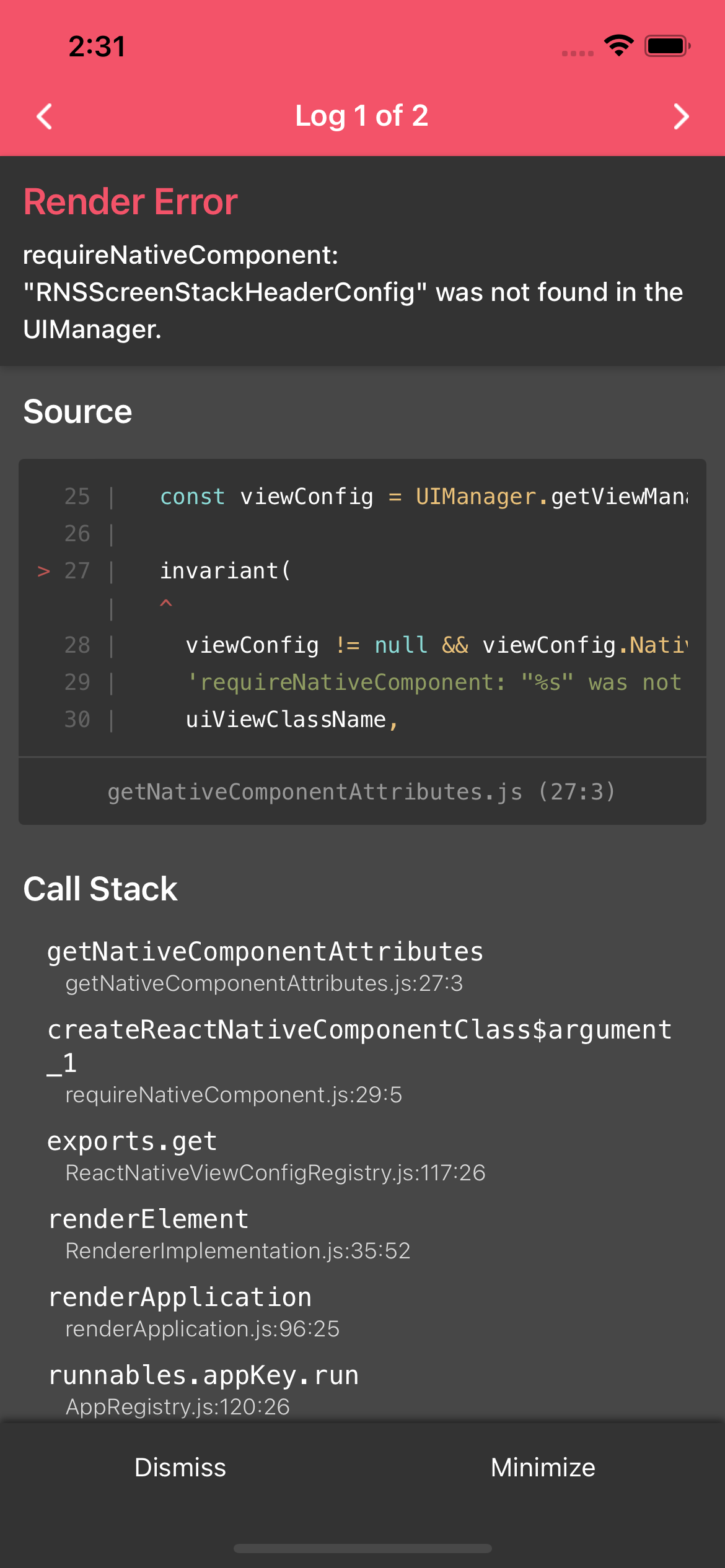
오늘은 해당 에러의 해결 방법을 공유하려고 한다.
해결방법 - 관련 라이브러리 설치
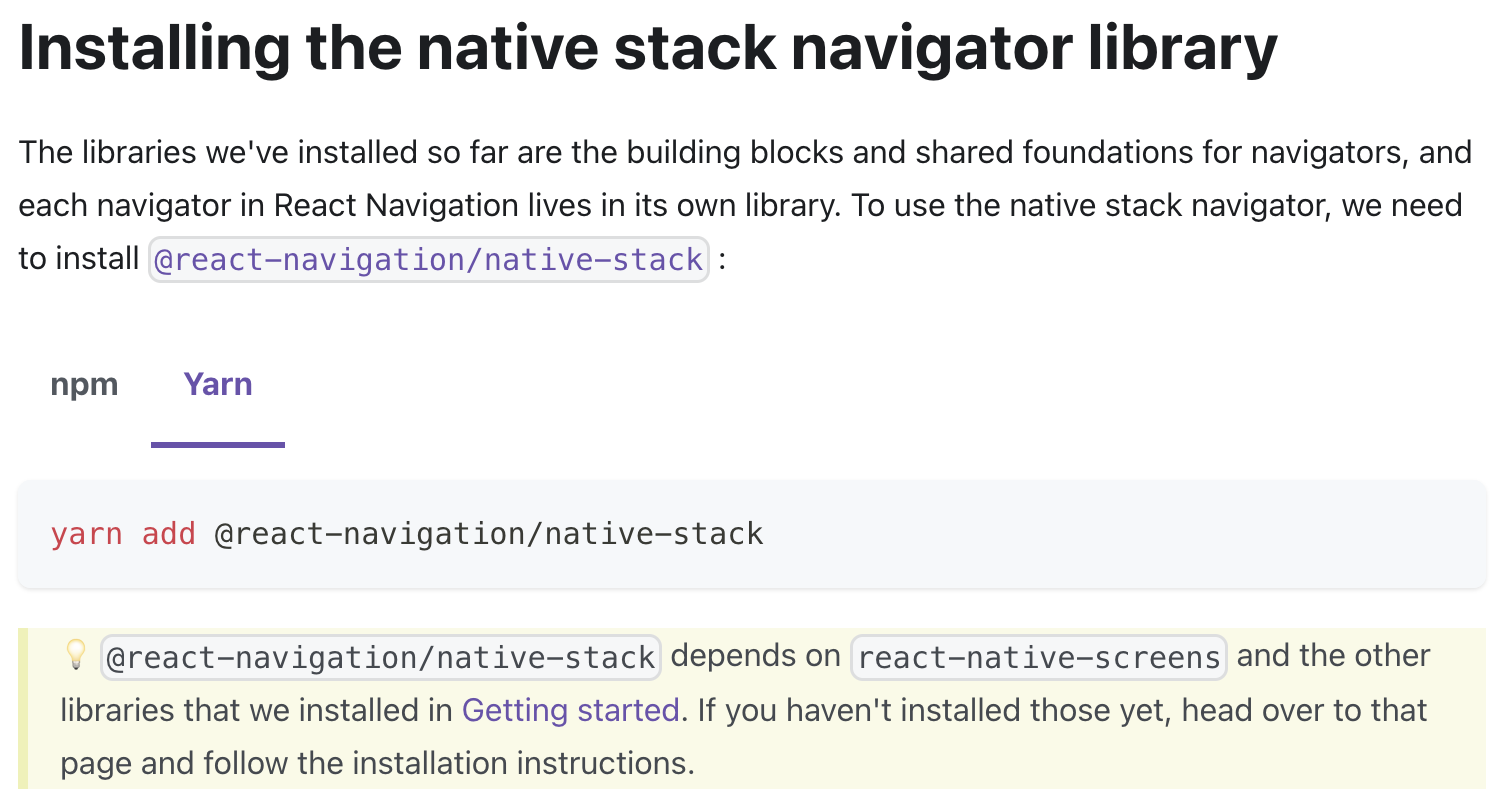
react-navigation 홈페이지에 가면, 순서대로 설치 시 관련 라이브러리를 추가로 설치하라고 한다.
해당 라이브러리 중 하나라도 설치되어 있지 않다면, 어김없이 위의 에러가 발생하니 주의하자.
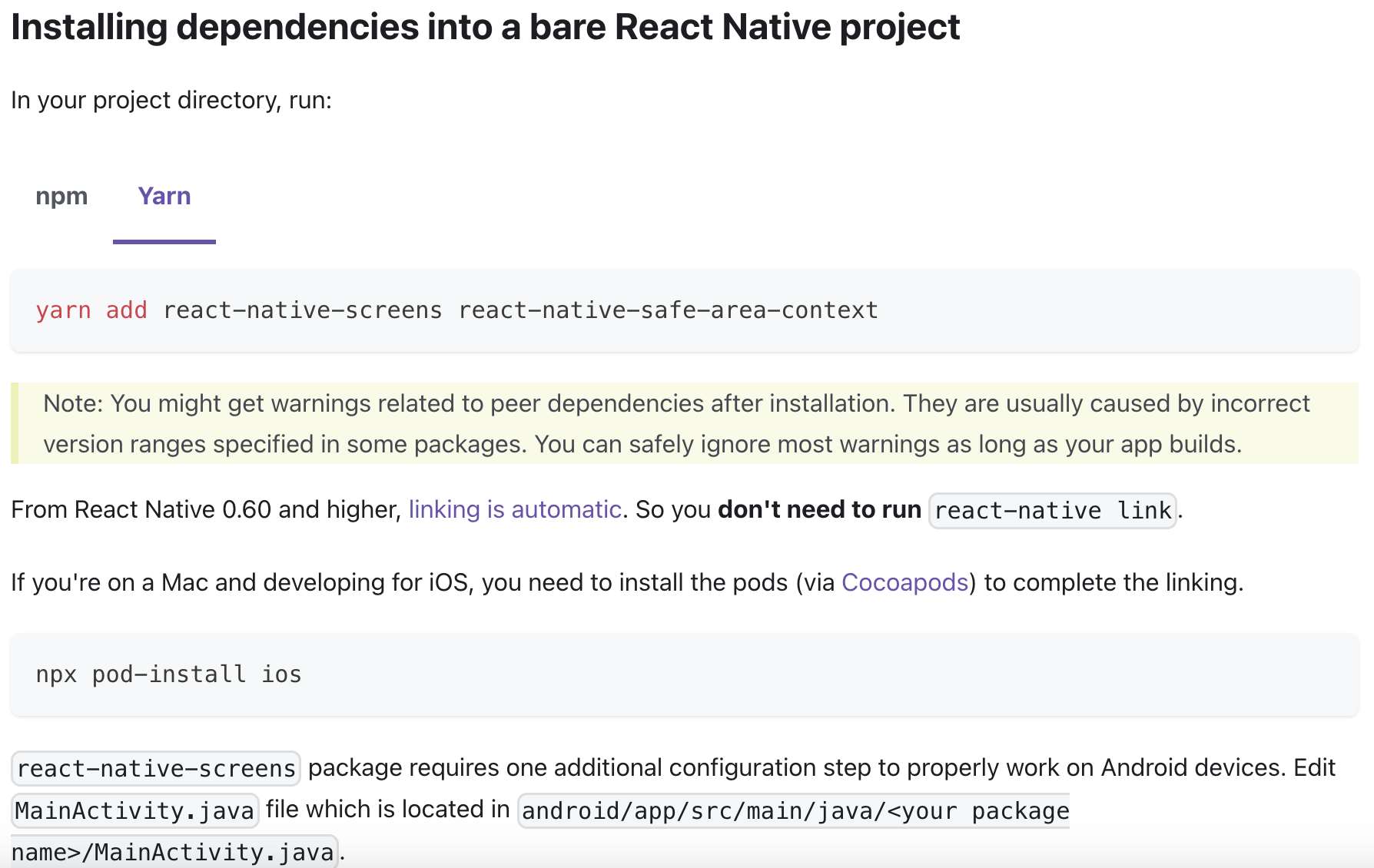
yarn add react-native-screens react-native-safe-area-context
yarn add @react-navigation/native-stack
여기서 중요한 것은, 라이브러리 설치 후 반드시 pod-install을 해줘야 한다는 것!
npx pod-install ios
react-native run-ios
나의 경우, 마지막 react-native run-ios를 하지 않고 yarn start로만 계속 실행하여 며칠동안 해당 에러에서 벗어날 수 없었다.
꼭 pod install, react-native run-ios 를 해 줄 것!
이로써 문제 해결!

이름이 JDK ㅠ