HTML/CSS
<!DOCTYPE html>
<html lang="ko">
  <head>
    <meta charset="UTF-8" />
    <meta http-equiv="X-UA-Compatible" content="IE=edge" />
    <meta name="viewport" content="width=device-width, initial-scale=1.0" />
    <title>absolute</title>
    <style>
      * {
        box-sizing: border-box;
      }
      body {
        position: relative;
        background-color: #efefef;
        justify-content: center;
        align-items: center;
        height: 100vh;
        box-sizing: border-box;
      }
      .container {
        position: absolute;
        top: 10px;
        right: 10px;
      }

      .boxStyle {
        width: 100%;
        border: solid 1px #bbb;
        border-radius: 8px;
        padding: 10px 12px;
        font-size: 14px;
        position: relative;
      }

      .inputBox {
        width: 300px;
        position: relative;
      }

      .inputBox img {
        width: 17px;
        height: 17px;
        position: absolute;
        top: 10px;
        right: 12px;
      }
    </style>
  </head>
  <body>
    <div class="container">
      <div class="inputBox">
        <input type="text" placeholder="검색어 입력" class="boxStyle" />
        <img
          src="https://s3.ap-northeast-2.amazonaws.com/cdn.wecode.co.kr/icon/search.png"
        />
      </div>
    </div>
  </body>
</html>
결과물
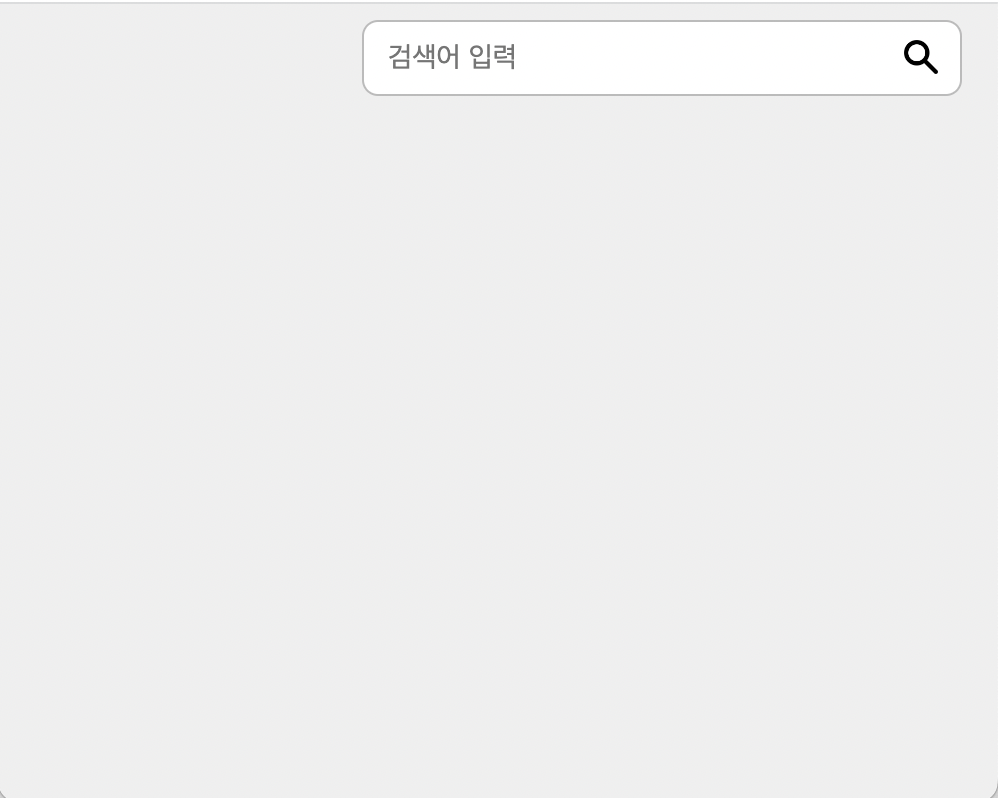
설명
- div box 에 div를 한번 더 줘서 저 요소의 위치를 내 맘대로 바꿀 수 있음

Always, we are friend 🧡