HTML/CSS
<!DOCTYPE html>
<html lang="ko">
  <head>
    <meta charset="UTF-8" />
    <meta http-equiv="X-UA-Compatible" content="IE=edge" />
    <meta name="viewport" content="width=device-width, initial-scale=1.0" />
    <style>
      * {
        box-sizing: border-box;
      }
      #news {
        display: block;
      }
      #news li {
        list-style: none;
        width: 110px;
        padding: 23px;
        border: 1px solid #eee;
        display: inline-block;
      }

      #news li img {
        height: 20px;
        display: block;
        margin: 0 auto;
      }
    </style>
    <title>Document</title>
  </head>
  <body>
    <ul id="news"></ul>
  </body>
</html>
Javascript
const imgArr = [
    "https://s.pstatic.net/static/newsstand/2020/logo/light/0604/376.png",
    "https://s.pstatic.net/static/newsstand/2020/logo/light/0604/924.png",
    "https://s.pstatic.net/static/newsstand/2020/logo/light/0604/825.png",
    "https://s.pstatic.net/static/newsstand/2020/logo/light/0604/144.png",
  ];
  const $news = document.querySelector("#news");
  for (let i = 0; i < imgArr.length; i++) {
    const newsItem = document.createElement("li");
    const newsImg = document.createElement("img");
    newsImg.src = imgArr[i];
    newsItem.appendChild(newsImg);
    $news.appendChild(newsItem);
  }
결과
만들고 싶었던 것

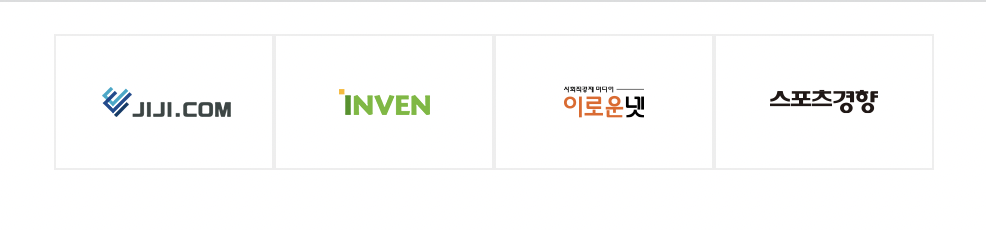
가볍게 구현한 것
설명
imgArr 배열에 사진 src를 넣고 createElement 함수로 ul 에 추가해주는 기능
imgArr에 사진파일을 추가하면 자동으로 이미지 태그를 담은 li를 생성해서 ul에 넣어준다
추후에 더 추가해보고싶은 기능은
버튼을 누르면 다음 페이지로 넘어가는 기능이나 시간이 지나면 자동으로 다음페이지를 보여주는 기능,
마우스를 올렸을 때 구독, 다시보기 버튼을 보여주는 등의 이벤트 추가 정도가 있겠다
새로배운 메서드
let element = document.createElement(tagName[, options]);createElement
지정한 tagName의 HTML 요소를 만들어 반환하는데
만약 기입한 tagName을 인식할 수 없다면 HTMLUnknownElement 를 반환한다
let newtext = document.createTextNode("data");createTextNode
"data"가 담긴 텍스트 노드를 생산한다
var aChild = element.appendChild(aChild);element에 aChild 노드를 마지막 자식으로 추가한다
간단한 응용
<!DOCTYPE html>
<html lang="ko">
  <head>
    <title>버튼생성</title>
    <input type="text" id="howManyButton" placeholder="하트가 필요하신가요?" />
    <br>
  </head>
  <body>
    <script>
      document.addEventListener("keydown", (e) => {
        if (e.keyCode === 13) {
          let buttonParty = document.querySelector("#howManyButton").value;
          for (let i = 0; i < buttonParty; i++) {
            let createButton = document.createElement("button");
            let createTextClick = document.createTextNode("🧡");
            createButton.appendChild(createTextClick);
            document.body.appendChild(createButton);
          }
        }
      });
    </script>
  </body>
</html>
결과
설명
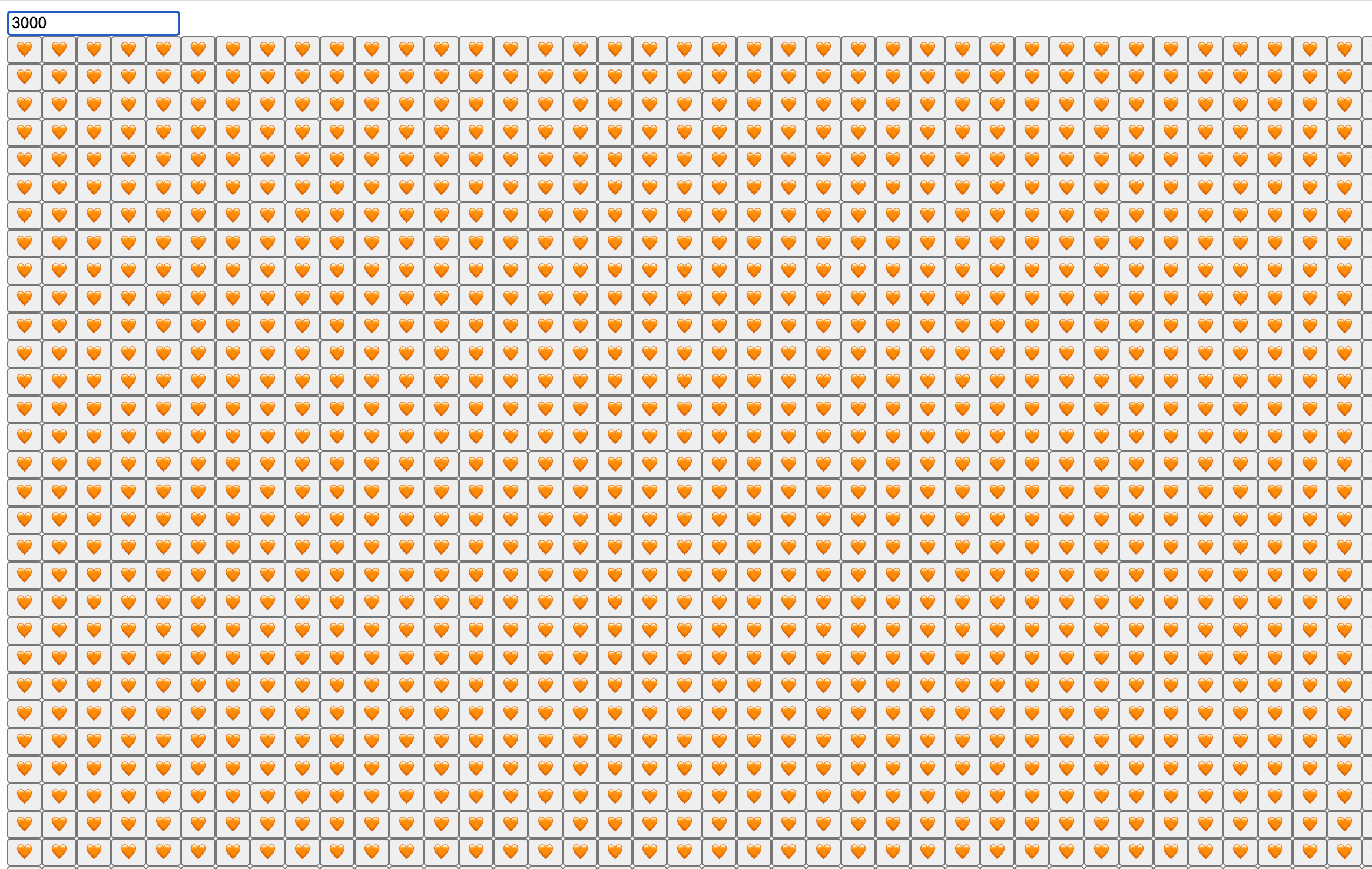
input 창에 숫자를 입력하고 엔터를 누르면 그만큼 하트박스가 나온다 🥰
하트가 필요한 친구들은 다들 착하기때문에 이상한 입력을 하지 않을테니까 디버깅은 하지 않았다

Always, we are friend 🧡