HTML/CSS
<!DOCTYPE html>
<html lang="ko">
  <head>
    <meta charset="UTF-8" />
    <meta http-equiv="X-UA-Compatible" content="IE=edge" />
    <meta name="viewport" content="width=device-width, initial-scale=1.0" />
    <title>Document</title>
  </head>
  <body>
    <div class="containter">
      <span>댓글입력 :</span>
      <input type="Text" placeholder="댓글을 입력하세요" id="inputText" />
      <button id="buttonClick">댓글 추가</button>
    </div>
    <ul id="attachLi"></ul>
  </body>
</html>
Javascript
    <script>
      let $buttonClick = document.querySelector("#buttonClick");
      let $inputText = document.querySelector("#inputText").value;
      document.addEventListener("keydown", (e) => {
        if (e.keyCode === 13) {
          listing();
        }
      }); // enter key 입력시 listing 함수 실행
      $buttonClick.addEventListener("click", listing);
		  // 버튼클릭시 linsting 함수 실행
      function listing() {
        let $inputText = document.querySelector("#inputText");
        let $attachLi = document.querySelector("#attachLi");
        let createLi = document.createElement("li");
        if ($inputText.value !== "") {   // input 창이 비어있지 않다면
          createLi.innerText = $inputText.value;
          $attachLi.appendChild(createLi);
          $inputText.value = ""; // 댓글 입력 후 초기화
          $inputText.focus(); // 댓글 입력 후 input 창에 포커스
        }
      }
    </script>
결과

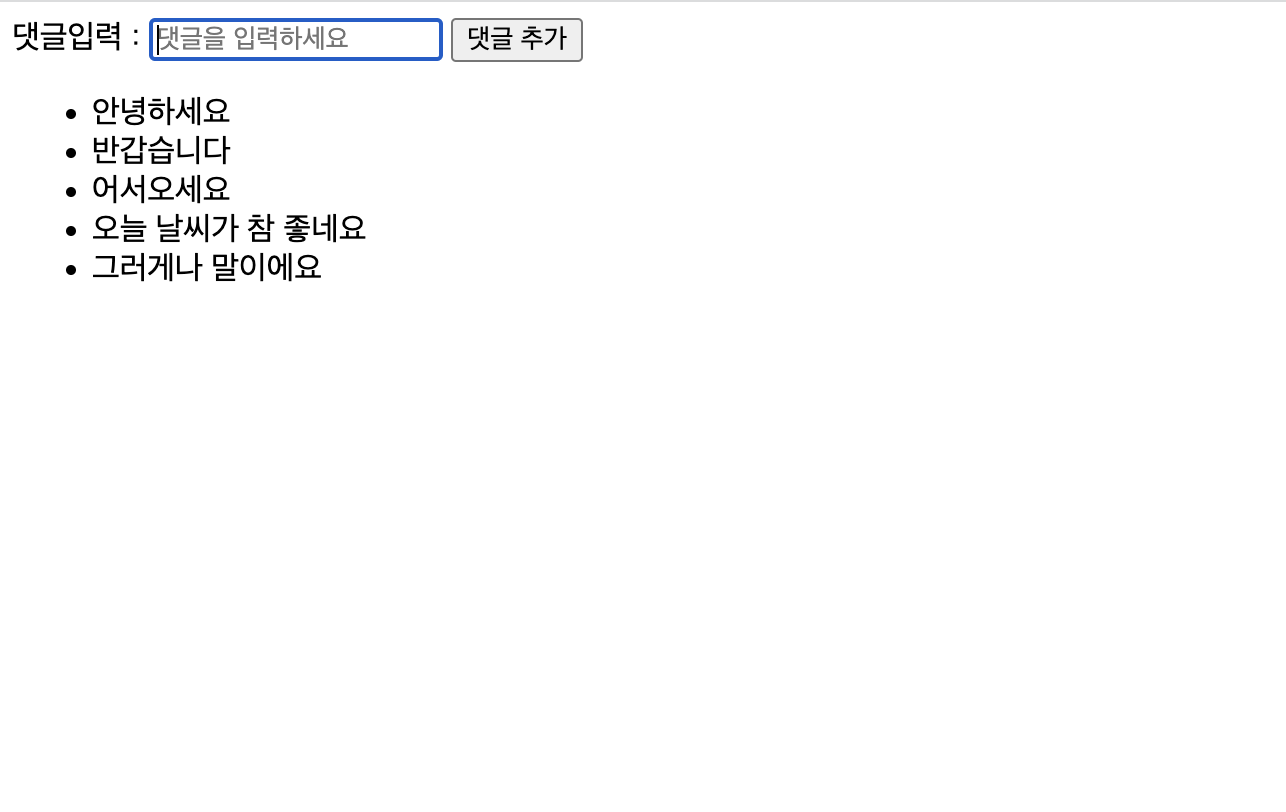
설명
댓글 입력을 댓글 추가 버튼을 클릭해야만 할 수 있는게 불만이어서 키입력에 엔터키를 추가
댓글 입력을 한번 하고 버튼을 누르면 포커스를 다시 해야되는게 불편해서 추가
공백일때도 댓글이 추가되는걸 방지하고자 if 함수를 사용해서 한번 체크
UI 가 예쁘지 않아서 조금 바꿔보려다가 식사시간이 다 되어 그만둠
평가
중간에 오타도 많이나고 막 우다다다 만들어서 그런지 생각보다 너무 오래걸렸다

Always, we are friend 🧡