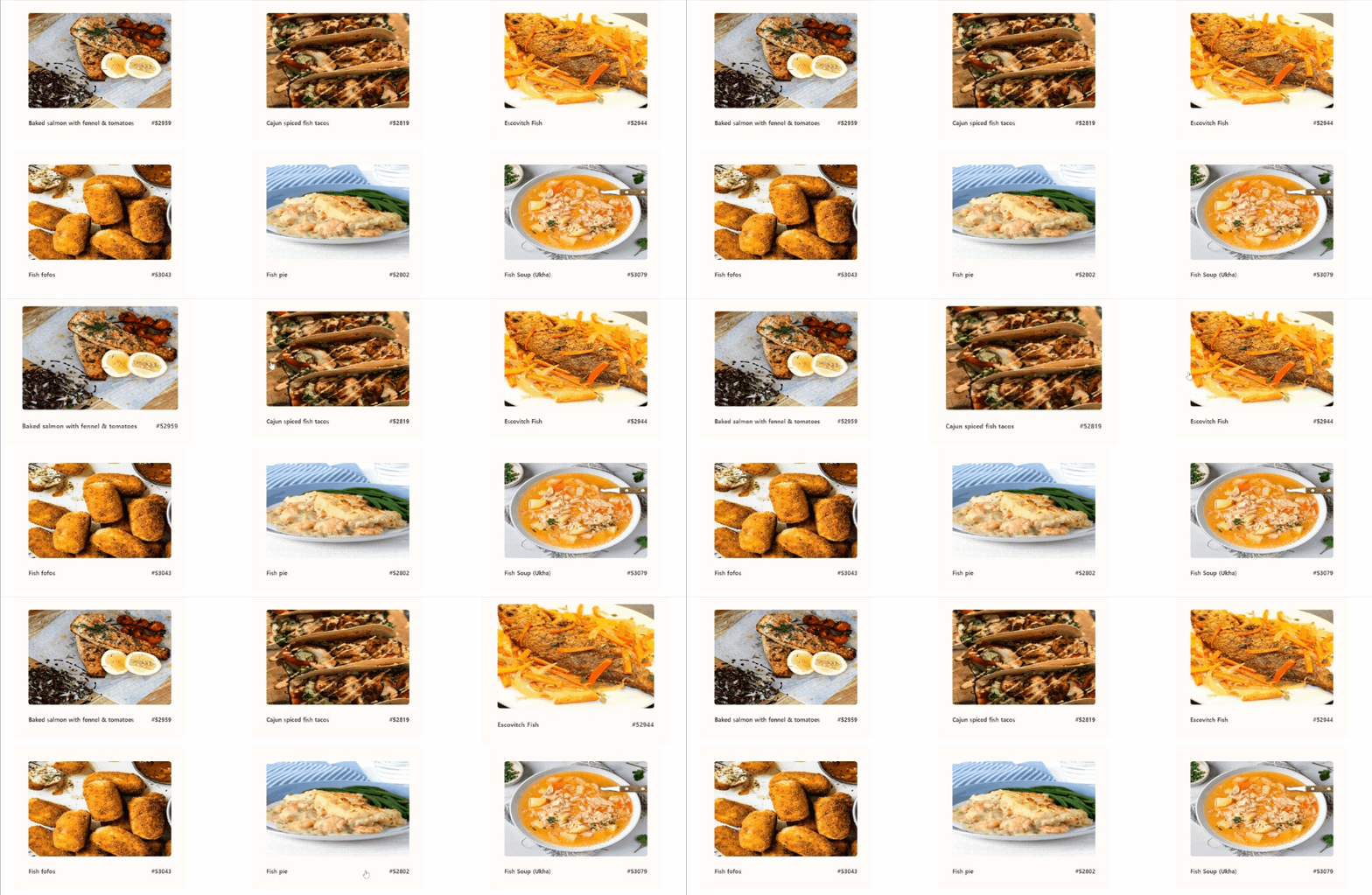
리액트에서 Axios로 API를 호출하는 방법을 알아보자. 먼저, 전체 코드는 아래와 같다.
import { useEffect, useState } from "react";
import axios from "axios";
import "./style.css"

function Main() {
  const [items, setItems] = useState([]);

  useEffect(() => {
    axios
      .get("https://www.themealdb.com/api/json/v1/1/filter.php?c=Seafood")
      .then((res) => {
        setItems(res.data.meals);
      })
      .catch((err) => {
        console.log(err);
      });
  }, []);

  const itemsList = items.map((
    {strMeal, strMealThumb, idMeal}) => {
    return (
      <section className="card">
        <img src={strMealThumb} alt={idMeal} />
        <section className="content">
          <p>{strMeal}</p>
          <p>#{idMeal}</p>
        </section>
      </section>
    );
  });

  return <div className="items-container">{itemsList}</div>;
}

export default Main;
npm i axios 명령어로 axios 패키지를 설치한 뒤, import로 불러온다. 여기서는 items가 API에서 받아온 데이터로 변경되므로 상태 관리에 useState를 사용했고, API 호출은 페이지가 처음 렌더링될 때 한 번만 실행되면 되기 때문에 useEffect를 사용했다.
axios.get으로 받아온 데이터를 보면, 다음과 같은 형식으로 반환된다.
  "meals": [
    {
      "strMeal": "Baked salmon with fennel & tomatoes",
      "strMealThumb": "https://www.themealdb.com/images/media/meals/1548772327.jpg",
      "idMeal": "52959"
    },
    {
      "strMeal": "Cajun spiced fish tacos",
      "strMealThumb": "https://www.themealdb.com/images/media/meals/uvuyxu1503067369.jpg",
      "idMeal": "52819"
    },

    ...
   ]
}
위와 같이 배열 안에 객체 형식으로 데이터가 들어있다. 그래서 객체 구조 분해 할당을 사용해 필요한 데이터를 추출하고, map 함수를 이용해 배열을 순회하며 JSX 요소를 생성할 수 있다. 리액트에서 map을 사용하면 JSX 배열이 만들어지며, 리액트의 특성상 이 배열은 {} 안에 직접 사용할 수 있다.