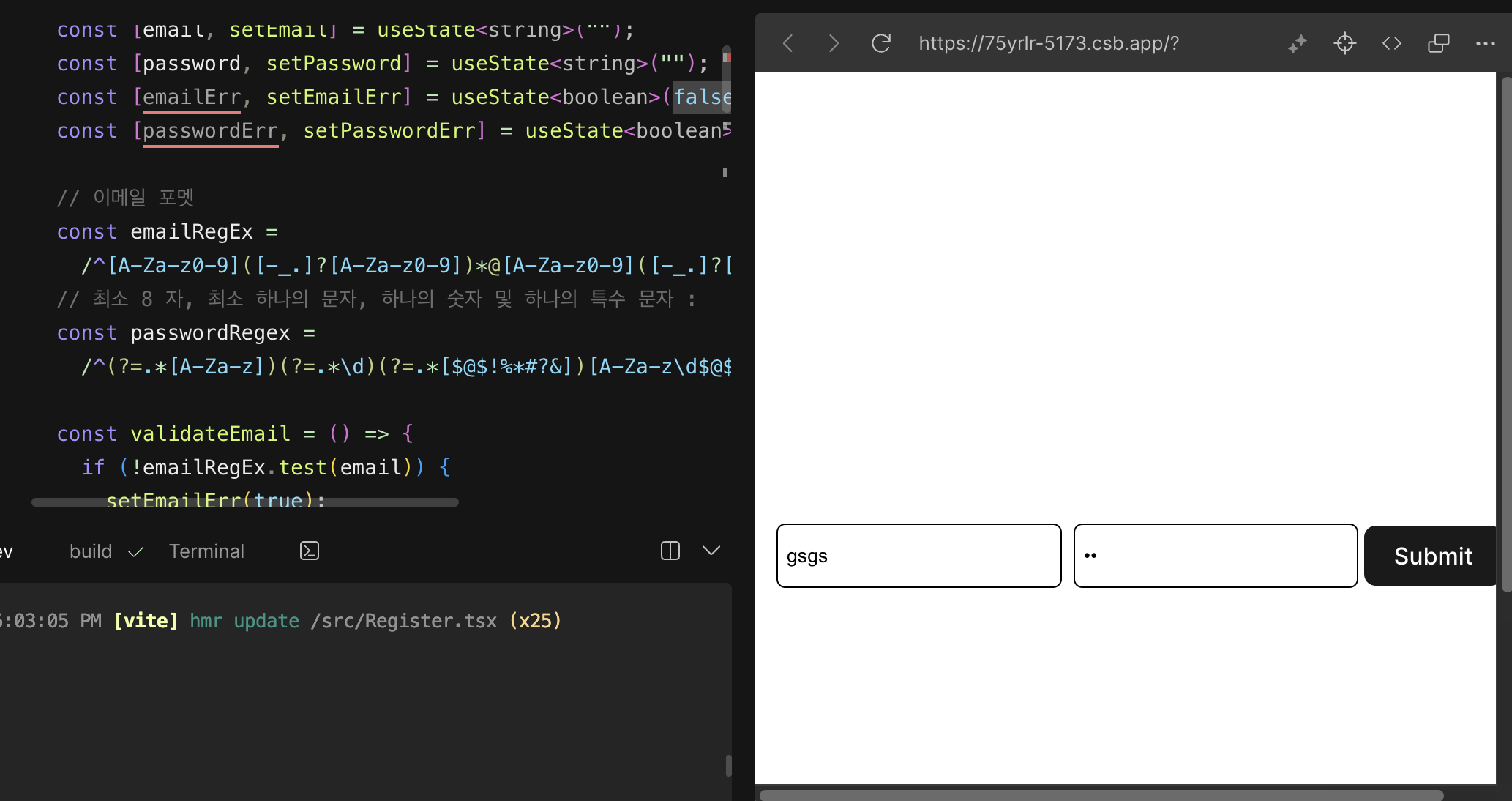
링크를 접속하여 전체코드 확인 가능
CodeSandBox
회원가입 단계에서 유효성 검사 단계
- React + Typescript
- CSS: styled components
Markup & Styling Code
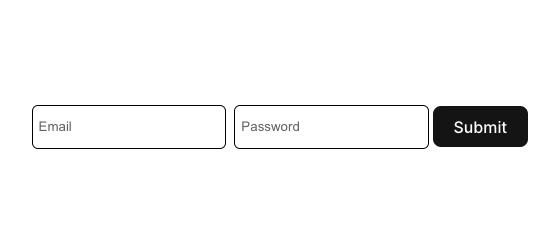
TypeScript
e.preventDefault()
'a' 태그나 'submit' 태그를 누르면 창이 새로고침 된다. 이를 방지하기 위해 e.preventDefault()를 사용한다. 또한, 폼을 제출할 때도 유사한 문제가 발생할 수 있는데, 유효성 검사에 실패하더라도 페이지가 새로고침되면 안되어서 e.preventDefault()를 사용하여 새로고침을 막고 사용자가 계속 작성을 진행할 수 있다.
더불어 TypeScript 환경에서는 아래의 형식을 준수해야 한다. 단순히 (e)만 하는 경우 TypeScript는 이를 any 타입으로 간주하여 에러가 발생할 수 있어서 (e: React.FormEvent)를 사용해야 한다.
  const handleSubmit = (e: React.FormEvent<HTMLFormElement>) => {
    e.preventDefault();
  };
Type 지정하기
useState 사용할때는, state value의 타입을 지정해주는 것이 옳다. 필수는 아니지만, 사용을 안하면 TypeScript를 사용하는 이유가 없어진다
React 'onChange' & 'value'
'onChange' 함수의 역할은 사용자가 입력 필드에 키보드로 타이핑할 때마다 발생하는 이벤트라고 한다. 이 이벤트를 통해 입력한 값을 setEmail() 또는 setPassword()와 같은 함수를 사용하여 저장이 된다. 그리고 나서 email 또는 password 변수를 호출하면, 우리가 입력한 값을 확인할 수 있다. 이렇게 입력된 값을 value={}에 저장하면, 서버와 통신할 때 해당 값을 이용해 email 또는 password를 서버로 전송할 수 있다.
  const [email, setEmail] = useState<string>("");
  const [password, setPassword] = useState<string>("");


 <Form onSubmit={handleSubmit}>
      <InputBox
        placeholder="Email"
        type="text"
        onChange={(e) => setEmail(e.target.value)}
        value={email}
      />
      <InputBox
        placeholder="Password"
        type="password"
        onChange={(e) => setPassword(e.target.value)}
        value={password}
      />
      <button> Submit </button>
    </Form>
REGEX (정규 표현식)
정규식은 특별한 문자열의 집합(패턴)을 표현하는 언어
https://bigdatamaster.tistory.com/173
회원가입 Form에서 어떻게 쓰는지
사용자가 입력한 값이 정해진 정규 표현식 조건을 만족하는지 검사하는 것은 유효성 검사(validation)의 일부다. 예를 들어, 우리의 로그인 아이디는 email 포멧인데, ____@.com 이런 형식을 따르지 않는 경우, 제출을 실패할 것이다.
정규 표현식 예제
정규 표현식을 변수에 저장하여, emailRegEx.test(email)로 검사를 할 수 있다. 아래 예제처럼, test 후 조건에 만족하지 않는 경우, alert("email failure")를 한다. 그리고 password도 마찬가지다.
//이메일 포멧
const emailRegEx =
/^A-Za-z0-9@A-Za-z0-9.[A-Za-z]{2,3}$/;
// 최소 8 자, 최소 하나의 문자, 하나의 숫자 및 하나의 특수 문자 :
const passwordRegex =
/^(?=.[A-Za-z])(?=.\d)(?=.[!%#?&])[A-Za-z\d!%*#?&]{8,16}$/;
  const [email, setEmail] = useState<string>("");
  const [password, setPassword] = useState<string>("");
  const [emailErr, setEmailErr] = useState<boolean>(false);
  const [passwordErr, setPasswordErr] = useState<boolean>(false);

  // 이메일 포멧
  const emailRegEx =
    /^[A-Za-z0-9]([-_.]?[A-Za-z0-9])*@[A-Za-z0-9]([-_.]?[A-Za-z0-9])*\.[A-Za-z]{2,3}$/;

  // 최소 8 자, 최소 하나의 문자, 하나의 숫자 및 하나의 특수 문자 :
  const passwordRegex =
    /^(?=.*[A-Za-z])(?=.*\d)(?=.*[$@$!%*#?&])[A-Za-z\d$@$!%*#?&]{8,16}$/;

  const validateEmail = () => {
    if (!emailRegEx.test(email)) {
      setEmailErr(true);
     alert("email failure");
    } else {
      setEmailErr(false);
      alert("email success");
    }
  };

  const validatePass = () => {
    if (!passwordRegex.test(password)) {
      setPasswordErr(true);
     alert("password failure");
    } else {
      setPasswordErr(false);
     alert("password success");
    }
  };

  const handleSubmit = (e: React.FormEvent<HTMLFormElement>) => {
    e.preventDefault();
    validateEmail();
    validatePass();
  };