📘백준 10989번 수 정렬하기 3 (C#)
오늘은 백준 10989번 문제를 C#으로 풀어보았다.
단순한 정렬 문제라고 생각하고 처음엔
List<int>로 입력을 받아 Sort() 후 출력했는데, 메모리 초과가 발생했다.
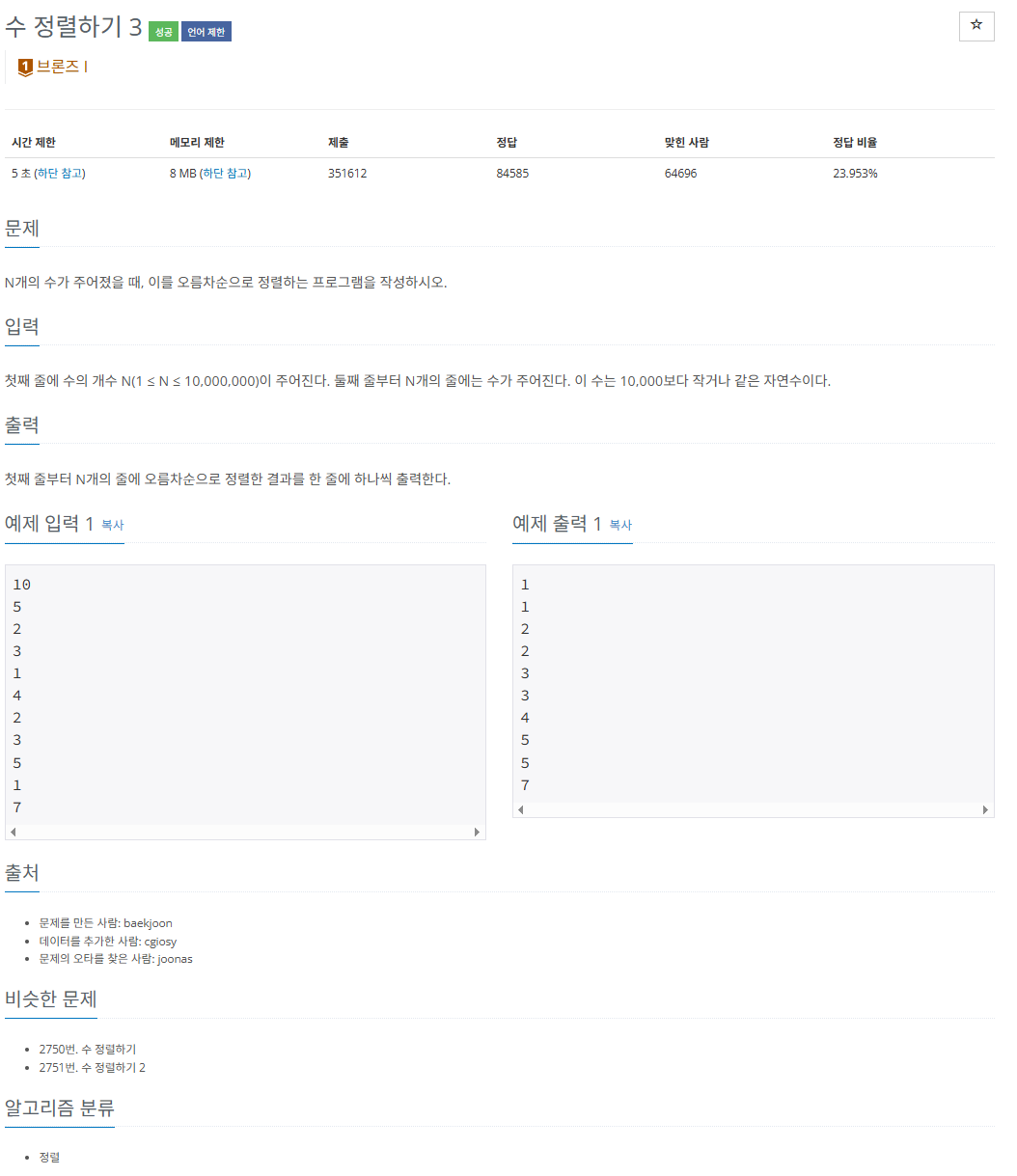
https://www.acmicpc.net/problem/10989
❌ 처음 시도한 코드 (메모리 초과)
int count = int.Parse(Console.ReadLine());
List<int> list = new List<int>();
for (int i = 0; i < count; i++)
{
   int a = int.Parse(Console.ReadLine());
   list.Add(a);
}
list.Sort();

foreach (int a in list)
   Console.WriteLine(a);
단순한 정렬이지만, 입력 개수가 최대 10,000,000개까지 가능하기 때문에 List.Sort() 방식은 비효율적이었다.
게다가 Console.ReadLine()과 Console.WriteLine()의 사용도 성능 저하의 원인이 됐다.
✅ 개선 방법: 카운팅 정렬 + 빠른 입출력(StreamReader/Writer)
이 문제는 숫자의 범위(1 ~ 10000) 가 제한적이기 때문에, 카운팅 정렬이 가장 적합했다.
또한, StreamReader와 StreamWriter 를 사용해 입출력 속도도 개선했다.
using System;
using System.IO;

class Program
{
    static void Main()
    {
        StreamReader sr = new StreamReader(Console.OpenStandardInput());
        StreamWriter sw = new StreamWriter(Console.OpenStandardOutput());

        int n = int.Parse(sr.ReadLine());
        int[] count = new int[10001]; // 숫자의 등장 횟수를 저장할 배열

        for (int i = 0; i < n; i++)
        {
            int num = int.Parse(sr.ReadLine());
            count[num]++;
        }

        for (int i = 1; i < count.Length; i++)
        {
            while (count[i]-- > 0)
            {
                sw.WriteLine(i);
            }
        }

        sw.Flush();
        sw.Close();
        sr.Close();
    }
}
💡 배운 점 정리
입력 데이터의 범위가 좁고 양이 많을 때는 카운팅 정렬이 유리하다.
Console.ReadLine(), WriteLine()은 속도가 느리기 때문에,
StreamReader, StreamWriter로 입출력을 처리하면 시간, 메모리 효율이 훨씬 좋아진다.
count[i]-- > 0 패턴을 쓰면 등장 횟수만큼 출력할 수 있다.
🔚 마무리
이번 문제를 통해 정렬 알고리즘 선택의 중요성과 입출력 최적화에 대해 다시 한 번 느낄 수 있었다.
다음부터는 문제를 풀기 전, 입력의 크기와 제한 조건을 먼저 보고 전략을 세워야겠다.

게임개발자꿈나무