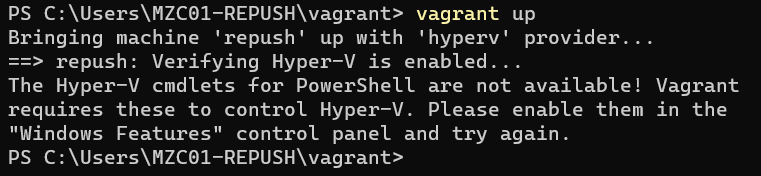
문제 상황
Hyber-V를 제어판에서 실행해주어야 하는것 같다.
그리고 virtual box를 설치해주어야 하는것 같다.
PS C:\Users\MZC01-REPUSH\vagrant> vagrant up
Bringing machine 'repush' up with 'hyperv' provider...
==> repush: Verifying Hyper-V is enabled...
The Hyper-V cmdlets for PowerShell are not available! Vagrant
requires these to control Hyper-V. Please enable them in the
"Windows Features" control panel and try again.
PS C:\Users\MZC01-REPUSH\vagrant>
해결
Disable-WindowsOptionalFeature -Online -FeatureName Microsoft-Hyper-V-All하고 컴퓨터 리부팅
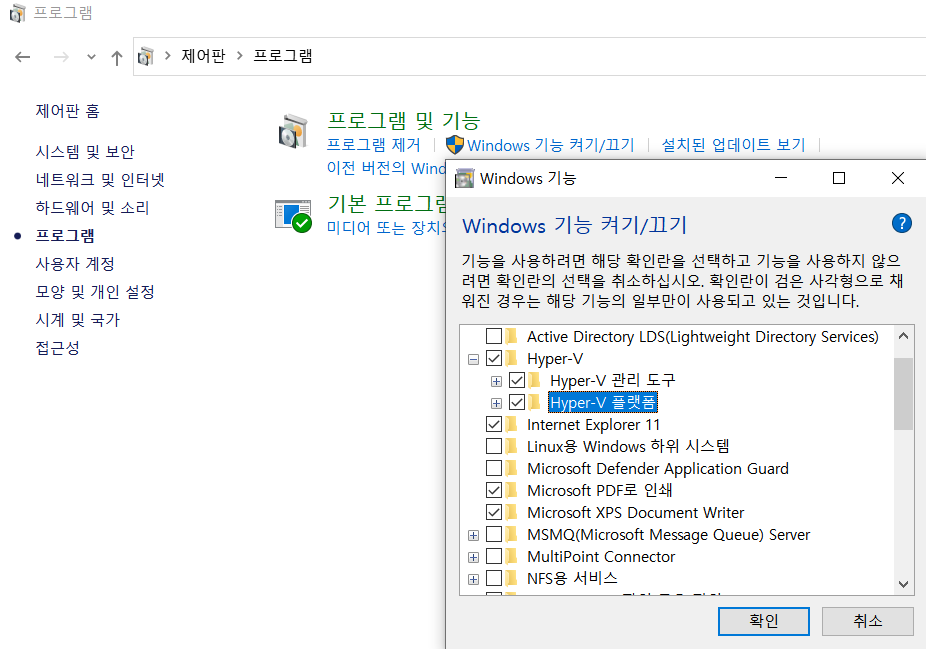
위 그림과 같이 체크박스 활성화
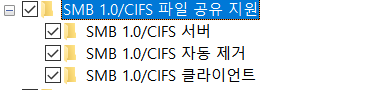
위 그림과 같이 체크표시 활성화
하고 컴퓨터 리부팅
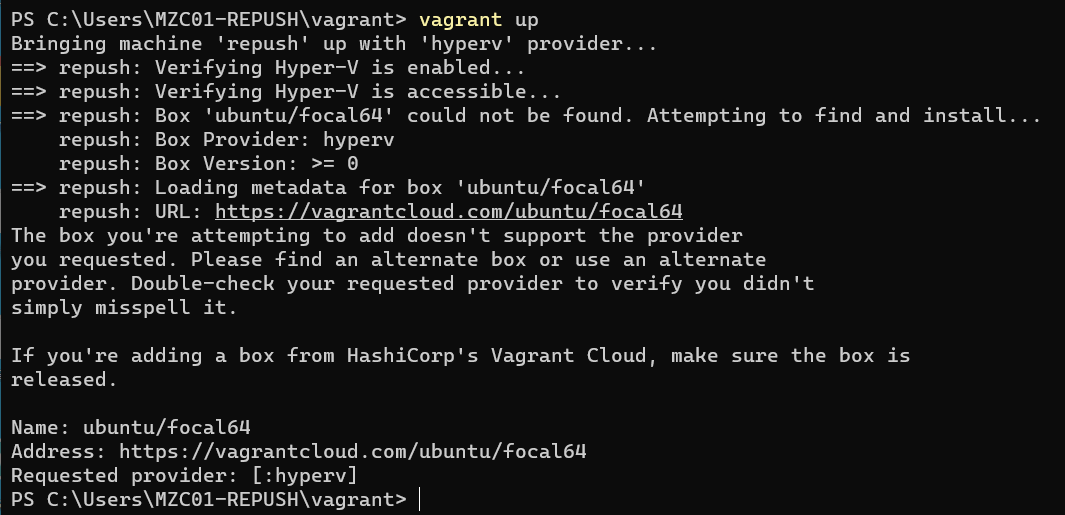
Enable-WindowsOptionalFeature -Online -FeatureName Microsoft-Hyper-V -All
터미널에 아래 명령어를 입력해서 virtualbox 설치
choco install virtualboxPS C:\Users\MZC01-REPUSH\vagrant> vagrant status
Current machine states:
repush running (virtualbox)
The VM is running. To stop this VM, you can run `vagrant halt` to
shut it down forcefully, or you can run `vagrant suspend` to simply
suspend the virtual machine. In either case, to restart it again,
simply run `vagrant up`.
PS C:\Users\MZC01-REPUSH\vagrant>Vagrantfile
Vagrant.configure("2") do |config|
        # Define VM
        config.vm.define "repush" do |ubuntu|
                ubuntu.vm.box = "ubuntu/focal64"
                ubuntu.vm.hostname = "repush"
                ubuntu.vm.network "private_network", ip: "192.168.56.100"
                ubuntu.vm.provider "virtualbox" do |vb|
                        vb.name = "repush"
                        vb.cpus = 2
                        vb.memory = 3000
                end
        end
        config.vm.provision "shell", inline: <<-SHELL
          sed -i 's/PasswordAuthentication no/PasswordAuthentication yes/g' /etc/ssh/sshd_config
          sed -i 's/archive.ubuntu.com/mirror.kakao.com/g' /etc/apt/sources.list
          sed -i 's/security.ubuntu.com/mirror.kakao.com/g' /etc/apt/sources.list
          systemctl restart ssh
        SHELL
end
해결 불가
회사에서 받은 삼성 노트북에는 BIOS에서 Advanced 항목에 가상화 설정 부분을 막아놨네요.
추후에 Mac으로 변경해서 진행해야 할 것 같습니다