💡 ROS2 Dashing 공식 홈페이지를 참조하여 내용을 작성하였다.
💡 ROS2 Dashing은 ubuntu 18.04 혹은 20.04에서만 설치가 가능하다. 특히 ubuntu 18.04에서 설치하는 것을 권장한다.
1. Set locale
locale

sudo apt update && sudo apt install locales
sudo locale-gen en_US en_US.UTF-8
sudo update-locale LC_ALL=en_US.UTF-8 LANG=en_US.UTF-8
export LANG=en_US.UTF-8

locale  # verify settings
2. Add the ROS2 apt repository
sudo apt update && sudo apt install curl gnupg2 lsb-release
curl -s https://raw.githubusercontent.com/ros/rosdistro/master/ros.asc | sudo apt-key add -

sudo sh -c 'echo "deb [arch=$(dpkg --print-architecture)] http://packages.ros.org/ros2/ubuntu $(lsb_release -cs) main" > /etc/apt/sources.list.d/ros2-latest.list'
3. Install development tools and ROS tools
sudo apt update && sudo apt install -y \
  build-essential \
  cmake \
  git \
  python3-colcon-common-extensions \
  python3-pip \
  python3-rosdep \
  python3-vcstool \
  wget
# install some pip packages needed for testing
python3 -m pip install -U \
  argcomplete \
  flake8 \
  flake8-blind-except \
  flake8-builtins \
  flake8-class-newline \
  flake8-comprehensions \
  flake8-deprecated \
  flake8-docstrings \
  flake8-import-order \
  flake8-quotes \
  pytest-repeat \
  pytest-rerunfailures \
  pytest \
  pytest-cov \
  pytest-runner \
  setuptools
# install Fast-RTPS dependencies
sudo apt install --no-install-recommends -y \
  libasio-dev \
  libtinyxml2-dev
# install Cyclone DDS dependencies
sudo apt install --no-install-recommends -y \
  libcunit1-dev
4. Get ROS2 Code
mkdir -p ~/ros2_dashing/src
cd ~/ros2_dashing
wget https://raw.githubusercontent.com/ros2/ros2/dashing/ros2.repos
vcs import src < ros2.repos
5. Install dependencies using rosdep
sudo rosdep init
rosdep update
rosdep install --from-paths src --ignore-src --rosdistro dashing -y --skip-keys "console_bridge fastcdr fastrtps libopensplice67 libopensplice69 rti-connext-dds-5.3.1 urdfdom_headers"
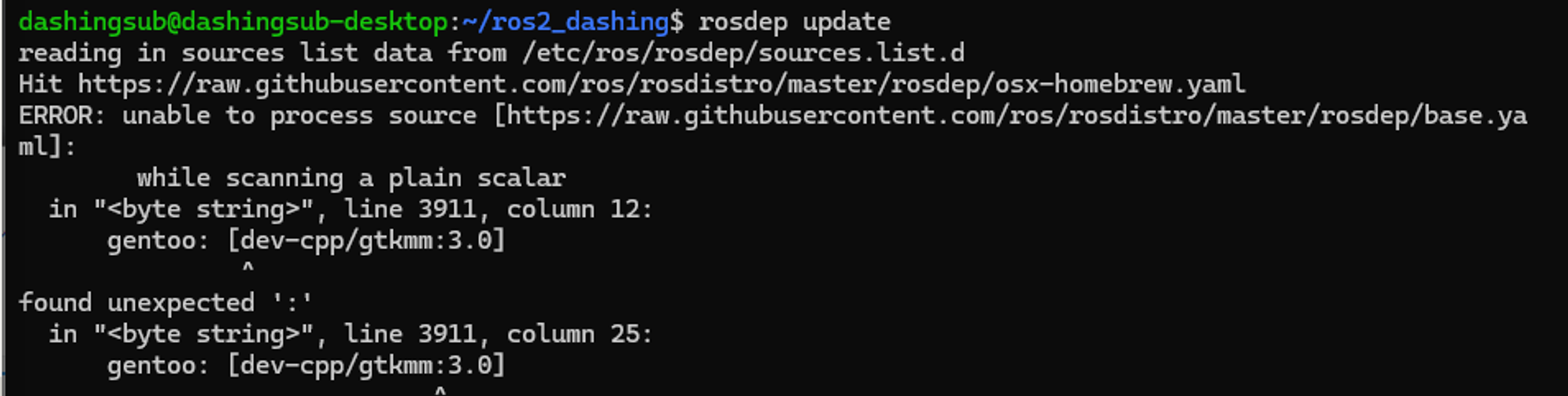
- Error: unable to process source [https://raw.githubusercontent.com/ros/rosdistro/master/rosdep/base.yaml]
- rosdep update할 때 pip3에 rosdep과 관련된 dependency가 설치되어있지 않아서 문제가 발생한다.
- Solution
pip3 install rosdep
6. Build
cd ~/ros2_dashing/
colcon build --symlink-install
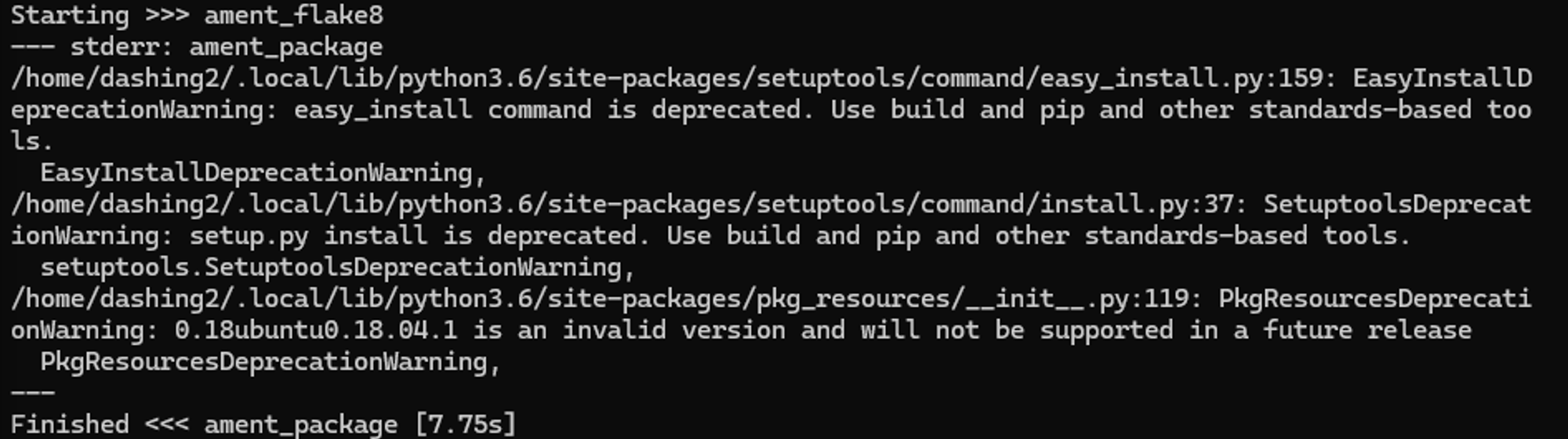
- Error: SetuptoolsDeprecationWarning: setup.py install is deprecated. Use build and pip and other standards-based tools.
- python version이 낮으면
colcon build가 제대로 되지 않는 문제가 발생한다.
- Solution
- version 확인
python --version

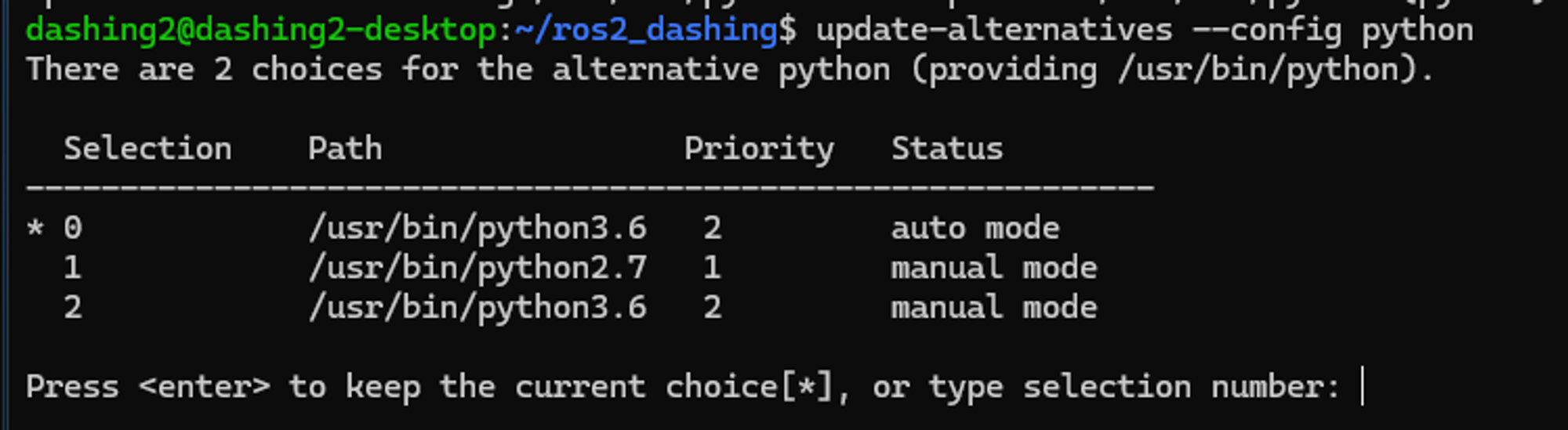
- python을 2.7에서 3.6으로 변경한다
	sudo update-alternatives --install /usr/bin/python python /usr/bin/python2.7 1
	sudo update-alternatives --install /usr/bin/python python /usr/bin/python3.6 2

- auto mode로 설정되어있으면 성공적으로 바뀐 것이다.
update-alternatives --config python
- pip3에 알맞은 setuptools version을 설치한다.
pip3 install setuptools==58.2.0

리눅스 마스터 쏘