create-next-app으로 프로젝트 시작하기
npx create-next-app@latest project-name
# or
yarn create next-app
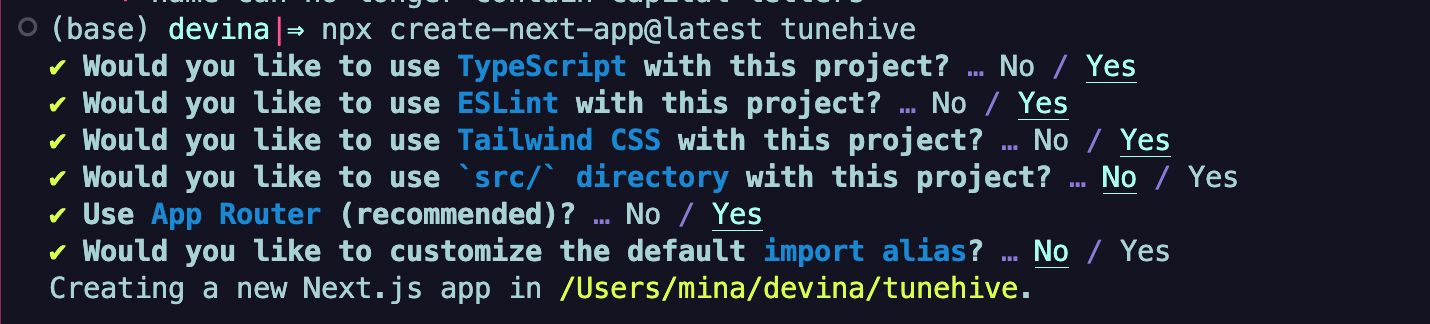
터미널에서 CNA를 실행하면 대화형으로 프로젝트에 대해 설정할 수 있다.
Font Optimization
nextjs의 폰트 최적화는 기본 내장된 셀프 호스팅 기능을 사용한다. 백그라운드에서
size-adjust속성을 활용하여 웹 폰트를 최적으로 로드하고 레이아웃의 변동없이 사용할 수 있다. 또한 css, 폰트파일은 다른 정적 에셋과 마찬가지로 빌드시 다운로드 되어, 클라이언트(브라우저)에서 서버(구글)에 요청이 일어나지 않는다.
// layout.tsx
import './globals.css'
import { Montserrat } from 'next/font/google'

const font = Montserrat({
  weight: ['300', '400', '600'],
  subsets: ['latin']
})

export const metadata = {
  title: 'Tunehive',
  description: 'Your ultimate playlist, Tunehive',
}

export default function RootLayout({
  children,
}: {
  children: React.ReactNode
}) {
  return (
    <html lang="en">
      <body className={caveat.className}>
        {children}
      </body>
    </html>
  )
}
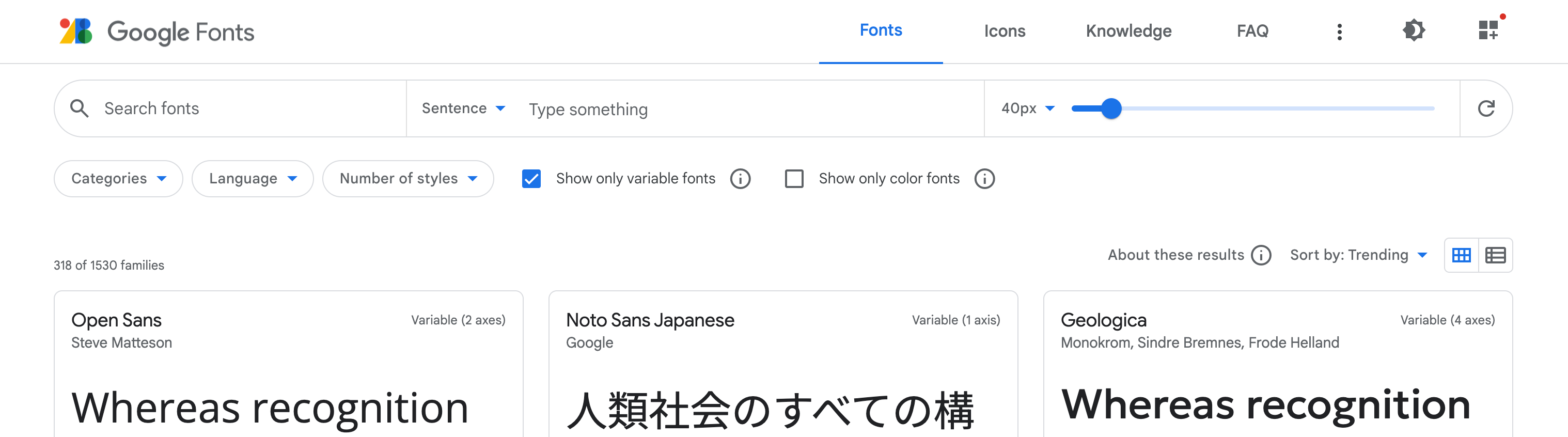
폰트 스타일은 여기 variablefonts
미리보기가 잘 되어있는 이 곳에서도 찾을 수 있다.
(✅ show only variable fonts"를 체크)
tailwindCSS 커스터마이징
프로젝트 메인 테마 컬러를 커스텀으로 등록해 두면 여러모로 편하다.
✅ N단계 컬러 팔레트를 제공하는 유용한 사이트
//tailwind.config.js
/** @type {import('tailwindcss').Config} */
module.exports = {
  content: [
    './pages/**/*.{js,ts,jsx,tsx,mdx}',
    './components/**/*.{js,ts,jsx,tsx,mdx}',
    './app/**/*.{js,ts,jsx,tsx,mdx}',
  ],
  theme: {
    extend: {
      colors: {
        tunehive: {
          100: '#dbf7dd',
          200: '#c9f2cd',
          300: '#b8eebe',
          400: '#a5e9ae',
          500: '#92e59f',
          600: '#7de08f',
          700: '#66db80',
          800: '#4bd571',
          900: '#21d061',
        },
      }
    },
  },
  plugins: [],
}
출처

XD