Next Auth
npm install next-auth
or
yarn add next-auth
API route 설정
pages/api/auth/* 경로로 보내는 요청을 처리하는 [...nextauth].js 파일을 생성한다.
// pages/api/auth/[...nextauth].js

import NextAuth from "next-auth";
import GithubProvider from "next-auth/providers/github";
import GoogleProvider from "next-auth/providers/google";

export const authOptions = {
  providers: [
    // github OAuth
    GithubProvider({
      clientId: process.env.GITHUB_ID,
      clientSecret: process.env.GITHUB_SECRET,
    }),
    // google OAuth
    GoogleProvider({
      clientId: process.env.GOOGLE_CLIENT_ID as string,
      clientSecret: process.env.GOOGLE_CLIENT_SECRET as string,
    }),
    // 일반 회원가입/로그인
    CredentialsProvider({
      name: "credentials",
      credentials: {
        email: { label: "email", type: "text" },
        password: { label: "password", type: "password" },
      },
      async authorize(credentials) {
        // 생략
      },
    }),
  ],
  pages: {
    signIn: "/",
  },
  debug: process.env.NODE_ENV === "development",
  session: {
    strategy: "jwt",
  },
  secret: process.env.NEXTAUTH_SECRET,
};

export default NextAuth(authOptions)
signIn, signOut, useSession
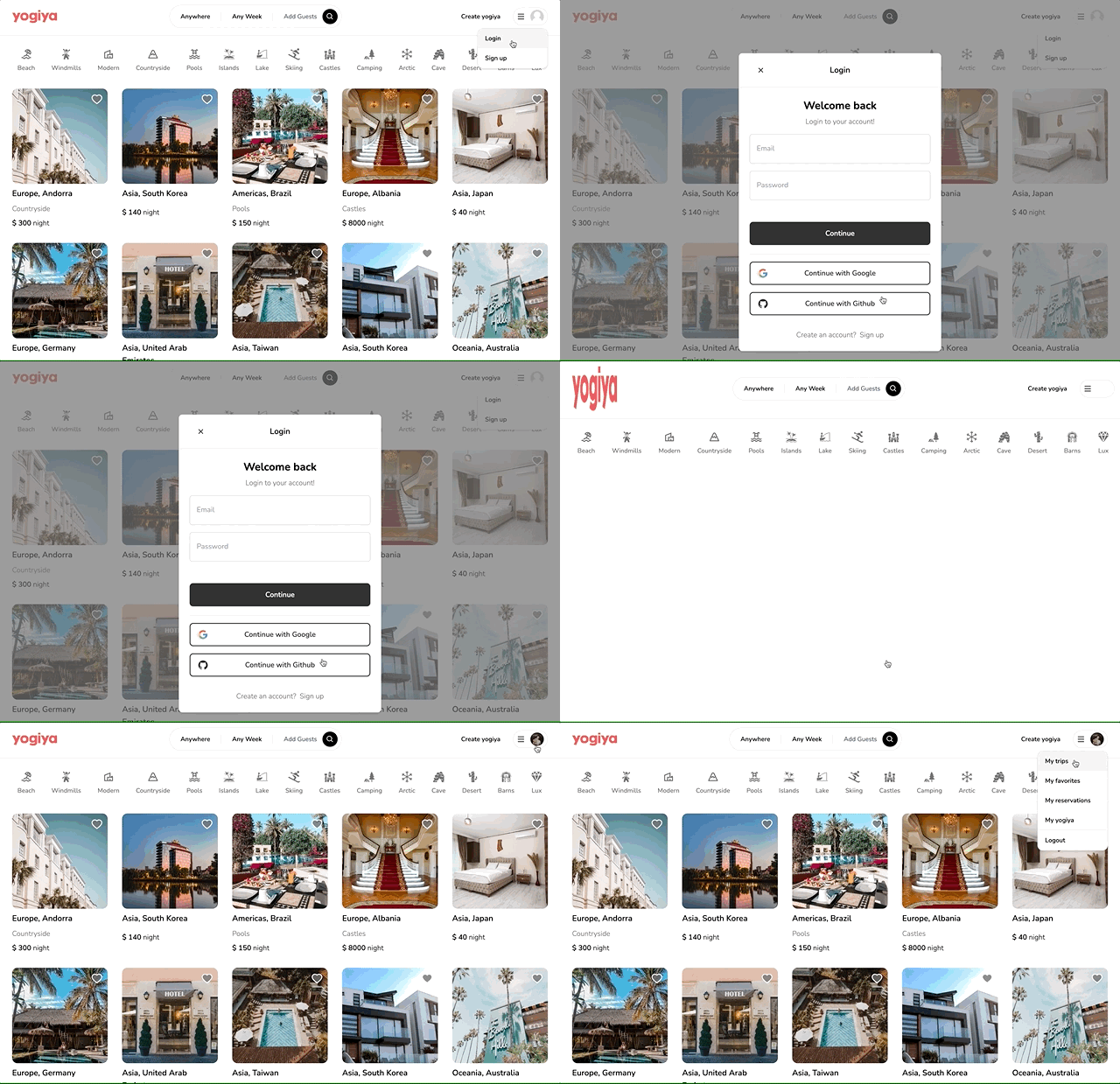
next-auth에서 제공하는 signIn, signOut, useSession 함수를 회원가입, 로그인 버튼 클릭 이벤트에 연결한다. 커스텀으로 설정도 할 수 있다. useSession은 따로 provider로 감싸줘야하는데, 이번 프로젝트에서는 서버에서 처리해서 사용하지 않았다.
import { signIn } from "next-auth/react";
// 생략
return (
  <>
    <Button
      outline
      label="Continue with Google"
      icon={FcGoogle}
      onClick={() => signIn("google")}
      />
    <Button
      outline
      label="Continue with Github"
      icon={AiFillGithub}
      onClick={() => signIn("github")}
      />
  </>
)
Google OAuth app 등록
- Google cloud console 바로가기
- "New project" 새로운 프로젝트를 생성한다.
- APIs & Services > OAuth consent screen 메뉴에서 User type을 External로 선택하고 앱을 생성한다.
- name, contact information 등 클라이언트 정보를 등록
- Credentials 메뉴에서
+CREATE CREDENTIALS버튼을 눌러 새로운 OAuth 클라이언트를 생성한다. - application type, name, redirect URIs를 등록한다.
// next auth route
// 테스트를 위한 localhost:3000, 배포하고 변경!
http://localhost:3000/api/auth/callback/google- Client ID와 Client secret을 환경변수에 등록한다.
Github OAuth app 등록
- Github Settings > Developer settings > OAuth Apps 바로가기
- "New OAuth App" 새 어플리케이션 생성한다.
- Client secrets 발급받고 Client ID와 함께 환경변수에 등록한다.
- name, url, Authorization callback URL을 등록한다.
// next auth route
http://localhost:3000/api/auth/callback/google
출처

XD