Android SBC vs Linux SBC: Key Differences and When to Choose Each
Single-board computers have become a common foundation for modern systems base on embedded sbcs, not only in prototyping but also in commercial products that expect long-term maintenance. Over the past decade, two operating system families have stood out as the main choices for display-centric and control-centric applications: Android SBCs and Linux SBCs. They share the same kernel at the lowest level, but how they behave during development, how they integrate with peripherals, and how they perform in real deployments can differ considerably. This article summarizes those differences from a practical engineering perspective—not from theoretical comparisons, but from things that tend to show up once you actually start building a product.
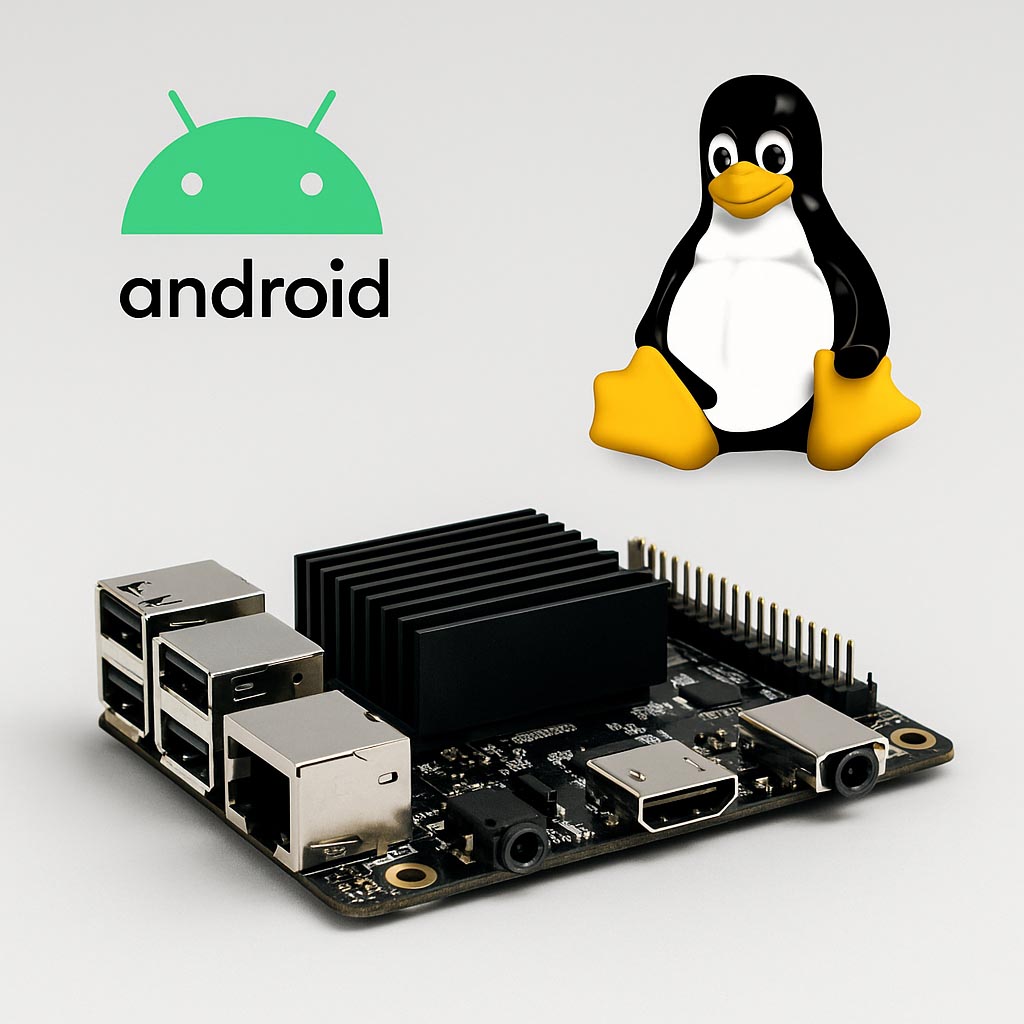
1. What Engineers Mean When They Say “Android SBC”
In practice, an Android SBC is usually a board built around a mobile-class SoC such as Rockchip’s RK3566/3588, Amlogic S905 variants, or Qualcomm’s entry-level embedded processors. The Android image that runs on these boards is often based on AOSP, with varying amounts of vendor patches layered on top.
From a developer’s point of view, the board behaves very much like an oversized Android tablet without Google services. You still get:
- SurfaceFlinger handling composition
- MediaCodec managing hardware video decoding
- Input system routing touch events
- Activity and Window lifecycle structures that control UI behavior
If your device needs a polished UI with animations, transitions, and readable typography, you get most of that “for free” thanks to years of Android’s consumer-market optimization. This is one reason Android SBCs are commonly seen in smart displays, information kiosks, handheld terminals, or appliances with a UI that needs to look familiar to end users.
However, Android's convenience is a double-edged sword. Since so many components are intertwined, you occasionally run into limitations—such as a tight coupling between the vendor HAL and their customized kernel. When you need to introduce a peripheral that the vendor never intended (an unusual touchscreen controller, for example), the engineering time can increase significantly.
2. What a “Linux SBC” Usually Implies
Linux SBCs cover a wide spectrum. Some run Debian or Ubuntu with a full desktop environment. Others use stripped-down distributions built with Yocto or Buildroot, especially when fast boot or deterministic performance is important. While the hardware may overlap (for example, many Rockchip or NXP processors support both Linux and Android), the experience of developing on Linux is different.
With Linux SBCs, the engineer interacts directly with:
- Device tree configurations
- Kernel modules (either in-tree or out-of-tree)
- Standard POSIX tools and libraries
- System services defined via systemd or BusyBox init
- Network and hardware interfaces exposed in /sys and /dev
This environment is more flexible. You can trim the system until only essential services remain, or expand it with your own daemons and communication layers. If the device will run unattended for years or operate in an industrial environment, Linux gives you more control over failure recovery and logging.
On the other hand, Linux doesn't give you a ready-made graphical experience. If the project needs a touchscreen UI, you will have to select a framework—Qt, GTK, EFL, Dear ImGui, or a web-based option—and then optimize rendering performance depending on the GPU drivers available. This is where Linux requires more engineering judgement.
3. System Architecture: The Practical Consequences
One major architectural difference is how Android and Linux structure user space.
Android’s framework sits above the kernel and enforces a specific application model. A UI can’t simply start and stop arbitrary processes the way Linux allows. System services (ActivityManager, WindowManager, InputManager, etc.) must run for the system to operate at all. This structure gives Android consistency but reduces freedom for applications that need to control detailed timing or background tasks.
Linux’s user space, by contrast, is open-ended. Nothing stops you from writing a daemon that directly accesses GPIOs, running a Python service that monitors sensors, or building a multi-process architecture with message passing. For robotics, machine control, or low-level sensing applications, this flexibility matters more than UI polish.
4. Boot Behavior and System Startup
The boot process is another area where differences show up quickly during development.
Android boot notes (reality-based):
- The bootloader hands off to the kernel, but the system still requires several Java-based services to initialize.
- Until Zygote starts and the framework becomes active, no UI layer exists.
- Even when boot looks complete, logcat often shows services initializing in the background for several seconds.
This may not matter on a kiosk, but on systems that must start quickly after power loss, it becomes a constraint.
Linux boot notes:
- On minimal Linux builds, you can reach your application in under 2 seconds if the SoC supports it.
- All user-space processes can be controlled through systemd, making startup dependency graphs clearer.
- You can disable everything unnecessary, which is harder to do on Android without breaking the framework.
For devices such as POS terminals or industrial controllers, predictable startup behavior becomes a deciding factor.
5. User Interface Considerations
The UI expectations of a product are often what push teams toward Android or Linux.
Where Android excels:
- Touch gestures behave naturally
- GPU acceleration is integrated by default
- Video playback uses hardware decoders with minimal developer effort
- Fonts, scaling, density adjustments, and layout systems are well-refined
When the UI is the “face” of the product, Android saves development time.
Linux UI considerations:
- Qt is the most common choice, but performance varies depending on the GPU stack
- HTML-based UIs (via Chromium or WebKit) work but require tuning
- Framebuffer UIs remain an option when no GPU acceleration is available
Linux can achieve good UI performance, but the engineering effort is often higher unless the product is simple.
6. Peripheral Integration and Driver Workflows
Peripheral integration is where the different philosophies of the two systems become obvious.
On Android:
You depend heavily on the vendor HAL for components such as:
- LCD panels and timing settings
- Touch controllers
- Cameras
- Audio codecs
If the vendor has already integrated your hardware, things go smoothly. If not, adding support means navigating HAL layers, JNI components, or rebuilding system services.
On Linux:
Kernel-level access makes it easier to bring up unfamiliar hardware:
- Add a driver module
- Modify the device tree
- Rebuild the kernel
- Debug directly through dmesg
For embedded products using RS485, CAN, SPI sensors, or custom protocols, the Linux path tends to be more straightforward.
7. Performance Behavior in Real Applications
From UI responsiveness to CPU scheduling characteristics, Android and Linux target different priorities.
- Android places strong emphasis on smooth UI updates. Animation jitter is treated as a problem, so certain threads (SurfaceFlinger, RenderThread) get priority scheduling.
- Linux can be tuned for real-time behavior using PREEMPT_RT or careful affinity settings, which is valuable for robotics or motion control.
In computation-heavy applications without much UI involvement, Linux generally behaves more predictably.
8. Power Management
Android inherits sophisticated mobile power management strategies:
- Application lifecycle constraints
- Aggressive idle states
- Dynamic frequency scaling tuned for UI workloads
This is useful for battery-powered displays or handheld terminals.
Linux also supports DVFS and various suspend modes, but they require more tuning. Embedded engineers often disable certain power-saving features to avoid unpredictable delays when handling I/O.
9. Development Workflow and Tooling
The development experience is one of the areas where the differences are most visible.
Android development tools:
- Android Studio
- Java/Kotlin, with optional NDK for C/C++
- XML-based layout systems
- Logcat for debugging
- APK deployment and versioning
Linux development tools:
- gcc/clang, C/C++ toolchains
- Python, Go, or Rust for application-level logic
- SSH into the board for development
- Makefiles, CMake, shell scripts
- System-level debugging via strace, dmesg, journalctl
Engineers tend to choose Android when UI dominates and Linux when system logic or low-level control dominates.
10. Cost, Reliability, and Long-Term Maintainability
Cost differences between Android and Linux SBCs typically come from software effort, not hardware. What does differ is maintainability:
- Android versions change more frequently, and vendors often drop support after a few major releases.
- Linux distributions can be maintained for a decade or more, and kernel patches remain available even longer.
For long-lifecycle products, Linux usually provides a more stable foundation.
11. When an Android SBC Makes Sense
Engineers commonly choose Android when the device:
- Needs a polished touchscreen interface
- Plays video or displays rapid UI transitions
- Requires web content displayed through WebView
- Benefits from Android’s mature input and media stack
You’ll see Android SBCs in smart displays, kiosks, gym equipment, home automation panels, and customer-facing terminals.
12. When a Linux SBC Is the Better Fit
Linux tends to be chosen when the system:
- Performs continuous background data processing
- Requires deterministic responses
- Integrates with custom sensors or industrial buses
- Needs long-term OS stability
- Doesn’t rely heavily on complex UI animation
Common examples include robotics, data loggers, gateways, industrial controllers, and edge computing devices.
13. Final Thoughts
Although Android and Linux share the same kernel origin, the experience of building a product around them is quite different. Android brings a powerful UI engine and media framework that shortens development time for visually rich interfaces. Linux offers transparency, tunability, and stability for applications where hardware behavior matters more than UI polish.
Choosing the right platform becomes straightforward once you clarify your product’s priorities:
Is it a screen-first device, or a system-first device?
Your answer usually determines whether Android SBCs or Linux SBCs will serve you better.