(먼저 프론트엔드 개발환경을 위해 Node.js를 설치해둬야 한다.)
Vite 설치
터미널을 열고(cmd) vite 생성
npm create vite@latestVite란?
- 최신 프론트엔드 개발 도구
- Create React App보다 더 빠른 개발 환경 제공
- 실시간 모듈 교체(HMR)가 매우 빠름
- Vite를 사용하면 효율, 속도, 최신 개발 도구 미리 설정의 이점
인스톨이 완료되면 아래와 같이 하나하나 항목이 뜬다.
√ Project name: ... ModHub
√ Package name: ... modhub
√ Select a framework: » React
√ Select a variant: » JavaScript
조건에 맞게 입력
  cd ModHub // 생성된 프로젝트 폴더로 이동
  npm install // 필요한 의존성 패키지들 설치
  npm run dev //개발 서버 실행
프로젝트 폴더로 경로 설정 뒤 인스톨하자.
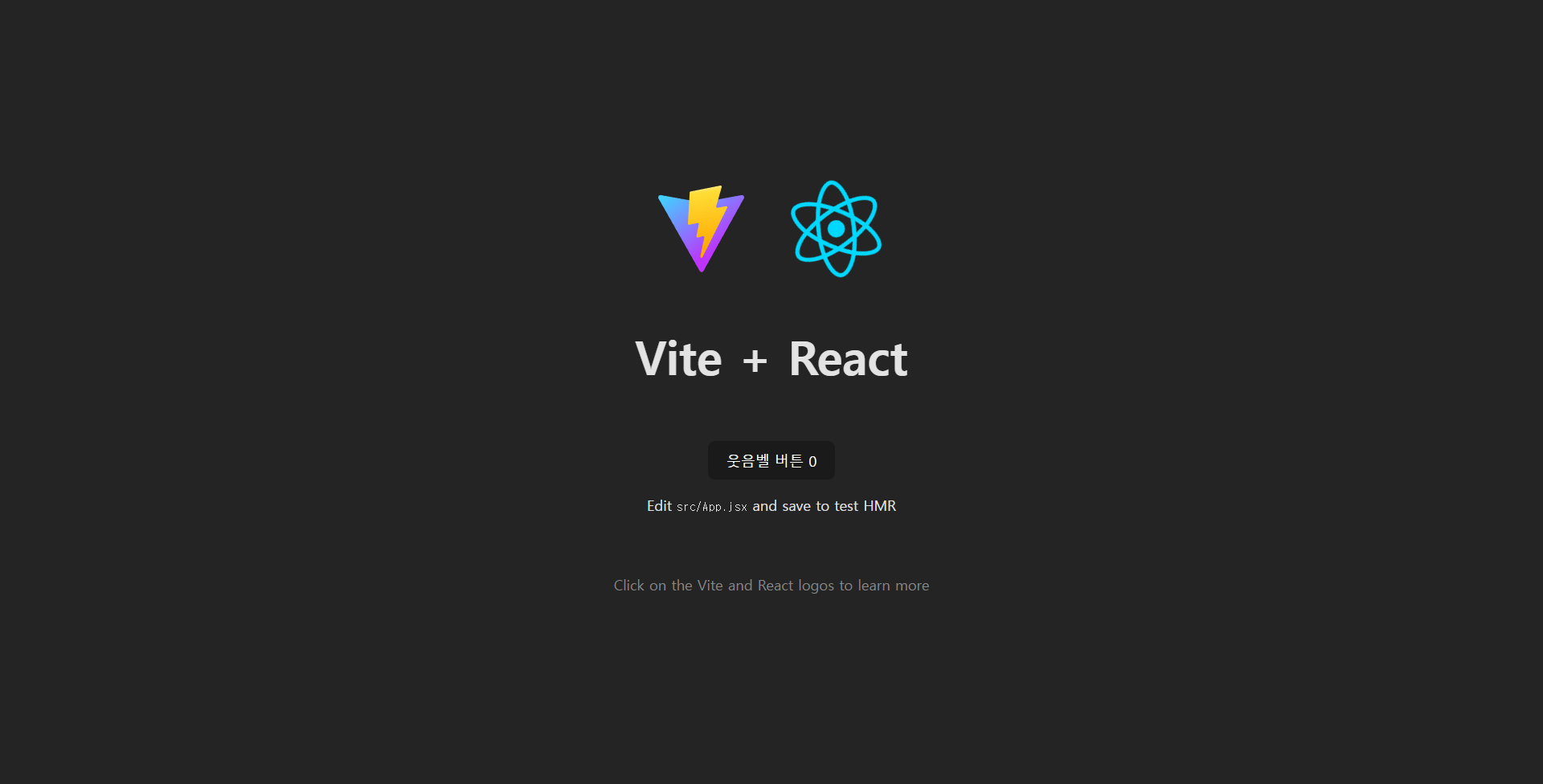 설치 완료
설치 완료
Vite를 설치하면 기본 React가 index.js파일을 사용했던 것과 다르게 main.jsx파일이 생성되는데, main.jsx는 App.jsx의 컴포넌트를 import해 브라우저에 렌더링하는 역할을 한다.
ESLint 규칙 추가하기
import js from '@eslint/js'
import globals from 'globals'
import react from 'eslint-plugin-react'
import reactHooks from 'eslint-plugin-react-hooks'
import reactRefresh from 'eslint-plugin-react-refresh'

export default [
  { ignores: ['dist'] },
  {
    files: ['**/*.{js,jsx}'],
    languageOptions: {
      ecmaVersion: 2020,
      globals: globals.browser,
      parserOptions: {
        ecmaVersion: 'latest',
        ecmaFeatures: { jsx: true },
        sourceType: 'module',
      },
    },
    settings: { react: { version: '18.3' } },
    plugins: {
      react,
      'react-hooks': reactHooks,
      'react-refresh': reactRefresh,
    },
    rules: {
      ...js.configs.recommended.rules,
      ...react.configs.recommended.rules,
      ...react.configs['jsx-runtime'].rules,
      ...reactHooks.configs.recommended.rules,
      'react/jsx-no-target-blank': 'off',
      'react-refresh/only-export-components': [
        'warn',
        { allowConstantExport: true },
      ],
      'no-unused-vars': 'off',        // 사용하지 않는 변수가 있어도 경고 표시 안 함
      'react/prop-types': 'off'       // props의 타입을 정의하지 않아도 경고 표시 안 함
    },
  },
]
개발 편의성을 위해 두 규칙을 추가했다.
리액트 샘플 제거
- assets에서 react.svg 제거
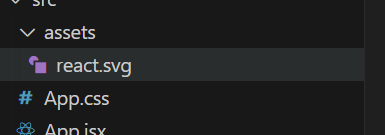
- 불필요한 import 제거
import { useState } from 'react'
import reactLogo from './assets/react.svg'
import viteLogo from '/vite.svg'
import './App.css'import { useState } from 'react'
import './App.css'오류
[plugin:vite:import-analysis] Failed to resolve import "./assets/react.svg" from "src/App.jsx". Does the file exist?
C:/react/modhub/ModHub/src/App.jsx:2:22
17 | var _s = $RefreshSig$();
18 | import { useState } from "react";
19 | import reactLogo from "./assets/react.svg";
| ^
20 | import viteLogo from "/vite.svg";
21 | import "./App.css";이렇게 파일이 없다는 오류가 발생
→ 찾아보니 import문만 제거하고 viteLogo와 reactLogo를 사용하는 코드가 남아있어서 생긴 오류..; 너무 기본적인 실수
수정
import { useState } from 'react'
import './App.css'
function App() {
const [count, setCount] = useState(0)
return (
<>
<h1>Hello React</h1>
</>
)
}
export default App이랬더니 이제 count와 setCount 변수에
~ is declared but its value is never read.라는 오류가 발생한다. 이는 선언한 메서드를 return에 적지 않았기 때문. return에 선언한 메서드를 추가하면 된다.
당장은 프론트 서버만 연결할 생각이라
import { useState } from 'react'
import './App.css'

function App() {
  const [count, setCount] = useState(0)

  return (
    <>
      <h1>Hello React</h1>
      <p>Count: {count}</p>
      <button onClick={() => setCount(count + 1)}>
        증가
      </button>
    </>
  )
}

export default App
이렇게 단순하게 짜놓고 마쳤다.
💡ctrl + c: 서버 종료(Node.js)

sudo love me spring