https://github.com/Ryanromaris/dreamCoding
딱 1년전 드림코딩의 프론트엔드 코스를 수강했었다.
드림 코딩에서 공부했던 내용들을 통해 웹개발에 대한 이해에 정말 많은 도움이 됐었다. 하지만 그 당시에 공부했던 내용들을 잊어버리기도 했고, 따로 정리해놓은게 없어서 복습하며 깃에 넣어두기로 했다. 오늘 공부한 내용은 웹 API이다.
API란?
Application Programming Interfaces의 약자!
윈도우에서 제공하는 API를 활용해서 윈도우 앱을 간편하게 만들 수 있게 해준다.
유튜브에서 제공하는 API를 활용해서 관련된 기능들을 편하게 가져다 쓸 수 있다.
이처럼 API는 OS나 플랫폼에서 제공하기도 한다.
WEB API도 마찬가지
웹 브라우저에서 손쉽게 사용할 수 있는 수많은 API가 있다!
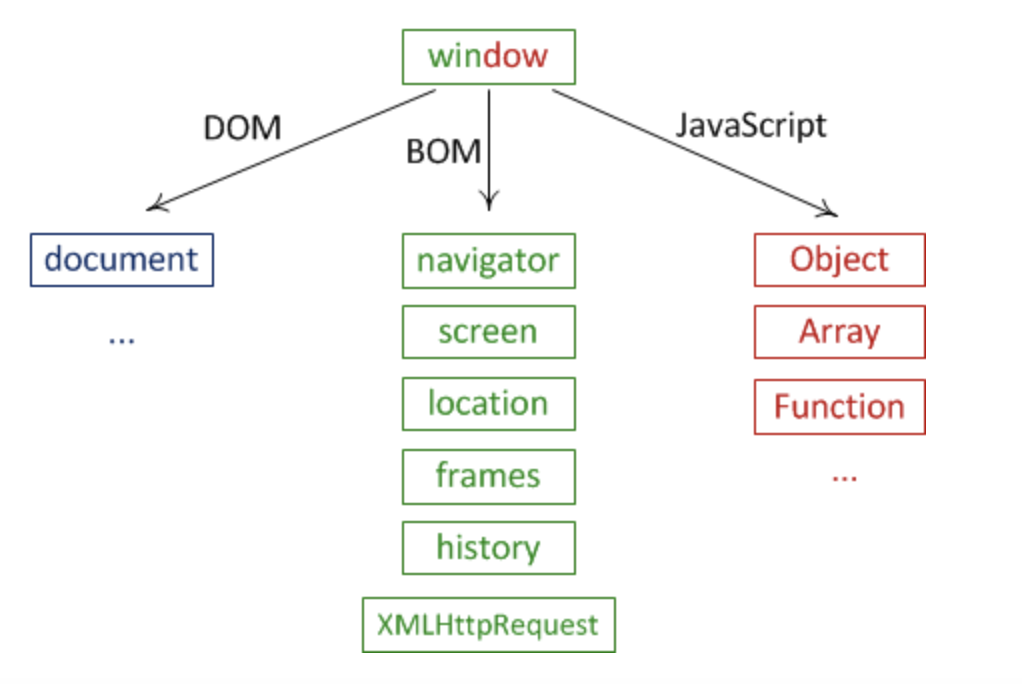
가장 최상단에 존재하는 것은 window다.
콘솔창에서 this를 찍어보면 바로 window객체가 튀어나온다.
그리고 그 아래에 DOM , BOM, javascript가 구성되어있다.
각각의 API를 잘 활용한다면 정말 다양한 기능을 구현할 수 있을 것 같다!
모질라를 통해 각각의 사용법을 공부할 수 있다!
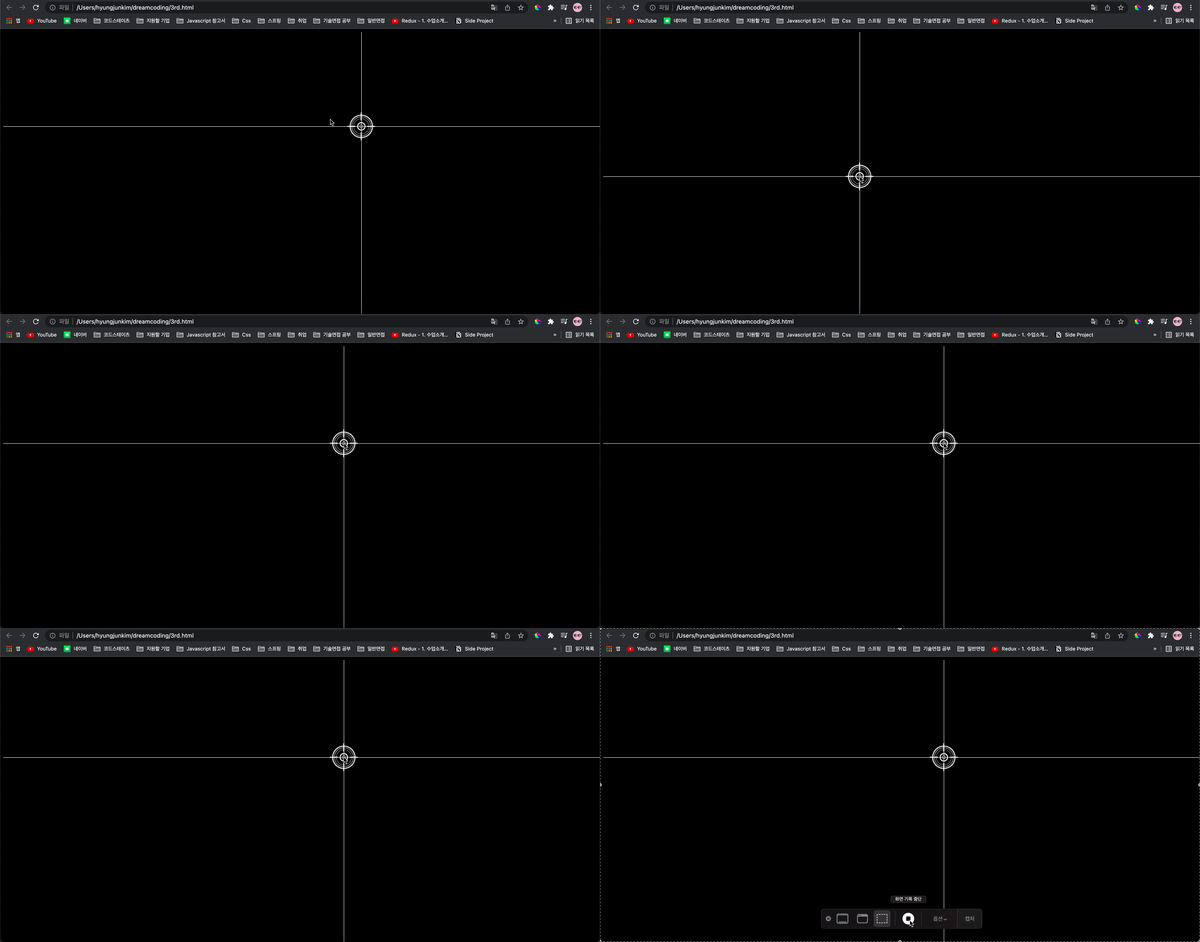
Window의 x,y좌표를 활용한 예제!
마우스 위치를 따라 타겟점이 움직이는 예제였다. 마치 스나이퍼가 된 것 같은 기분이 들어 재밌었다!
<!DOCTYPE html>
<html lang="en">
 <head>
   <meta charset="UTF-8" />
   <meta http-equiv="X-UA-Compatible" content="IE=edge" />
   <meta name="viewport" content="width=device-width, initial-scale=1.0" />
   <title>Document</title>
   <style>
     body {
       background-color: black;
     }
     .x {
       width: 100%;
       height: 1px;
       position: fixed;
       background-color: white;
     }
     .y {
       width: 1px;
       height: 100vh;
       position: fixed;
       background-color: white;
     }
     .target {
       position: fixed;
     }
   </style>
 </head>

 <body>
   <div class="x"></div>
   <div class="y"></div>
   <img class="target" src="./target.png" />
   <script>
     const x = document.querySelector('.x');
     const y = document.querySelector('.y');
     const target = document.querySelector('.target');
     window.addEventListener('mousemove', (event) => {
       console.log('change', target.getClientRects()[0]);
       x.style.top = `${event.clientY}px`;
       y.style.left = `${event.clientX}px`;
       target.style.top = `${
         event.clientY - target.getClientRects()[0].width / 2
       }px`;
       target.style.left = `${
         event.clientX - target.getClientRects()[0].width / 2
       }px`;
     });
   </script>
 </body>
</html>
Window의 Scroll을 활용한 예제
토끼를 찾아라! 버튼을 누르면 토끼가 있는 위치로 스크롤을 움직이는 예제였다. behavior: smooth를 통해 스크롤을 부드럽게 구현하는 디테일이 재밌었다.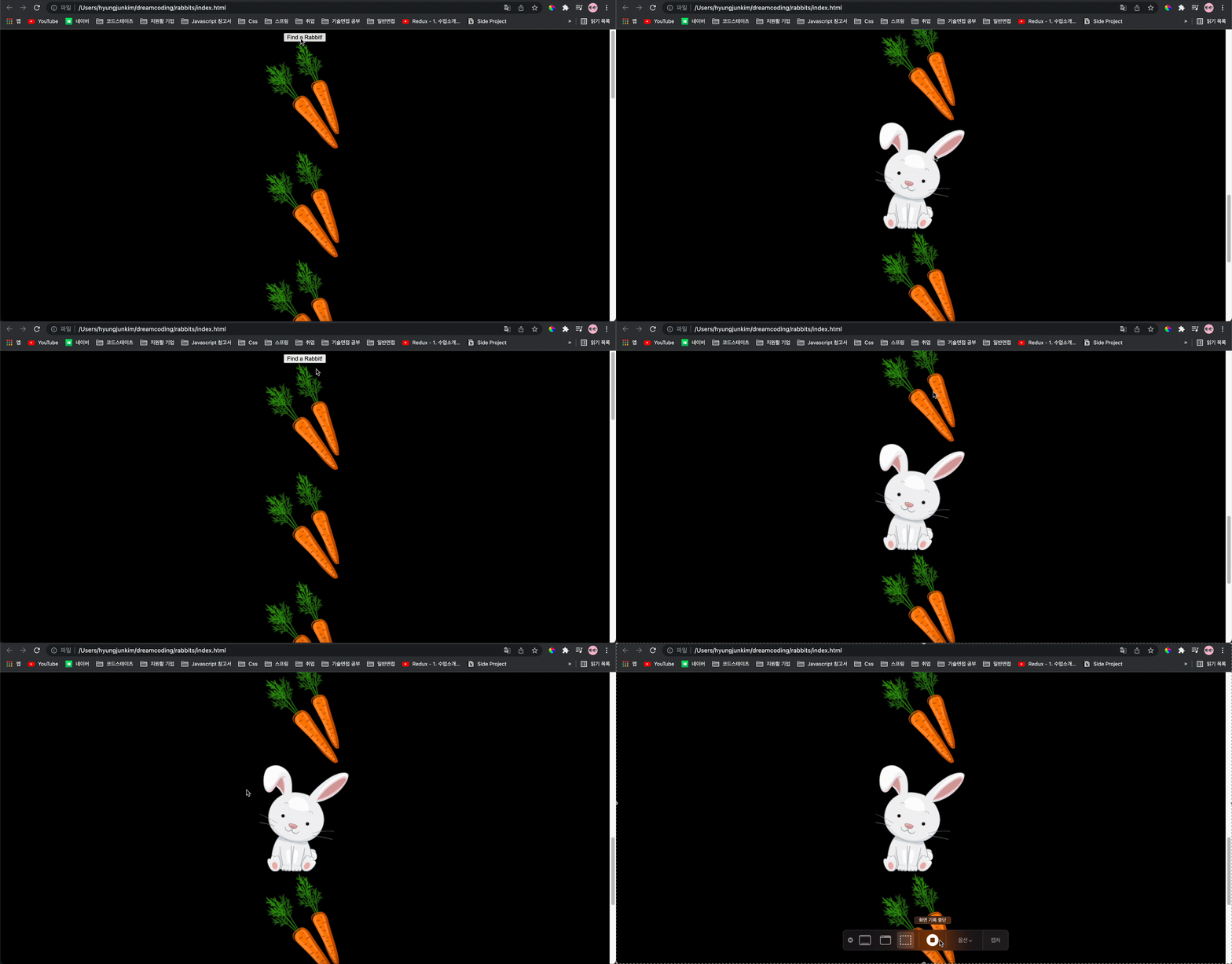
<!DOCTYPE html>
<html lang="en">
 <head>
   <meta charset="UTF-8" />
   <meta name="viewport" content="width=device-width, initial-scale=1.0" />
   <title>Scroll</title>
   <style>
     body {
       text-align: center;
       background-color: black;
     }
   </style>
 </head>
 <body>
   <button class="findRabbit">Find a Rabbit!</button><br />
   <img src="./img/carrot.png" /><br />
   <img src="./img/carrot.png" /><br />
   <img src="./img/carrot.png" /><br />
   <img src="./img/carrot.png" /><br />
   <img src="./img/carrot.png" /><br />
   <img src="./img/carrot.png" /><br />
   <img src="./img/carrot.png" /><br />
   <img class="rabbit" src="./img/rabbit.png" /><br />
   <img src="./img/carrot.png" /><br />
   <img src="./img/carrot.png" /><br />
   <img src="./img/carrot.png" /><br />

   <script>
     const findRabbit = document.querySelector('.findRabbit');
     const rabbitY = document.querySelector('.rabbit');
     findRabbit.addEventListener('click', () => {
       console.log('here is ');
       // window.scrollTo(0, rabbitY.getClientRects()[0].y);
       rabbitY.scrollIntoView({ behavior: 'smooth', block: 'center' });
     });
   </script>
 </body>
</html>

긍정의 힘을 믿어요