vi .bashrc
터미널의 셸 프롬프트 색상
set a fancy prompt (non-color, unless we know we "want" color)
case "$TERM" in
xterm-color) color_prompt=yes;;
esac
set a fancy prompt (non-color, unless we know we "want" color)
case "$TERM" in
xterm-color|*-256color) color_prompt=yes;;
esac
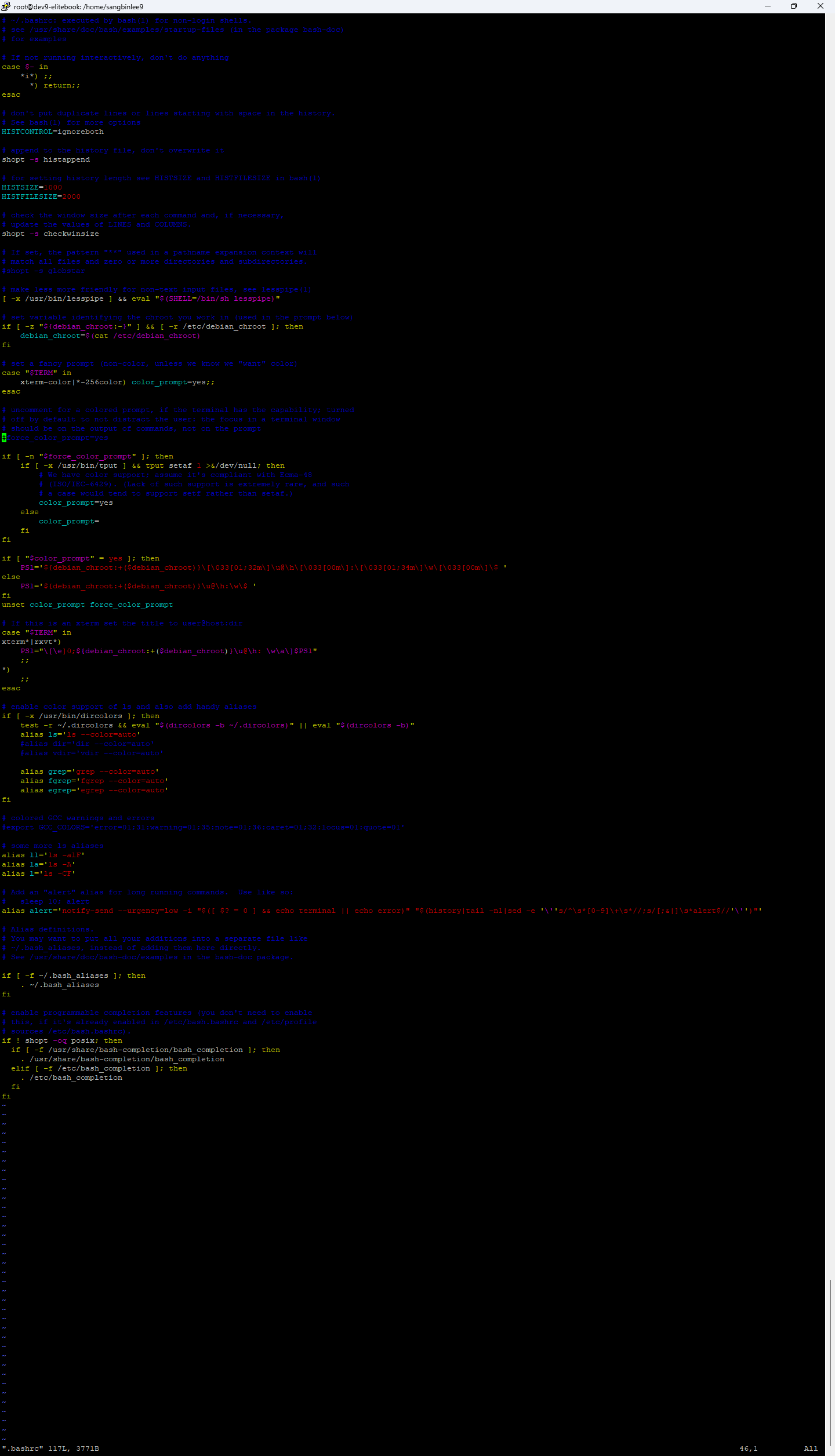
if [ "$color_prompt" = yes ]; then
PS1='{debian_chroot:+(debian_chroot)}[\033[01;32m]\u@\h[\033[00m]:[\033[01;34m]\w[\033[00m]$ '
else
PS1='{debian_chroot:+(debian_chroot)}\u@\h:\w$ '
fi
unset color_prompt force_color_prompt

root@dev9-elitebook:/home/sangbinlee9:Sun Aug 10 20:12:24# history|grep bashrc
287 vi .bashrc
288 source .bashrc
341 history|grep bashrc
root@dev9-elitebook:/home/sangbinlee9:Sun Aug 10 20:12:31#
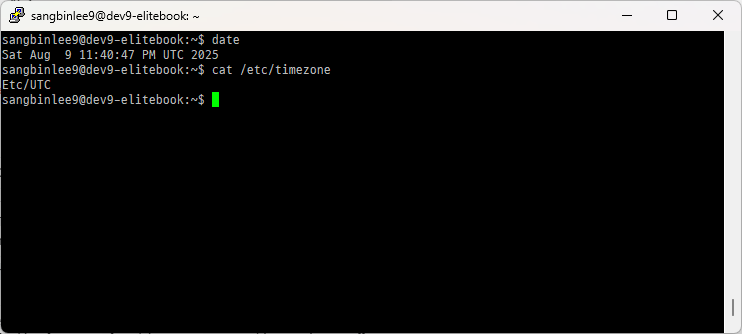
root@dev9-elitebook:/home/sangbinlee9# date
Sat Aug 9 11:44:26 PM UTC 2025
root@dev9-elitebook:/home/sangbinlee9# cat /etc/timezone
Etc/UTC
root@dev9-elitebook:/home/sangbinlee9# timedatectl list-timezones | grep Seoul
Asia/Seoul
root@dev9-elitebook:/home/sangbinlee9# timedatectl list-timezones |grep Seoul |xargs timedatectl set-timezone
root@dev9-elitebook:/home/sangbinlee9# cat /etc/timezone
Etc/UTC
root@dev9-elitebook:/home/sangbinlee9# date
Sun Aug 10 08:45:38 AM KST 2025
sangbinlee9@dev9-elitebook:~$ timedatectl list-timezones | grep Asia/S
Asia/Saigon
Asia/Sakhalin
Asia/Samarkand
Asia/Seoul
Asia/Shanghai
Asia/Singapore
Asia/Srednekolymsk
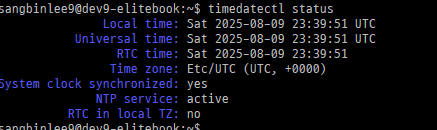
sangbinlee9@dev9-elitebook:~$ timedatectl status
Local time: Sat 2025-08-09 23:39:51 UTC
Universal time: Sat 2025-08-09 23:39:51 UTC
RTC time: Sat 2025-08-09 23:39:51
Time zone: Etc/UTC (UTC, +0000)
System clock synchronized: yes
NTP service: active
RTC in local TZ: no
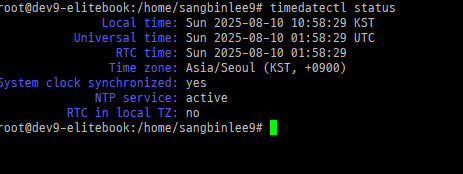
root@dev9-elitebook:/home/sangbinlee9# timedatectl status
Local time: Sun 2025-08-10 10:58:29 KST
Universal time: Sun 2025-08-10 01:58:29 UTC
RTC time: Sun 2025-08-10 01:58:29
Time zone: Asia/Seoul (KST, +0900)
System clock synchronized: yes
NTP service: active
RTC in local TZ: no
root@dev9-elitebook:/home/sangbinlee9#
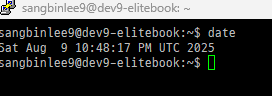
root@dev9-elitebook:/home/sangbinlee9# date
Sat Aug 9 11:44:26 PM UTC 2025
root@dev9-elitebook:/home/sangbinlee9# cat /etc/timezone
Etc/UTC
root@dev9-elitebook:/home/sangbinlee9# timedatectl list-timezones | grep Seoul
Asia/Seoul
root@dev9-elitebook:/home/sangbinlee9# timedatectl list-timezones |grep Seoul |xargs timedatectl set-timezone
root@dev9-elitebook:/home/sangbinlee9# cat /etc/timezone
Etc/UTC
root@dev9-elitebook:/home/sangbinlee9# date
Sun Aug 10 08:45:38 AM KST 2025
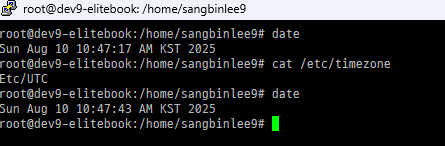

root@dev9-elitebook:/home/sangbinlee9# date
Sun Aug 10 10:47:43 AM KST 2025
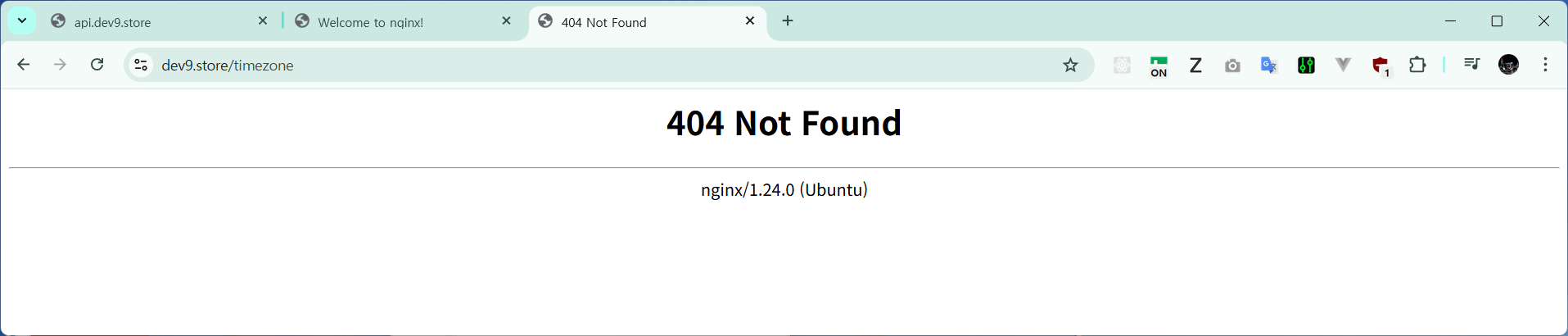
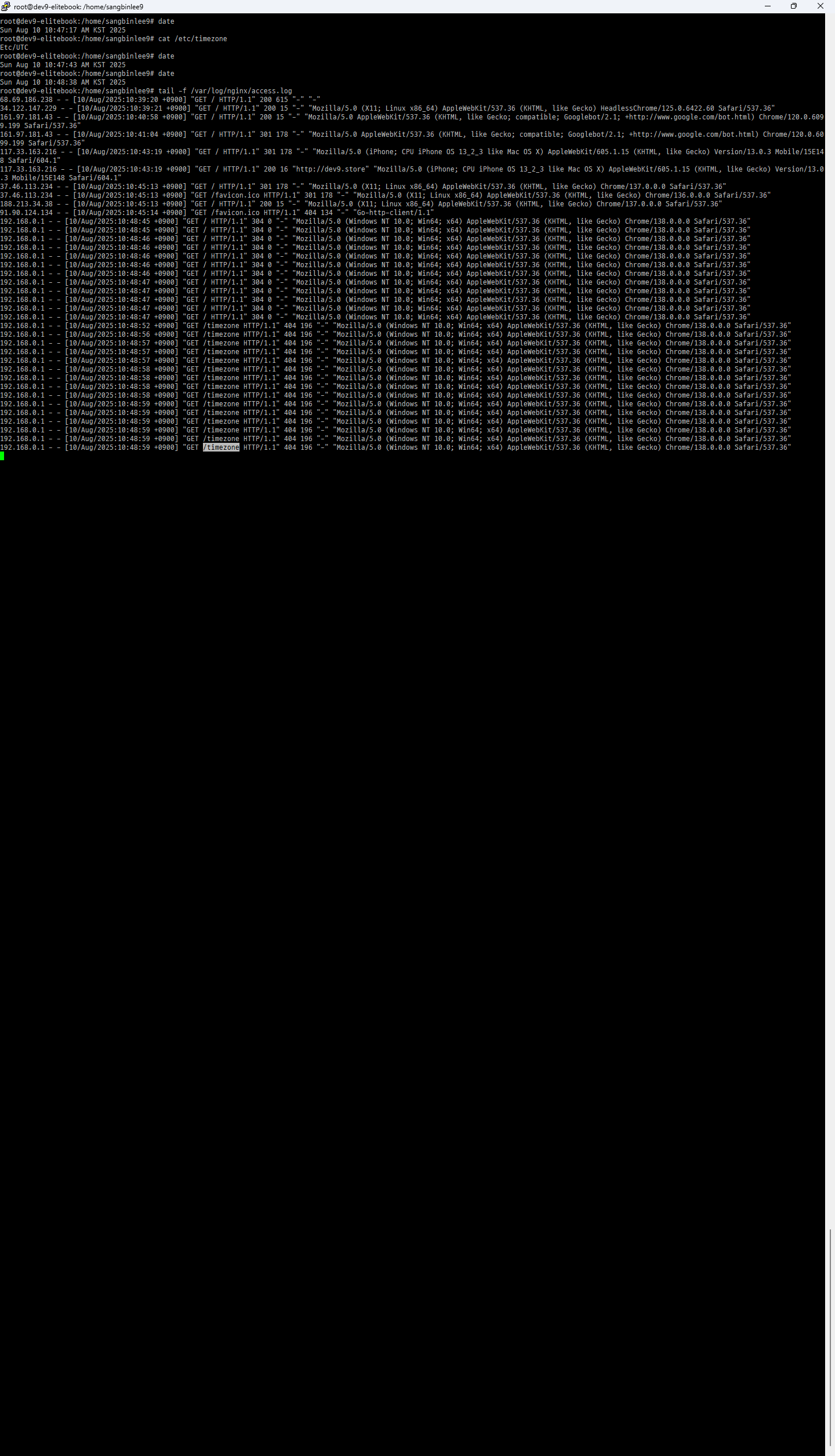
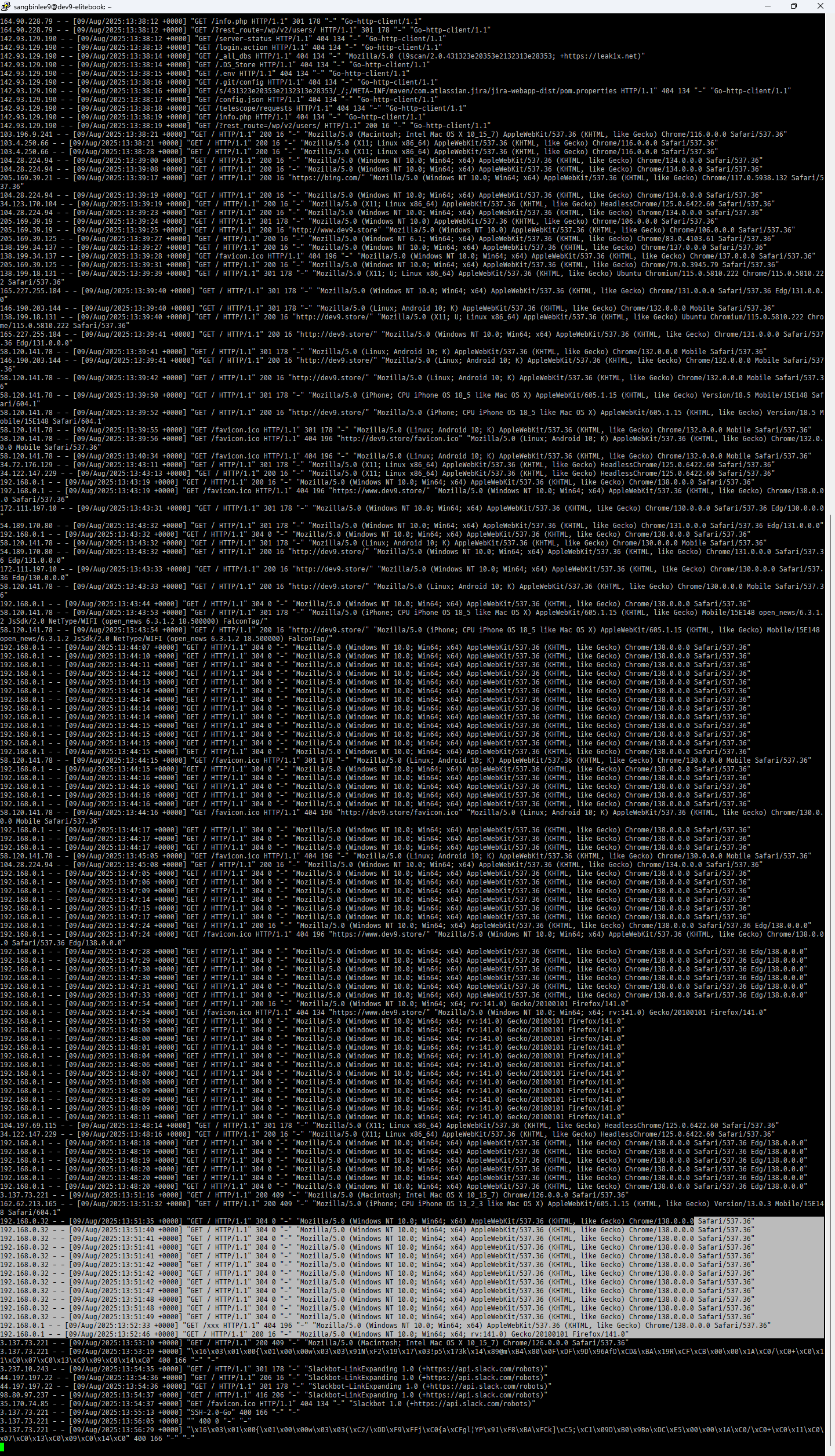
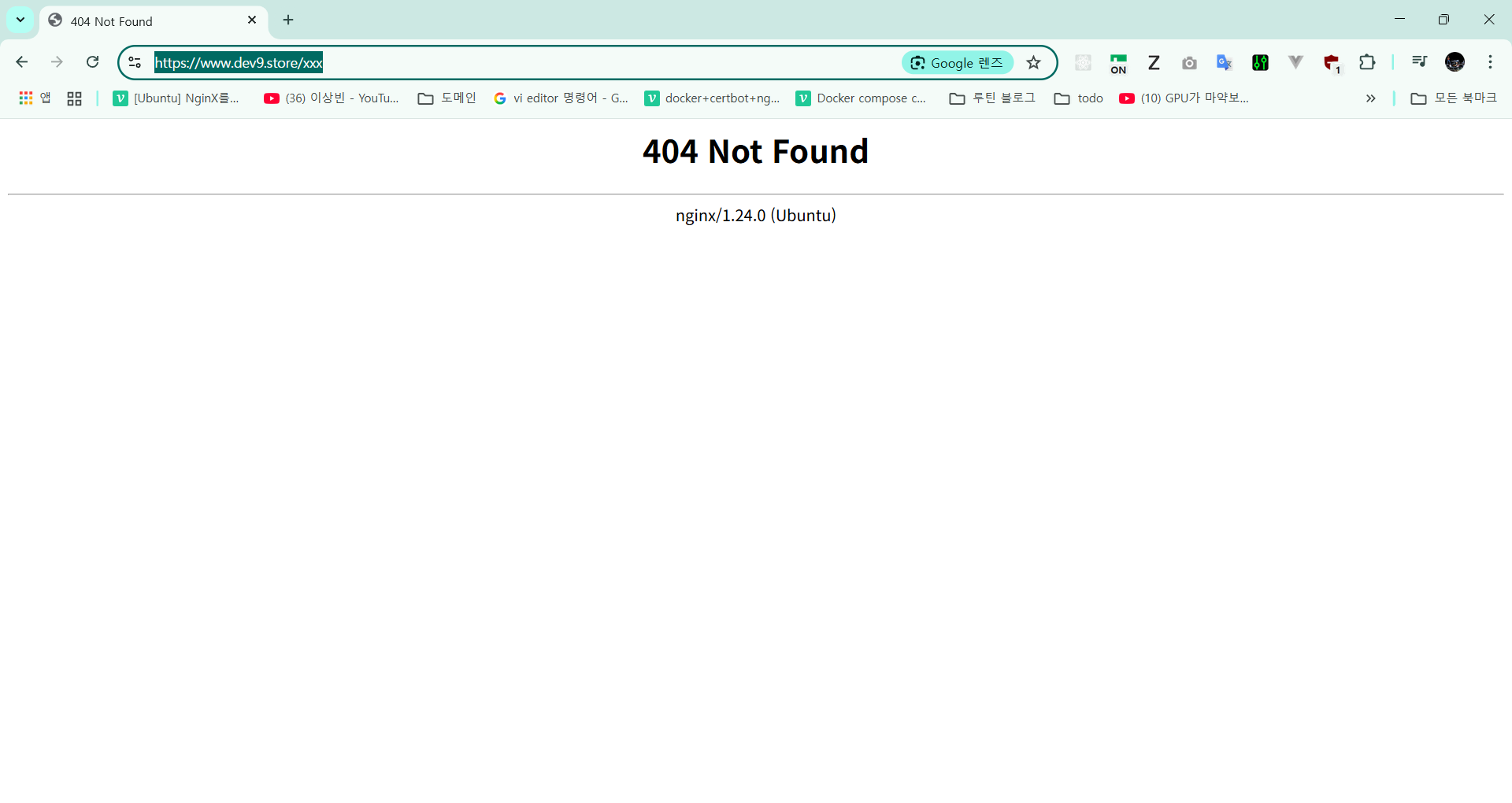
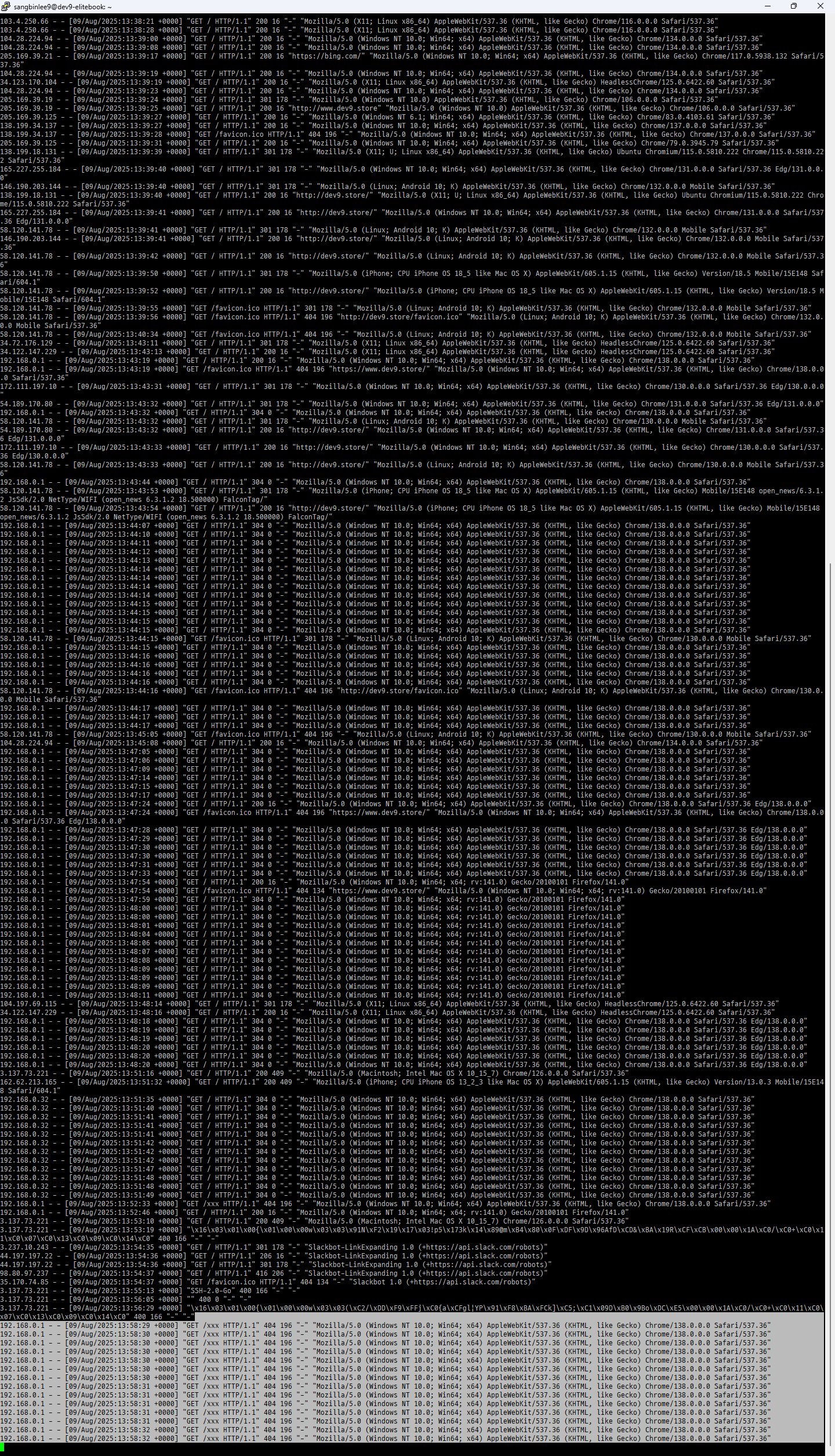
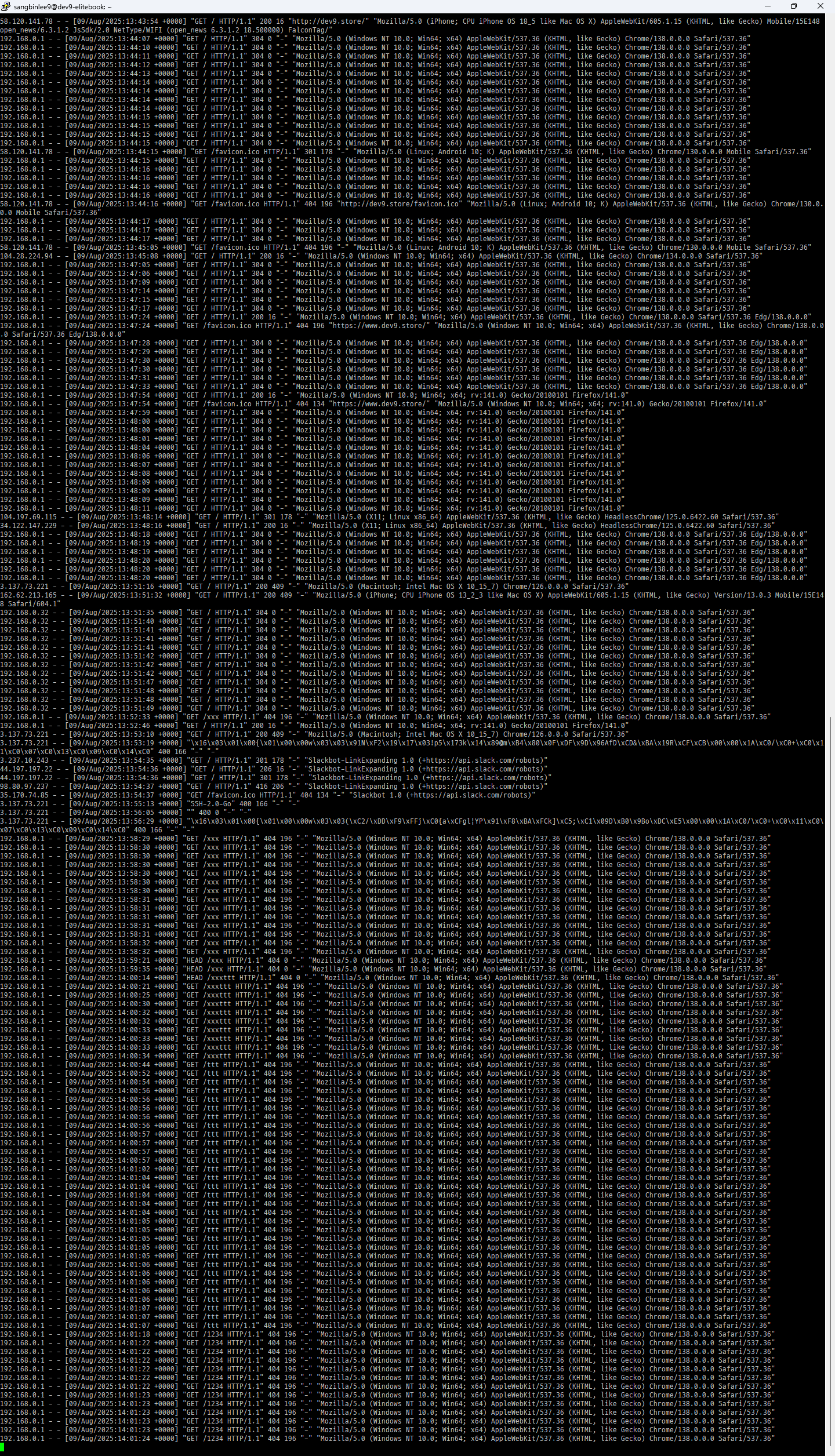
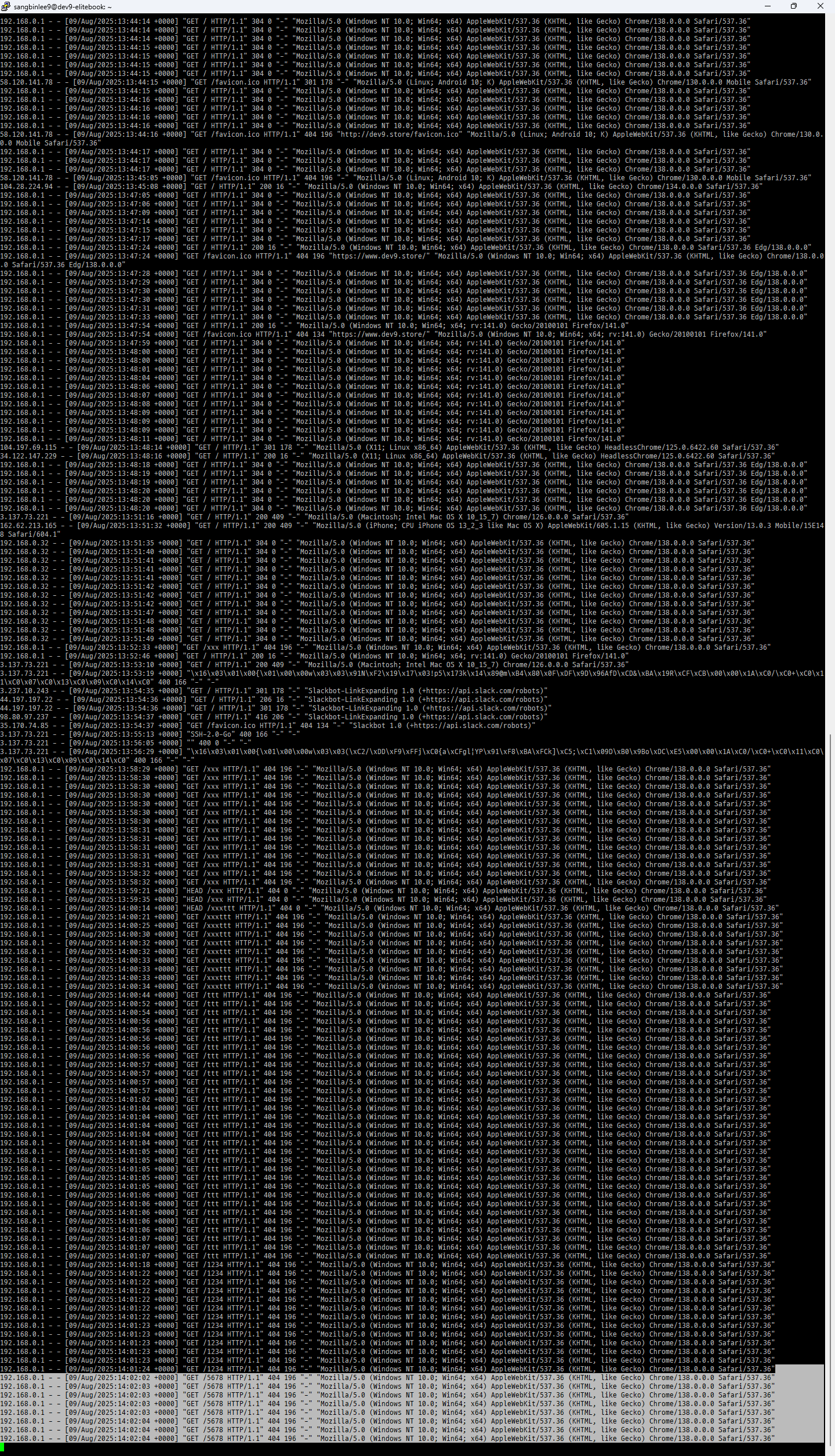
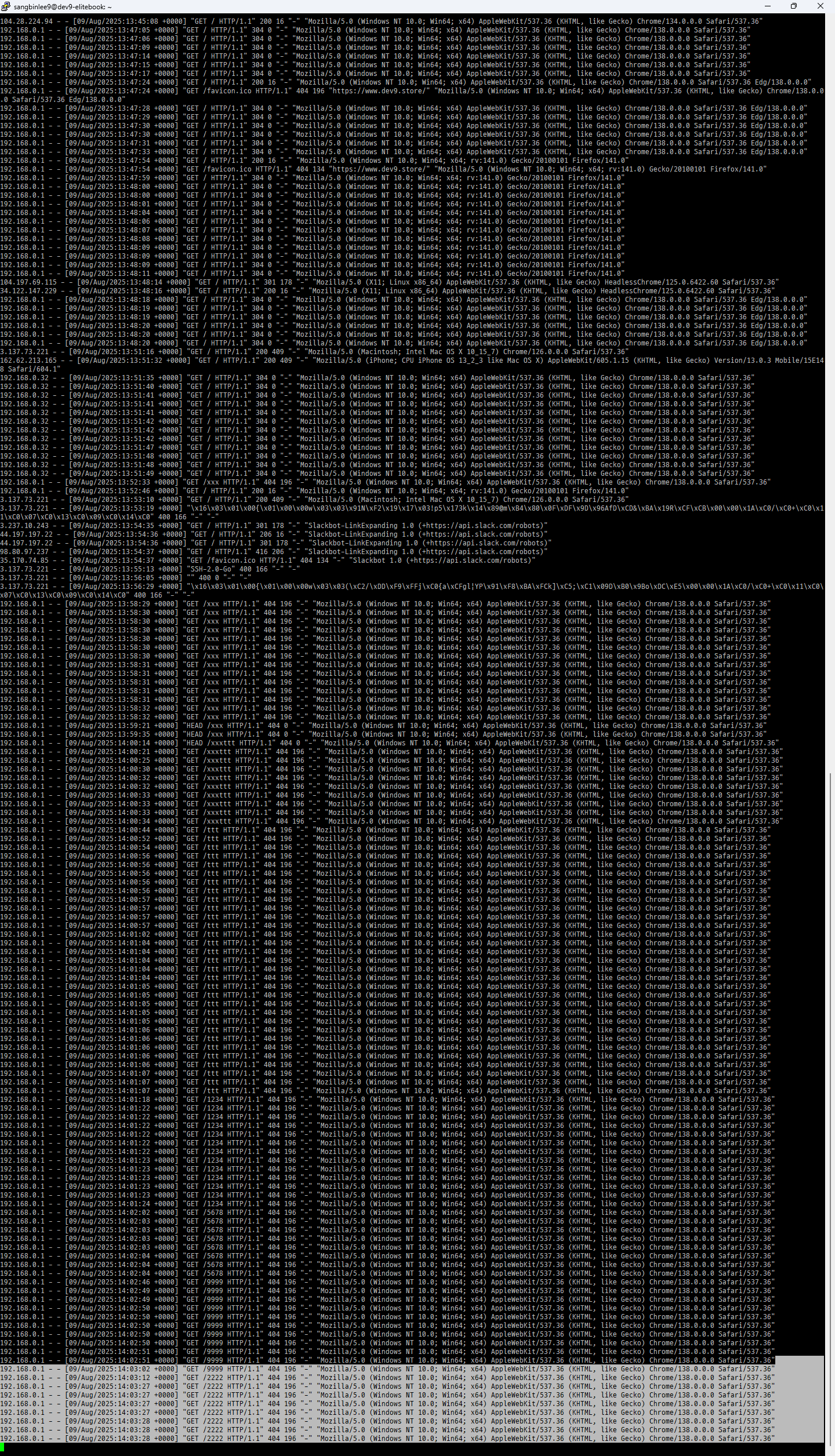
192.168.0.1 - - [10/Aug/2025:10:49:31 +0900] "GET /timezone HTTP/1.1" 404 196 "-" "Mozilla/5.0 (Windows NT 10.0; Win64; x64) AppleWebKit/537.36 (KHTML, like Gecko) Chrome/138.0.0.0 Safari/537.36"

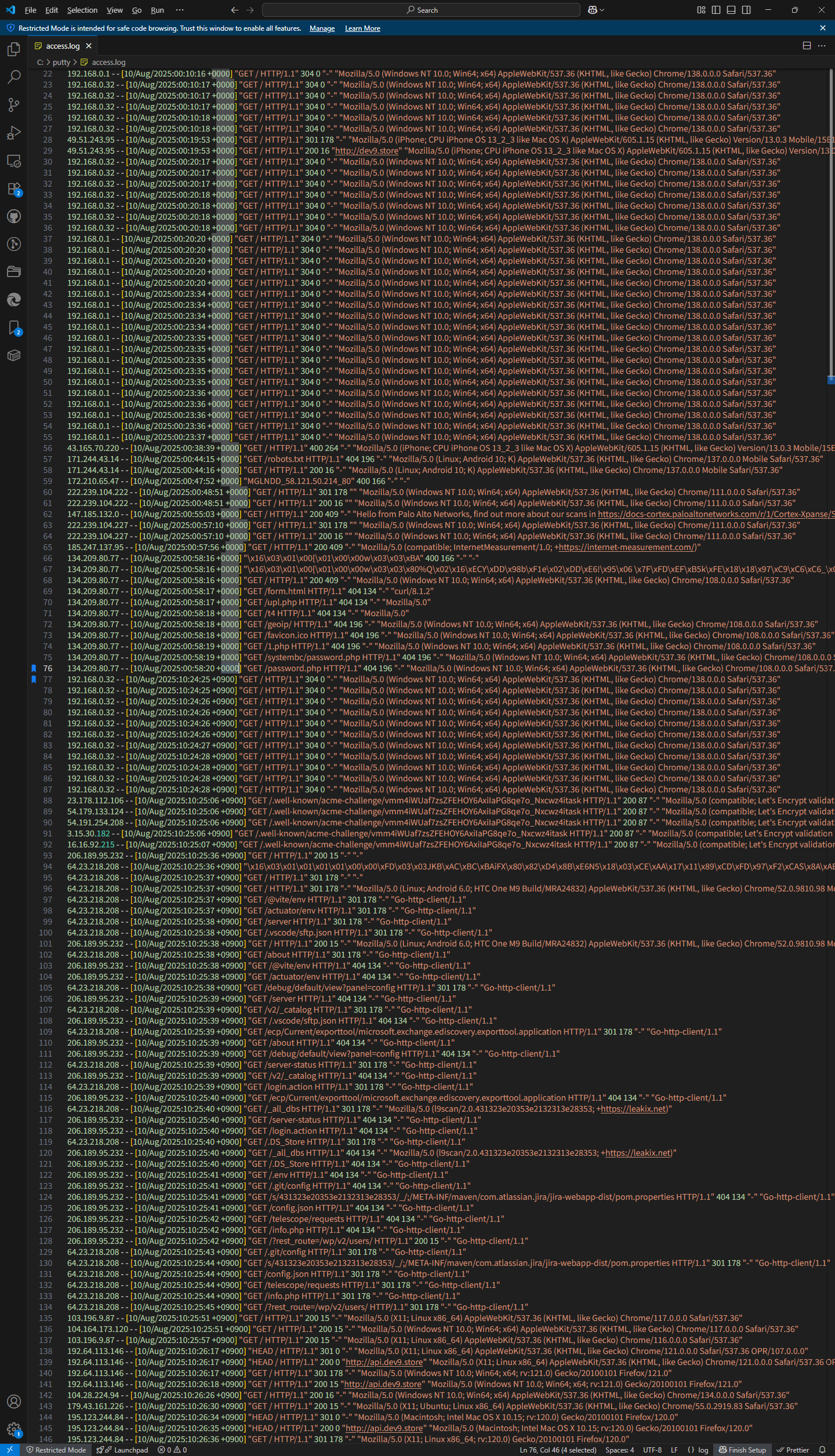
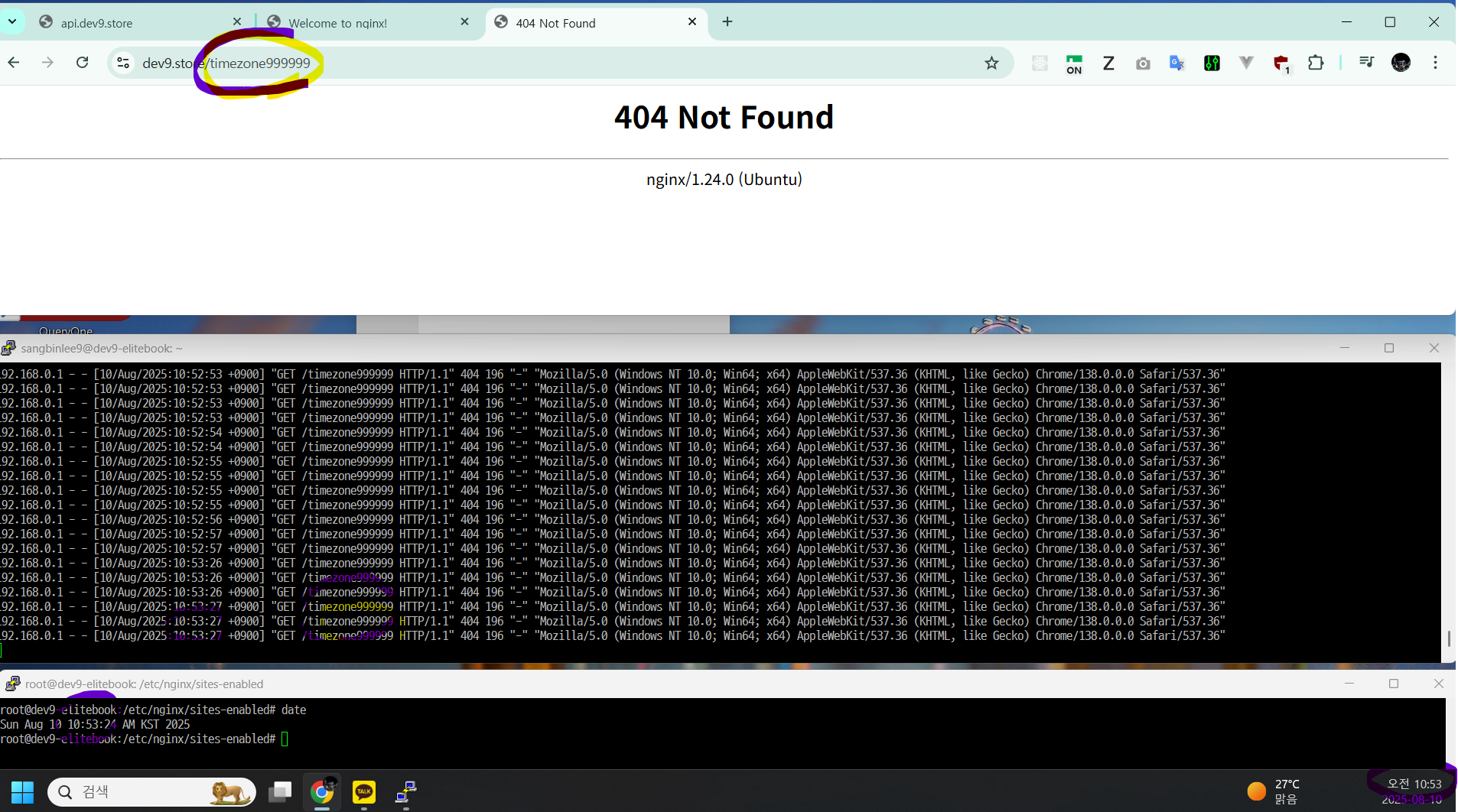
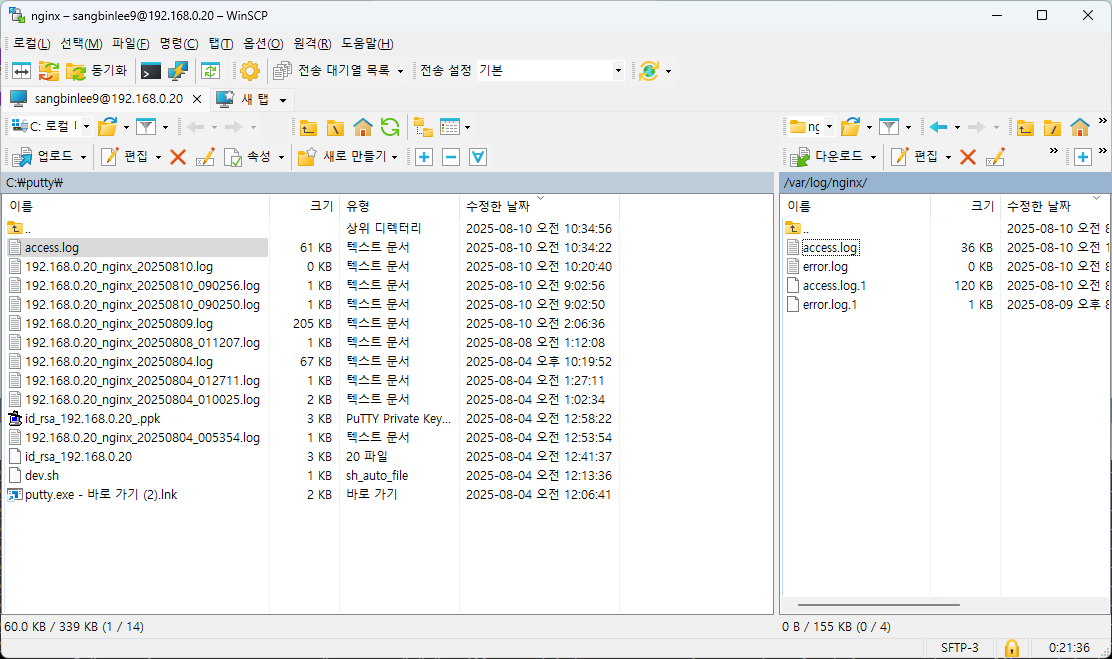
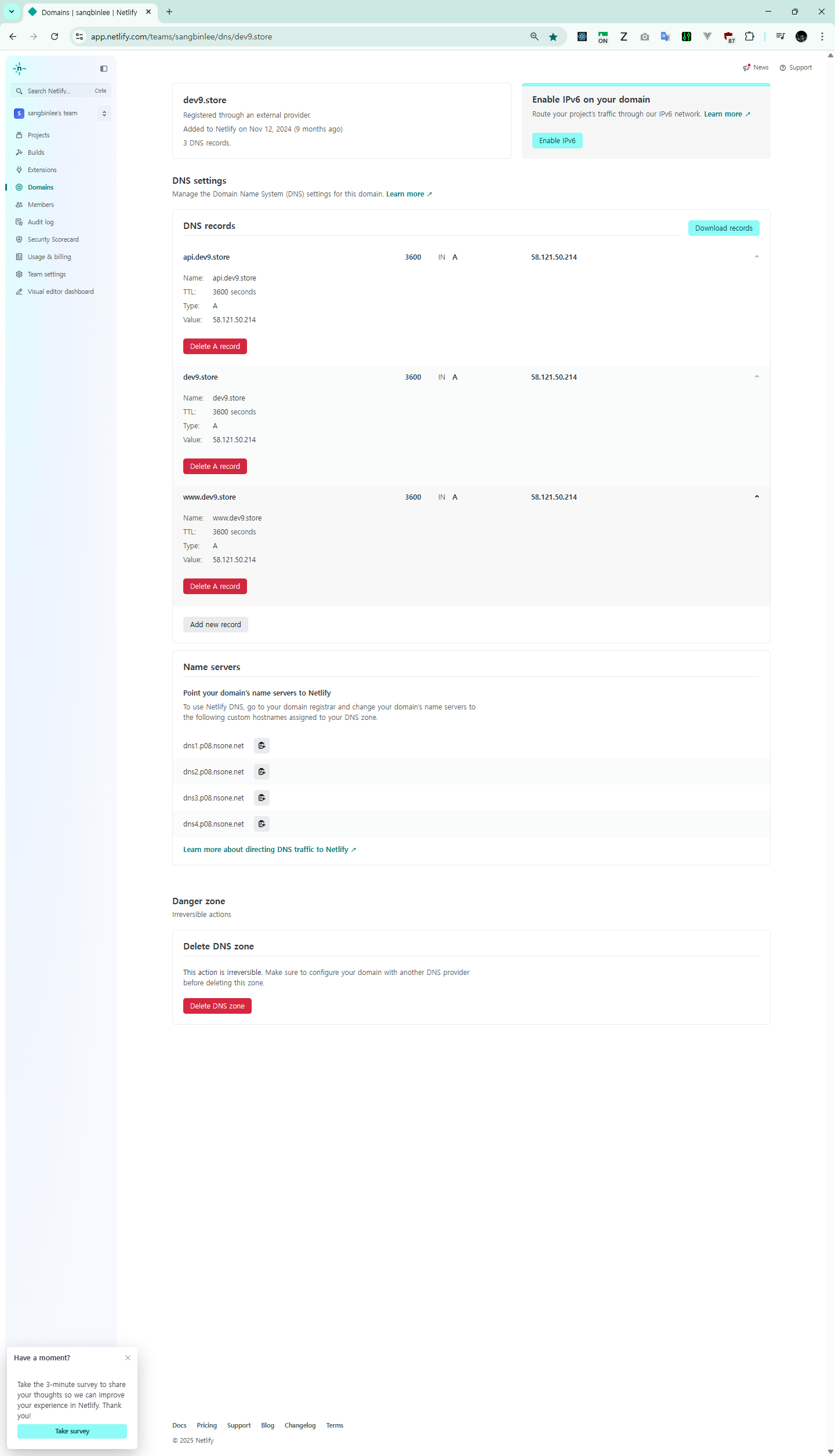
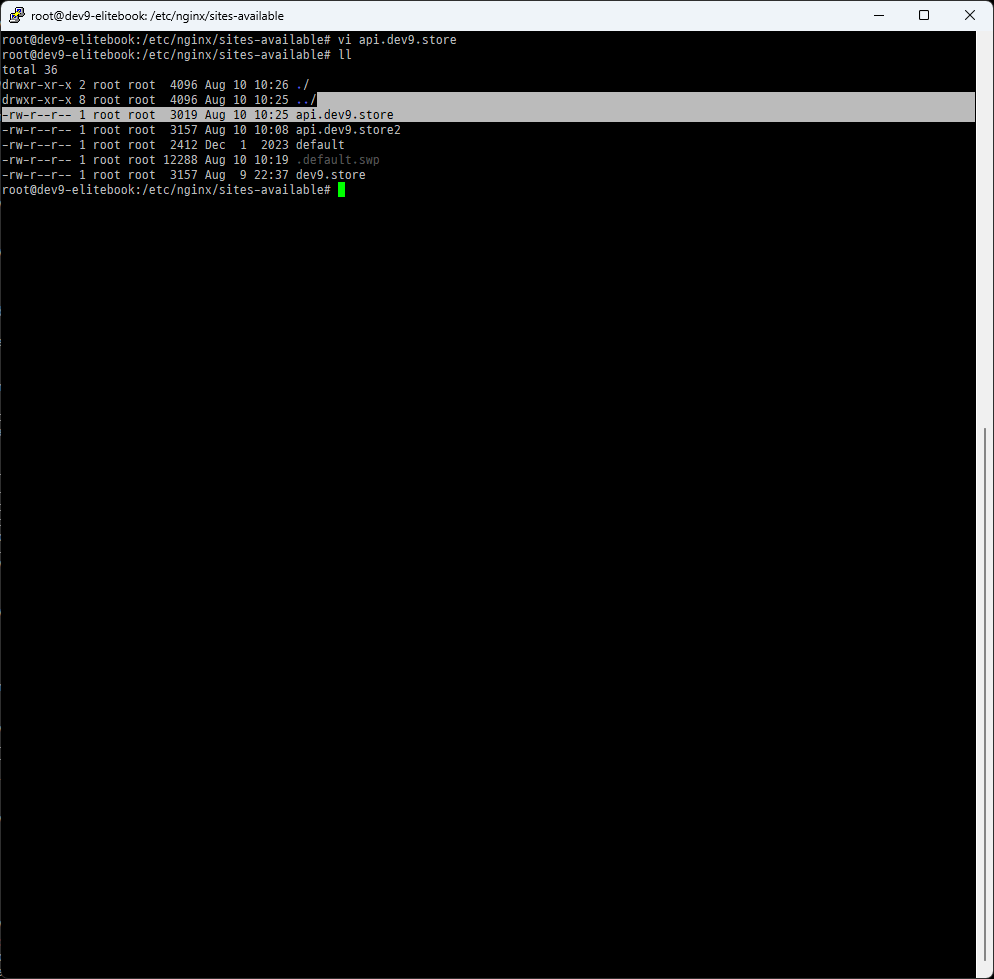
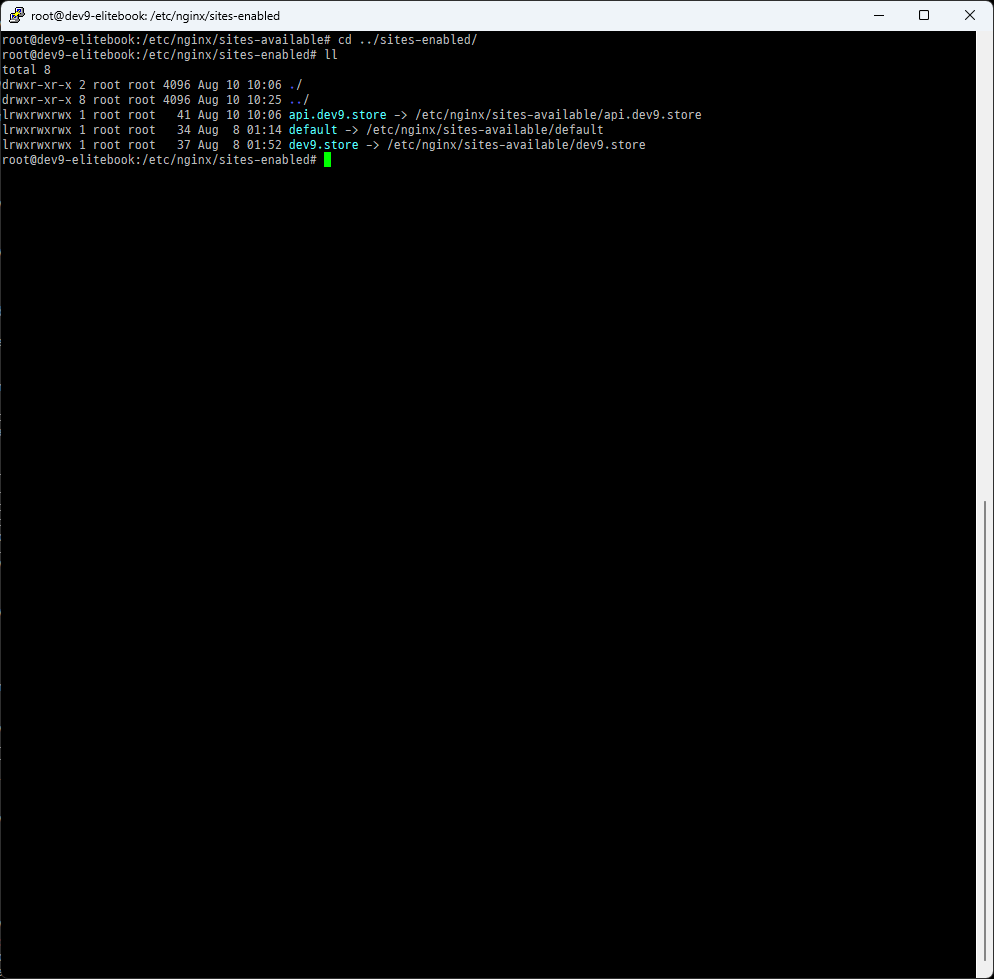
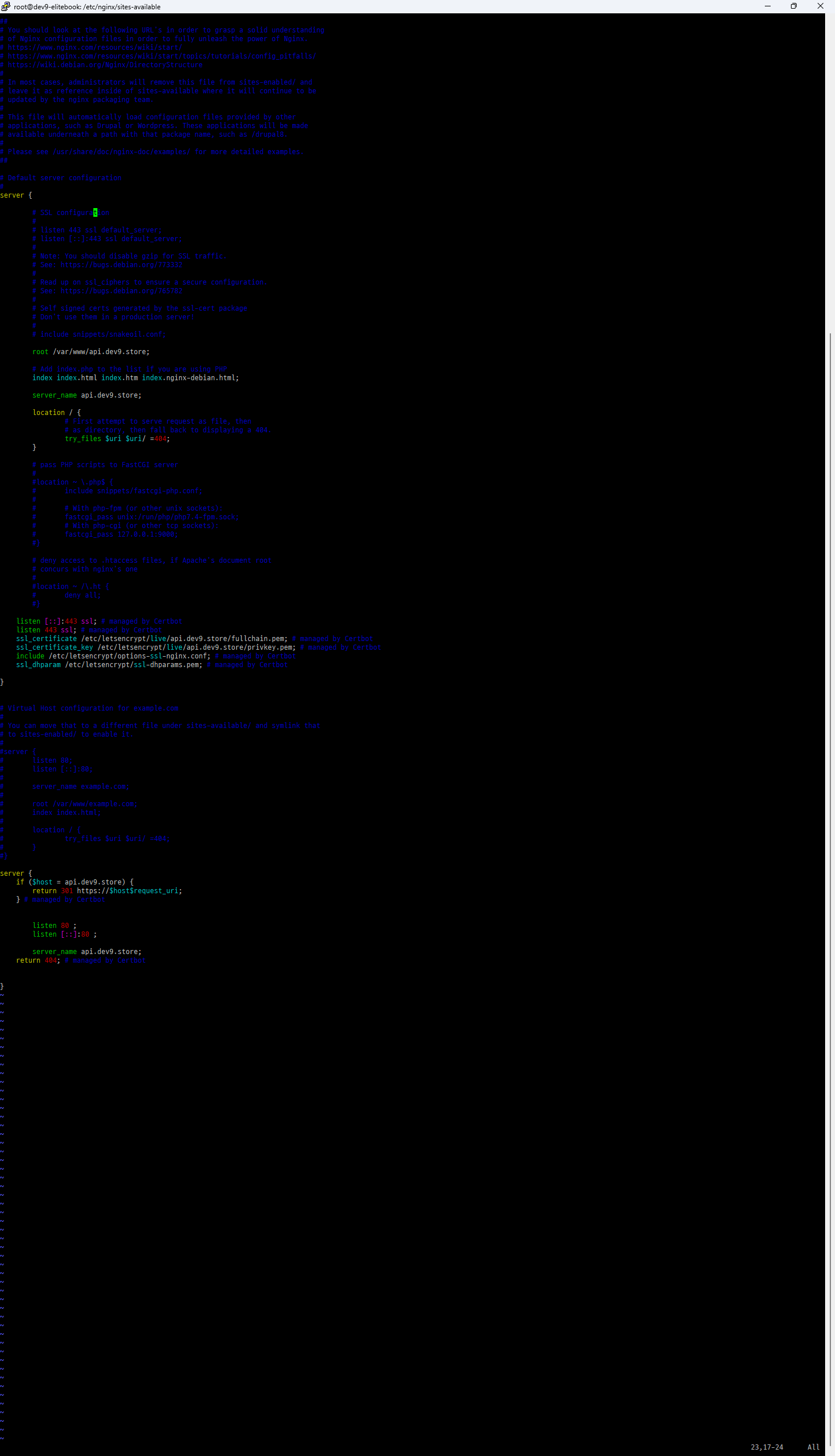
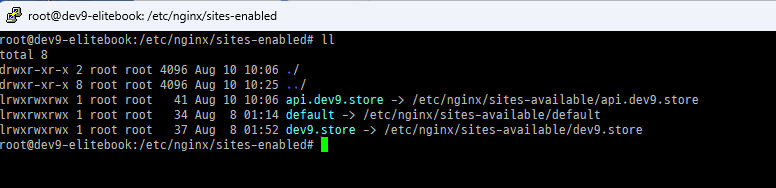
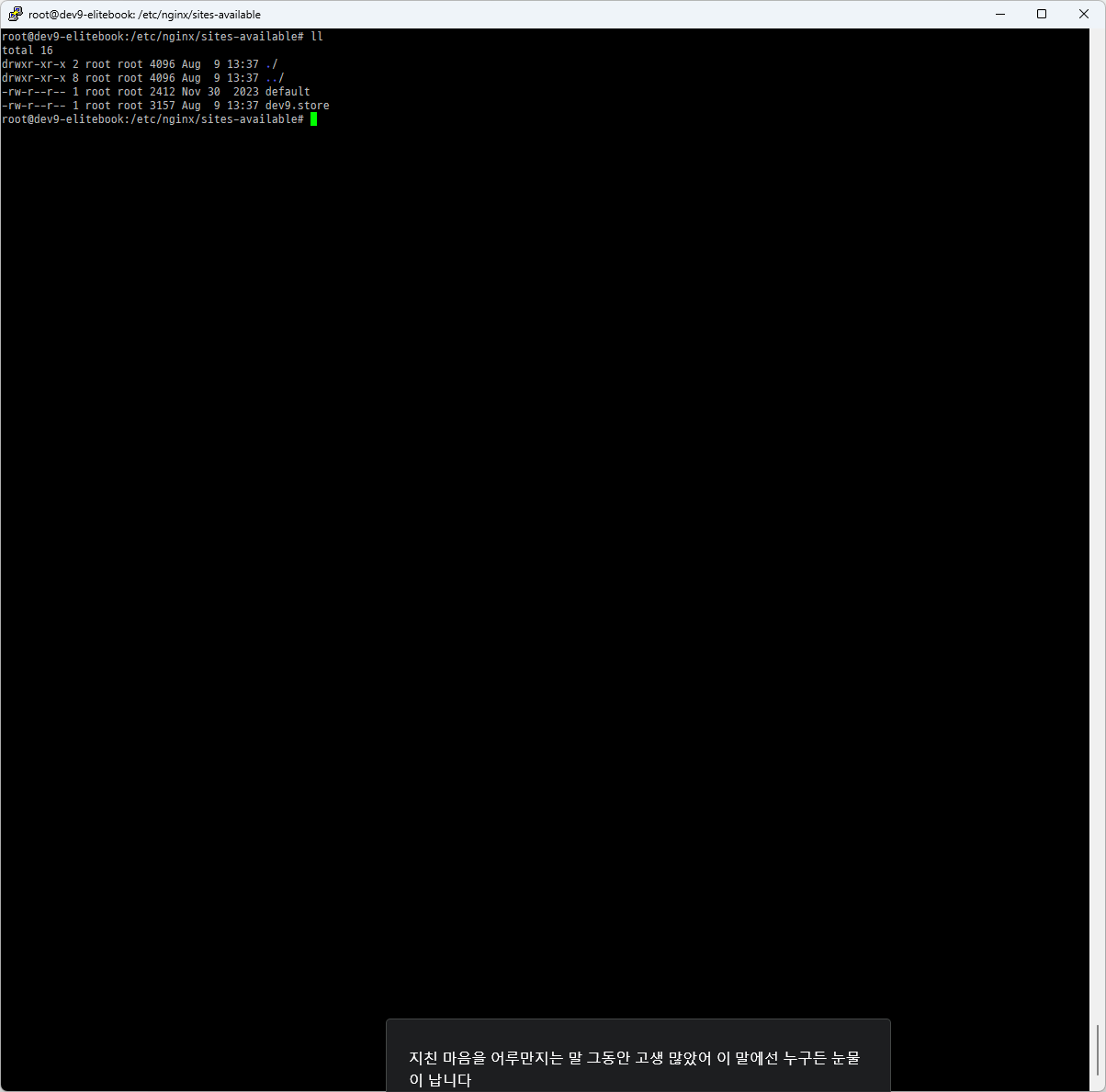
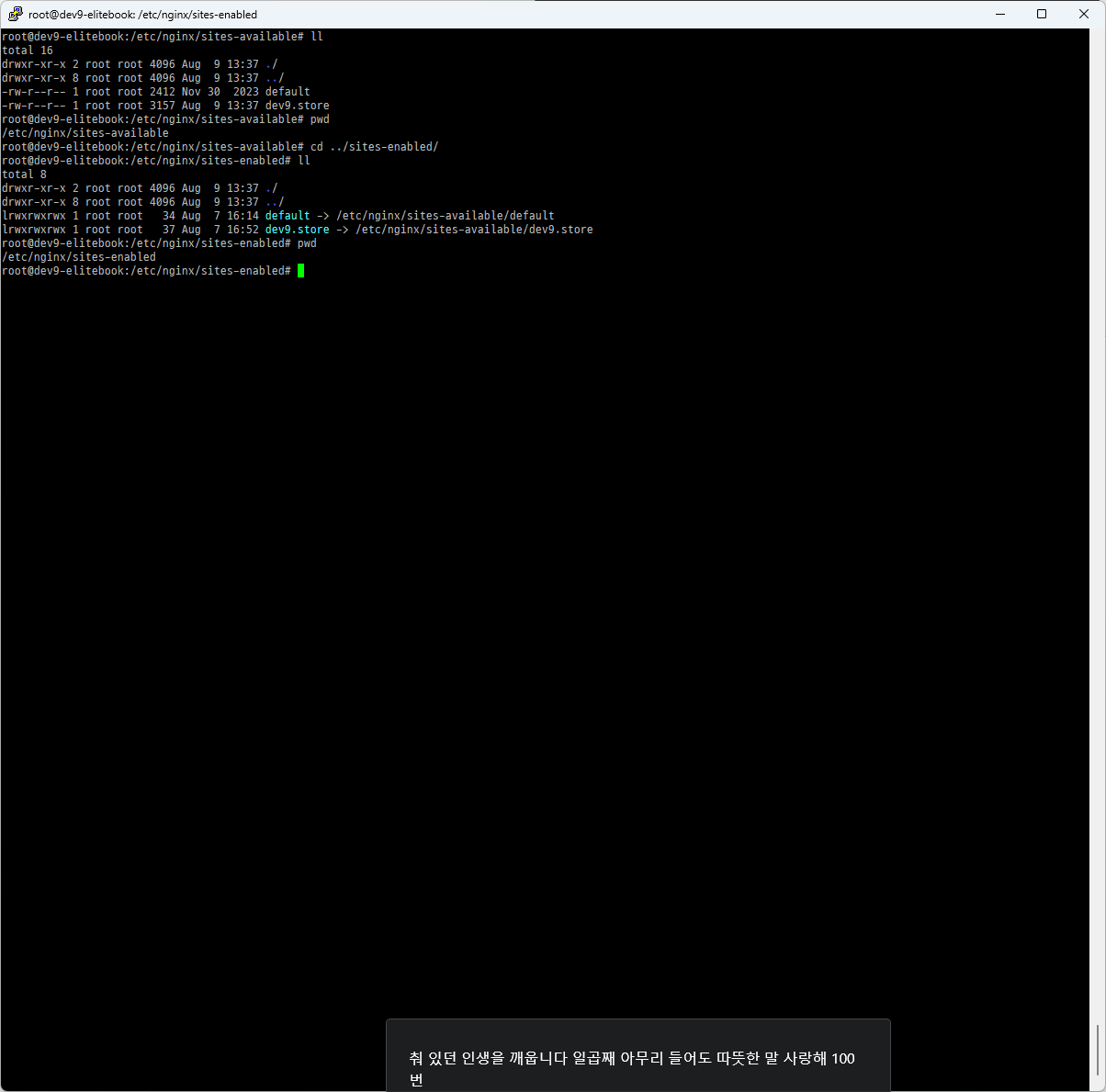
ln -s /etc/nginx/sites-available/api.dev9.store /etc/nginx/sites-enabled/api.dev9.store
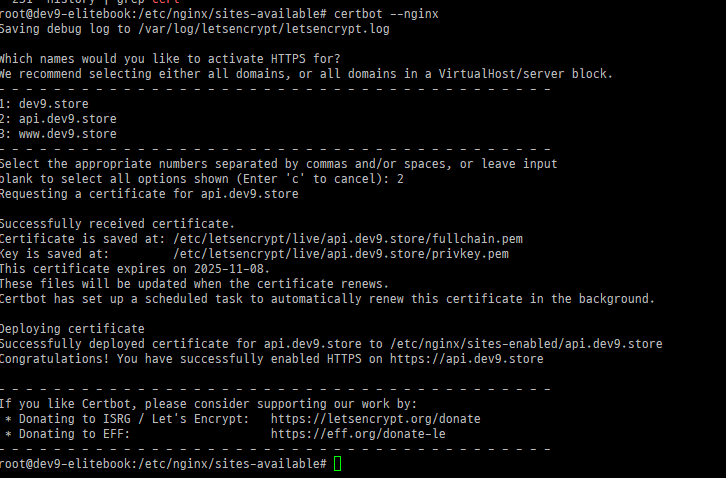
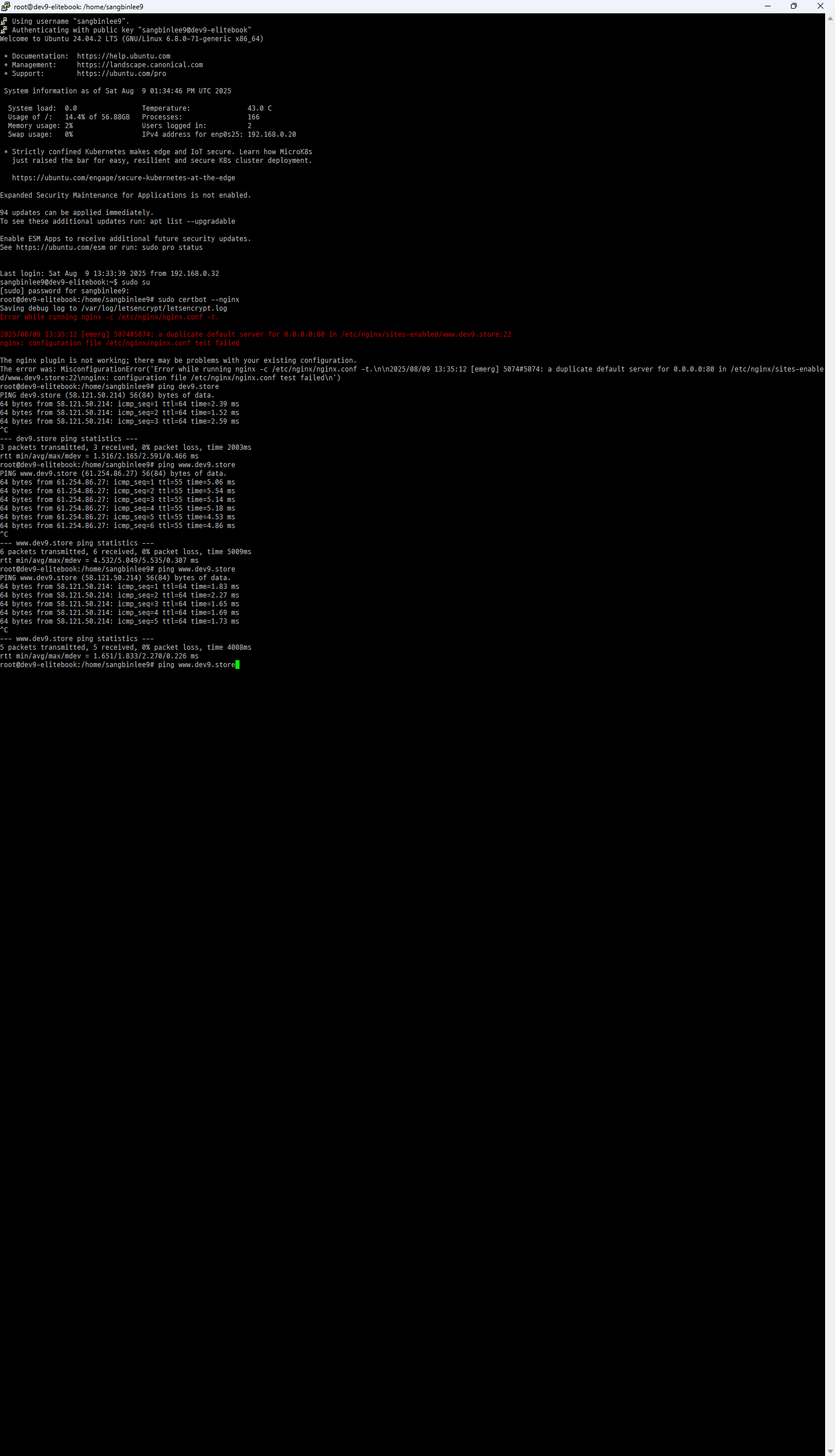
sudo certbot --nginx
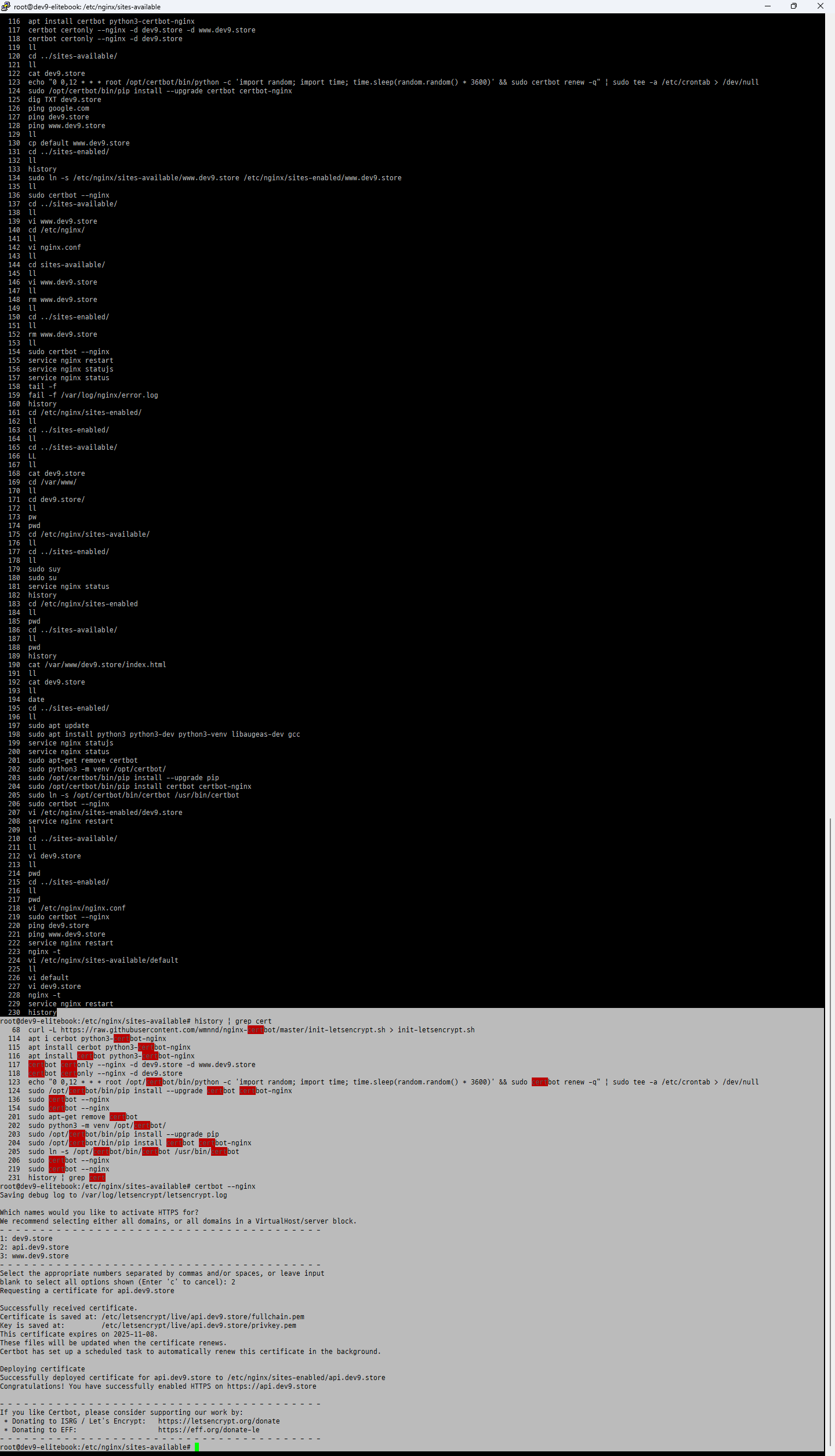
root@dev9-elitebook:/etc/nginx/sites-available# history | grep cert
68 curl -L https://raw.githubusercontent.com/wmnnd/nginx-certbot/master/init-letsencrypt.sh > init-letsencrypt.sh
114 apt i cerbot python3-certbot-nginx
115 apt install cerbot python3-certbot-nginx
116 apt install certbot python3-certbot-nginx
117 certbot certonly --nginx -d dev9.store -d www.dev9.store
118 certbot certonly --nginx -d dev9.store
123 echo "0 0,12 * * root /opt/certbot/bin/python -c 'import random; import time; time.sleep(random.random() 3600)' && sudo certbot renew -q" | sudo tee -a /etc/crontab > /dev/null
124 sudo /opt/certbot/bin/pip install --upgrade certbot certbot-nginx
136 sudo certbot --nginx
154 sudo certbot --nginx
201 sudo apt-get remove certbot
202 sudo python3 -m venv /opt/certbot/
203 sudo /opt/certbot/bin/pip install --upgrade pip
204 sudo /opt/certbot/bin/pip install certbot certbot-nginx
205 sudo ln -s /opt/certbot/bin/certbot /usr/bin/certbot
206 sudo certbot --nginx
219 sudo certbot --nginx
231 history | grep cert
root@dev9-elitebook:/etc/nginx/sites-available# certbot --nginx
Saving debug log to /var/log/letsencrypt/letsencrypt.log
Which names would you like to activate HTTPS for?
We recommend selecting either all domains, or all domains in a VirtualHost/server block.
1: dev9.store
2: api.dev9.store
3: www.dev9.store
Select the appropriate numbers separated by commas and/or spaces, or leave input
blank to select all options shown (Enter 'c' to cancel): 2
Requesting a certificate for api.dev9.store
Successfully received certificate.
Certificate is saved at: /etc/letsencrypt/live/api.dev9.store/fullchain.pem
Key is saved at: /etc/letsencrypt/live/api.dev9.store/privkey.pem
This certificate expires on 2025-11-08.
These files will be updated when the certificate renews.
Certbot has set up a scheduled task to automatically renew this certificate in the background.
Deploying certificate
Successfully deployed certificate for api.dev9.store to /etc/nginx/sites-enabled/api.dev9.store
Congratulations! You have successfully enabled HTTPS on https://api.dev9.store
If you like Certbot, please consider supporting our work by:
- Donating to ISRG / Let's Encrypt: https://letsencrypt.org/donate
- Donating to EFF: https://eff.org/donate-le
root@dev9-elitebook:/etc/nginx/sites-available#
nginx 재시작
$ sudo service nginx reload
또는
$ sudo service nginx restart
228 nginx -t
229 service nginx restart
154 sudo certbot --nginx
155 service nginx restart
157 service nginx status
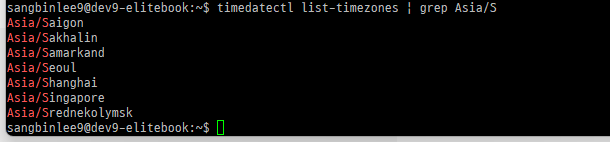
timedatectl list-timezones | grep Asia/S
sangbinlee9@dev9-elitebook:~$ timedatectl list-timezones | grep Asia/S
Asia/Saigon
Asia/Sakhalin
Asia/Samarkand
Asia/Seoul
Asia/Shanghai
Asia/Singapore
Asia/Srednekolymsk
sangbinlee9@dev9-elitebook:~$

timedatectl status
sangbinlee9@dev9-elitebook:~$ timedatectl status
Local time: Sat 2025-08-09 23:39:51 UTC
Universal time: Sat 2025-08-09 23:39:51 UTC
RTC time: Sat 2025-08-09 23:39:51
Time zone: Etc/UTC (UTC, +0000)
System clock synchronized: yes
NTP service: active
RTC in local TZ: no
sangbinlee9@dev9-elitebook:~$


service nginx status
sangbinlee9@dev9-elitebook:~$ service nginx status
● nginx.service - A high performance web server and a reverse proxy server
Loaded: loaded (/usr/lib/systemd/system/nginx.service; enabled; preset: enabled)
Active: active (running) since Sat 2025-08-09 13:40:45 UTC; 9h ago
Docs: man:nginx(8)
Process: 5126 ExecStartPre=/usr/sbin/nginx -t -q -g daemon on; master_process on; (code=exited, status=0/SUCCESS)
Process: 5130 ExecStart=/usr/sbin/nginx -g daemon on; master_process on; (code=exited, status=0/SUCCESS)
Main PID: 5131 (nginx)
Tasks: 5 (limit: 18947)
Memory: 5.6M (peak: 6.3M)
CPU: 673ms
CGroup: /system.slice/nginx.service
├─5131 "nginx: master process /usr/sbin/nginx -g daemon on; master_process on;"
├─5132 "nginx: worker process"
├─5133 "nginx: worker process"
├─5134 "nginx: worker process"
└─5135 "nginx: worker process"
Aug 09 13:40:45 dev9-elitebook systemd[1]: Starting nginx.service - A high performance web server and a reverse proxy server...
Aug 09 13:40:45 dev9-elitebook systemd[1]: Started nginx.service - A high performance web server and a reverse proxy server.
sangbinlee9@dev9-elitebook:~$

sangbinlee9@dev9-elitebook:~$ tail -f /var/log/nginx/access.log
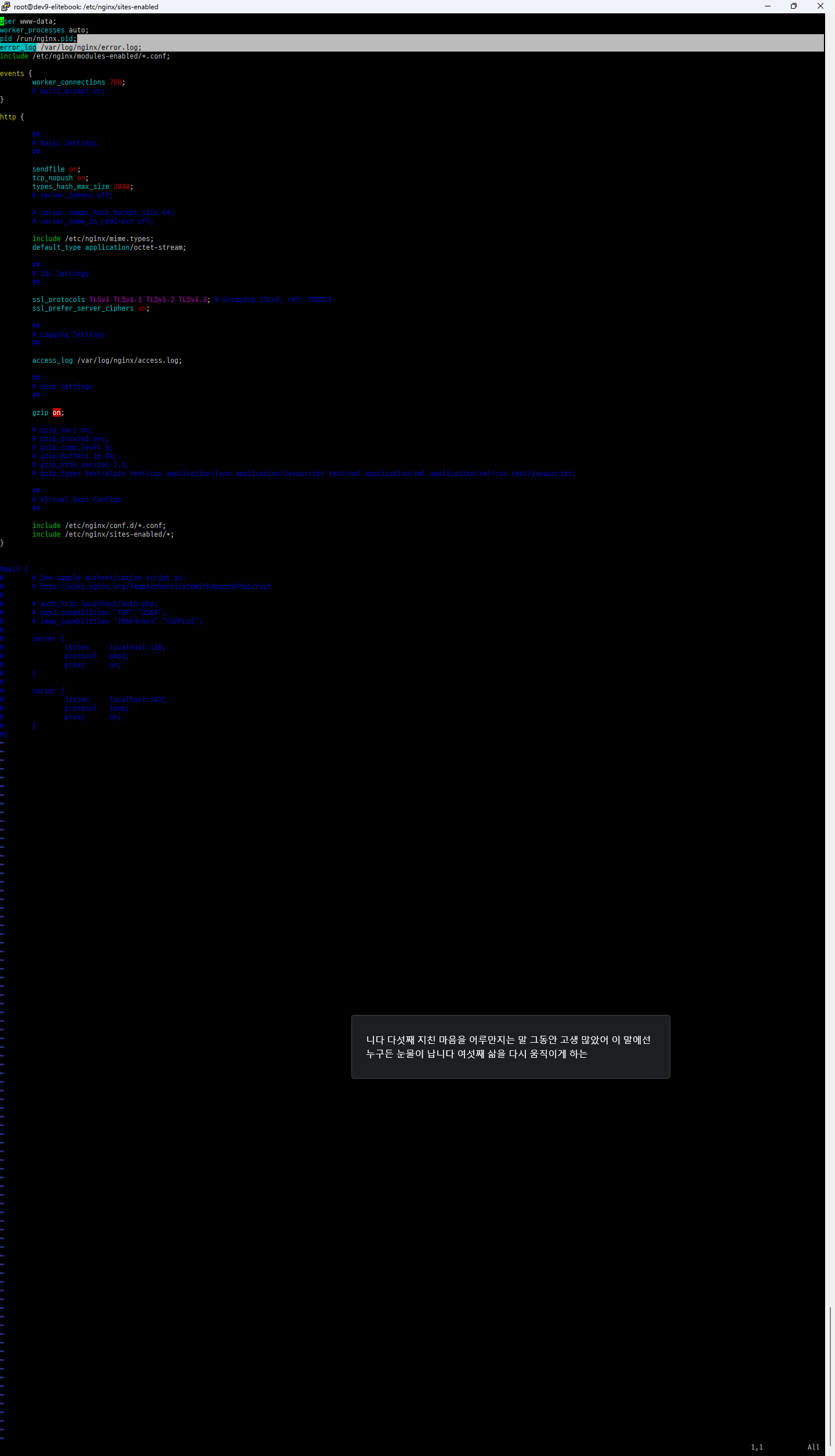
/etc/nginx/nginx.conf
error_log /var/log/nginx/error.log;
access_log /var/log/nginx/access.log;