https://letsencrypt.org/docs/glossary/
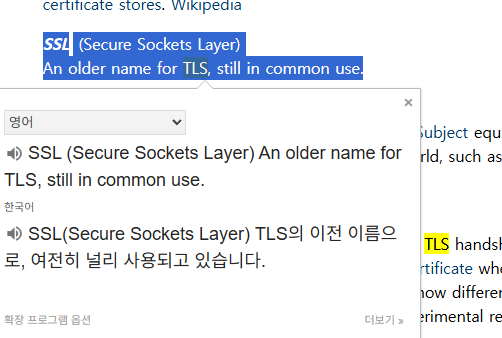
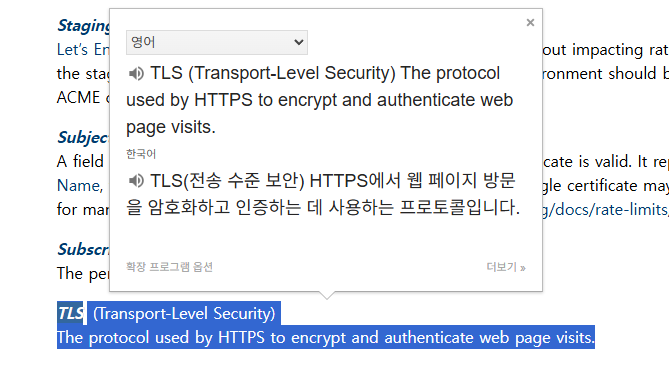
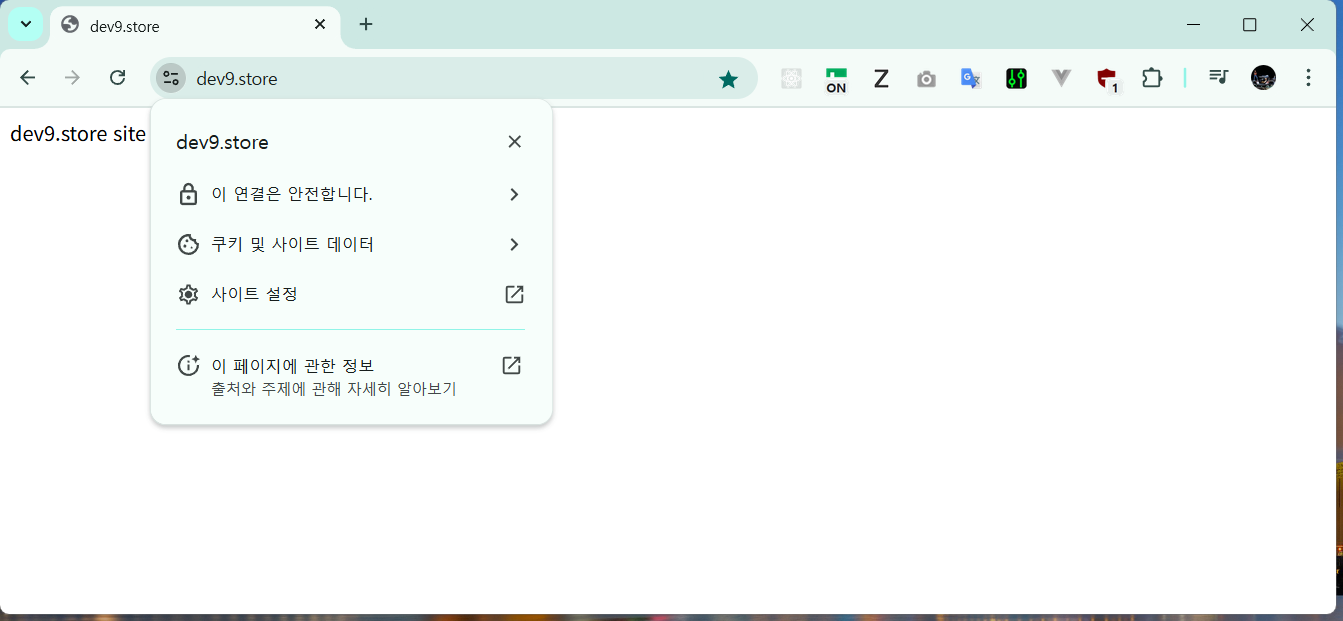
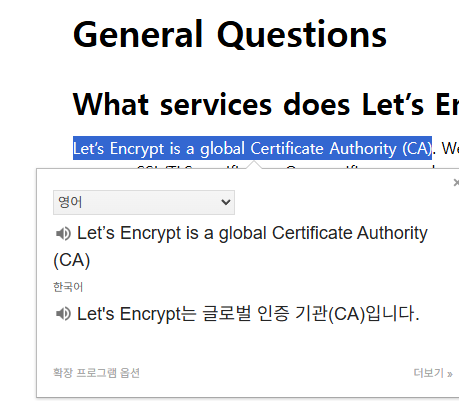
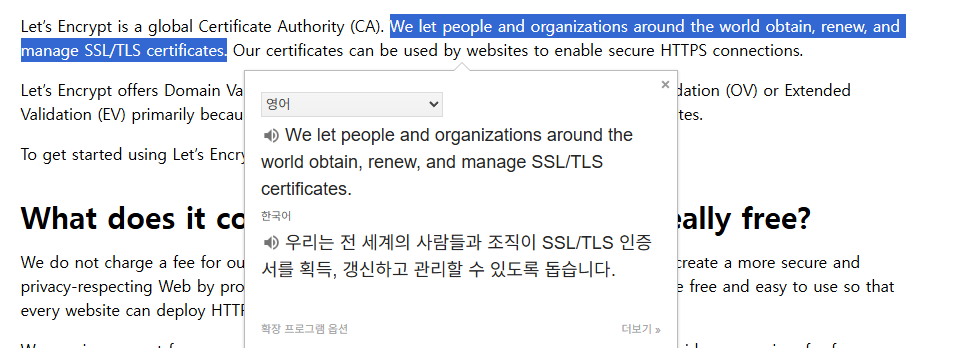
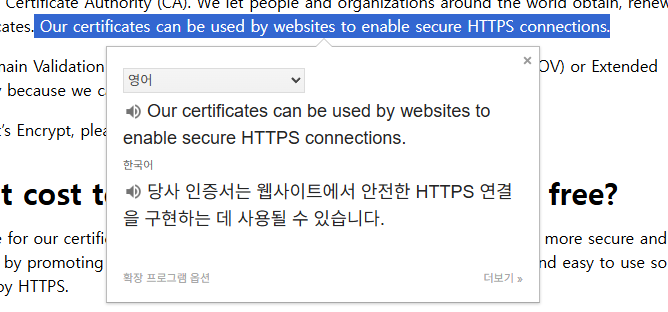
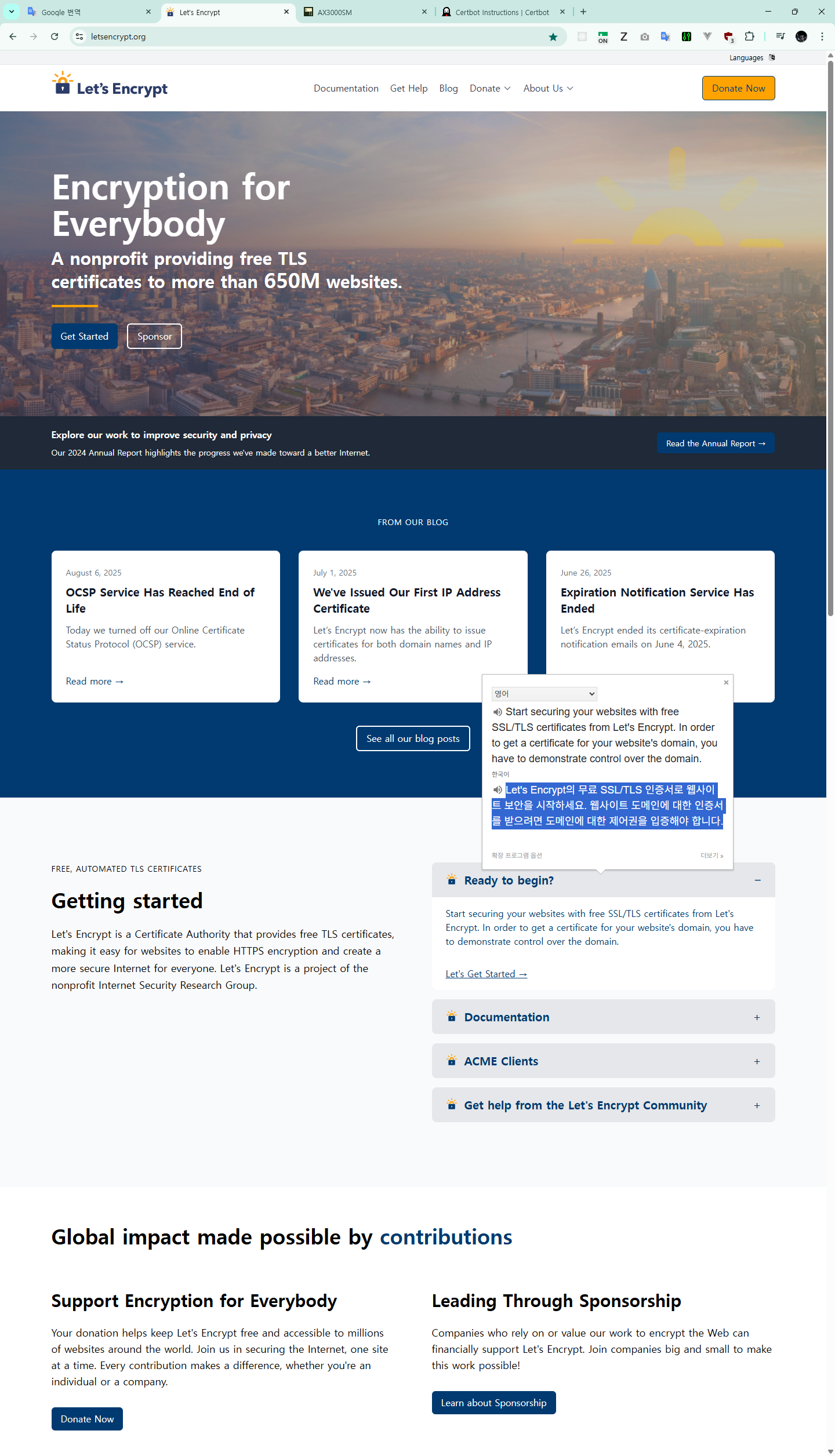
Let's Encrypt의 무료 SSL/TLS 인증서로 웹사이트 보안을 시작하세요. 웹사이트 도메인에 대한 인증서를 받으려면 도메인에 대한 제어권을 입증해야 합니다.
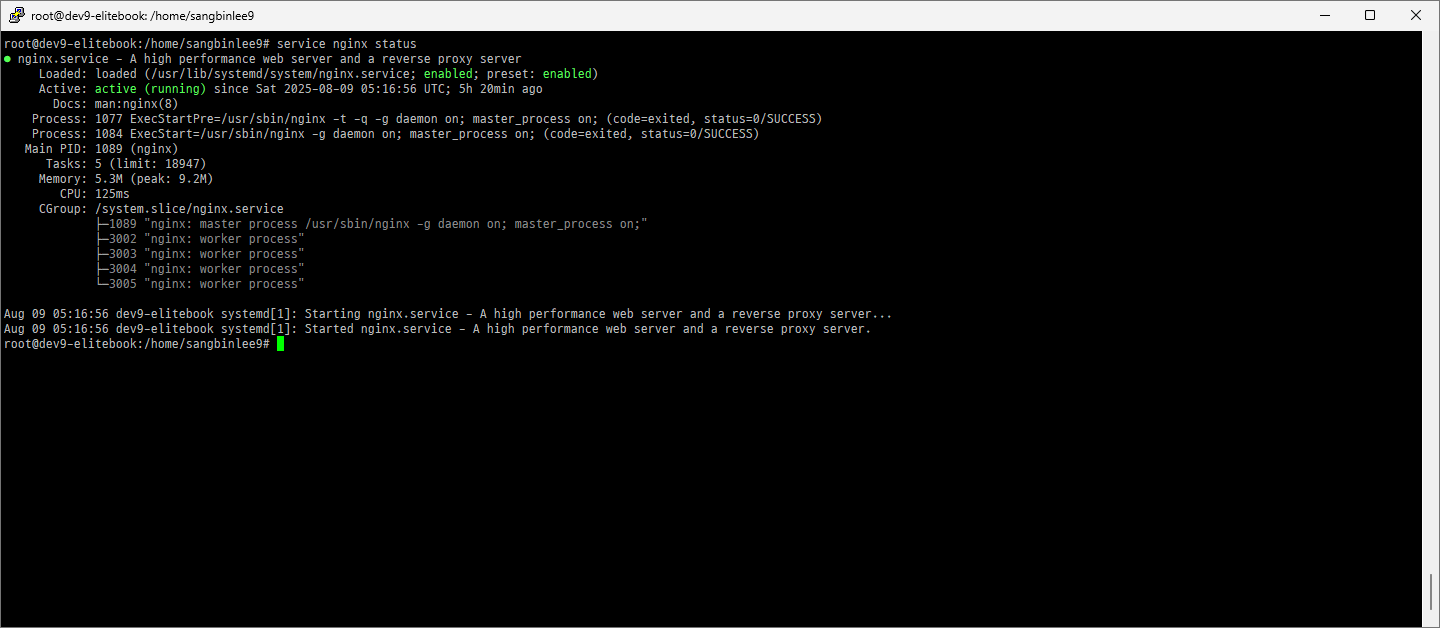
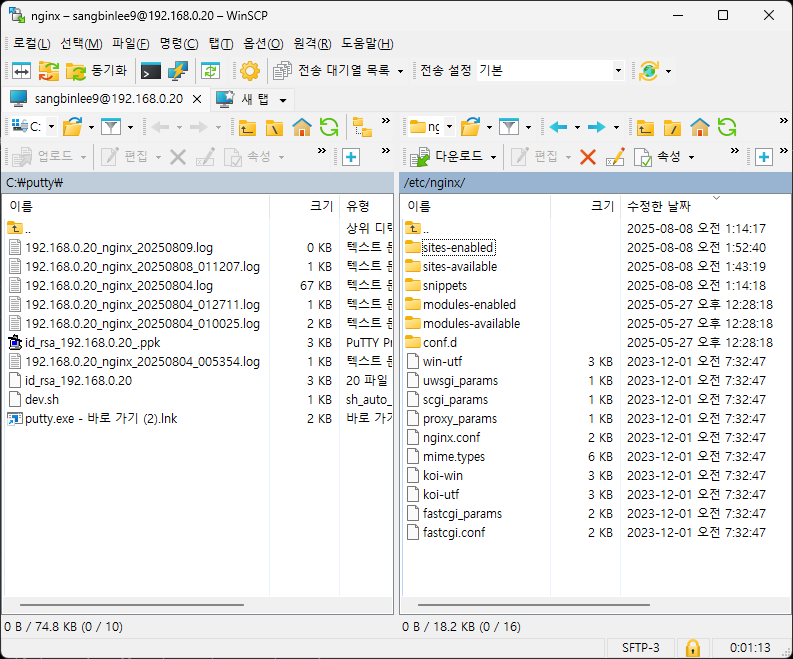
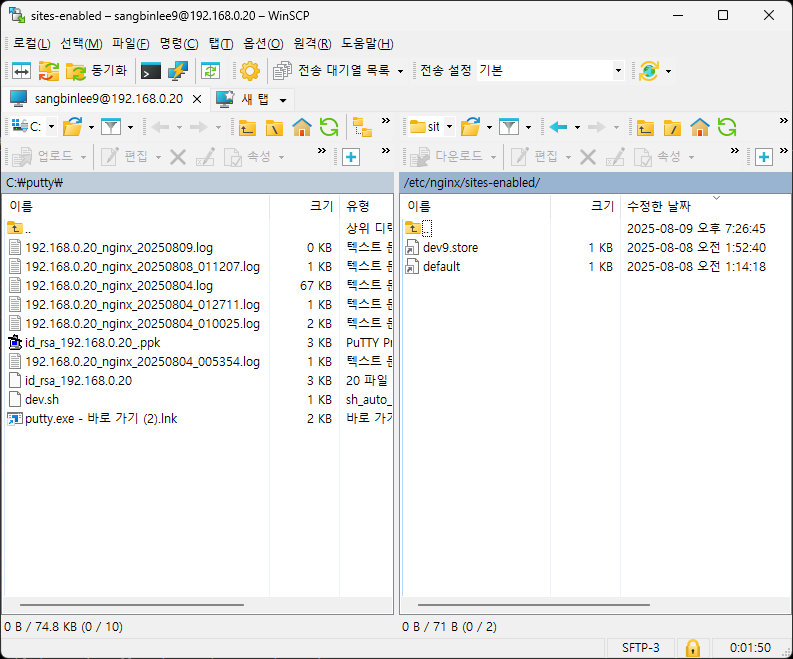
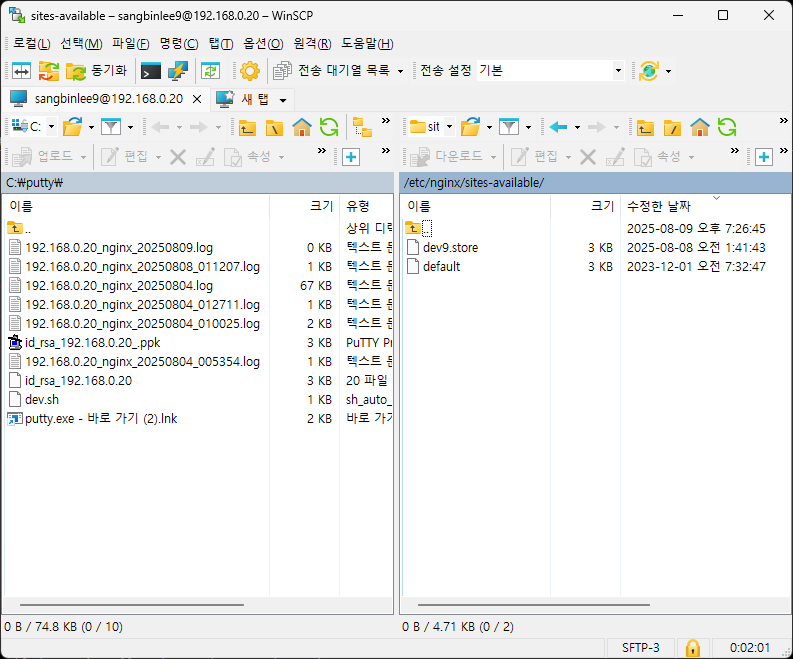
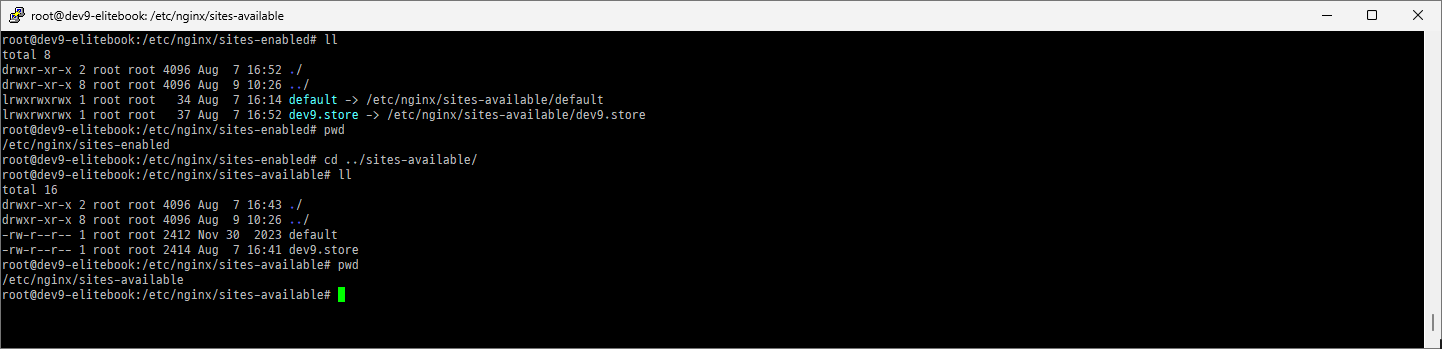
/etc/nginx/sites-available
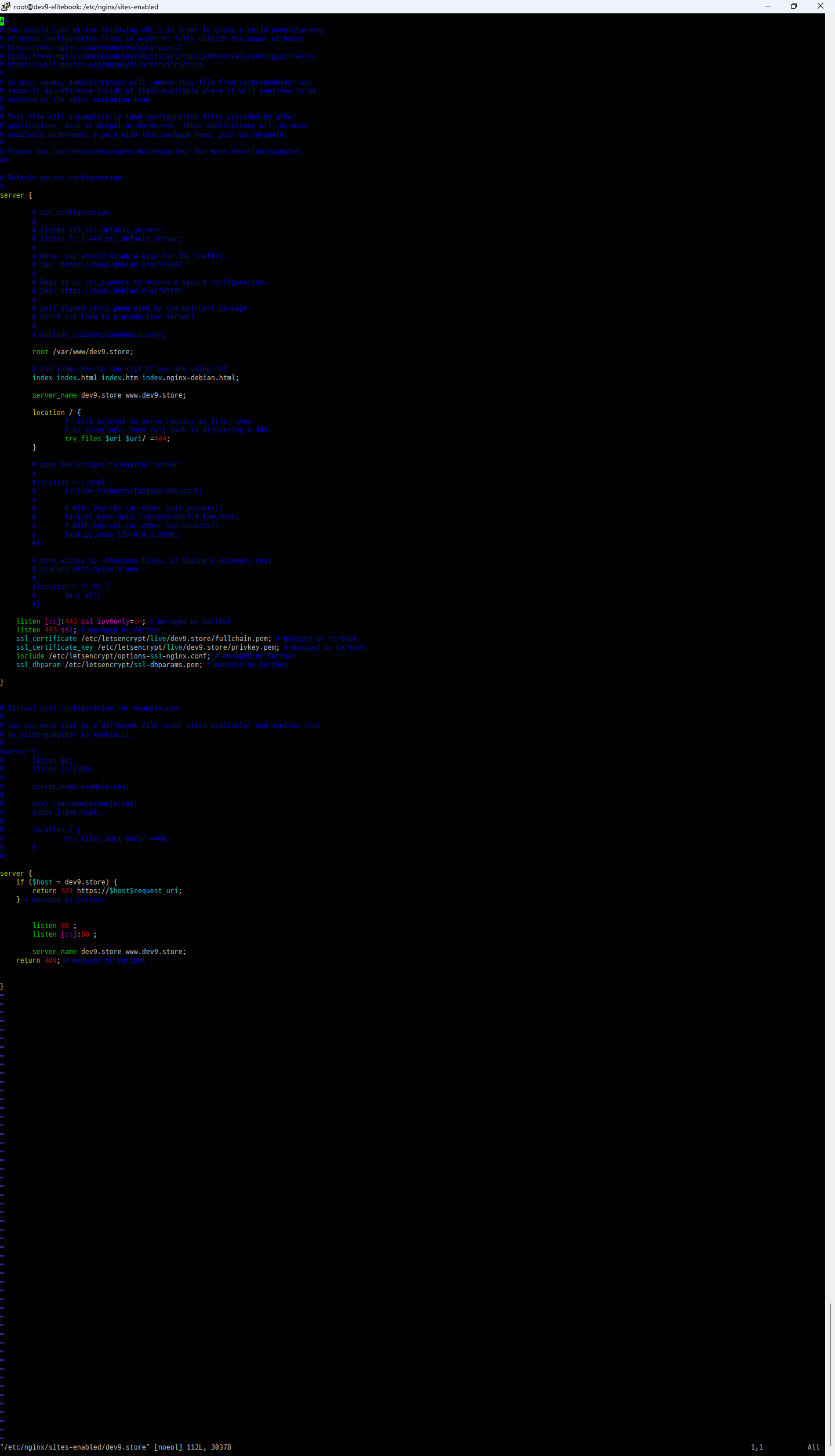
/etc/nginx/sites-enabled
sudo ln -s /etc/nginx/sites-available/dev9.store /etc/nginx/sites-enabled/dev9.store
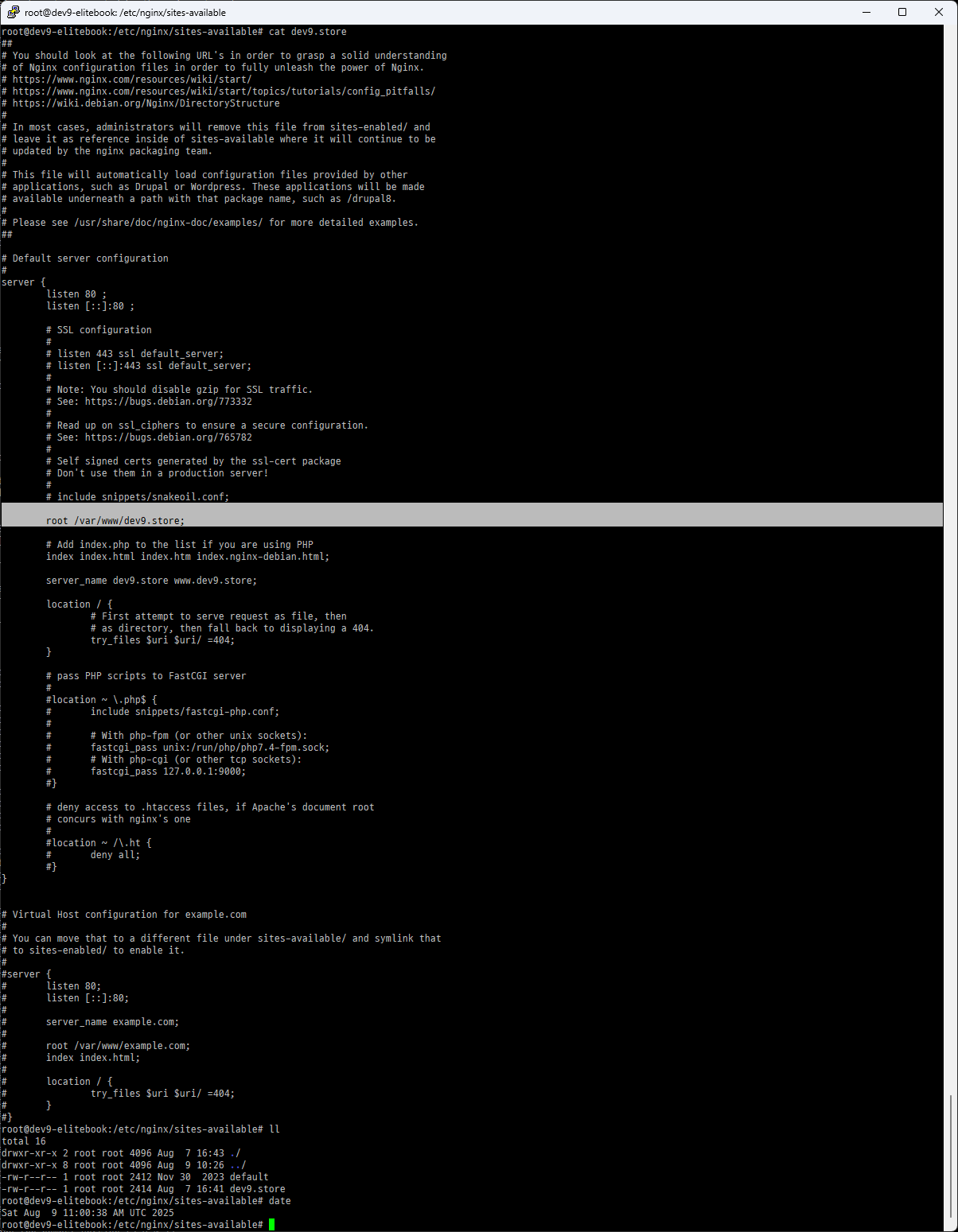
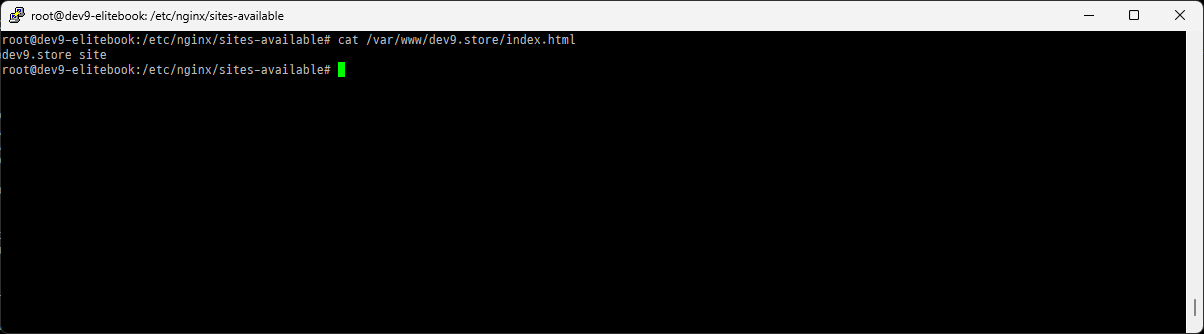
    root /var/www/dev9.store;


    server_name dev9.store www.dev9.store;
todo
1. copy dev9.store www.dev9.store
cp /etc/nginx/sites-available/dev9.store /etc/nginx/sites-available/www.dev9.store
2. sudo ln -s /etc/nginx/sites-available/dev9.store /etc/nginx/sites-enabled/www.dev9.store
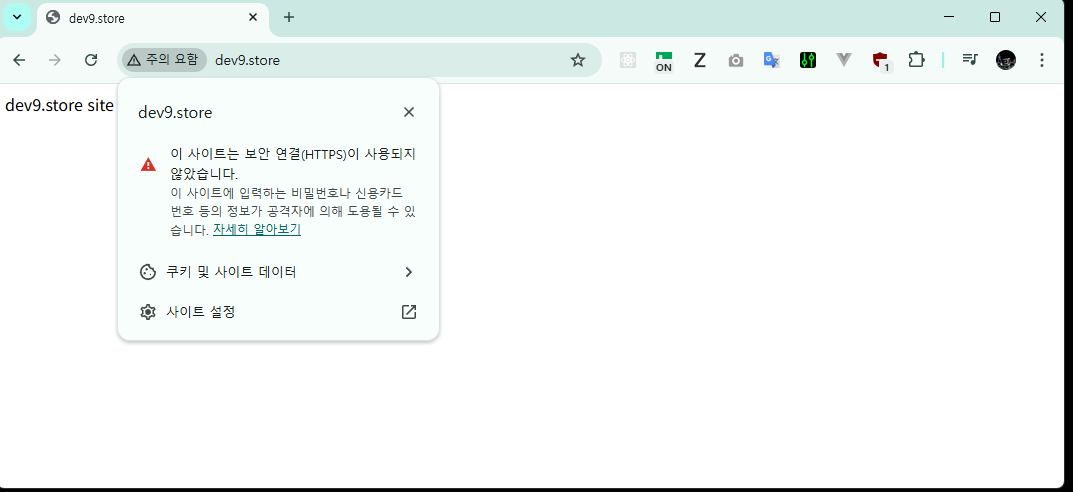
http
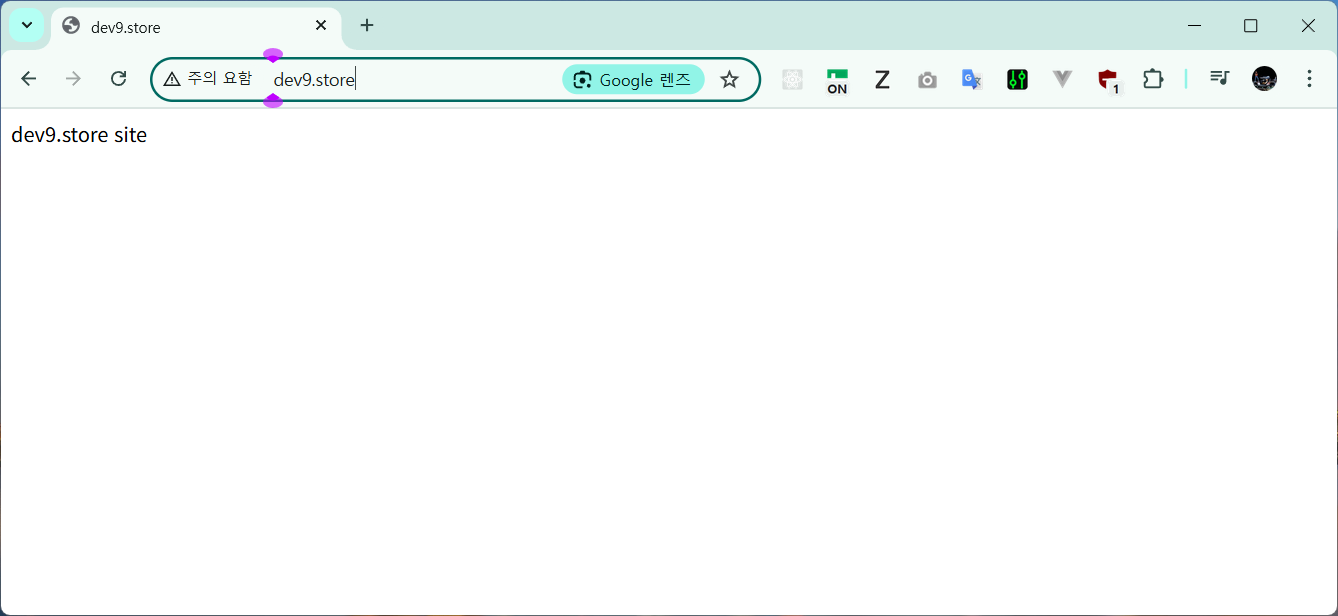
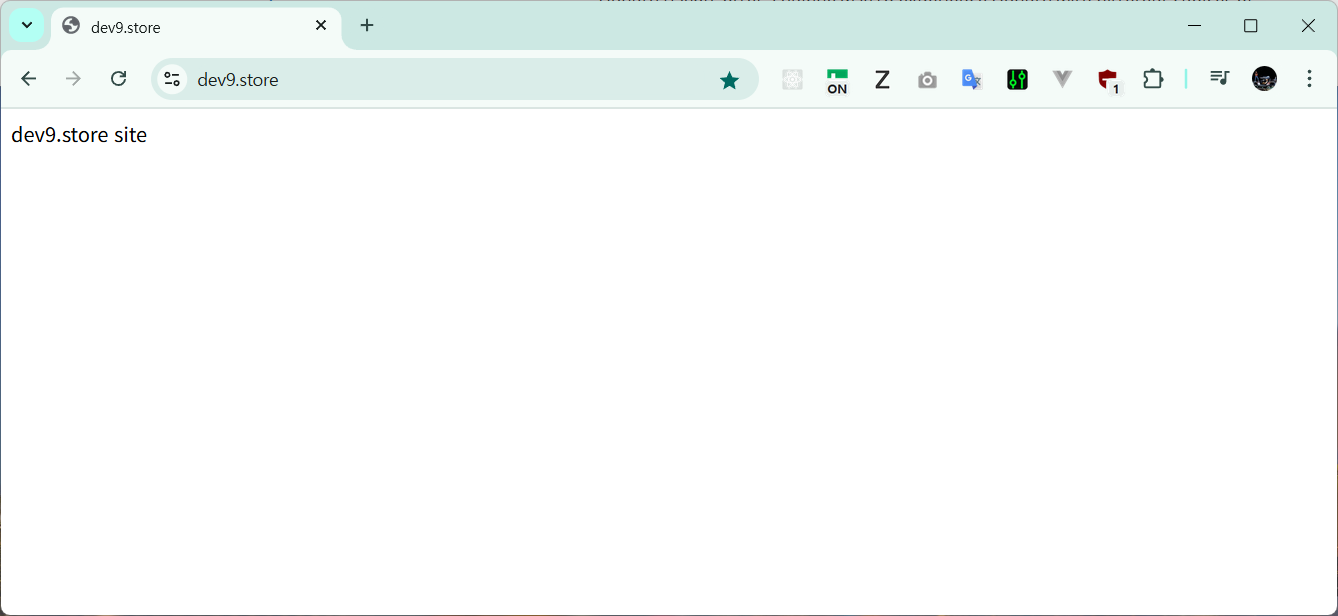
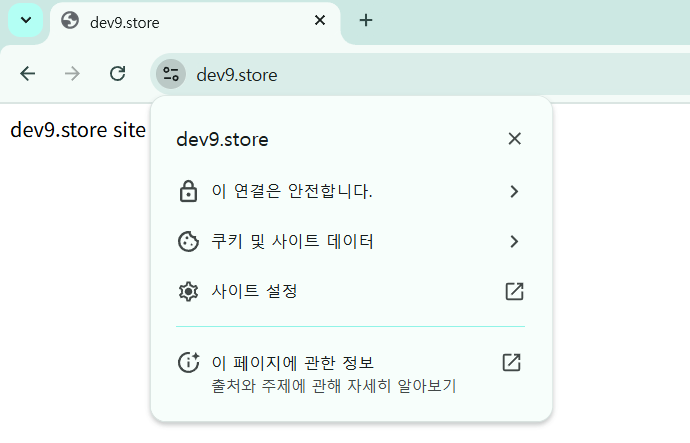
http://dev9.store/
Let's Encrypt
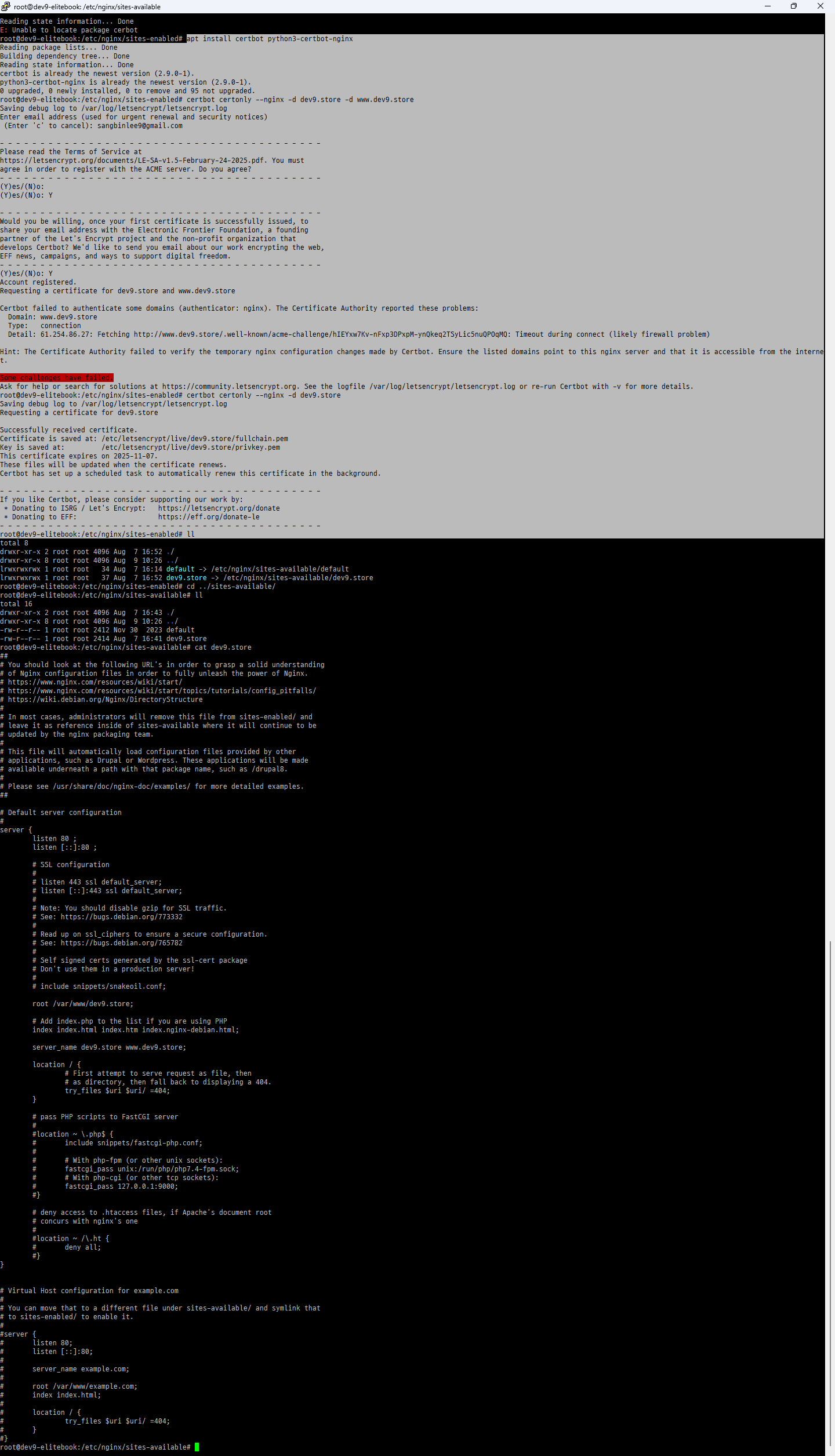
root@dev9-elitebook:/etc/nginx/sites-enabled# apt install certbot python3-certbot-nginx
Reading package lists... Done
Building dependency tree... Done
Reading state information... Done
certbot is already the newest version (2.9.0-1).
python3-certbot-nginx is already the newest version (2.9.0-1).
0 upgraded, 0 newly installed, 0 to remove and 95 not upgraded.
certbot certonly --nginx -d dev9.store -d www.dev9.store
root@dev9-elitebook:/etc/nginx/sites-enabled# certbot certonly --nginx -d dev9.store -d www.dev9.store
Saving debug log to /var/log/letsencrypt/letsencrypt.log
Enter email address (used for urgent renewal and security notices)
(Enter 'c' to cancel): sangbinlee9@gmail.com
Please read the Terms of Service at
https://letsencrypt.org/documents/LE-SA-v1.5-February-24-2025.pdf. You must
agree in order to register with the ACME server. Do you agree?
(Y)es/(N)o:
(Y)es/(N)o: Y
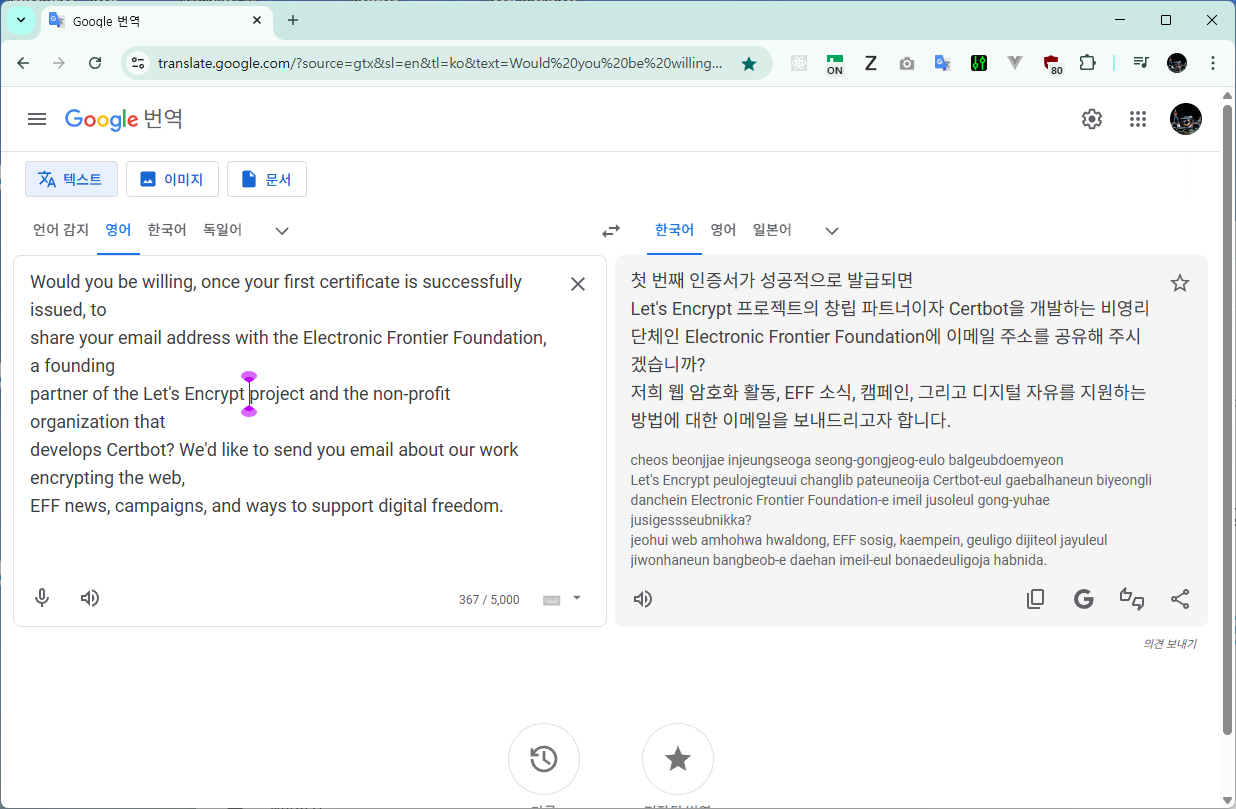
Would you be willing, once your first certificate is successfully issued, to
share your email address with the Electronic Frontier Foundation, a founding
partner of the Let's Encrypt project and the non-profit organization that
develops Certbot? We'd like to send you email about our work encrypting the web,
EFF news, campaigns, and ways to support digital freedom.
(Y)es/(N)o: Y
Account registered.
Requesting a certificate for dev9.store and www.dev9.store
Certbot failed to authenticate some domains (authenticator: nginx). The Certificate Authority reported these problems:
Domain: www.dev9.store
Type: connection
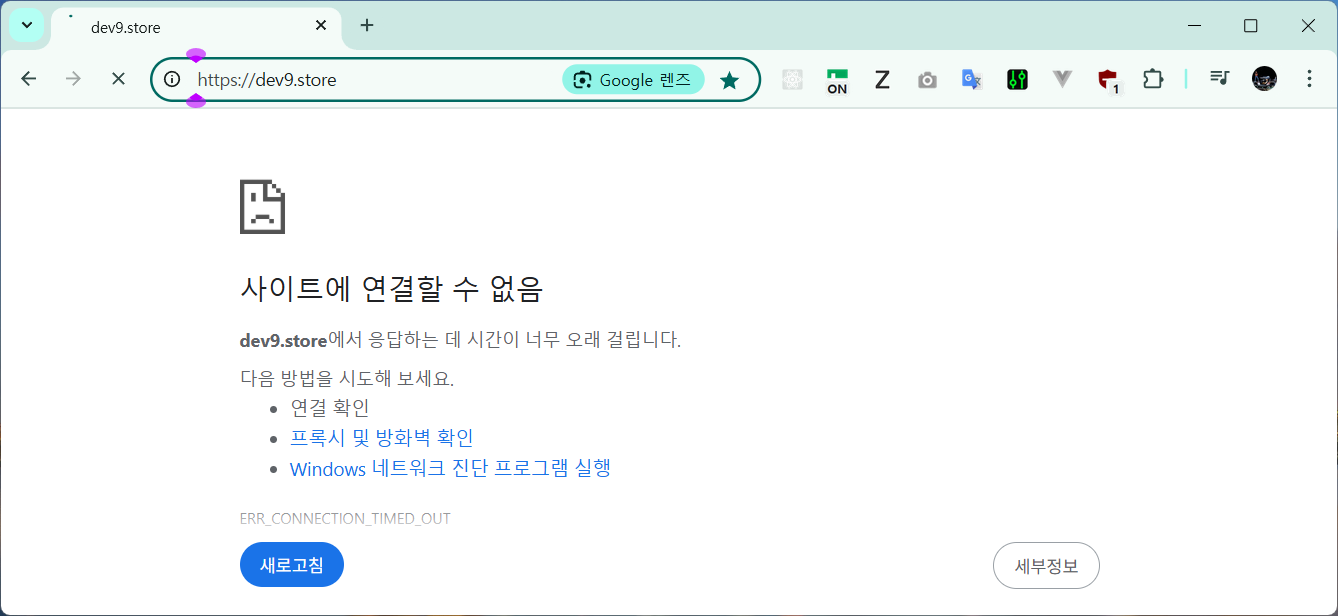
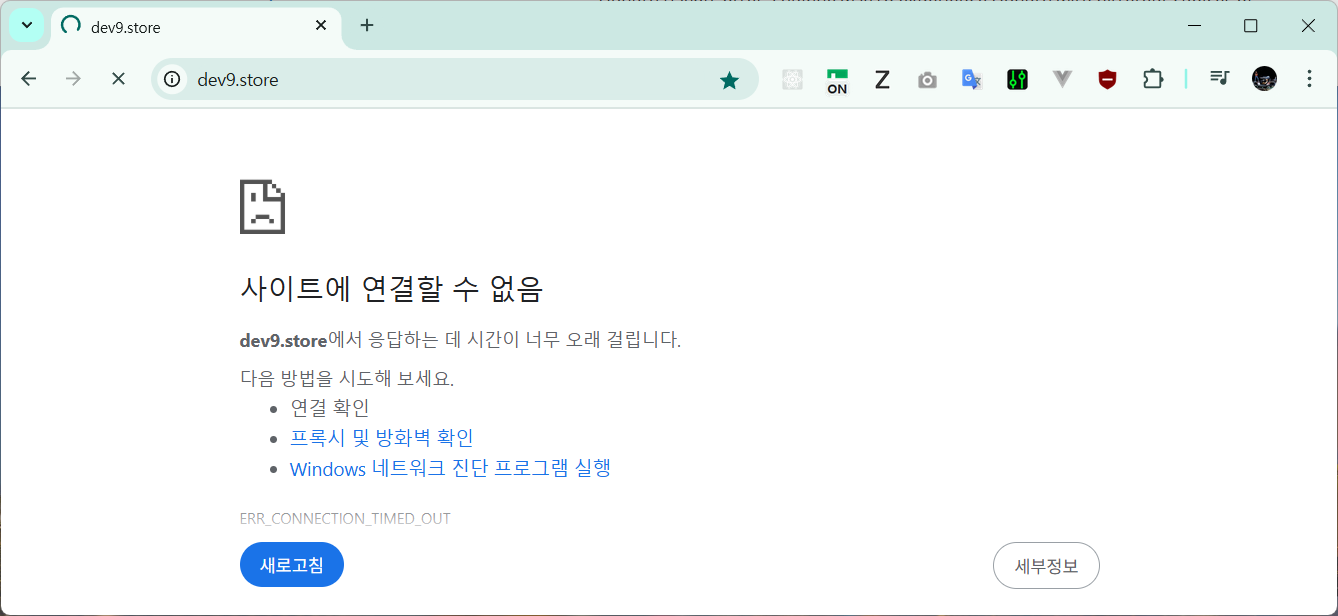
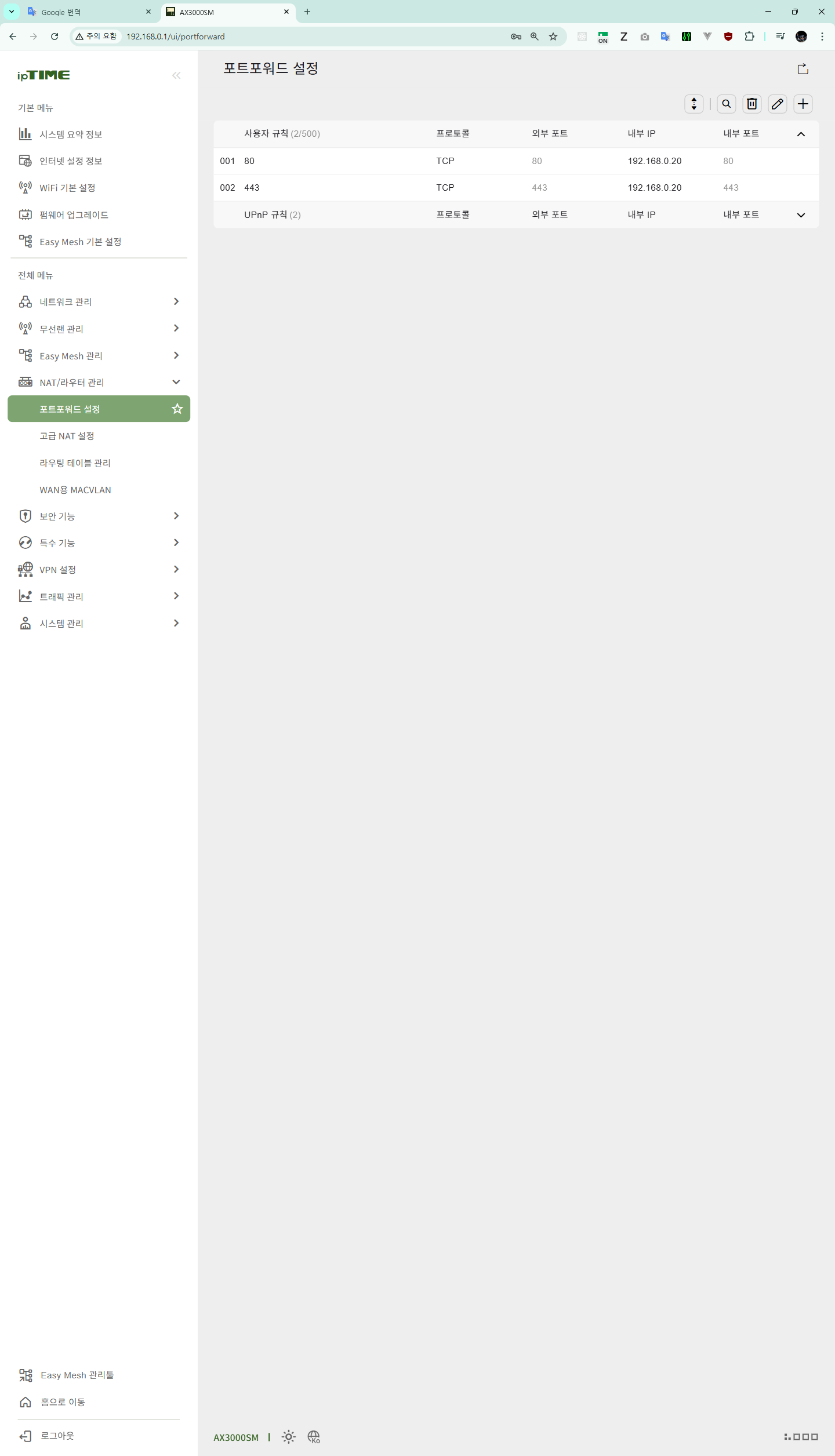
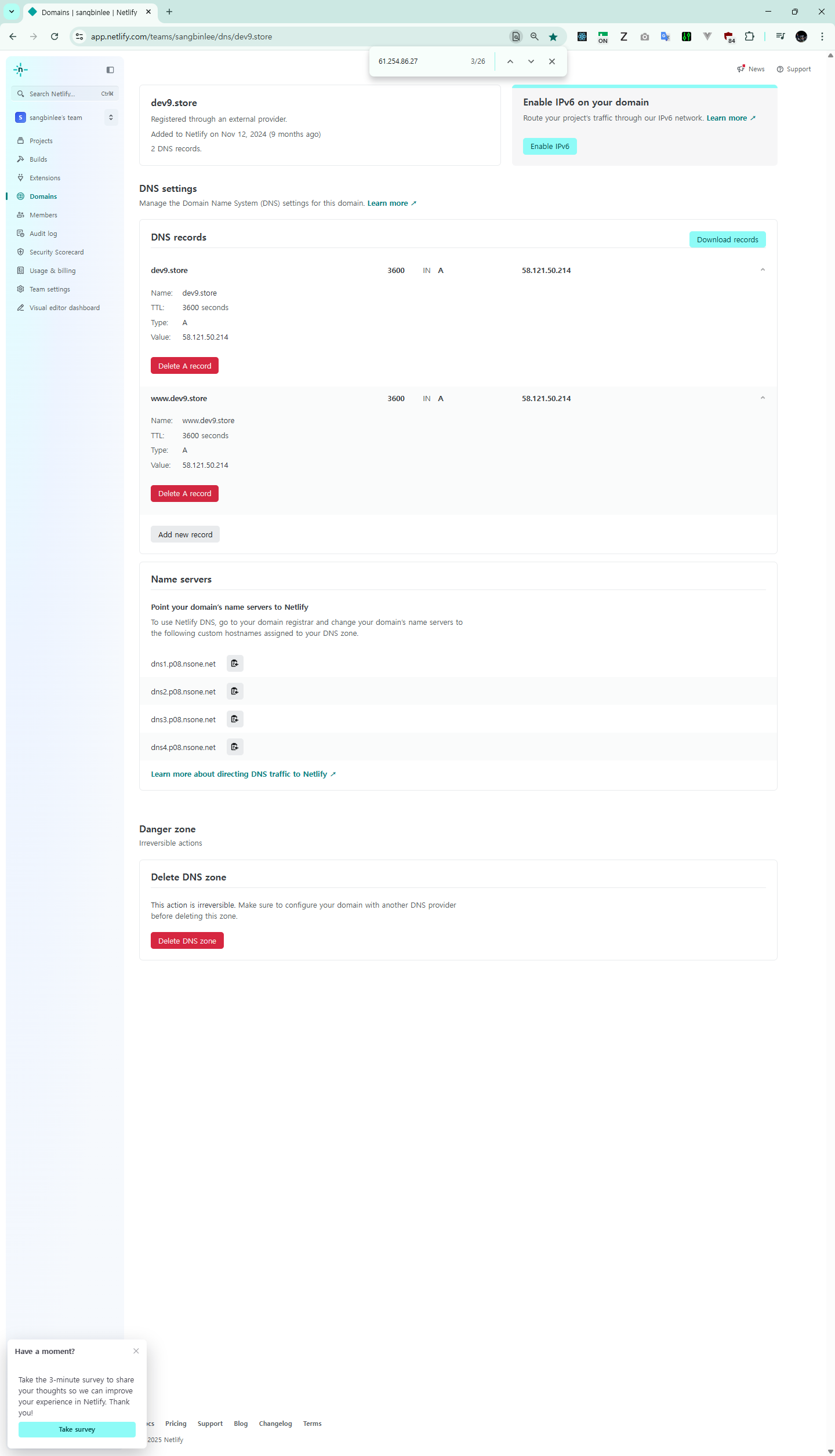
Detail: 61.254.86.27: Fetching http://www.dev9.store/.well-known/acme-challenge/hIEYxw7Kv-nFxp3DPxpM-ynQkeq2TSyLic5nuQPOqMQ: Timeout during connect (likely firewall problem)
Hint: The Certificate Authority failed to verify the temporary nginx configuration changes made by Certbot. Ensure the listed domains point to this nginx server and that it is accessible from the internet.
Some challenges have failed.
Ask for help or search for solutions at https://community.letsencrypt.org. See the logfile /var/log/letsencrypt/letsencrypt.log or re-run Certbot with -v for more details.
certbot certonly --nginx -d dev9.store
root@dev9-elitebook:/etc/nginx/sites-enabled# certbot certonly --nginx -d dev9.store
Saving debug log to /var/log/letsencrypt/letsencrypt.log
Requesting a certificate for dev9.store
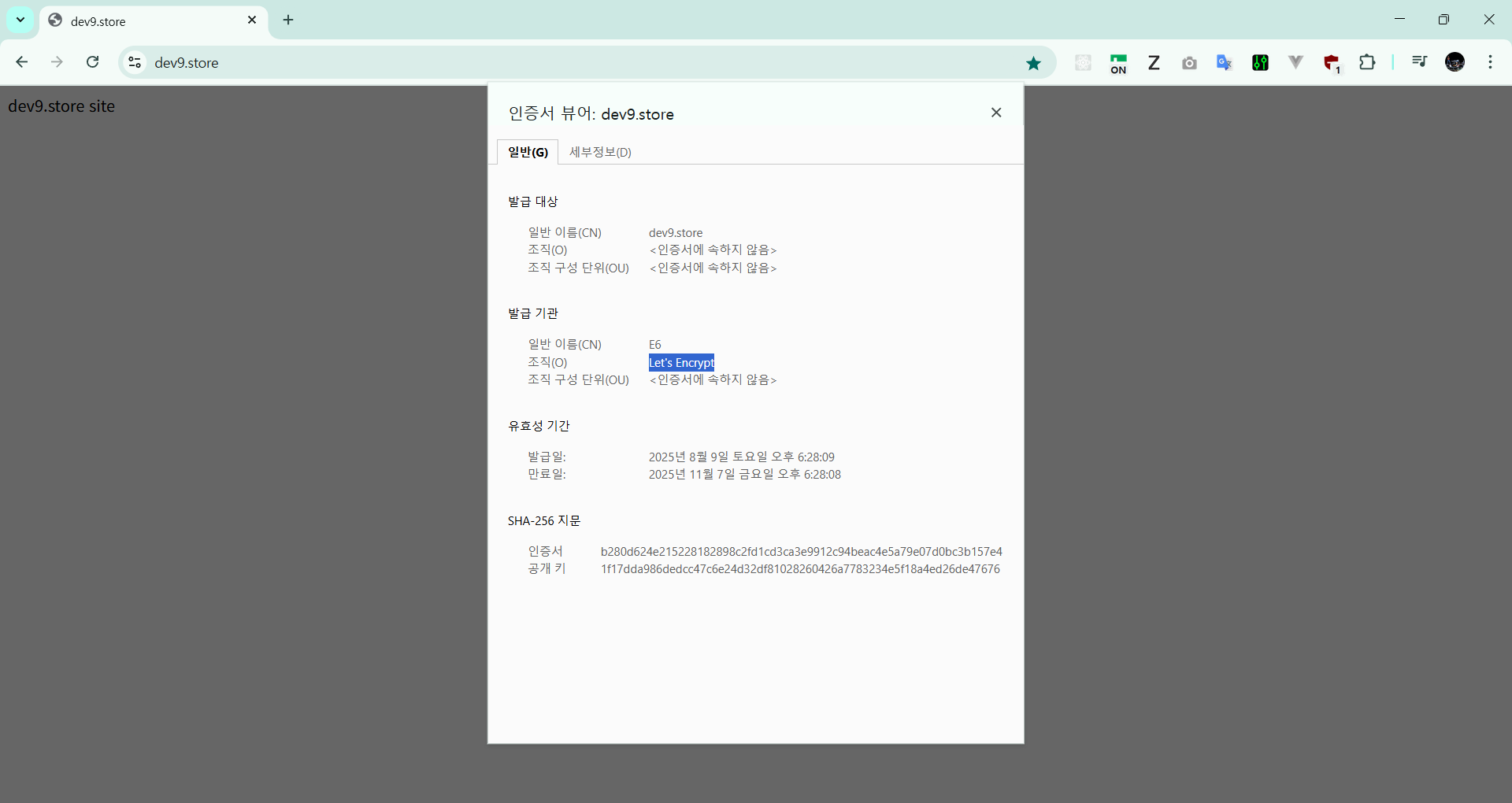
Successfully received certificate.
Certificate is saved at: /etc/letsencrypt/live/dev9.store/fullchain.pem
Key is saved at: /etc/letsencrypt/live/dev9.store/privkey.pem
This certificate expires on 2025-11-07.
These files will be updated when the certificate renews.
Certbot has set up a scheduled task to automatically renew this certificate in the background.
Would you be willing, once your first certificate is successfully issued, to
share your email address with the Electronic Frontier Foundation, a founding
partner of the Let's Encrypt project and the non-profit organization that
develops Certbot? We'd like to send you email about our work encrypting the web,
EFF news, campaigns, and ways to support digital freedom.
root@dev9-elitebook:/etc/nginx/sites-enabled# certbot certonly --nginx -d dev9.store
Saving debug log to /var/log/letsencrypt/letsencrypt.log
Requesting a certificate for dev9.store
Successfully received certificate.
Certificate is saved at: /etc/letsencrypt/live/dev9.store/fullchain.pem
Key is saved at: /etc/letsencrypt/live/dev9.store/privkey.pem
This certificate expires on 2025-11-07.
These files will be updated when the certificate renews.
Certbot has set up a scheduled task to automatically renew this certificate in the background.
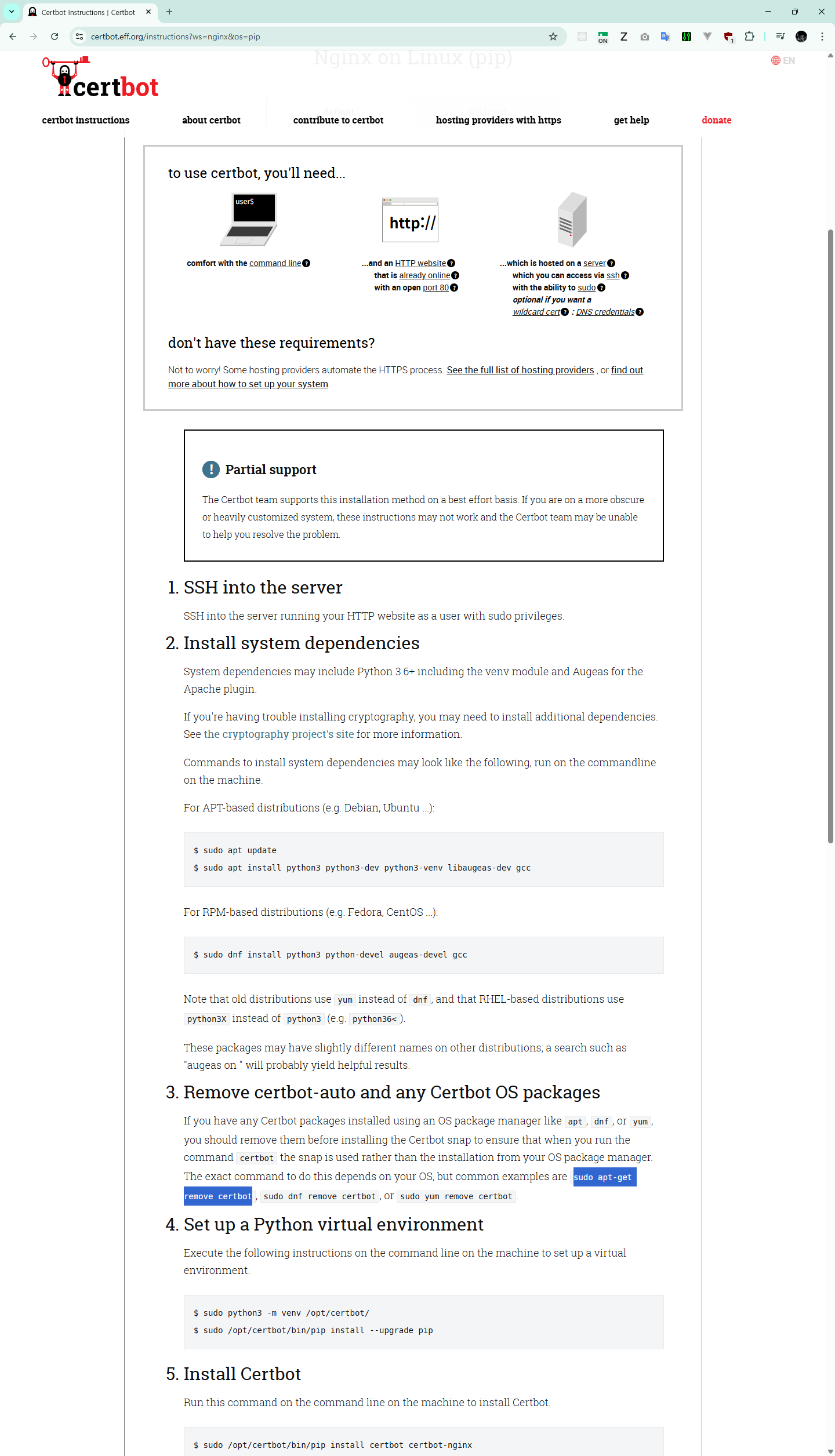
sudo apt update
sudo apt install python3 python3-dev python3-venv libaugeas-dev gcc
sudo apt-get remove certbot
root@dev9-elitebook:/etc/nginx/sites-enabled# sudo ln -s /opt/certbot/bin/certbot /usr/bin/certbot
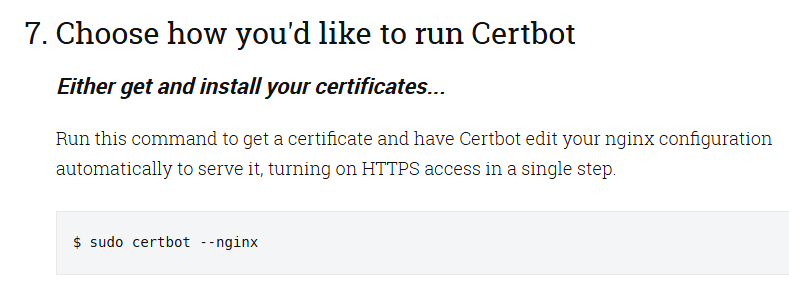
root@dev9-elitebook:/etc/nginx/sites-enabled# sudo certbot --nginx
Saving debug log to /var/log/letsencrypt/letsencrypt.log
Which names would you like to activate HTTPS for?
We recommend selecting either all domains, or all domains in a VirtualHost/server block.
1: dev9.store
2: www.dev9.store
Select the appropriate numbers separated by commas and/or spaces, or leave input
blank to select all options shown (Enter 'c' to cancel): 1
Certificate not yet due for renewal
You have an existing certificate that has exactly the same domains or certificate name you requested and isn't close to expiry.
(ref: /etc/letsencrypt/renewal/dev9.store.conf)
What would you like to do?
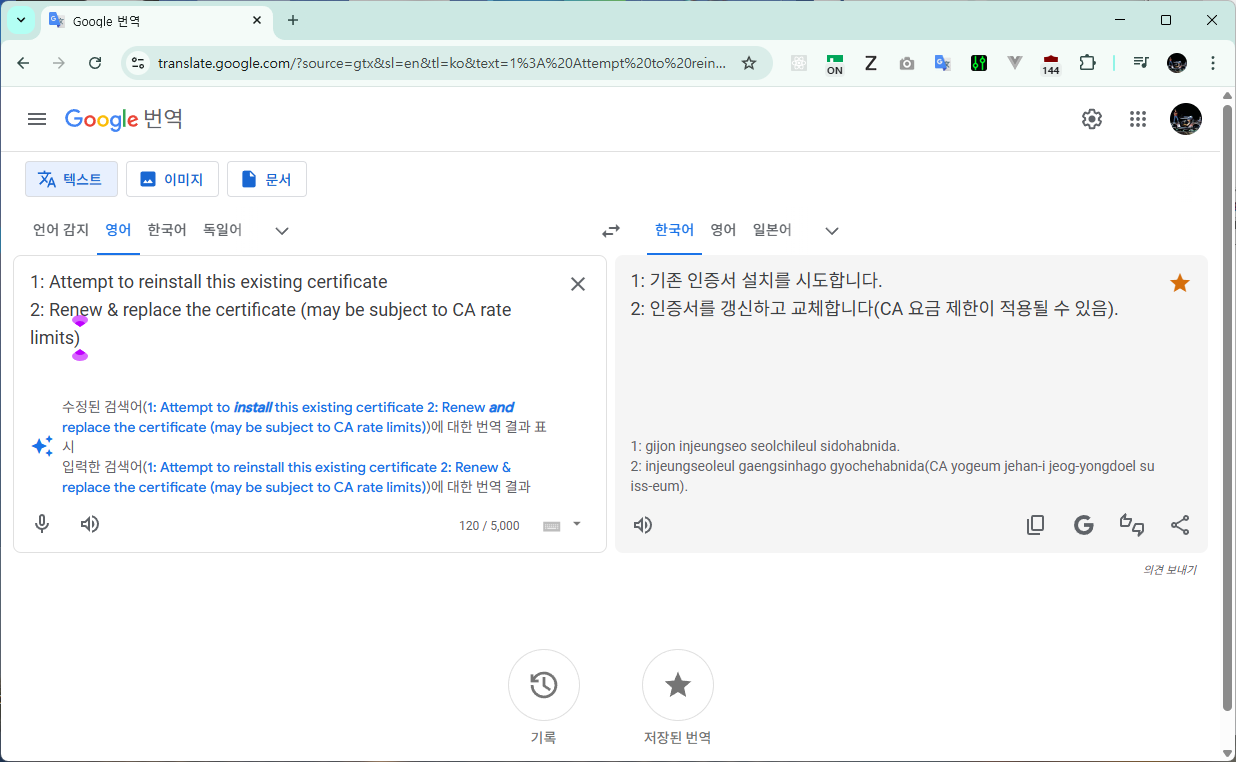
1: Attempt to reinstall this existing certificate
2: Renew & replace the certificate (may be subject to CA rate limits)
Select the appropriate number [1-2] then [enter] (press 'c' to cancel): 1
Deploying certificate
Successfully deployed certificate for dev9.store to /etc/nginx/sites-enabled/dev9.store
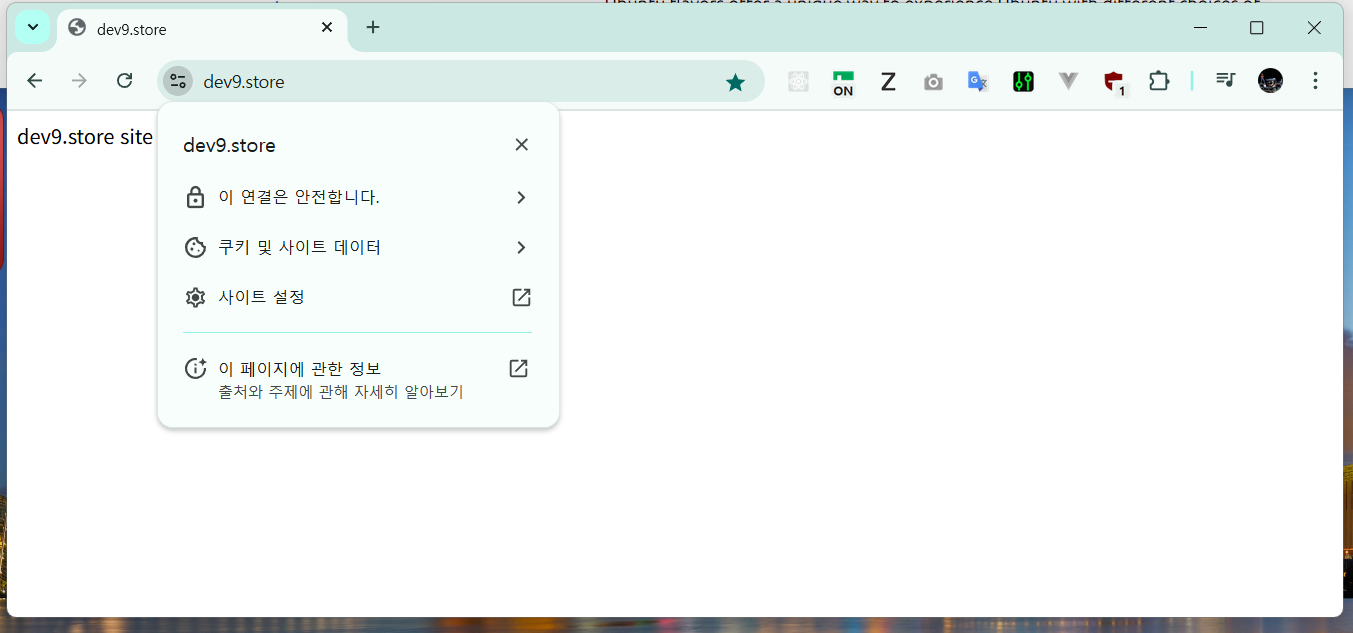
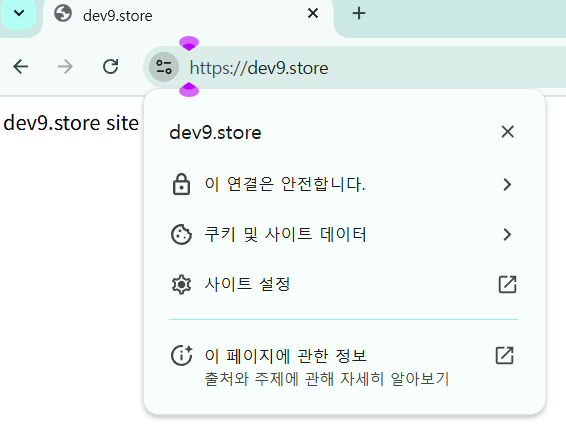
Congratulations! You have successfully enabled HTTPS on https://dev9.store
If you like Certbot, please consider supporting our work by:
- Donating to ISRG / Let's Encrypt: https://letsencrypt.org/donate
- Donating to EFF: https://eff.org/donate-le
root@dev9-elitebook:/etc/nginx/sites-enabled#
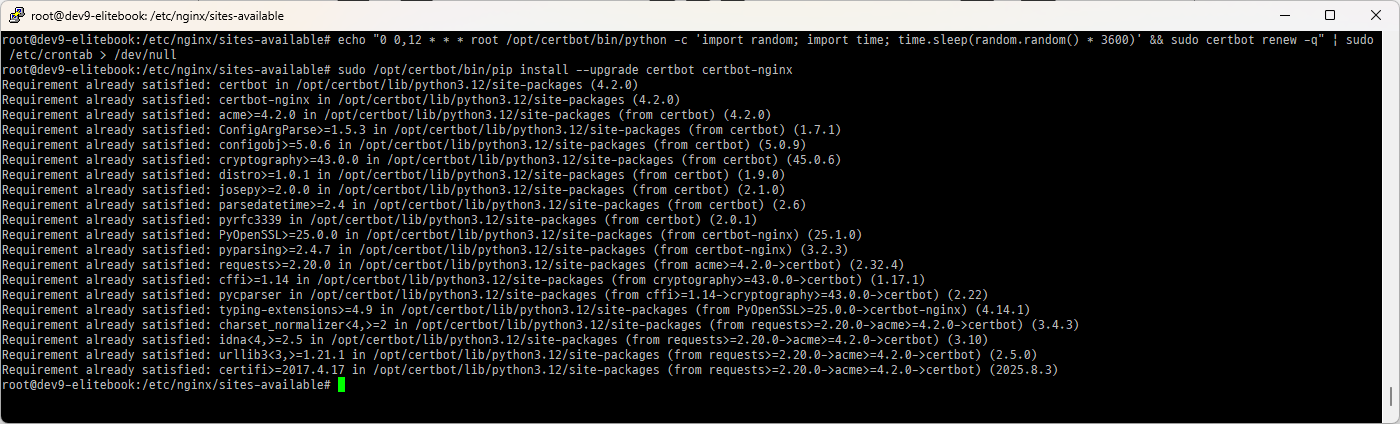
[Monthly] Upgrade certbot
sudo /opt/certbot/bin/pip install --upgrade certbot certbot-nginx
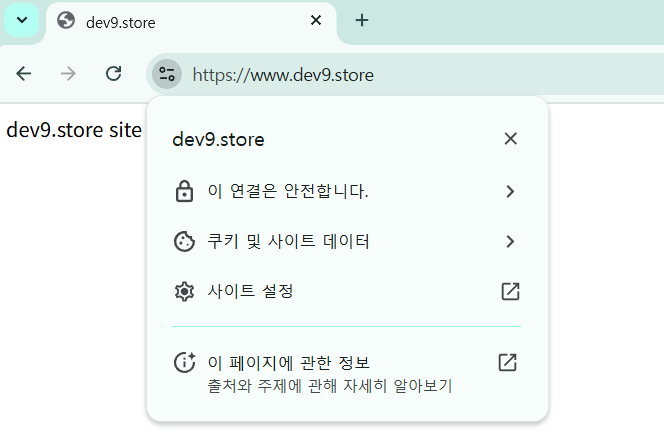
https://www.dev9.store/
https://dev9.store/
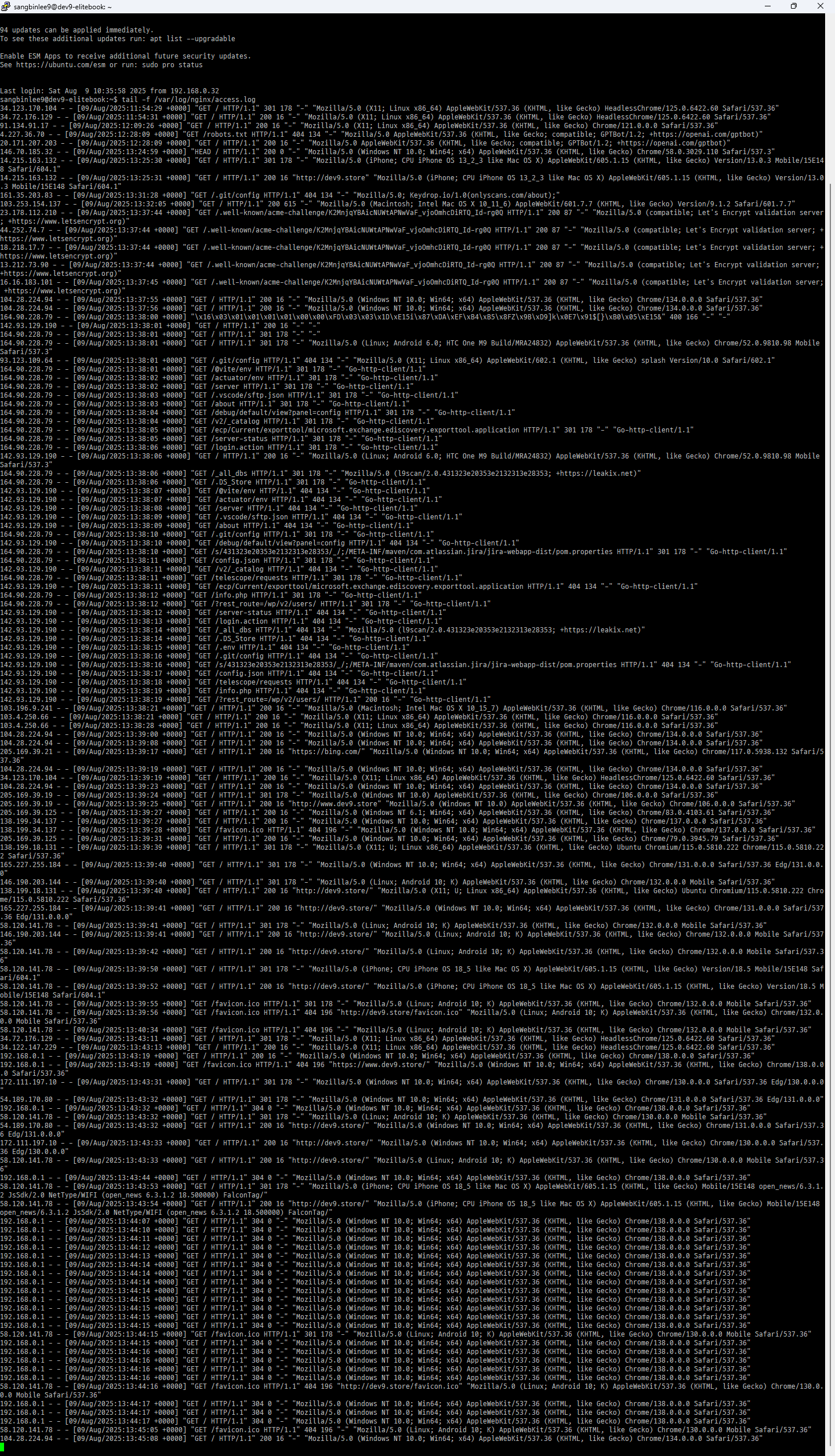
sangbinlee9@dev9-elitebook:~$ tail -f /var/log/nginx/access.log