
컬럼 수정

entity 수정
entity > Board.java
package com.study.board.entity;

import lombok.Data;

import javax.persistence.Entity;
import javax.persistence.GeneratedValue;
import javax.persistence.GenerationType;
import javax.persistence.Id;

@Entity
@Data
public class Board {
    // 테이블 형식에 맞게 적어줌
    // id : primary key
    @Id
    @GeneratedValue(strategy = GenerationType.IDENTITY)
    private Integer id;
    private String title;
    private String content;
    private String filename;
    private String filepath;
}
view 수정
templates > boardwrite.html
<div class="layout">
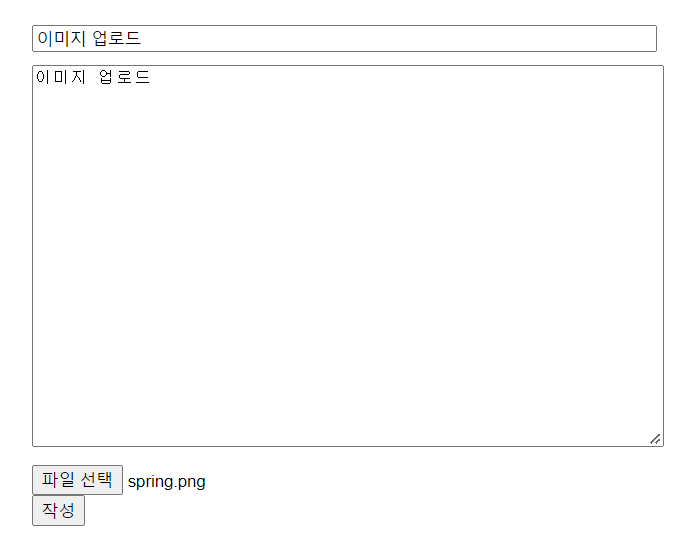
    <form action="/board/writepro" enctype="multipart/form-data" method="post">
        <input name="title" type="text">
        <textarea name="content"></textarea>
        <input name="file" type="file">
        <button type="submit">작성</button>
    </form>
</div>
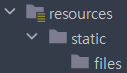
파일을 저장할 directory 생성
글을 작성할 때 service에서 파일 받아주기
service > BoardService.java
package com.study.board.service;

import com.study.board.entity.Board;
import com.study.board.repository.BoardRepository;
import org.springframework.beans.factory.annotation.Autowired;
import org.springframework.stereotype.Service;
import org.springframework.web.multipart.MultipartFile;

import java.io.File;
import java.util.List;
import java.util.UUID;

@Service
public class BoardService {

    @Autowired
    private BoardRepository boardRepository;

    // 글 작성 처리
    // void : return 반환 X
    public void write(Board board, MultipartFile file) throws Exception {

        // 파일을 저장할 경로
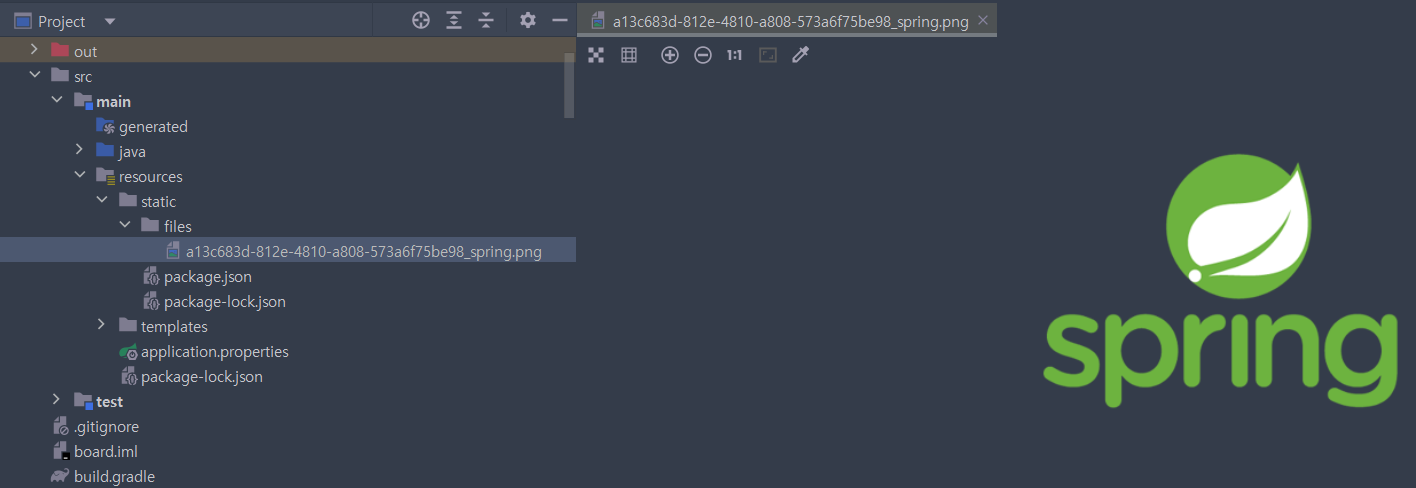
        String projectPath = System.getProperty("user.dir") + "\\src\\main\\resources\\static\\files";

        // 랜덤으로 이름(식별자) 만들기
        UUID uuid = UUID.randomUUID();

        // 랜덤으로 식별자_원래파일이름
        String fileName = uuid + "_" + file.getOriginalFilename();

        // File이라는 클래스를 이용해서 들어온 file을 넣어줄 빈 껍데기 생성
        File saveFile = new File(projectPath, fileName);

        // 업로드한 file을 saveFile에 넣음(양식에 맡게)
        file.transferTo(saveFile);

        boardRepository.save(board);
    }
}
controller > BoardController.java
package com.study.board.controller;

import com.study.board.entity.Board;
import com.study.board.service.BoardService;
import org.springframework.beans.factory.annotation.Autowired;
import org.springframework.stereotype.Controller;
import org.springframework.ui.Model;
import org.springframework.web.bind.annotation.GetMapping;
import org.springframework.web.bind.annotation.PathVariable;
import org.springframework.web.bind.annotation.PostMapping;
import org.springframework.web.multipart.MultipartFile;

@Controller
public class BoardController {

    @Autowired
    private BoardService boardService;

    @PostMapping("/board/writepro")
    public String boardWritePro(Board board, Model model, MultipartFile file) throws Exception {
        // System.out.println("제목 : " + board.getTitle());
        // System.out.println("내용 : " + board.getContent());
        boardService.write(board, file);
        model.addAttribute("message", "글 작성이 완료되었습니다.");
        model.addAttribute("searchUrl", "/board/list");
        return "message";
    }

    @PostMapping("/board/update/{id}")
    public String boardUpdate(@PathVariable("id") Integer id, Board board, Model model, MultipartFile file) throws Exception {

        // 해당 id의 기존의 글을 boardTemp에 담음
        Board boardTemp = boardService.boardView(id);

        // 새로운 내용을 기존의 내용에 덮어씌움
        boardTemp.setTitle(board.getTitle());
        boardTemp.setContent(board.getContent());

        boardService.write(boardTemp, file);

        model.addAttribute("message", "글 수정이 완료되었습니다.");
        model.addAttribute("searchUrl", "/board/list");

        return "message";
    }
}

업로드한 이미지를 view에 띄우기
templates > boardview.html
<h1 th:text="${board.title}">제목입니다.</h1>
<p th:text="${board.content}">내용이 들어갈 부분입니다.</p>
<img th:src="@{${board.filepath}}">
<a th:href="@{/board/delete(id=${board.id})}">글삭제</a>
<a th:href="@{/board/modify/{id}(id = ${board.id})}">수정</a>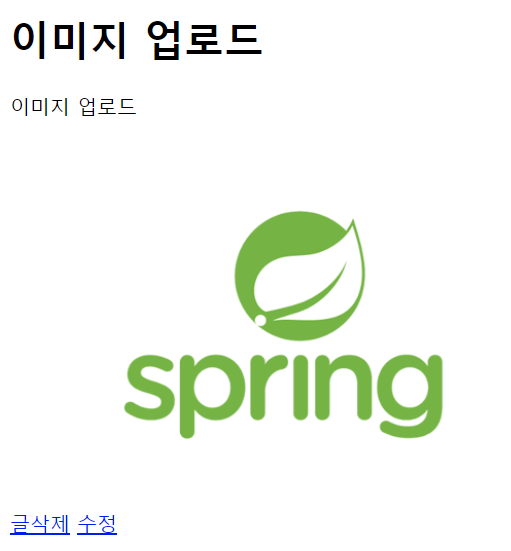

코딩공부