다음 토이프로젝트의 개발 기록이다.
개요
카카오 API + SDK로 화면 상에 지도를 띄우고 특정 지역을 검색하면 기상청 API에 해당 지역에 현재 날씨를 받아와 알려주는 웹 서비스를 제작할 것이다. 프로젝트를 진행하며 일어나는 사건들과 이슈들을 기록해보려고 한다.
세팅
프로젝트 세팅
npm create vite@latestVite는 CRA(create-react-app)보다 뛰어난 성능을 자랑한다. esbuild로 파일들을 통합하고 rollup을 통해 번들링을 진행하는 강점을 지니고 있다. 더 이상 CRA는 쓸 일이 없지 않을까... (2024.9 기준)
Package 설치
 // formatter
npm i -D eslint prettier eslint-plugin-react eslint-plugin-prettier

// type script일 경우 이것으로 설치
npm i -D @typescript-eslint/parser @typescript-eslint/eslint-plugin

// config로 airbnb 스타일 도입
npm i -peerdeps -D eslint-config-airbnb

// 부트스트랩 설치
npm i react-bootstrap bootstrap

// styled components 설치
npm i styled-components

// axios 설치
npm i axios

// 상태 관리
npm i redux react-redux @reduxjs/toolkit
// 리액트 쿼리
npm i @tanstack/react-query @tanstack/react-query-devtools

// 날짜 포맷용 라이브러리
npm i date-fns
// 차트 라이브러리
npm i @nivo/core @nivo/bar @nivo/line
// 카카오 API 설치
npm i react-kakao-maps-sdk
formatter 세팅
.eslintrc
{
  "root": true,
  "plugins": [
    "@typescript-eslint",
    "prettier"
  ],
  "extends": [
    "eslint:recommended",
    "plugin:@typescript-eslint/recommended",
    "plugin:prettier/recommended"
  ],
  "parser": "@typescript-eslint/parser",
  "rules": {
    "@typescript-eslint/strict-boolean-expressions": [
      "error",
      {
        "allowString": false,
        "allowNumber": false
      }
    ],
    "prettier/prettier": "error"
  }
}
prettier setting
{
  "singleQuote": true,
  "semi": true,
  "tabWidth": 2,
  "trailingComma": "all",
  "printWidth": 120,
  "parser": "typescript",
  "arrowParens": "avoid"
}
singleQuote의 경우 format on save에도 바뀌지 않는다. vscode setting에서 바꿔줘야만 바뀐다.
vscode 사용자 설정에 중복 적용되지는 않았는지, 특정 확장자(tsx)가 제외되지는 않았는지 확인해보자!
vscode setting
💡 `ctrl` + `,` : vscode 설정 핫키{
"editor.formatOnSave": true,
"editor.defaultFormatter": "esbenp.prettier-vscode",
"prettier.requireConfig": true,
"[javascript]": {
"editor.defaultFormatter": "esbenp.prettier-vscode"
},
"[typescript]": {
"editor.defaultFormatter": "esbenp.prettier-vscode"
}
}vscode 하단 프리티어에 체크가 두 개 되어있다면?
vscode의 config 설정과 .prettierrc 설정이 두 개 중복해서 적용되고 있다는 의미.
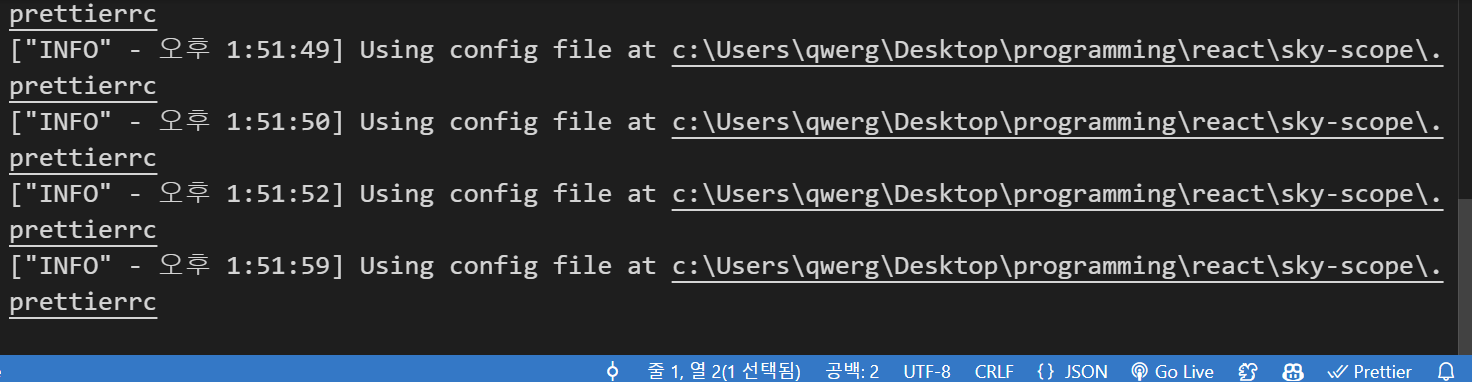
{
  "security.workspace.trust.untrustedFiles": "open",
  "explorer.confirmDelete": false,
  "javascript.updateImportsOnFileMove.enabled": "always",
  "javascript.format.enable": false,
  "github.copilot.enable": {
    "*": true,
    "plaintext": true,
    "markdown": false,
    "scminput": false,
    "yaml": false
  },
  "editor.inlineSuggest.enabled": true,
  "files.eol": "\n",
  "workbench.colorTheme": "Visual Studio 2019 Dark",
  "terminal.integrated.fontFamily": "monospace",
  "terminal.integrated.fontSize": 16,
  "editor.fontSize": 18,
  "terminal.integrated.defaultProfile.windows": "PowerShell",
  "[python]": {
    "editor.formatOnType": true
  },
  "window.zoomLevel": 1,
  "vscode-pets.position": "panel",
  "vscode-pets.theme": "forest",
  "editor.defaultFormatter": "esbenp.prettier-vscode",
  "[typescriptreact]": { // defaultFormatter가 prettier가 아닌 다른 format로 적용됐다.
    "editor.defaultFormatter": "vscode.typescript-language-features"
  },
  "prettier.requireConfig": true,
  "diffEditor.ignoreTrimWhitespace": false,
  "editor.formatOnSave": true
}
typescriptreact 설정
다음 설정이 "esbenp.prettier-vscode" 말고 다른 것으로 설정되었다면 tsx 파일에 한해서 prettier의 format on save(저장 시 적용)이 작동하지 않을 수 있다. 지워 주거나 "esbenp.prettier-vscode"로 바꿔주자.
  "[typescriptreact]": {
    "editor.defaultFormatter": "vscode.typescript-language-features"
  },
vscode 설정 - 사용자 설정과 작업 설정
- 사용자 설정 : vscode 전체적으로 적용되는 옵션.
- 작업영역 설정 : 해당 작업영역 내에서만 적용되는 옵션. 사용자 설정보다 우선적으로 적용된다.
prettier Log 확인법
레퍼런스

씨앗 개발자