
🌳 위시리스트 셀 삭제하기
위시리스트의 셀 삭제는 일단 익숙한 방법인 밀어서 삭제로 구현해보기로 했다! 일단 셀을 삭제하는 동시에 coredata에서 해당 내용도 삭제해주어야 한다.
    func tableView(_ tableView: UITableView, editingStyleForRowAt indexPath: IndexPath) -> UITableViewCell.EditingStyle {
        return .delete
    }

    func tableView(_ tableView: UITableView, commit editingStyle: UITableViewCell.EditingStyle, forRowAt indexPath: IndexPath) {
        if editingStyle == .delete {
            wishListTableView.beginUpdates()

            //1. coredata에서 데이터 삭제
            let object = self.dataList[indexPath.row]
            let appDelegate = UIApplication.shared.delegate as! AppDelegate
            let context = appDelegate.persistentContainer.viewContext
            context.delete(object)
            do {
                try context.save()
               } catch {
                   context.rollback()
            }

            //2. dataList에서 데이터삭제 및 테이블뷰셀 삭제
            self.dataList.remove(at: indexPath.row)
            wishListTableView.deleteRows(at: [indexPath], with: .fade)

            wishListTableView.endUpdates()
        }
    }
여기서 wishListTableView.beginUpdates()랑 wishListTableView.endUpdates()를 안적으면 에러가 난다!! beginUpdates()를 호출하면 이후의 모든 삽입, 삭제 또는 이동 작업이 테이블 뷰에 일시적으로 대기 상태로 유지된다. 그런 다음 endUpdates()를 호출하면 대기 중인 모든 변경 사항이 한 번에 적용되어 테이블 뷰가 업데이트된다.
🌳 위시리스트 Pull to Refresh
pull to refresh는 깃허브 프로필 과제에서도 구현해본 적이 있었다. 그때 endRefreshing()을 하지않아서 로딩이 계속걸리는 문제가 있었는데 팀원분이 알려주셔서 해결했다!!
wishListTableView.refreshControl = refreshControll
refreshControll.addTarget(self, action: #selector(self.refreshFunction), for: .valueChanged)

@objc func refreshFunction() {
    wishListTableView.reloadData()
    refreshControll.endRefreshing()
}
여기서 refreshControll.endRefreshing()를 꼭 추가해주어야 한다! 아니면 계속 로딩 돌아감..
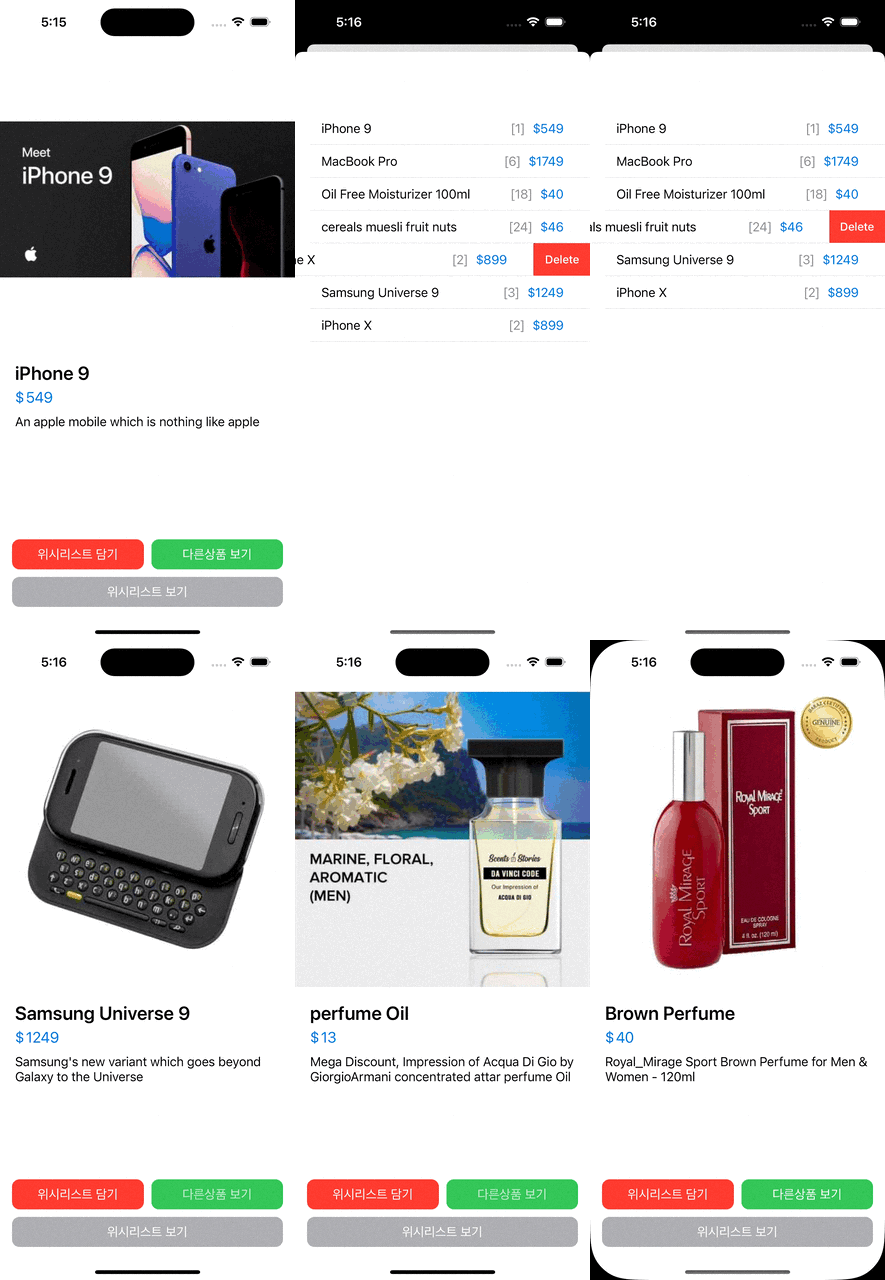
🌳 완성본

🐣 iOS Developer