branch: Four model in branch
Main Branch
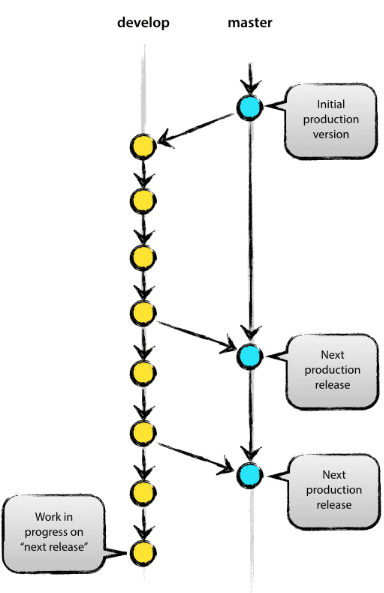
The main branch typically consists of the master branch and the develop branch.
Master Branch
The master branch, often referred to as the main branch nowadays, is managed to hold only the versions ready for release. Each commit in this branch records a release number.
Develop Branch
The develop branch serves as an integration branch. It's usually the base branch for development, and all features in development are maintained in a functional state here. Its primary function is to add and modify features as well as fix any bugs to prepare for release. It eventually gets merged into the master branch.
feature branch
- branch comes off from the develop branch.
- after merging with the develop branch.
- Branch names can be anything except master (main), develop, release, or hotfix
A feature branch takes on the role of a topic branch. When a new function is developed and bug fixes are needed, a feature branch is created from the develop branch. The work on a feature branch usually does not need to be shared and is not handled remotely. Once development is complete, it is merged back into the develop branch to be shared with others.
Release branch
- branch comes off develop branch
- merge to develop branch and main branch
- branch name is release-(RB_)*
In the release branch, bugs are fixed and all functions, including newly updated ones, are checked. The release branch is typically named with the prefix 'RB_'. Afterward, development work continues on the develop branch.
In the release branch, the final bug fixes and all development processes are conducted. Once everything is prepared, if the release is ready, it is merged into the main branch, and the release number is added to the merged commit.
Hotfix branch
- branch comes off main branch
- merge to develop branch and master branch
- branch name is hotfix-*
When there is an urgent need to make modifications to a deployed version, it is a branch branched from the 'master' branch. Conventionally, the branch name is prefixed with 'hotfix-'.
For instance, during active development on the 'develop' branch, if a significant bug is discovered in a previously deployed source code, it becomes imperative to swiftly rectify the problematic area and redeploy it reliably. Since rectifying the problematic area on the 'develop' branch to create a deployable version would consume considerable time and guaranteeing stability would be difficult, it is necessary to create a branch directly from the immediately deployable 'master' branch, make the necessary modifications, and then merge it back into the 'master' branch for deployment.
generate branch and checkout
generate branch : git branch [name] (local) or git push origin [name] (remote)

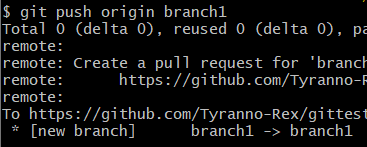
delete branch : git branch -D [name] (local) or git push origin --delete [name] (remote)

rename branch : git branch -m [prename] [new name]

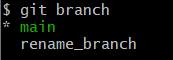
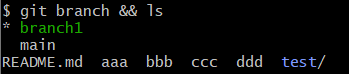
move branch : git checkout [name]

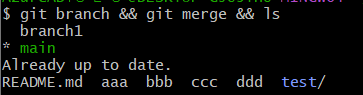
check current branch: git branch or git branch -v
check branch status : git branch --merged (check already merged branch) or git branch --no-merged (check not merged branch )
merge
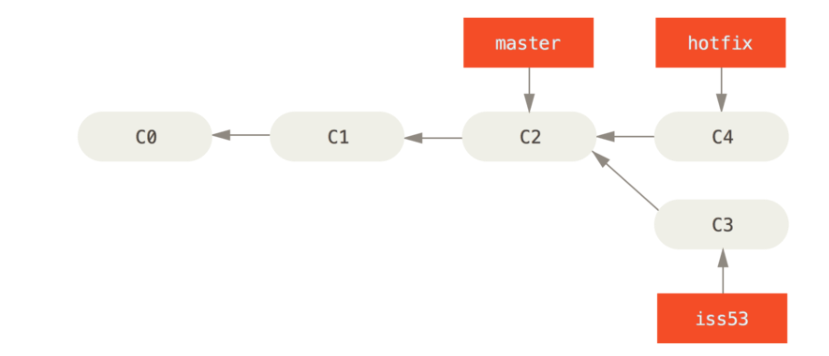
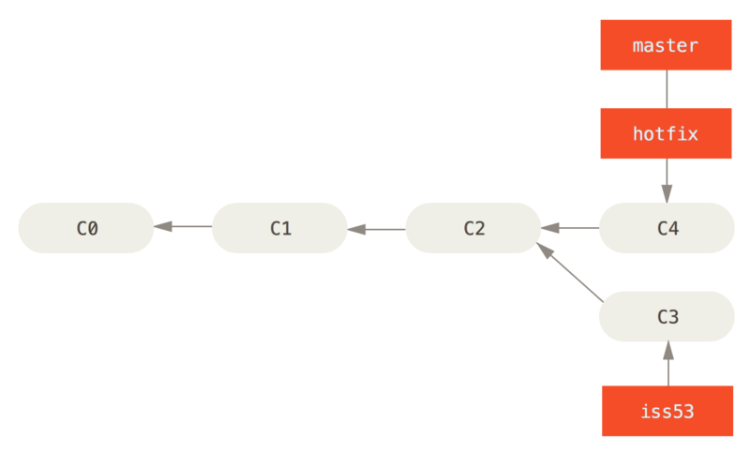
3-ways merge
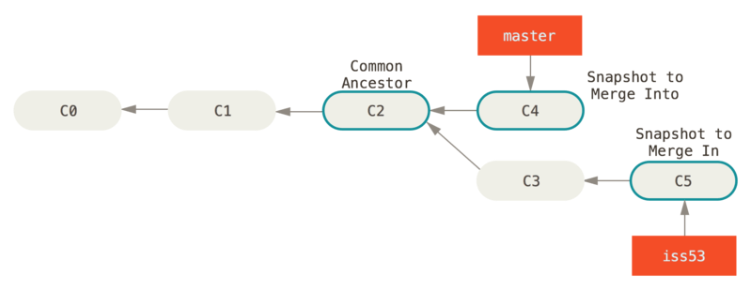
If the master branch wants to incorporate the changes made in the feature/1 branch, given that there are no overlapping edited files between the two branches, you can proceed with the following steps:
This will merge the changes from the feature/1 branch into the master branch, incorporating the commits made in the feature/1 branch into the master branch's history.
git checkout master  # Switch to the master branch
git merge feature/1  # Merge changes from the feature/1 branch into master
When two branches with two different commits are merged into one, and the two branches are merged by creating a merge commit to preserve the history of both branches, this is called a 3-ways merge.
Fast-forward merge
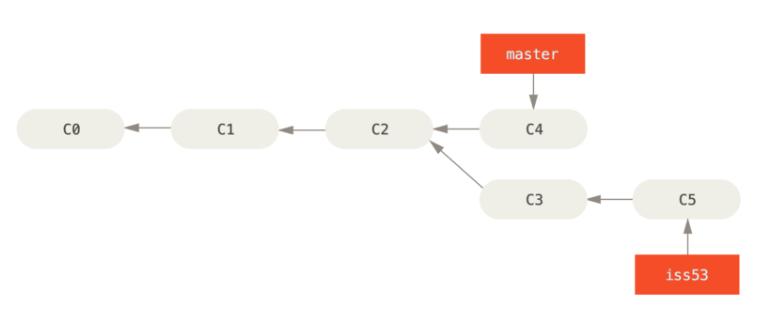
Let's assume that In feature/1 branch, two commit is. and in master branch, commit didn't proceed. That is only one side occured update.
And then, merge the update feature in feature/1 with master branch.
$ git checkout master
$ git merge feature/1
Updating 65c8b16..6445bb5
Fast-forward
  stuff | 1 +
  stuff | 1 +
  2 files changed, 2 insertions(+)
According to above the code. update ocuccr only feature/1 branch and merge this to master branch. Fast-Forwad merge this happend. That is, it is a method of merging changes that occurred only in one branch to another branch.
The --no-ff flag ensures that this merge is a three-way merge. The log on the merging branch is preserved intentionally.
Cancel merge
If a conflict occurs during merging and the merge is cancelled.
1. git merge feature/1
2. git ls-files --unmerged -> cancel the merge
Cancel after merge
1. git show ORIG_HEAD ->
2. git reset --hard ORIG_HEAD ->
Merge changes between branches
1. git merge [branch name]
2. git merge --squash [branch name]
3. git cherry-pick [branch name]- Straight Merge:
- Squashed Commit:
- Cherry-picking: