레이어
이전 글에서 Raycast로 물체를 지정할 때, Layermask로 선택할 물체에 대한 구분을 구현할 수 있다고 작성했다. 이를 구현하기 위해서는 Layer에 대한 설정이 우선적이다.
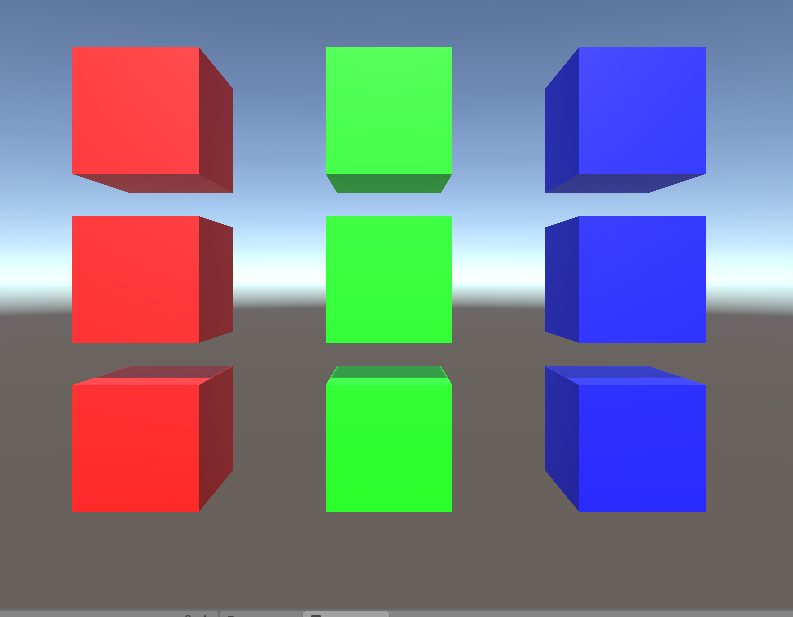
화면의 각 색의 큐브들을 선택하여 큐브의 이름을 반환하게 만들었다.
그리고 Layermask로 빨간색만 선택되게 만들었다.
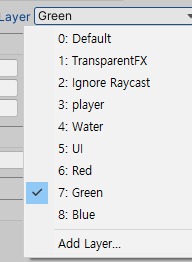
이를 위해 각 색깔의 큐브들에게 Layer를 추가로 생성하여 지정해주었다.
이는 Inspector창에서 설정가능하다.
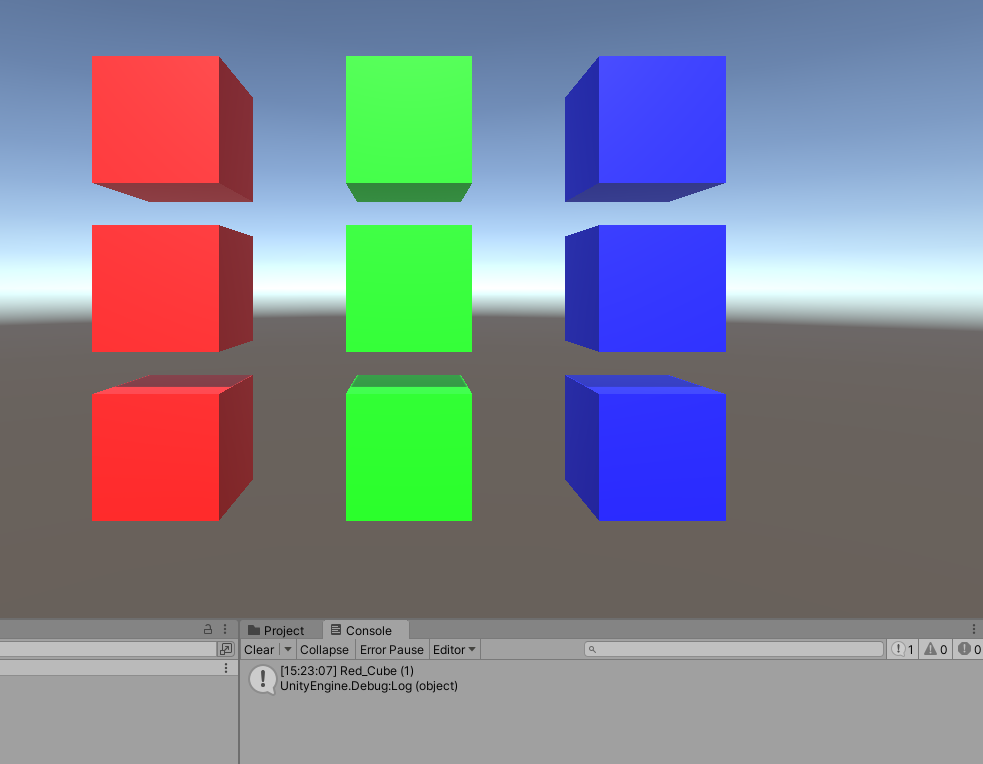
빨간색 큐브만 선택되고 나머지 큐브들은 출력이 안되는 것을 확인 할 수 있다.
using System.Collections;
using System.Collections.Generic;
using UnityEngine;
using System.Text;
public class LayerExample : MonoBehaviour
{
    [SerializeField] private LayerMask layerMask;
    private Camera mainCam = null;

    private void Start()
    {
        layerMask |= LayerMask.NameToLayer("Red");
        mainCam = Camera.main;
    }

    private void Update()
    {
        if (Input.GetMouseButtonDown(0))
        {


            Vector3 mousePos = Input.mousePosition;
            mousePos.z = mainCam.nearClipPlane;
            Vector3 toWorld = mainCam.ScreenToWorldPoint(mousePos);


            Vector3 dir = (toWorld - mainCam.transform.position);

            Ray ray = Camera.main.ScreenPointToRay(Input.mousePosition);
            RaycastHit hit;

            if (Physics.Raycast(mainCam.transform.position, dir, out hit, Mathf.Infinity,layerMask))
            {

                Debug.Log(hit.transform.name);

            }
            Debug.DrawRay(mainCam.transform.position, dir* 100f, Color.red);

        }
    }


}
이를 사용해 Raycast에서 무분별하게 오브젝트에 대한 정보를 반환받아서 이를 일일히 확인하는 절차를 줄일 수 있다.
게임 개발을 하면서 배워가는 것들을 조금씩 기록하는 곳입니다