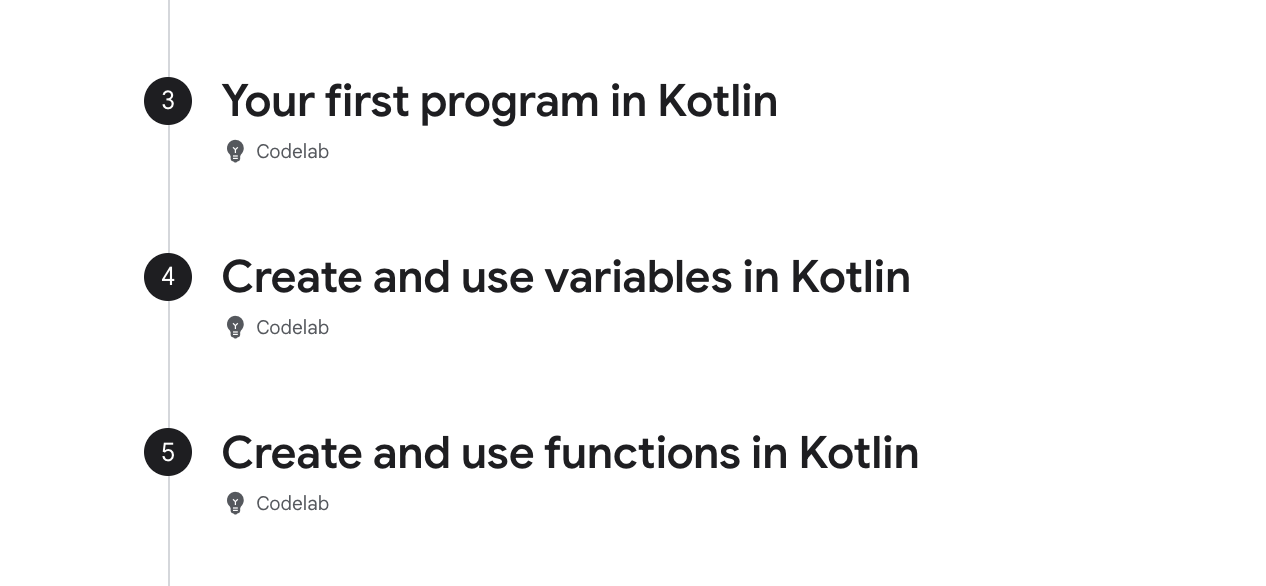
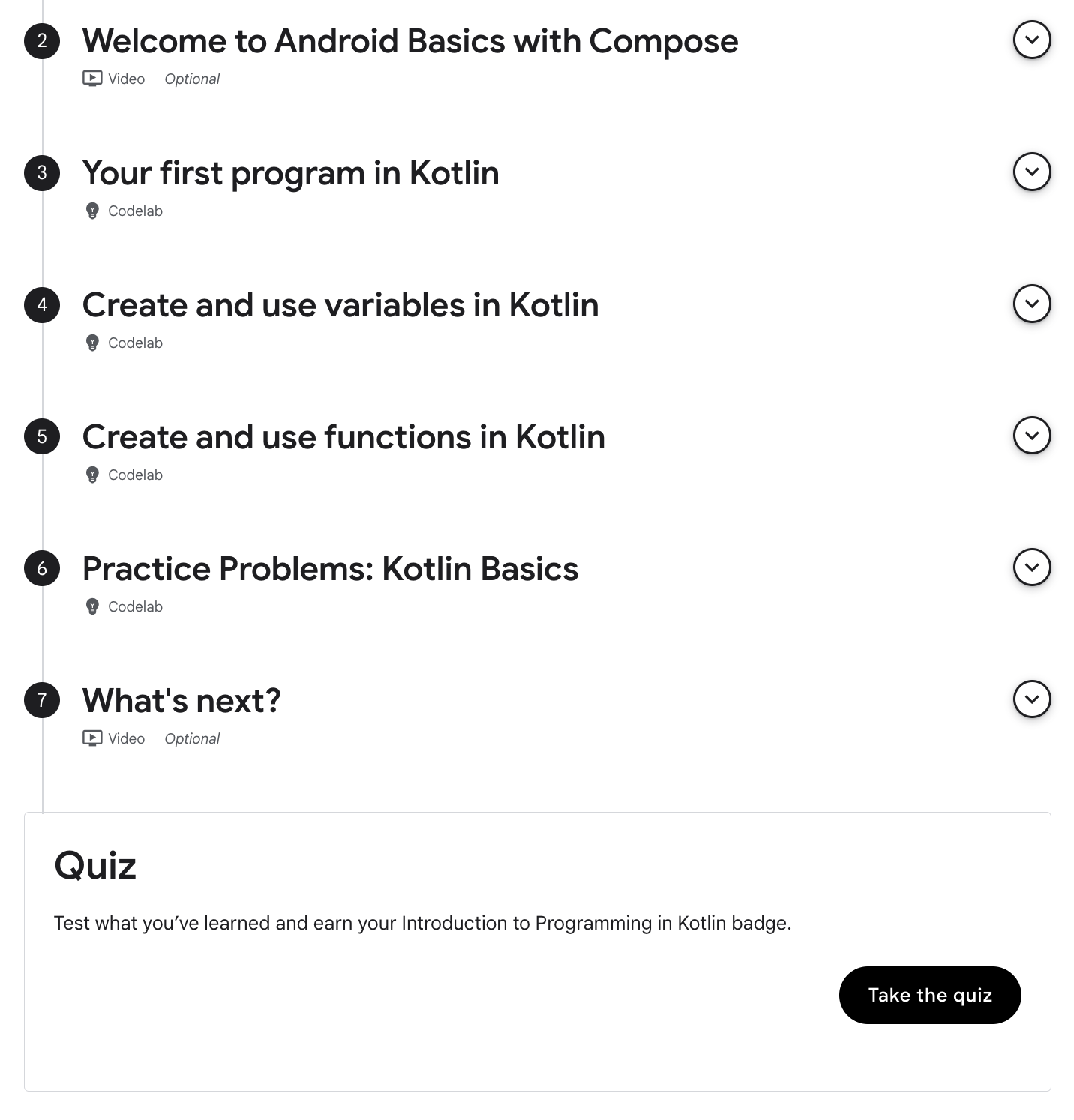
This is the first practical module for the bootcamp.
Time Consumed: 60 minutes
Difficulty level: 3/5
Summary: Syntax of Kotlin functions
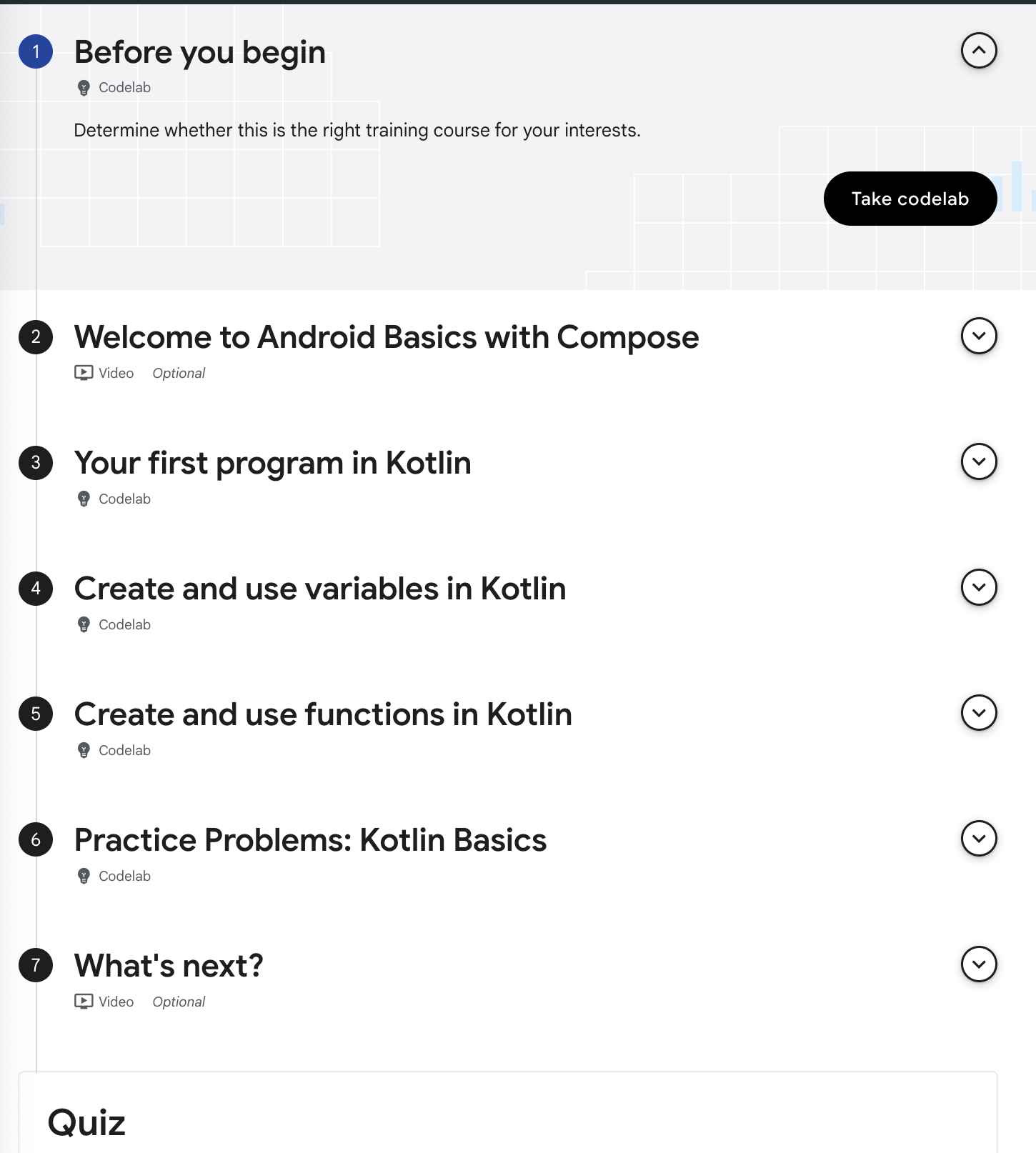
Because I had some programming experience this did module did not take me long but because I took notes in between, it actually took me more than 60 minutes. The quiz was easy and straight forward, consisting of only 10 questions.
Notes
Val vs Var - variable types
In the code below there are errors... can you find what it is?
fun main() {
	val discountPercentage: Int = 0
    val offer: String = ""
    val item = "Google Chromecast"
    discountPercentage = 20
    offer = "$discountPercentage% discount on $item!"

    printlen(offer)
}
The main problem is that in Kotline,
'val': immutable, read-only variables
'var': mutable/modifiable variables
Why would anyone use ‘val’ instead of ‘var’?
Val: Once assigned, value cannot change! This provides safey against accidental reassignment.
Var: Offers flexibility when values need to be updated.
Typecasting & Concatenation
Typecasting Method 1
fun main() {
    val numberOfAdults = "20"
    val numberOfKids = "30"

    // Convert strings to integers
    val adults = numberOfAdults.toInt()
    val kids = numberOfKids.toInt()

    // Perform numerical addition
    val total = adults + kids

    println("The total party size is: $total")
}
Typecasting Method 2
fun main() {
    val numberOfAdults = "20"
    val numberOfKids = "30"

    // Perform numerical addition
    val total = numberOfAdults.toInt() + numberOfKids.toInt()

    println("The total party size is: $total")
}
Contatenation
fun main() {
	val baseSalary = 5000
    val bonusAmount = 1000
    val totalSalary = "$baseSalary + &bonusAmount"

    printlen($totalSalary)
}
Function syntax
- note the way the data type of function parameters are return values are written.
- also for void functions, you don't need to state the return data type. It will be set to 'Unit' by default.
fun add(a: Int, b: Int): Int {
	val c = a+b
    return c
}
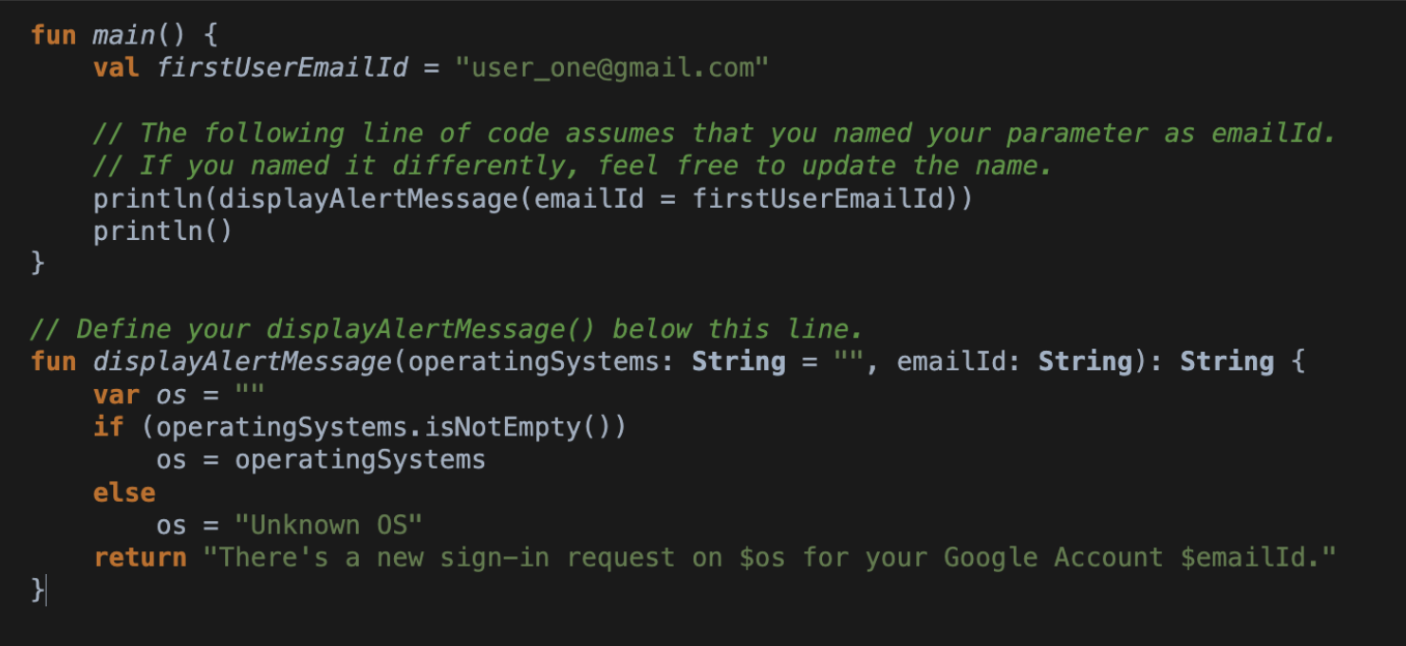
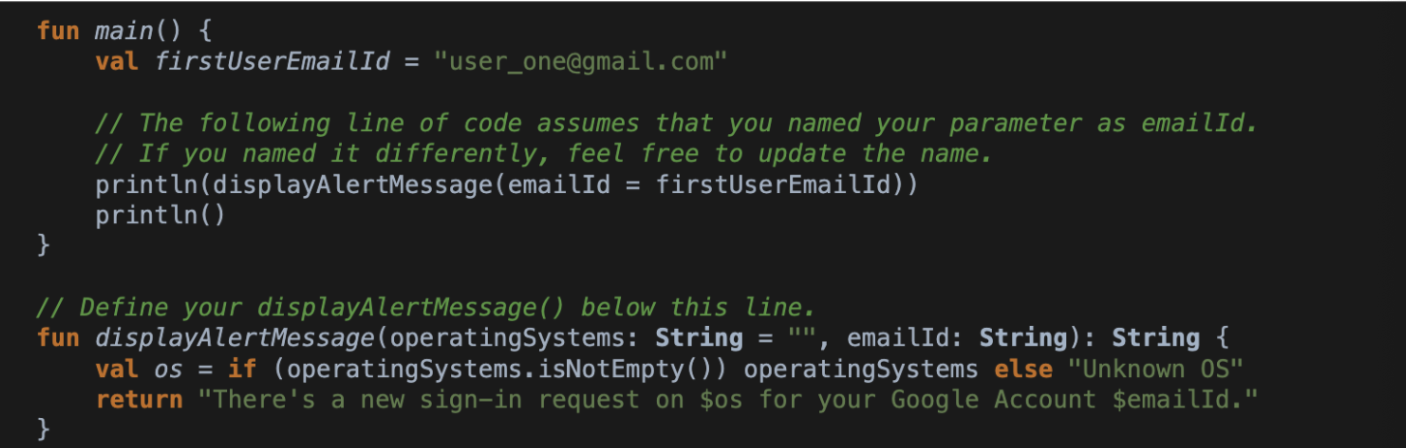
Addressing a function's empty parameters
Method 1
Method 2
Following Best Practice in Writing Code
The code here does not follow Kotlin's naming conventions. Let's try fixing it up!
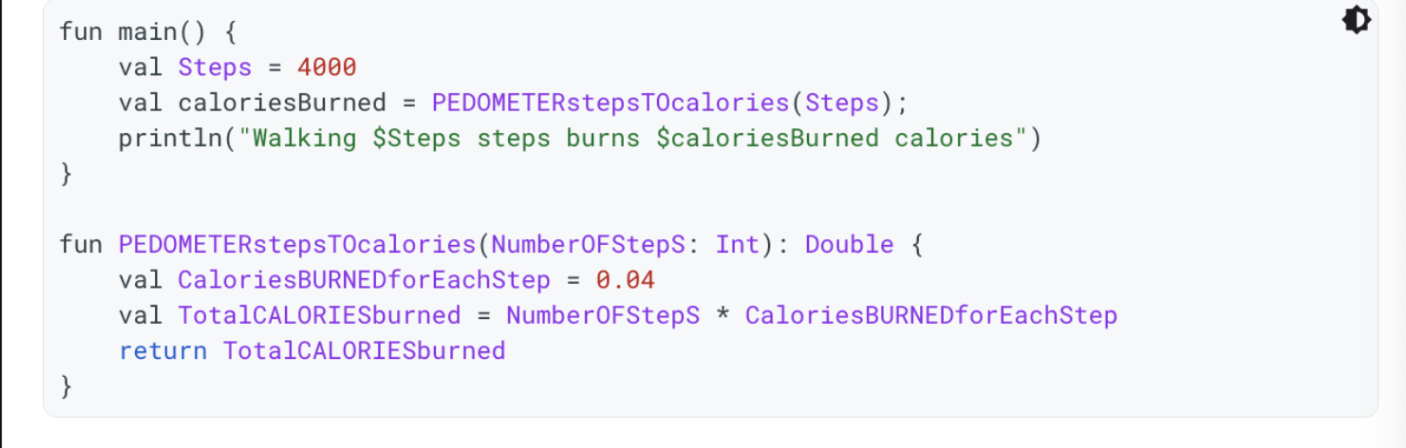
This is isn’t something that’s technical but important on a professional level. You will want your naming follows conventions and that your code is readable.
- Now, the variable name starts with a lower case letter and capitalized for any keywords that come after.
- there should be no whitespaces in the names.
fun main() {
    val steps = 4000
    val caloriesBurned = pedometerStepsToCalories(steps)
    println("Walking $steps steps burns $caloriesBurned calories")
}

fun pedometerStepsToCalories(numberOfSteps: Int): Double {
    val caloriesBurnedForEachStep = 0.04
    val totalCaloriesBurned = numberOfSteps * caloriesBurnedForEachStep
    return totalCaloriesBurned
}
[FYI] Double is the data type for floating-point numbers with double precision (compared to float), occupying 64 bits
Boolean Functions
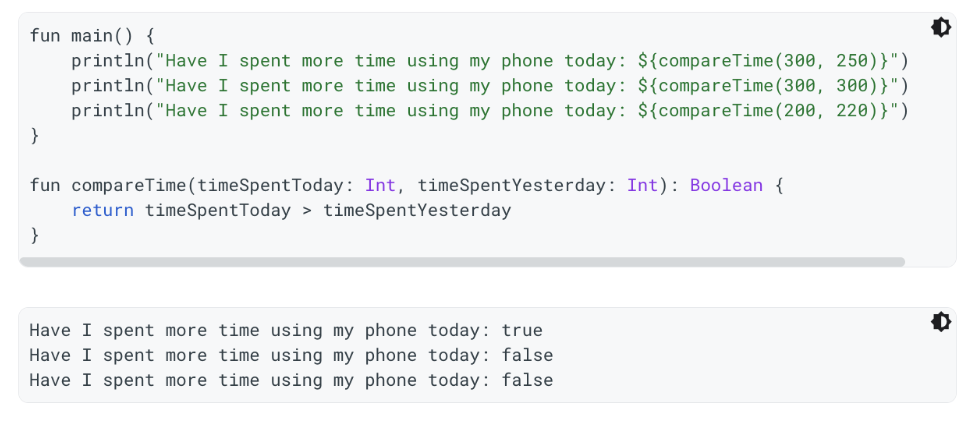
Here we have a simple boolean function and its sample output. The function returns true when the phone usage time today is greater than yesterday.
Named Arguments
Calling a function with named arguments allows us to change the order of the parameters.
my_function(age = 25, name = "John", city = "New York")Thanks for reading X)