컴포넌트에서 CSS
- styled-components (CSS-in-JS 라이브러리)
- emotion (CSS-in-JS 라이브러리)
- 스타일을 변수에 넣고 해당 컴포넌트에 바인딩
export default function Button() {

  const style = {
    backgroundColor: 'skyblue',
    border: 'none',
    borderRadius: '10px',
    padding: '5px 15px',
    color: 'white',
    fontSize: '20px'
  }

  return (
    <>
      <button type="button" style={style}>버튼</button>
    </>
  )
};
- .module.css
- css파일을 모듈화 시켜줌
- 스타일이 다른 css파일로 오염되지 않음
Button 컴포넌트
import style from './style.module.css';

export default function Button() {
  return (
    <>
      <button type="button" className={style.button_style}>버튼</button>
    </>
  )
};
.module.css 파일
.button_style {
  background-color: coral;
  border: none;
  border-radius: 10px;
  padding: 5px 15px;
  color: black;
  font-size: 20px;
  font-weight: bold;
}
조건부 렌더링 (conditional rendering)
if문
import { useState } from 'react';
import style from './style.module.css';
import White from './White';
import Dark from './Dark';

export default function Button() {

  let [state, setState] = useState(true);

  if (state) {
    return (
      <>
        <White />
        <button onClick={() => {
          if (state) setState(false);
          else setState(true);
        }} className={style.button_style} type="button" >버튼</button>
      </>
    )
  } else {
    return (
      <>
        <Dark />
        <button onClick={() => {
          if (state) setState(false);
          else setState(true);
        }} className={style.button_style} type="button" >버튼</button>
      </>
    )
  }
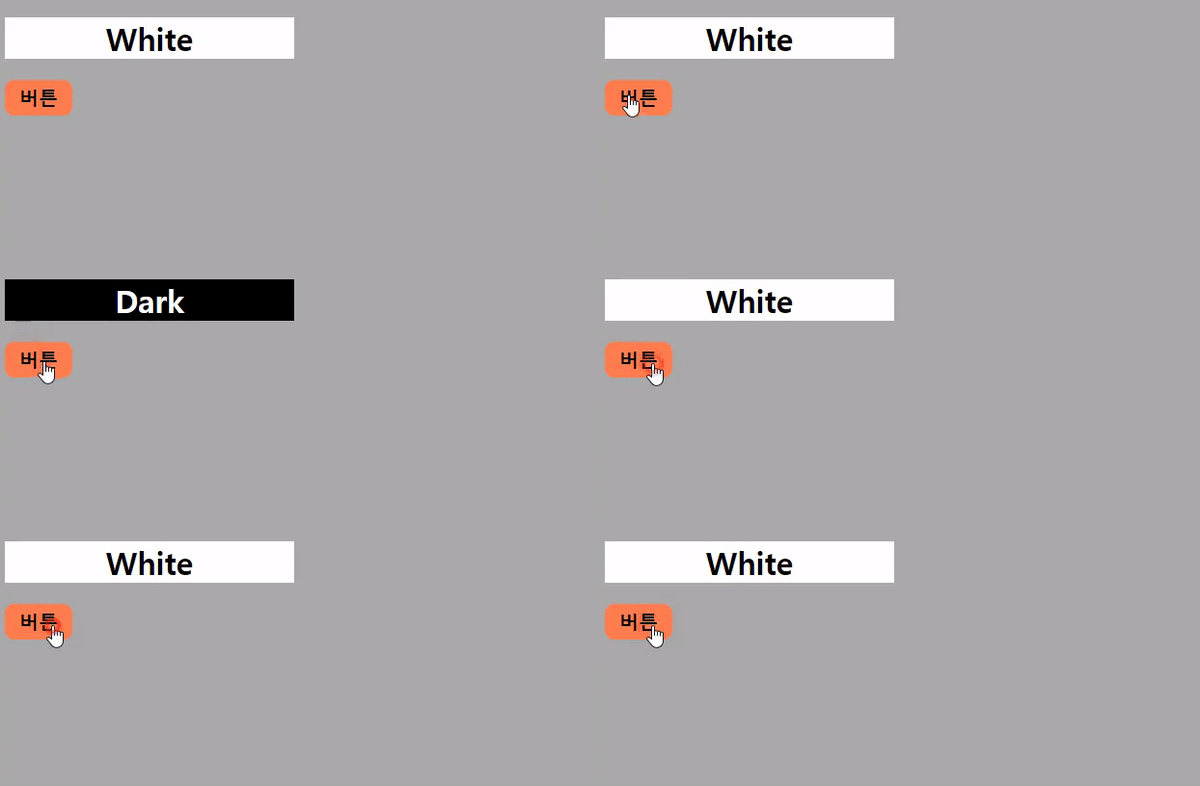
};
삼항 연산식
import { useState } from 'react';
import style from './style.module.css';
import White from './White';
import Dark from './Dark';

export default function Button() {

  let [state, setState] = useState(true);

  return (
    state ?
      <>
        <White />
        <button onClick={() => {
          if (state) setState(false);
          else setState(true);
        }} className={style.button_style} type="button" >버튼</button>
      </> :
      <>
        <Dark />
        <button onClick={() => {
          if (state) setState(false);
          else setState(true);
        }} className={style.button_style} type="button" >버튼</button>
      </>
  )
};
병합 연산자 (nullish)
import Login from './Login';

export default function Button() {

  let isLogin = null;

  return isLogin ?? <Login />

};
export default function Login() {
const style = {
width: '300px',
background: 'coral',
color: 'black',
textAlign: 'center'
}
return (
<>
<h1 style={style}>Login 상태</h1>
</>
)
}
??(nullish) 와 ||(OR) 차이
||는 첫번째 Truthy 값을 반환
??는 첫번째 정의된 값을 반환
// ex)
let speed = 0;

console.log(speed || 150); // 150
console.log(speed ?? 150); // 0
Others
- switch 문
- 제어 흐름 연산자 식
- 옵셔널체이닝 (optional chaining)
