스타일 확장
부모 컴포넌트
import './App.css'
import Profile from './components/Profile'

function App() {

  return (
    <>
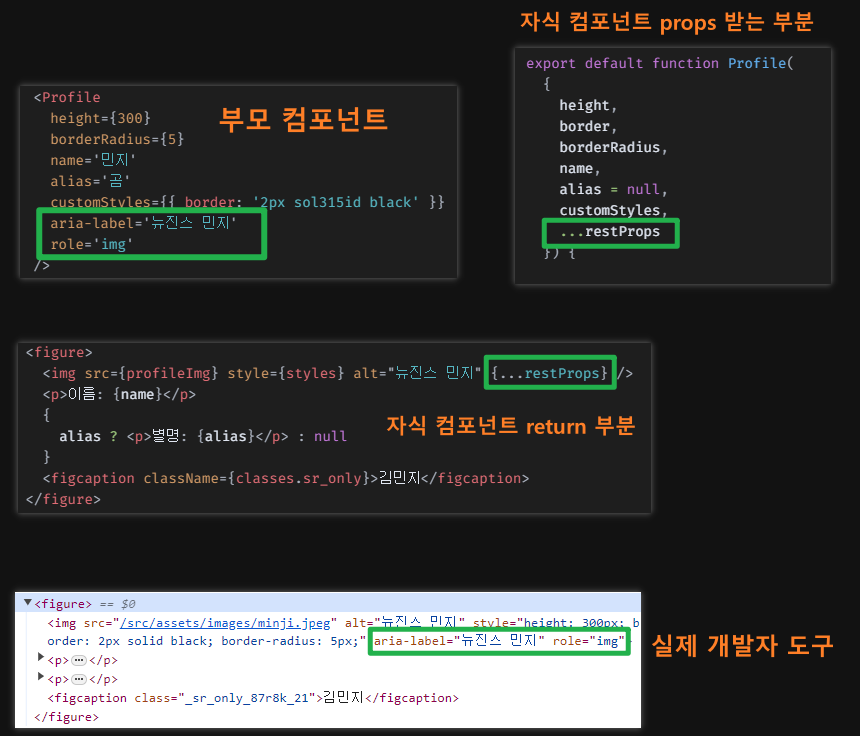
      <Profile
        height={300}
        borderRadius={5}
        name='민지'
        alias='곰'
        customStyles={{ border: '2px sol315id black' }}
        aria-label='뉴진스 민지'
        role='img'
      />
    </>
  )
}

export default App
자식 컴포넌트
/* eslint-disable react/prop-types */
import classes from './Profile.module.css';
import profileImg from './../assets/images/minji.jpeg'

export default function Profile(
  {
    height,
    border,
    borderRadius,
    name,
    alias = null,
    customStyles,
    ...restProps
  }) {


  const defaultStyles = {
    height: height ? height : 400,
    border: border ? border : '5px solid coral',
    borderRadius: borderRadius ? borderRadius : '20px',
  }

  const styles = {
    ...defaultStyles,
    ...customStyles,
  }


  return (
    <figure>
      <img src={profileImg} style={styles} alt="뉴진스 민지" {...restProps} />
      <p>이름: {name}</p>
      {
        alias ? <p>별명: {alias}</p> : null
      }
      <figcaption className={classes.sr_only}>김민지</figcaption>
    </figure>
  )
}
restProps
부모 컴포넌트에서 props를 보내고 자식이 받을 때 Rest 파라미터를 사용하면 지정하지 않은 props를 모두 받을 수 있다.
// 커스텀 스타일
customStyles={{ border: '2px solid black' }}
custom 스타일 적용 전

custom 스타일 적용 후

📍주의할 점
기본 스타일을 먼저 적고 후에 커스텀 스타일을 작성해야 함
객체는 같은 key값을 가지고 있다면 후에 작성된 값이 덮어쓰기하기 때문
// (X)
const styles = {
    ...customStyles,
    ...defaultStyles,
  }
// (O)
const styles = {
...defaultStyles,
...customStyles,
}useState
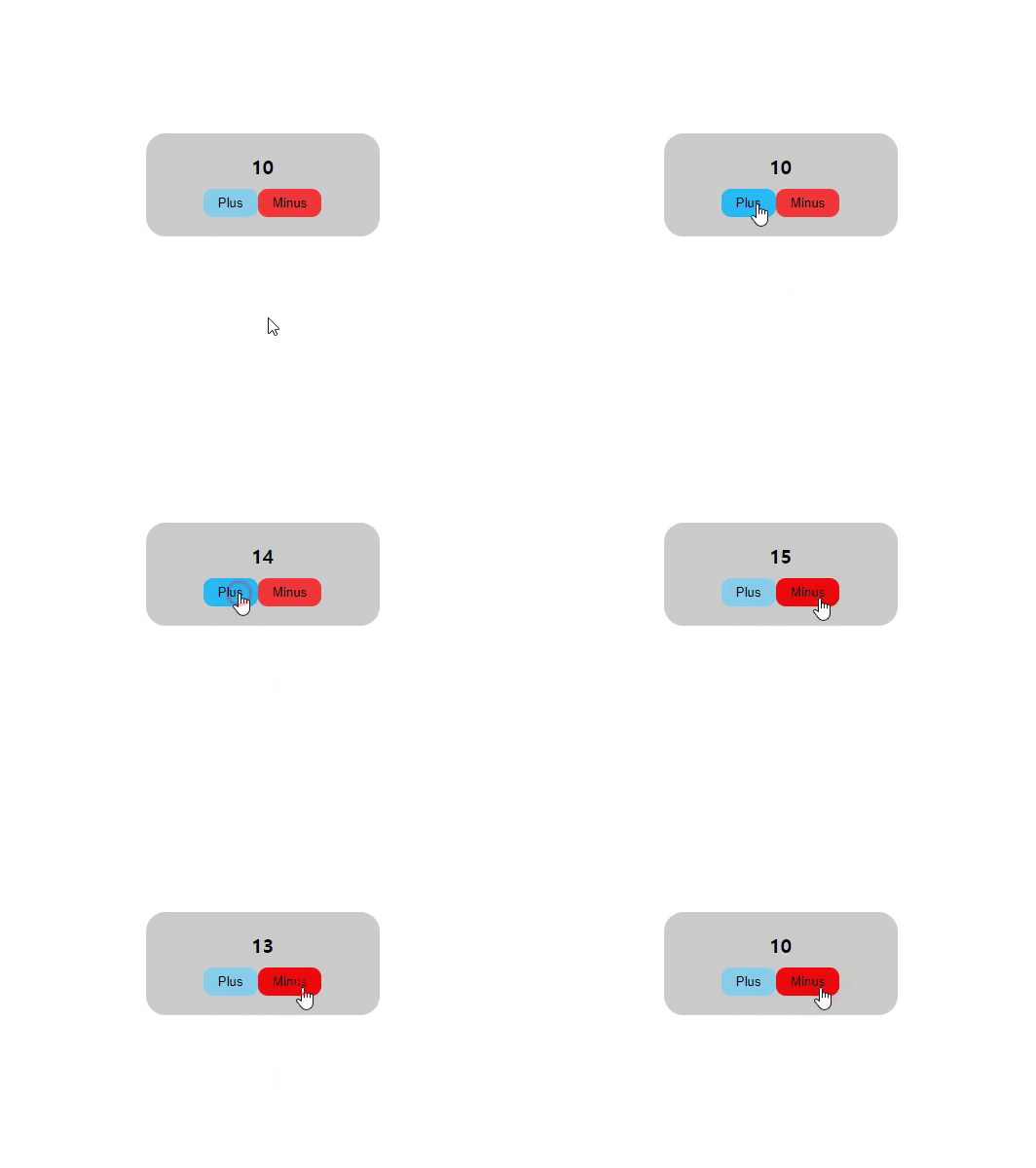
React는 JS처럼 변수를 변경하면 화면에 변경된 내용이 반영되지 않는다.
그래서 React에 useState를 사용해야 한다.
사용법
const [변수명, 변수변경함수] = React.useState(초기값)변수를 변경할 때는 변수변경함수를 사용해야 함
App 컴포넌트
import './App.css'
import Count from './components/Count'

function App() {

  return (
    <>
      <Count number={10} />
    </>
  )
}

export default App
Count 컴포넌트
/* eslint-disable react/prop-types */
import React from "react"

export default function Count({ number }) {

  const [num, setNum] = React.useState(number);

  const plus = () => setNum(num + 1)
  const minus = () => setNum(num - 1)

  return (
    <div className="count_container">
      <span>{num}</span>
      <button type="button" onClick={plus}>Plus</button>
      <button type="button" onClick={minus}>Minus</button>
    </div>
  )
}