letsencrypt를 사용한 도메인 ssl 적용
1. ec2 인스턴스의 tcp 포트 보안 그룹 허용
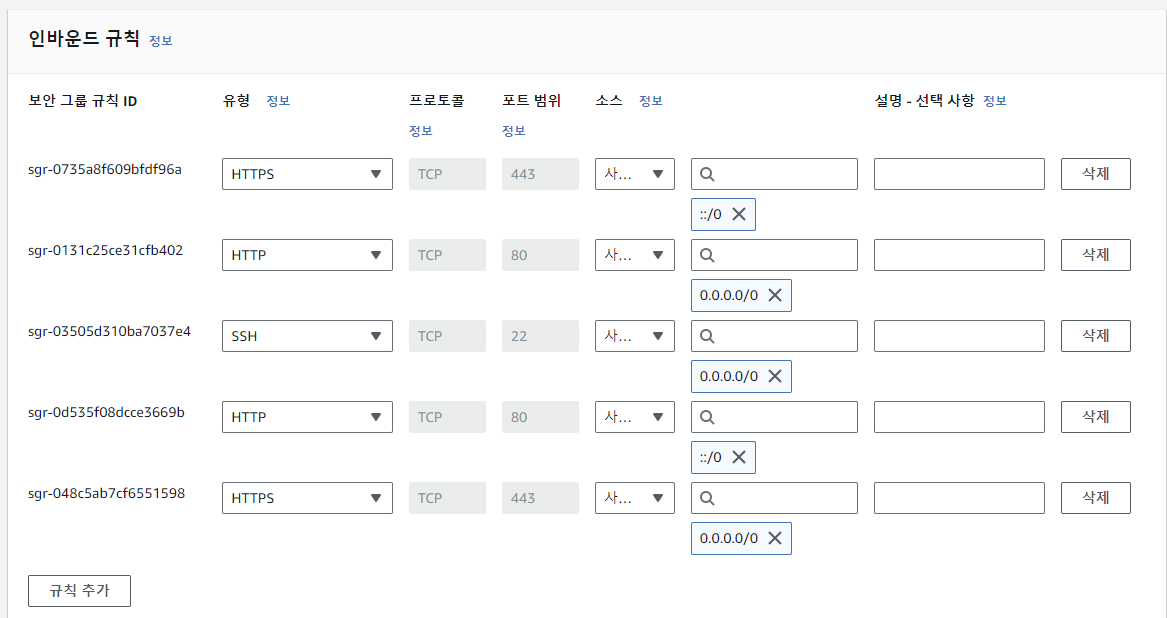
유형 HTTPS 로 설정하면 443 포트가 자동으로 잡힌다. anywhere ipv4, ipv6 으로 두 개 규칙 추가
2. ssh 쉘에서 tcp 포트의 허용 유무 확인
netstat 명령어 적용이 안되서 net-tools 설치 후 ss 명령어를 통해 포트 확인
(ss는 netstat와 비슷한 정보를 보여주는 명령어)
sudo apt install net-tools
sudo ss -tnlp
3. certbot 설치 후 letsencrypt 버전 확인
sudo apt install certbot
letsencrypt --version
4. apache에 맞는 certbot 패키지 설치
sudo apt install python3-certbot-apache5. certbot을 사용하여 인증서 생성하기
구동 중인 apache 서버 중지
sudo service apahce2 stopStandalone 방식으로 인증서 발급
sudo certbot certonly --standalone -d www.monomate.kr-d 에는 ssl을 적용할 도메인 입력
standalone 방식은 Certbot이 자체적으로 작은 웹 서버를 시작하여 Let's Encrypt 인증 서버와 통신하는 방식이고 80번 포트에 접근하기 때문에 apache 서버를 중지 시켜야 한다.
설치 과정에서 이메일 주소 입력, 이용 원칙 동의 → A, 제 3자 업체 정보 공유 → Y, N 선택 입력을 한다.
6. 인증서 파일 웹 서비스에 반영하도록 설정 파일 수정
인증서 경로는 아래와 같다.
/etc/letsencrypt/live/www.monomate.krapache 웹 서버의 설정 파일 편집
/etc/apache2/sites-available/000-default.conf나의 경우에는 host를 www와 mall로 나누기 위해 두 개의 설정 파일을 사용하기 때문에
/etc/apache2/sites-available/www.monomate.kr.conf에서 443 포트로 들어왔을 때 가상호스트 코드를 추가한다.
80 포트는 http, 443 포트는 https (ssl이 적용된 http)
sudo nano /etc/apache2/sites-available/www.monomate.kr.conf명령어로 아래 내용 본인 서버 설정에 맞게 수정 후 붙여넣기
<VirtualHost *:443>
    ServerAdmin webmaster@localhost
    ServerName www.monomate.kr
    DocumentRoot /home/ubuntu/www_web

    <Directory /home/ubuntu/www_web>
        Options Indexes FollowSymLinks
        Allow from all
        AllowOverride All
        Require all granted
    </Directory>

        ErrorLog ${APACHE_LOG_DIR}/error.log
        CustomLog ${APACHE_LOG_DIR}/access.log combined

        SSLEngine on
        SSLCertificateFile /etc/letsencrypt/live/www.monomate.kr/cert.pem
        SSLCertificateKeyFile /etc/letsencrypt/live/www.monomate.kr/privkey.pem
        SSLCertificateChainFile /etc/letsencrypt/live/www.monomate.kr/fullchain.pem
</VirtualHost>
ServerName과 DocumentRoot 신경 써서 확인해주고 부분에 Allow from all 추가 된 것 확인 및 아래 ssl 관련 부분에 도메인 본인 것으로 수정
www.monomate.kr.conf 전체 코드는 아래와 같다.
<VirtualHost *:80>
    ServerAdmin webmaster@localhost
    ServerName www.monomate.kr
    DocumentRoot /home/ubuntu/www_web

    <Directory /home/ubuntu/www_web>
        Options Indexes FollowSymLinks
        AllowOverride All
        Require all granted
    </Directory>

    ErrorLog ${APACHE_LOG_DIR}/www.monomate.kr-error.log
    CustomLog ${APACHE_LOG_DIR}/www.monomate.kr-access.log combined
</VirtualHost>

<VirtualHost *:443>
       ServerAdmin webmaster@localhost
    ServerName www.monomate.kr
    DocumentRoot /home/ubuntu/www_web

    <Directory /home/ubuntu/www_web>
        Options Indexes FollowSymLinks
        Allow from all
        AllowOverride All
        Require all granted
    </Directory>

        ErrorLog ${APACHE_LOG_DIR}/error.log
        CustomLog ${APACHE_LOG_DIR}/access.log combined

        SSLEngine on
        SSLCertificateFile /etc/letsencrypt/live/www.monomate.kr/cert.pem
        SSLCertificateKeyFile /etc/letsencrypt/live/www.monomate.kr/privkey.pem
        SSLCertificateChainFile /etc/letsencrypt/live/www.monomate.kr/fullchain.pem
</VirtualHost>
apache에 ssl 모듈 추가 후 apache 시작
sudo a2enmod ssl
sudo service apache2 start
7. http:// 로 들어올 경우 https:// 로 전환
apache 설정 파일의 80번 포트 부분에 Rewrite 모듈 추가
/etc/apache2/sites-available/www.monomate.kr.confRewriteEngine On
RewriteCond %{HTTPS} off
RewriteRule .* https://%{HTTP_HOST}%{REQUEST_URI} [R=301,L]추가한 코드
<VirtualHost *:80>
ServerAdmin webmaster@localhost
ServerName www.monomate.kr
DocumentRoot /home/ubuntu/www_web
<Directory /home/ubuntu/www_web>
Options Indexes FollowSymLinks
AllowOverride All
Require all granted
</Directory>
ErrorLog ${APACHE_LOG_DIR}/www.monomate.kr-error.log
CustomLog ${APACHE_LOG_DIR}/www.monomate.kr-access.log combined
RewriteEngine On
RewriteCond %{HTTPS} off
RewriteRule .* https://%{HTTP_HOST}%{REQUEST_URI} [R=301,L]
</VirtualHost>apache rewrite 모듈 추가 후 재시작
sudo a2enmod rewrite
sudo service apache2 restart
8. 결과
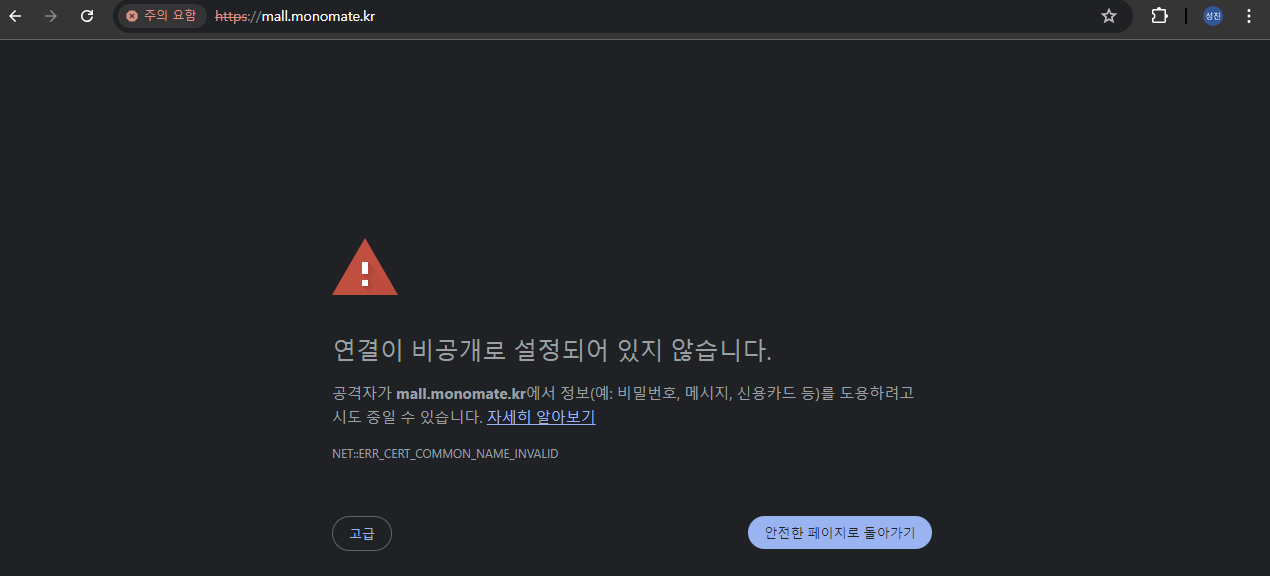
SSL 적용 안한 mall.monomate.kr https로 접속 시 보이는 화면
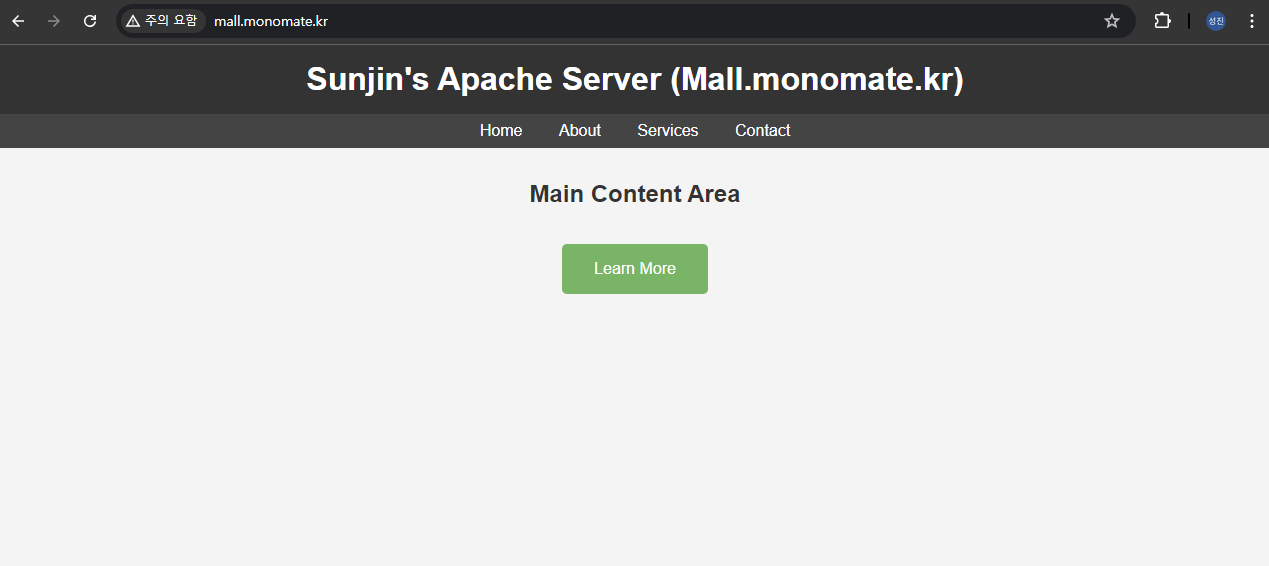
mall.monomate.kr http로 접속 시 보이는 화면
SSL 적용한 www.monomate.kr http로 접속한 화면 (redirec 설정 전)
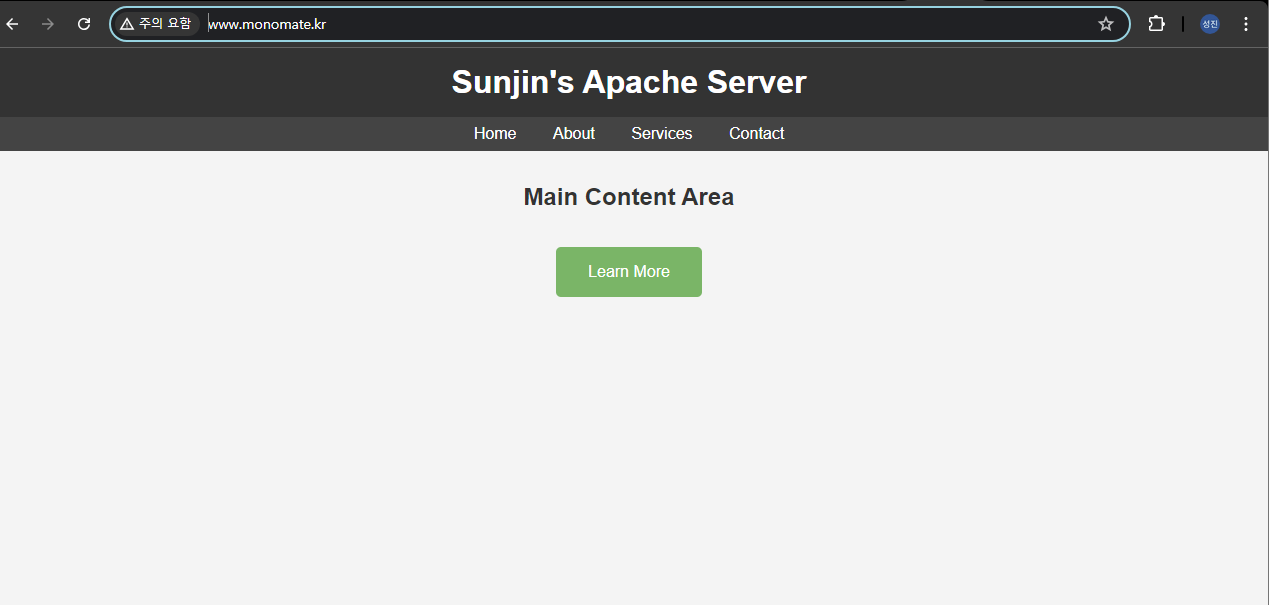
www.monomate.kr https 로 접속한 화면 (주의 요함 사라짐)
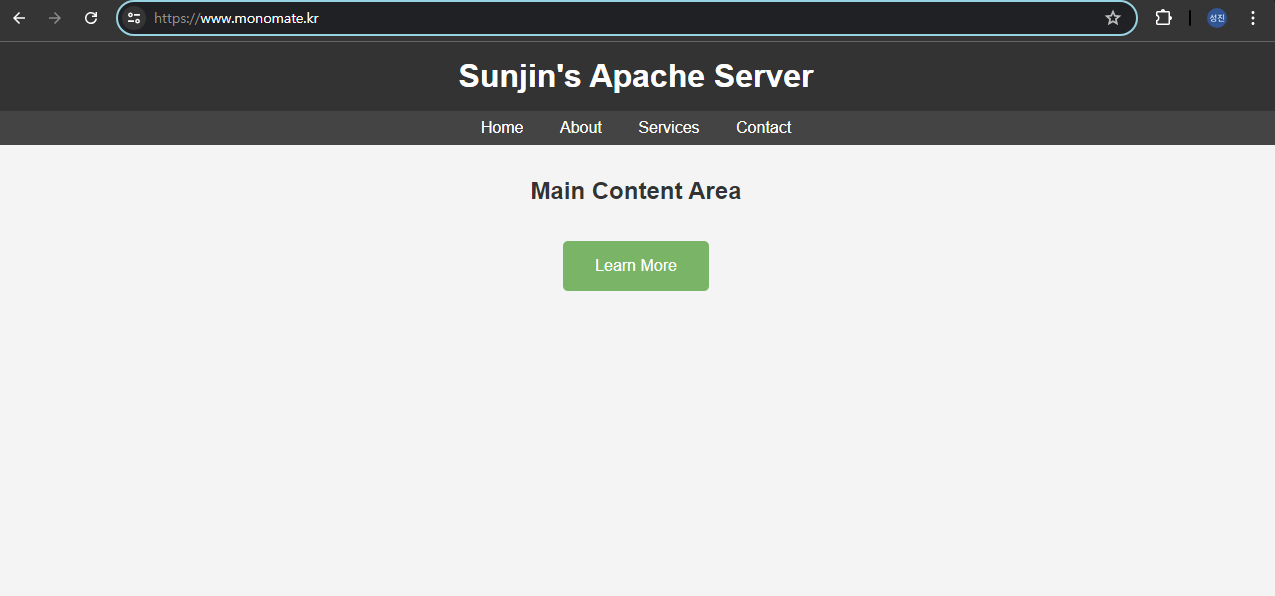
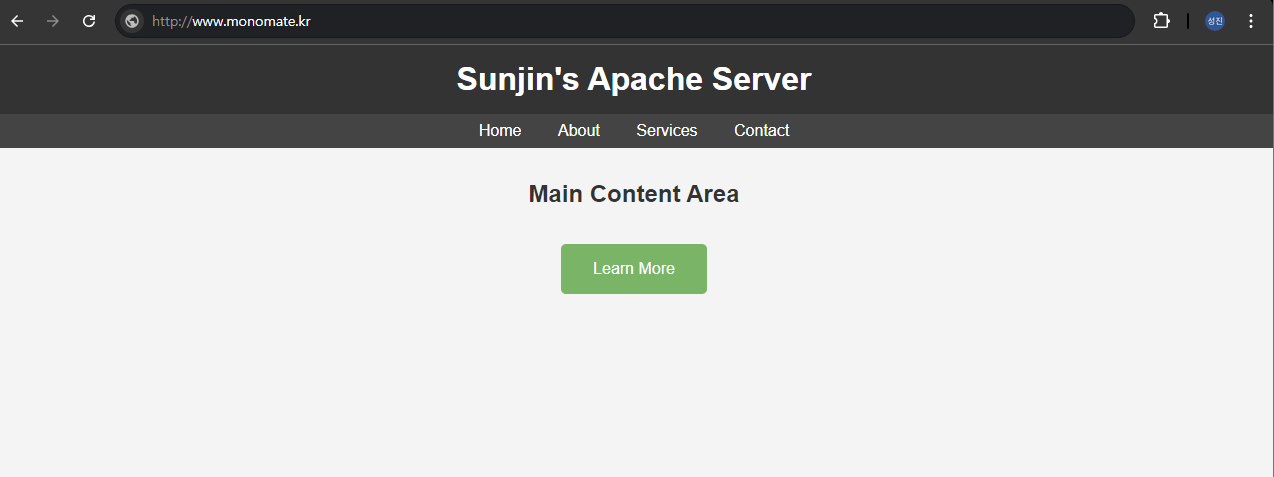
redirect 설정 후에는 http://www.monomate.kr 로 접속해도 https://www.monomate.kr 로 접속된다.
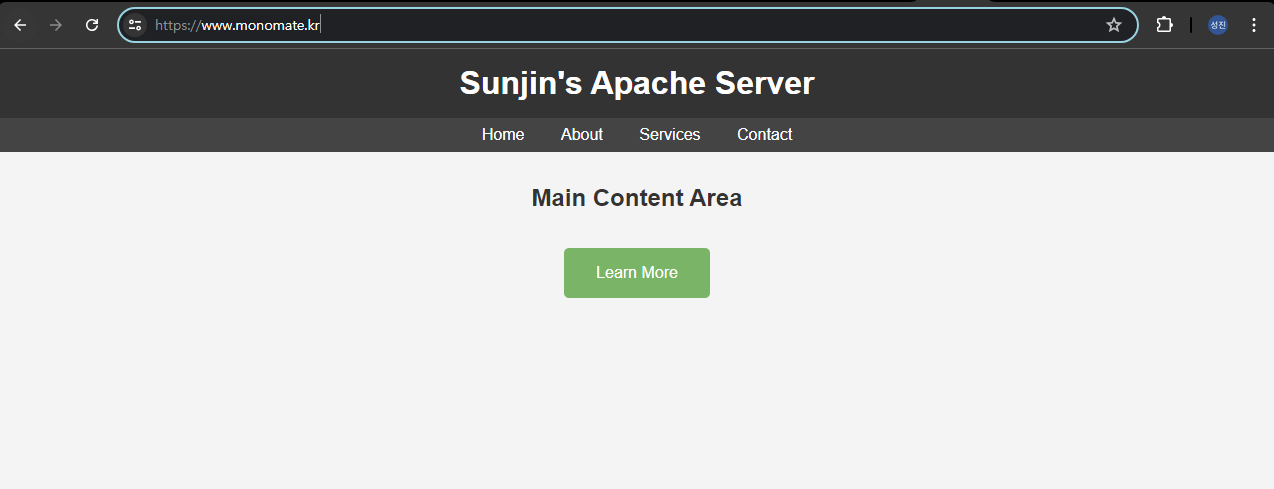
SSL 적용 완료❗