
개요
Vertex AI는 ML 모델과 AI 애플리케이션을 학습 및 배포하고 AI 기반 애플리케이션에서 사용할 대규모 언어 모델(LLM)을 맞춤설정할 수 있게 해주는 머신러닝(ML) 플랫폼입니다
파이썬용 vertex AI SDK를 사용해 주피터 노트북 기반의 Vertex AI Workbench 와 Colaboratory 버전인 Colab Enterprise 환경에서 모델 개발과 협력을 할수 있습니다
사전요구환경
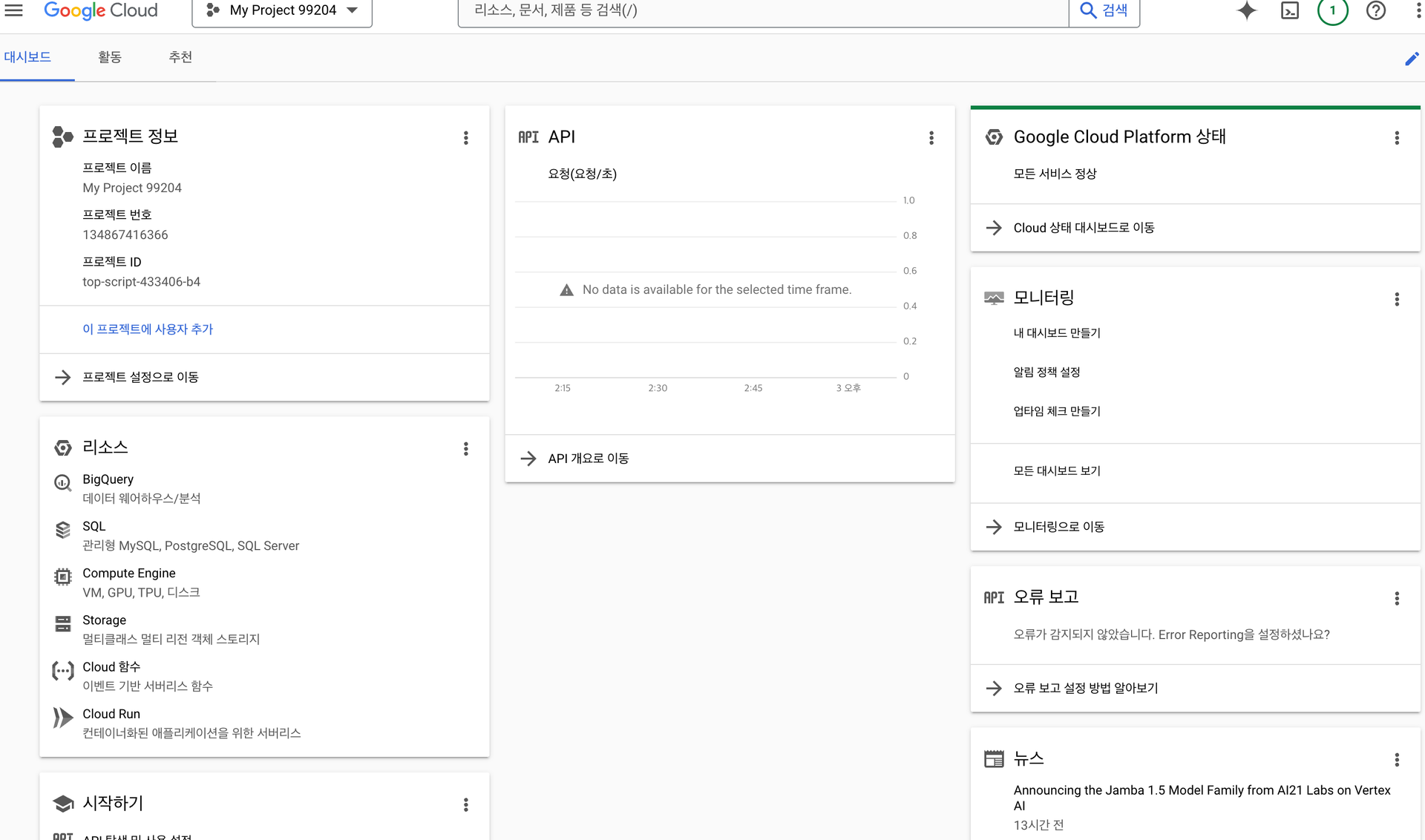
vertex AI 테스트는 결제가 가능한 gcp 프로젝트 환경을 필요로 합니다
대시보드로 이동합니다
Colab 기반 테스트 환경 구성
다음 colab 노트북을 사용하여 테스트합니다
!pip install --upgrade --user google-cloud-aiplatform google-cloud-storage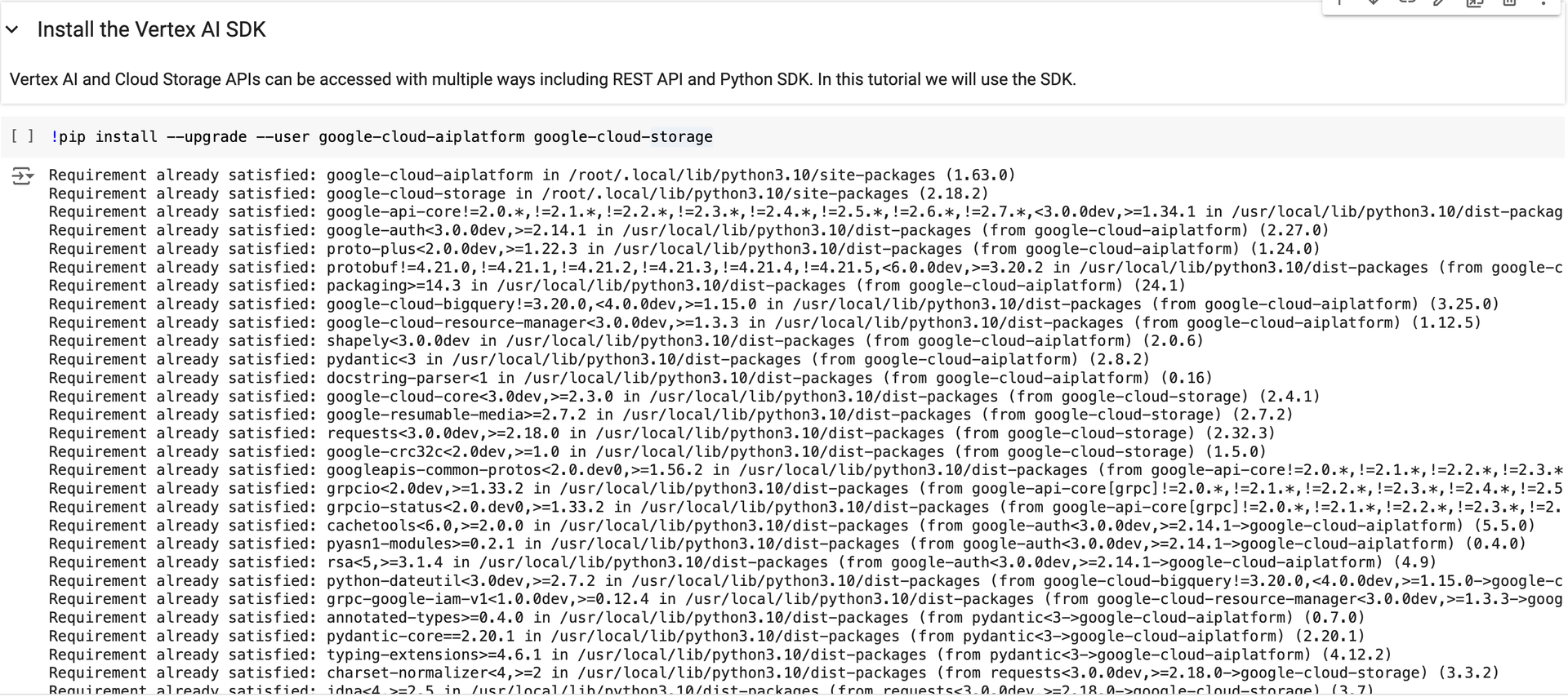
Vertex AI SDK 설치 후 runtime을 재기동합니다
# Restart kernel after installs so that your environment can access the new packages
import IPython
import time

app = IPython.Application.instance()
app.kernel.do_shutdown(True)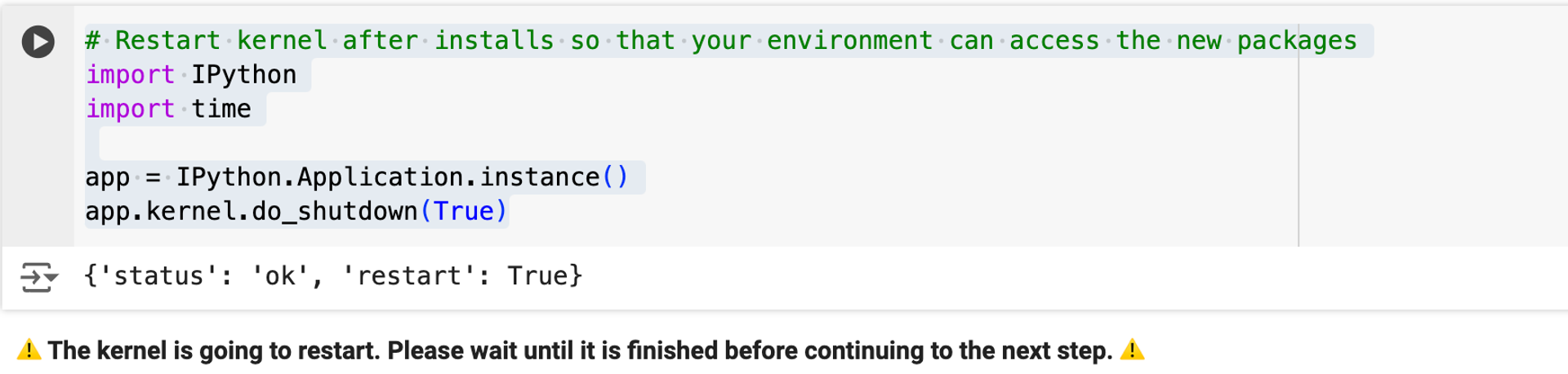
연결을 원하는 프로젝트 ID를 입력합니다
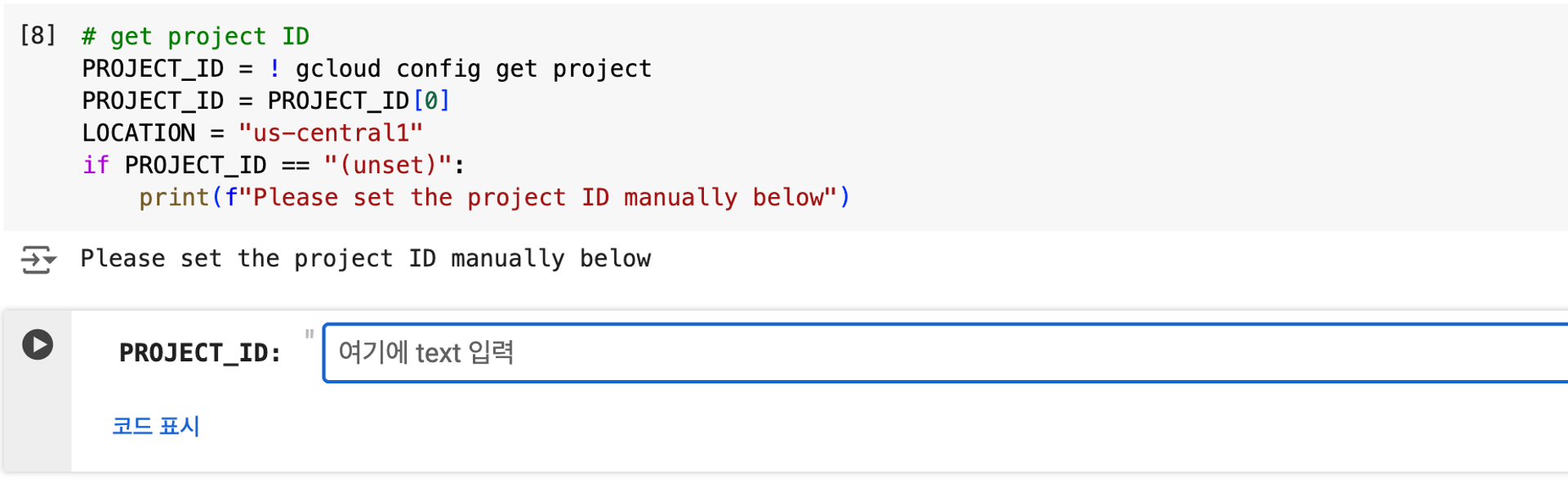
project_id : solid-study-153701

인증을 진행합니다
import sys

# if it's Colab runtime, authenticate the user with Google Cloud
if "google.colab" in sys.modules:
    from google.colab import auth

    auth.authenticate_user()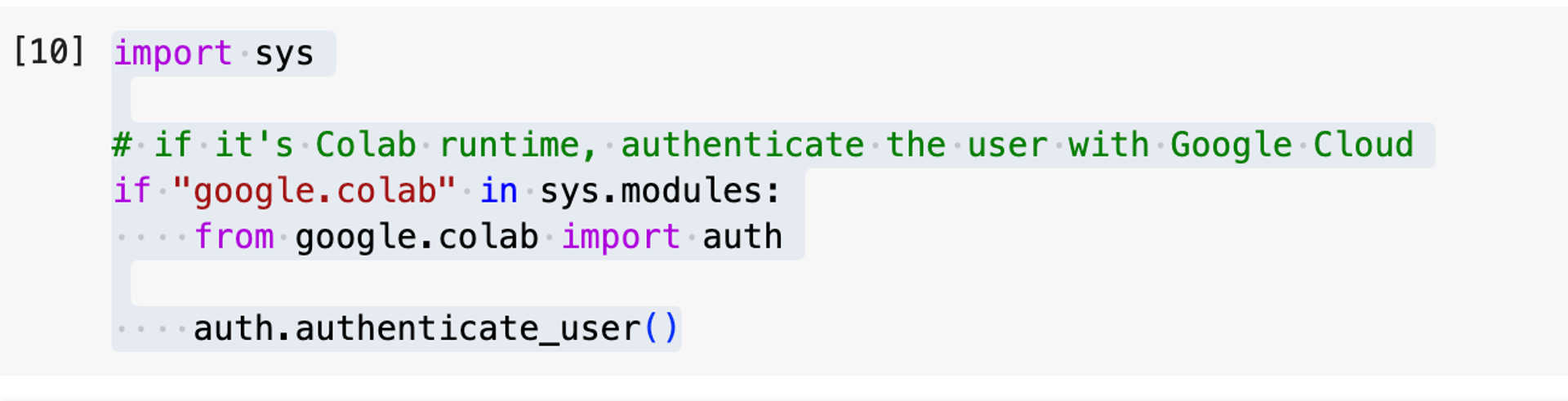
인증을 진행하면 프로젝트 내부에 compute엔진 정책이 생깁니다
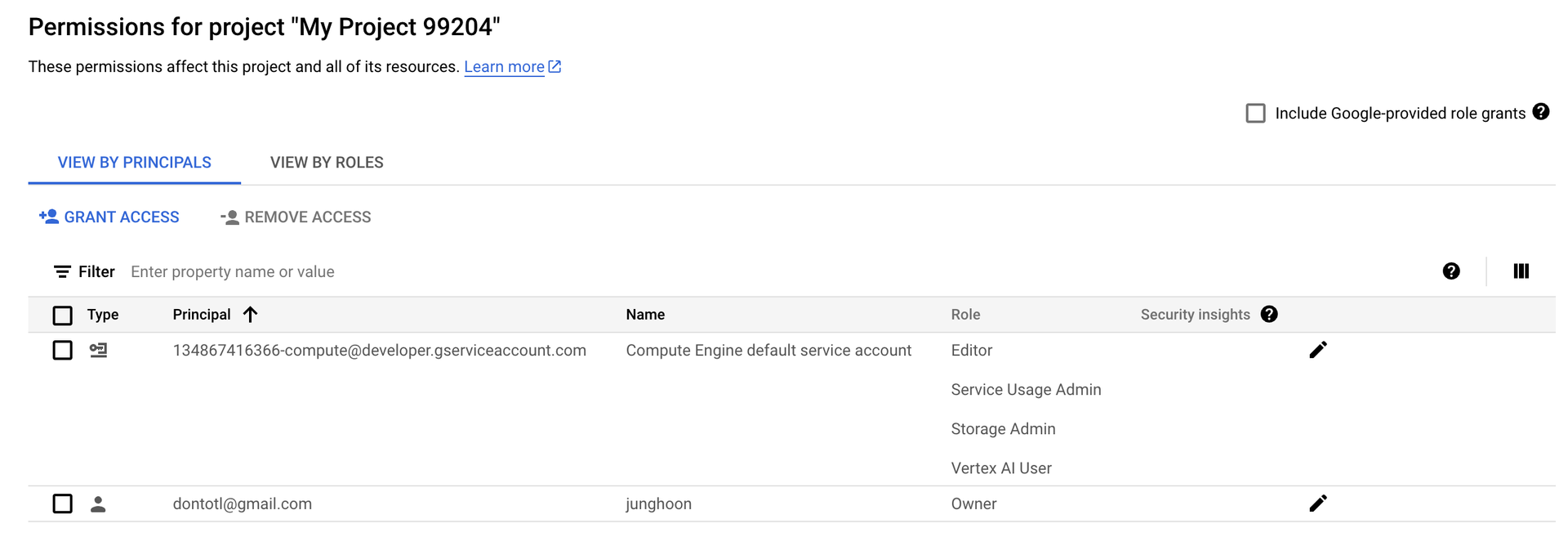
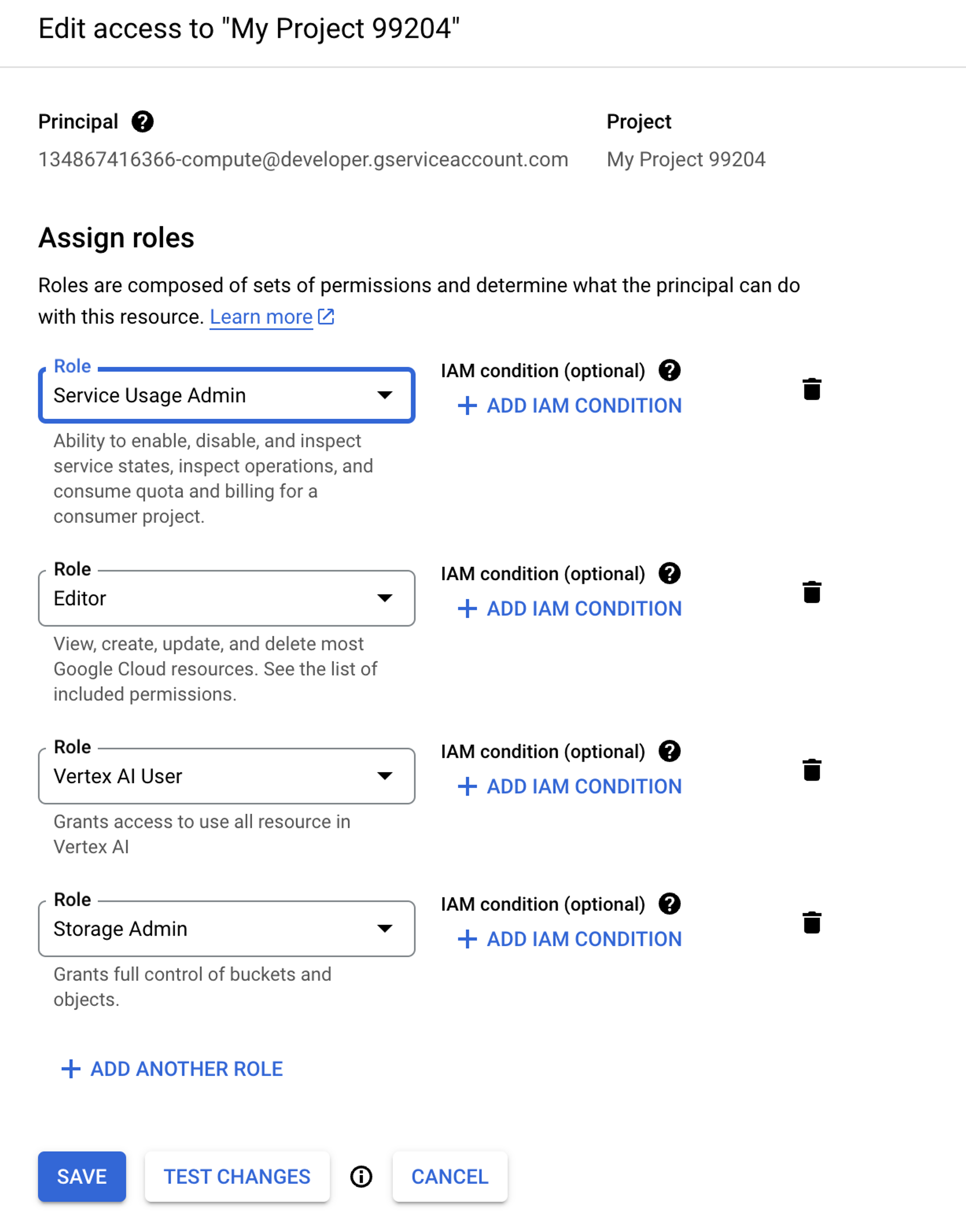
여기에 Service Usage Admin, Vertex AI User, Storage Admin 권한을 부여합니다
실습을 위한 API들을 활성화 합니다
! gcloud services enable compute.googleapis.com aiplatform.googleapis.com storage.googleapis.com --project "{PROJECT_ID}"
실습 데이터는 이커머스 데이터입니다
빅쿼리를 통해 조회해 볼수 있습니다
https://console.cloud.google.com/marketplace/product/bigquery-public-data/thelook-ecommerce?project=top-script-433406-b4스키마 구조
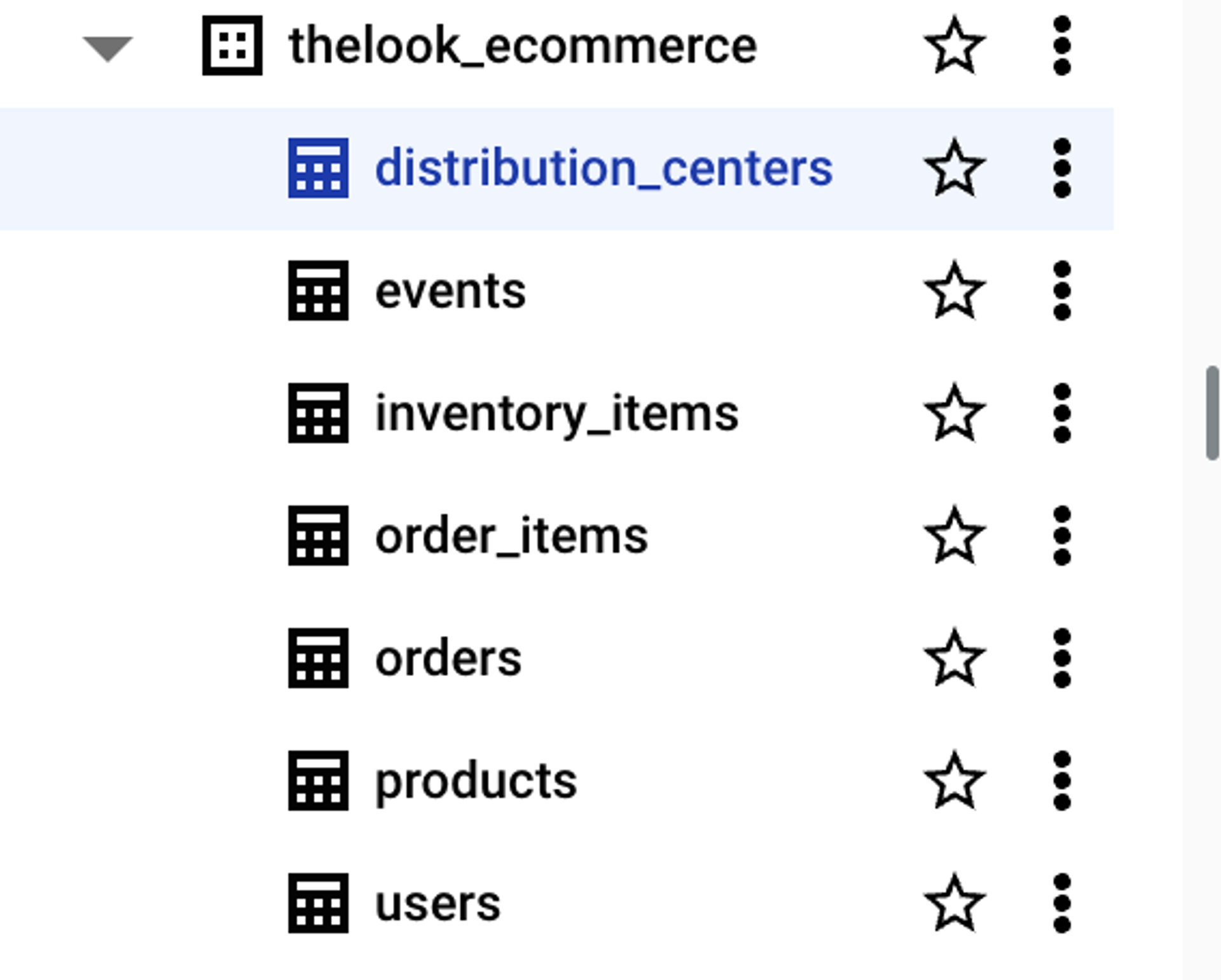
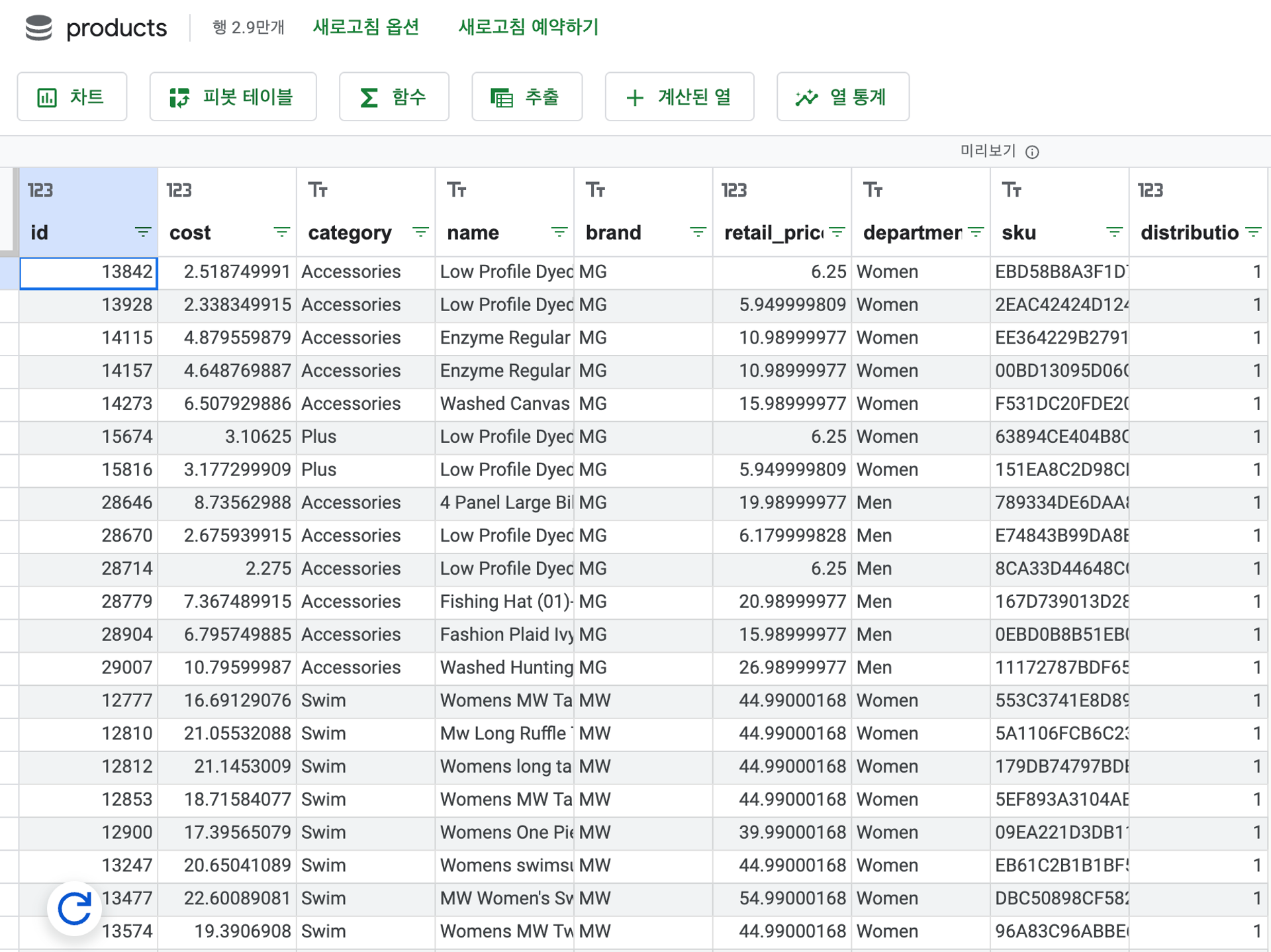
products 테이블의 데이터를 벡터 임베딩한 결과를 product-embs.json으로 정리하여 벡터 검색 샘플 데이터로 활용합니다

클라우드 스토리지 환경 구성
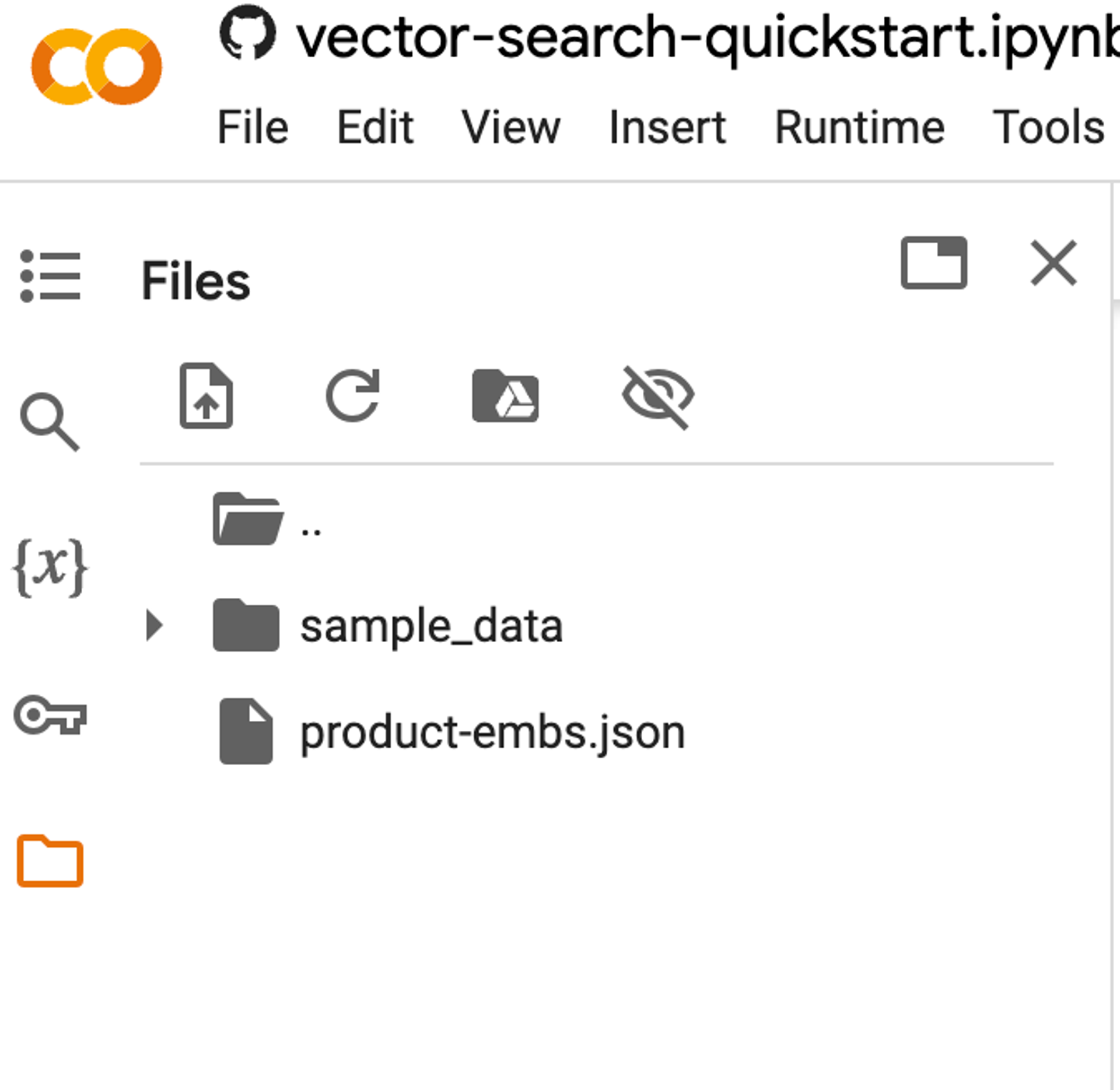
백터 인덱스를 생성하기 위해, 파일을 클라우드 스토리지 버컷에 카피합니다
BUCKET_URI = f"gs://{PROJECT_ID}-vs-quickstart-{UID}"
! gsutil mb -l "$LOCATION" -p "$PROJECT_ID" "$BUCKET_URI"
! gsutil cp "gs://github-repo/data/vs-quickstart/product-embs.json" "$BUCKET_URI"
벡터 서치 쿼리를 위해 로컬에도 카피합니다
! gsutil cp "gs://github-repo/data/vs-quickstart/product-embs.json" . # for query tests
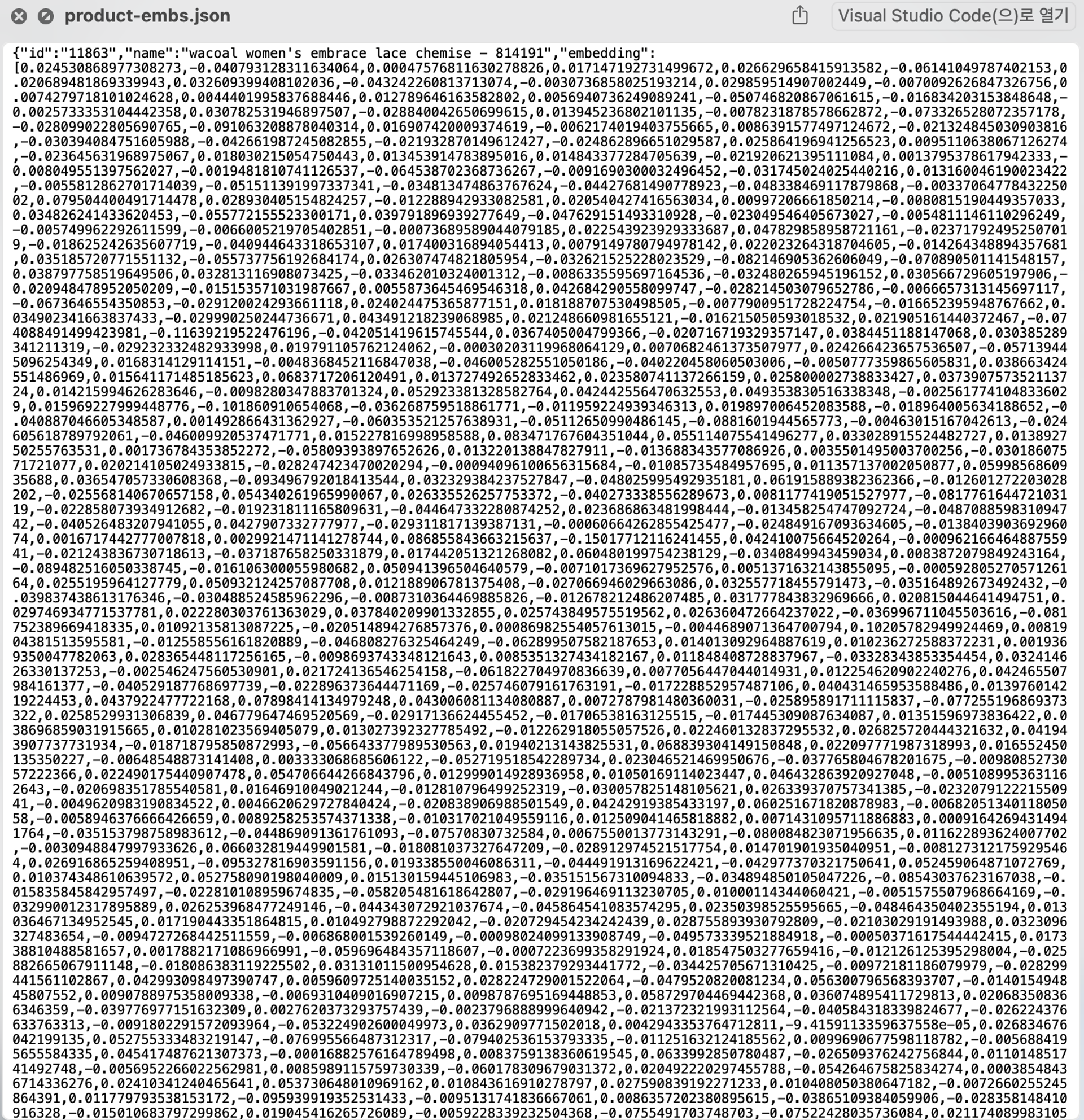
생성된 파일을 다운로드하여 열어보면 다음과 같습니다
벡터 인덱스 생성
aiplatform 패키지를 선언합니다
# init the aiplatform package
from google.cloud import aiplatform

aiplatform.init(project=PROJECT_ID, location=LOCATION)
벡터 인덱스를 생성합니다 (수분에서 최대 60분 소요)
# create Index
my_index = aiplatform.MatchingEngineIndex.create_tree_ah_index(
    display_name=f"vs-quickstart-index-{UID}",
    contents_delta_uri=BUCKET_URI,
    dimensions=768,
    approximate_neighbors_count=10,
)
768차원으로 임베딩하고, 최근접 10개 아이템 기준으로 인덱싱하게 됩니다

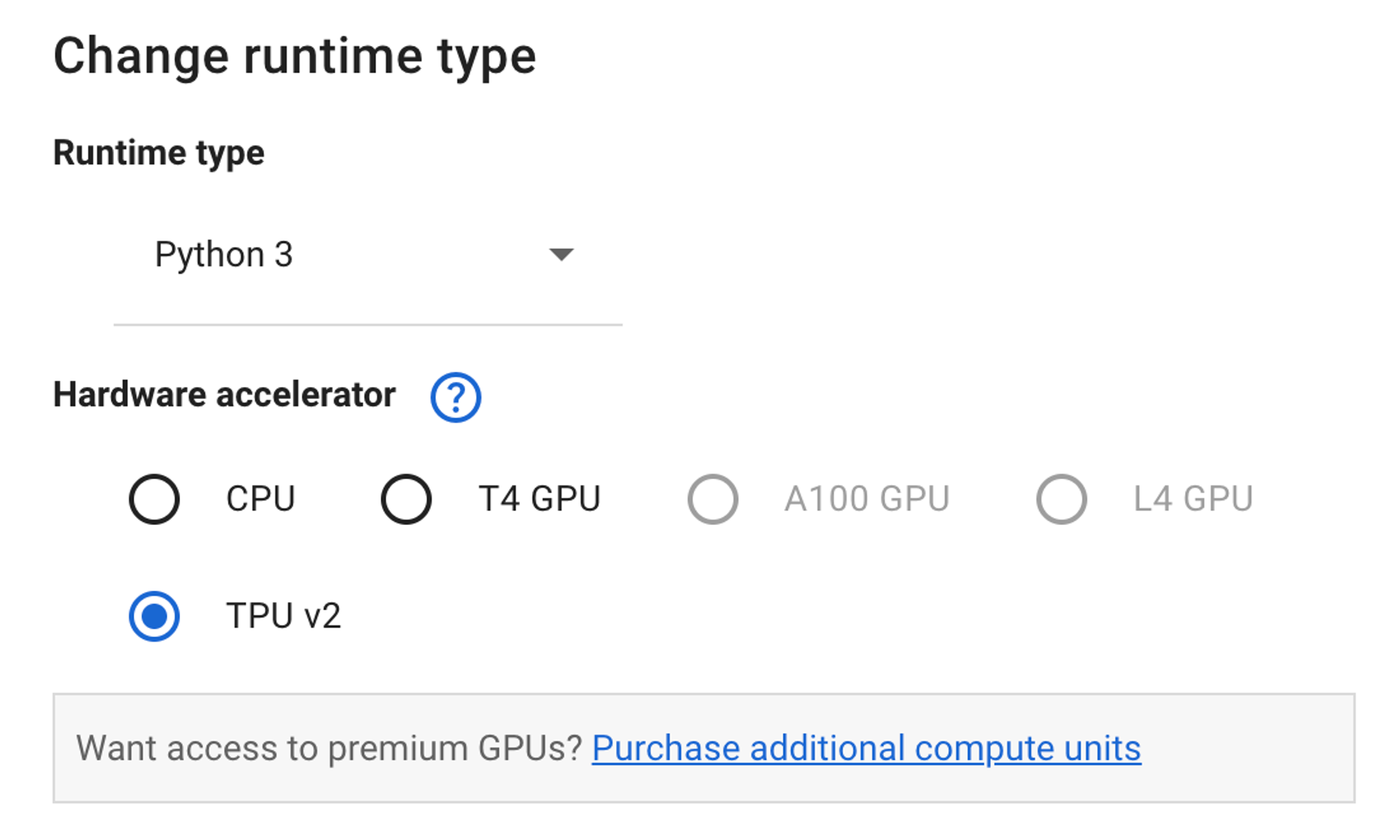
TPU v2 기준 2분만에 인덱스 만들어 집니다
인덱스를 서비스하는 인스턴스를 만듭니다
# create IndexEndpoint
my_index_endpoint = aiplatform.MatchingEngineIndexEndpoint.create(
    display_name=f"vs-quickstart-index-endpoint-{UID}", public_endpoint_enabled=True
)
만들어진 인덱스 엔드포인트를 배포합니다
인덱스를 서빙하는 엔드포인트 백엔드를 만드는 과정으로 약 30분 정도 소요됩니다
DEPLOYED_INDEX_ID = f"vs_quickstart_deployed_{UID}"
# deploy the Index to the Index Endpoint
my_index_endpoint.deploy_index(index=my_index, deployed_index_id=DEPLOYED_INDEX_ID)(실제 인덱스를 서빙하는 엔드포인트 백엔드를 만드는 과정으로 약 30분 정도 소요된다
Vertex Search Console의 Index Endpoint 탭에서 생성 상태를 볼수 있습니다
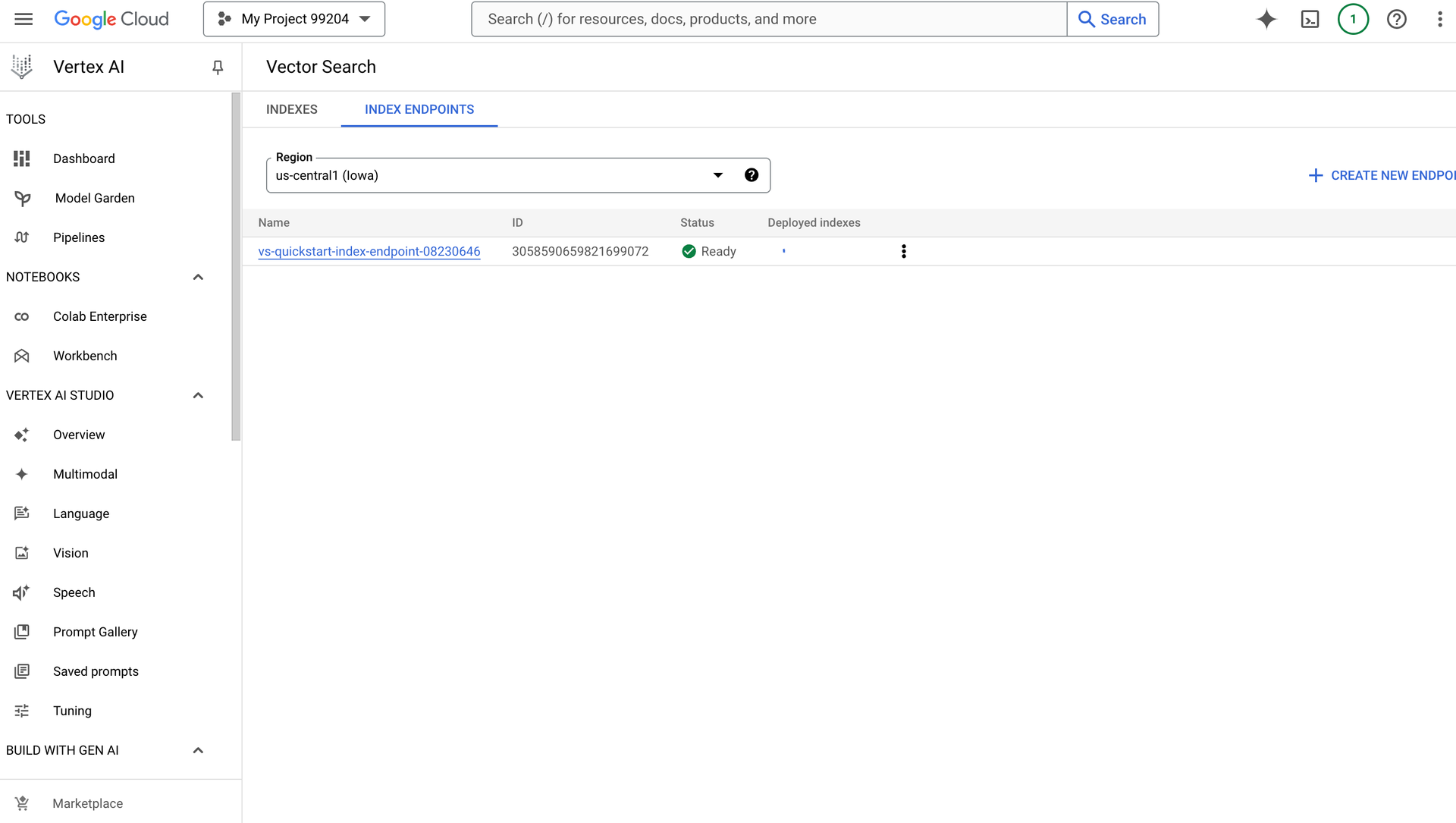
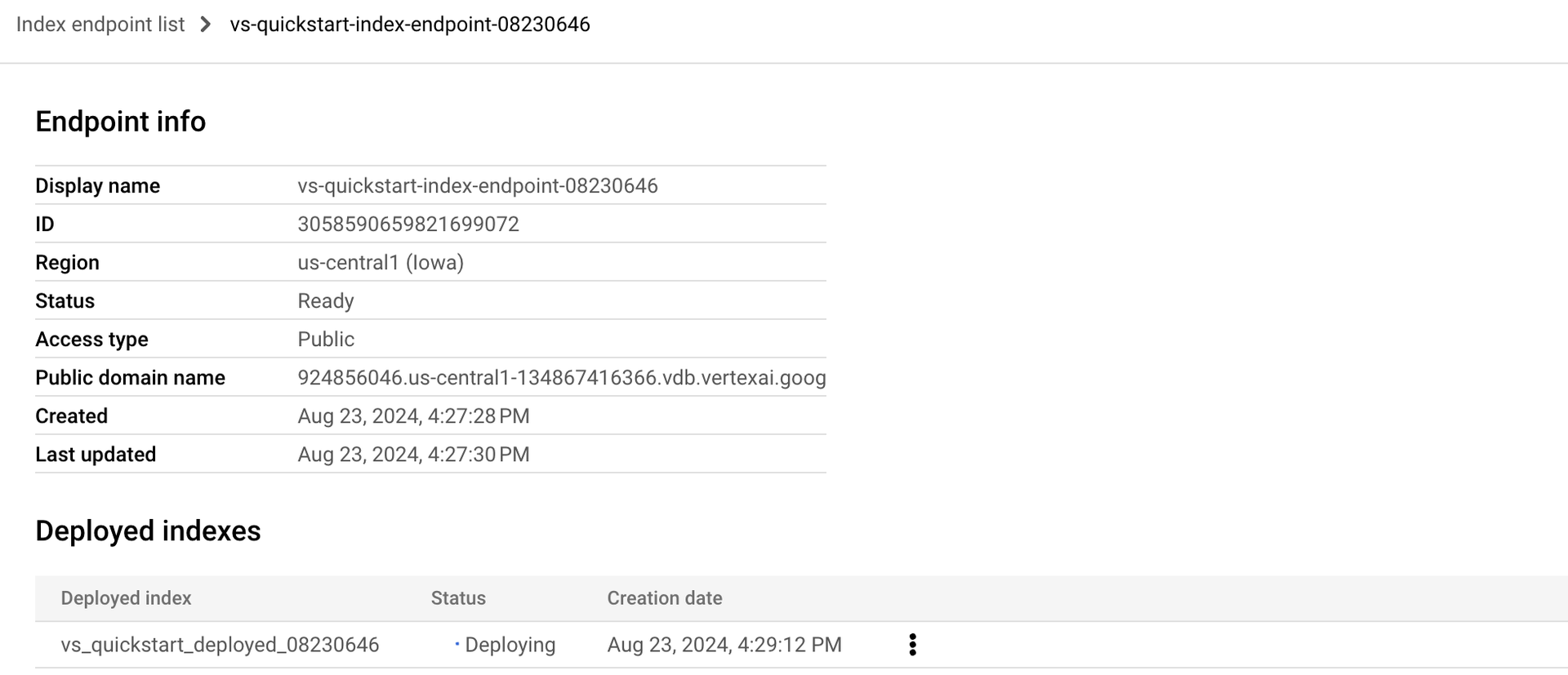
25분 소요되어 완성되었습니다

벡터 검색 조회
json파일을 파이썬 딕셔너리로 로드합니다
import json

# build dicts for product names and embs
product_names = {}
product_embs = {}
with open("product-embs.json") as f:
    for l in f.readlines():
        p = json.loads(l)
        id = p["id"]
        product_names[id] = p["name"]
        product_embs[id] = p["embedding"]
특정 ID를 선택하여 query_emb에 담습니다
# get the embedding for ID 6523 "cloudveil women's excursion short"
# you can also try with other IDs such as 12711, 18090, 19536 and 11863
query_emb = product_embs["6523"]
검색을 수행한다 밀리세컨 속도로 결과를 리턴합니다
조회 워크로드가 많아지면, 벡터 인덱스 엔드포인트가 오토스케일링되면서 쿼리를 수행합니다
# run query
response = my_index_endpoint.find_neighbors(
    deployed_index_id=DEPLOYED_INDEX_ID, queries=[query_emb], num_neighbors=10
)

# show the results
for idx, neighbor in enumerate(response[0]):
    print(f"{neighbor.distance:.2f} {product_names[neighbor.id]}")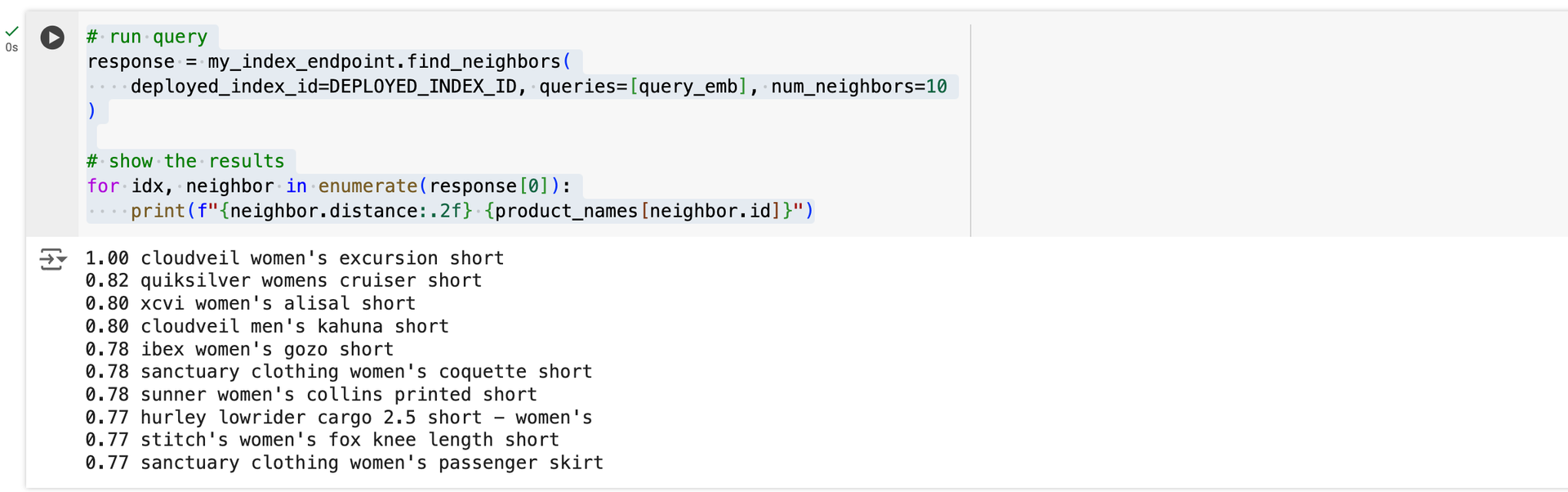
리소스 정리
테스트 후, 리소스를 정리합니다
# wait for a confirmation
input("Press Enter to delete Index Endpoint, Index and Cloud Storage bucket:")

# delete Index Endpoint
my_index_endpoint.undeploy_all()
my_index_endpoint.delete(force=True)

# delete Index
my_index.delete()

# delete Cloud Storage bucket
! gsutil rm -r "{BUCKET_URI}"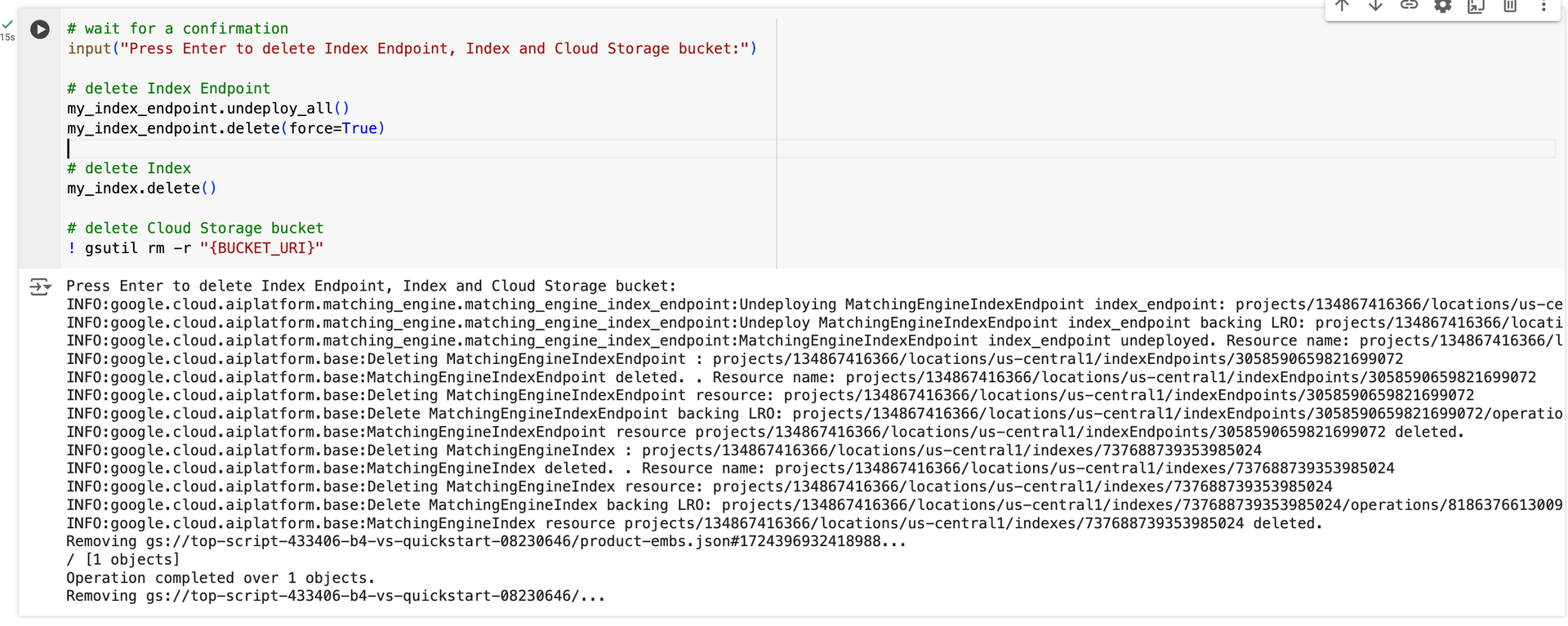
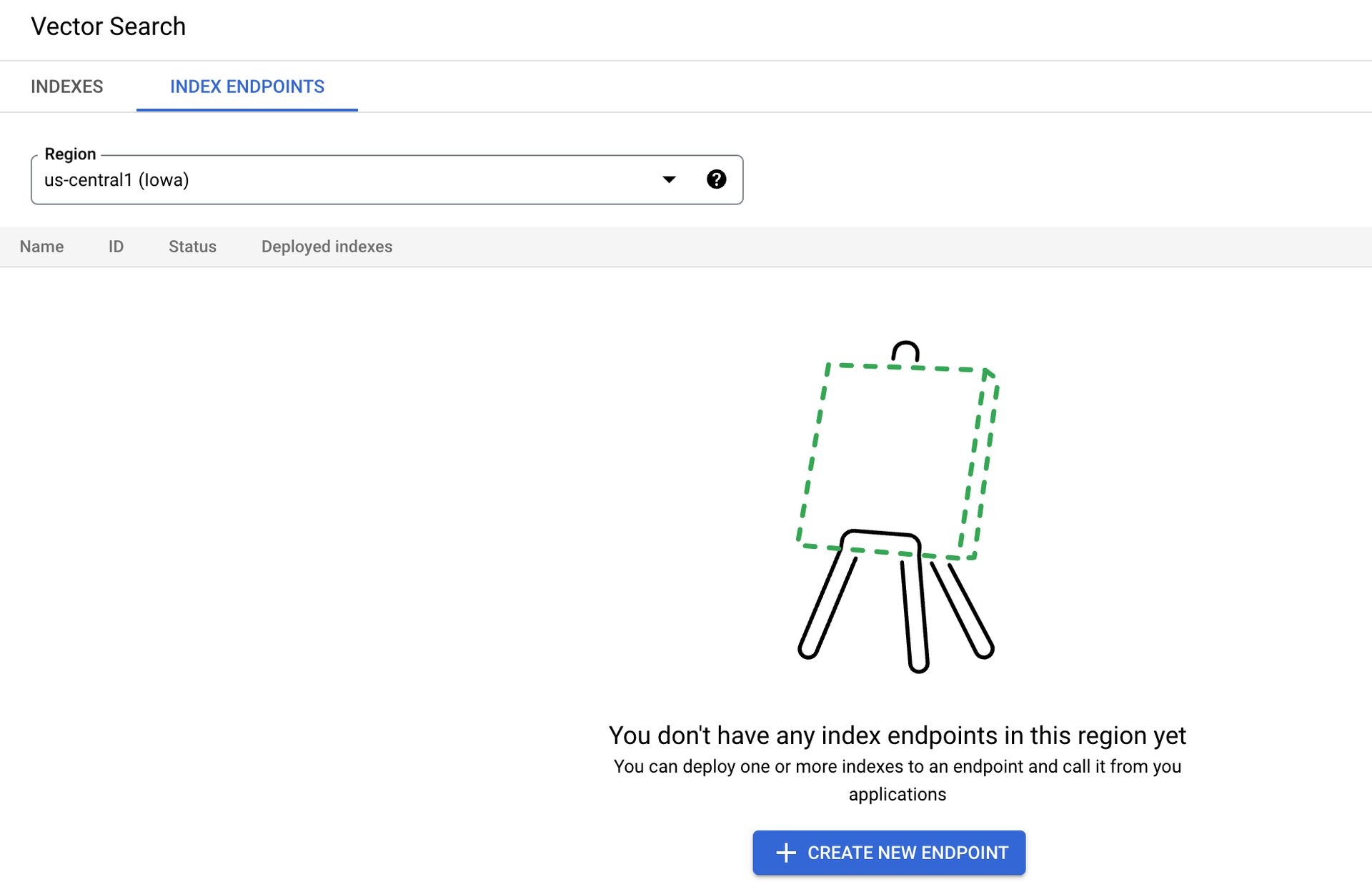
인덱스 엔드포인트가 제거되었습니다
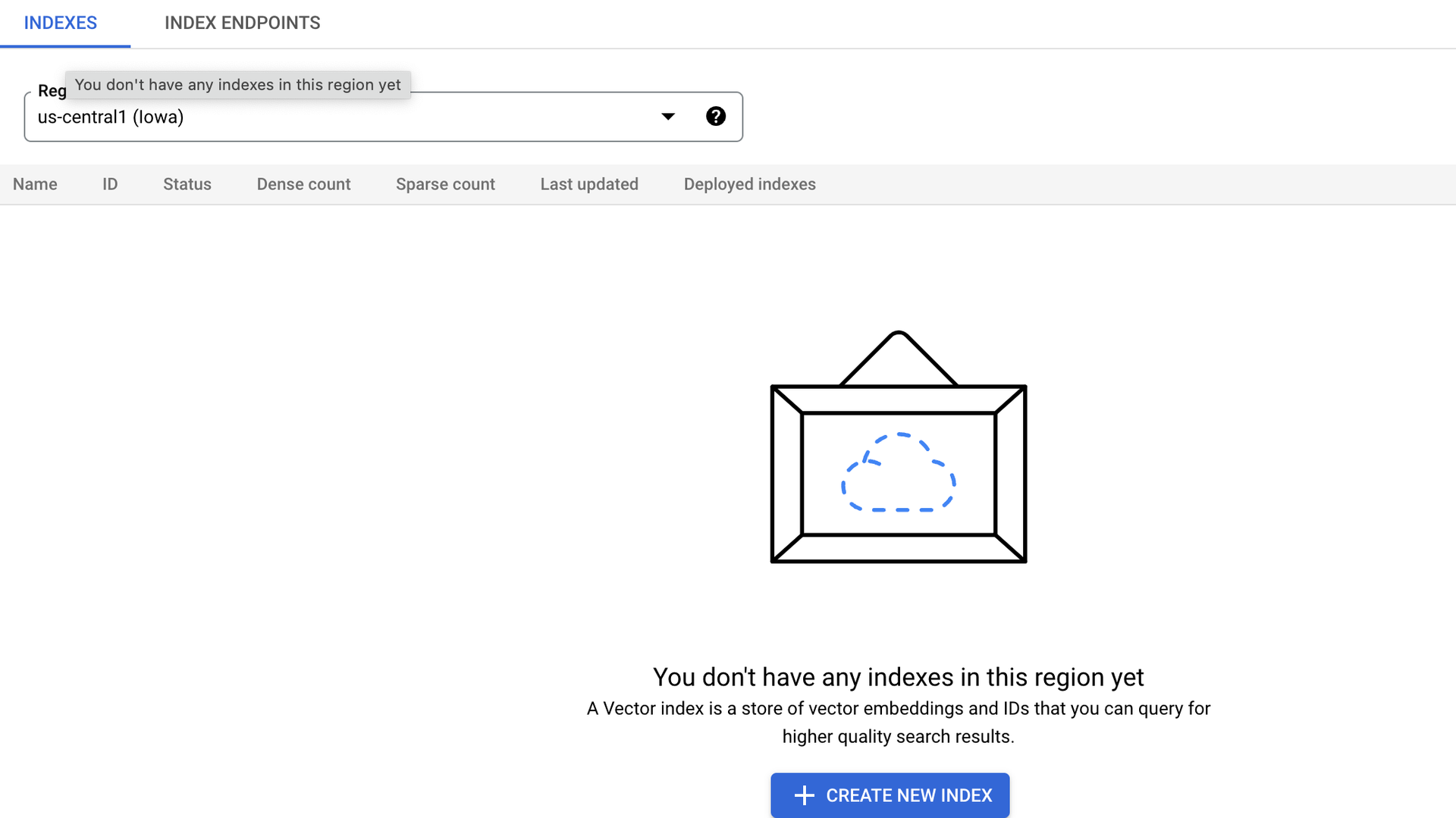
인덱스가 제거되었습니다
출처 : https://cloud.google.com/vertex-ai/docs/vector-search/overview?hl=ko