style
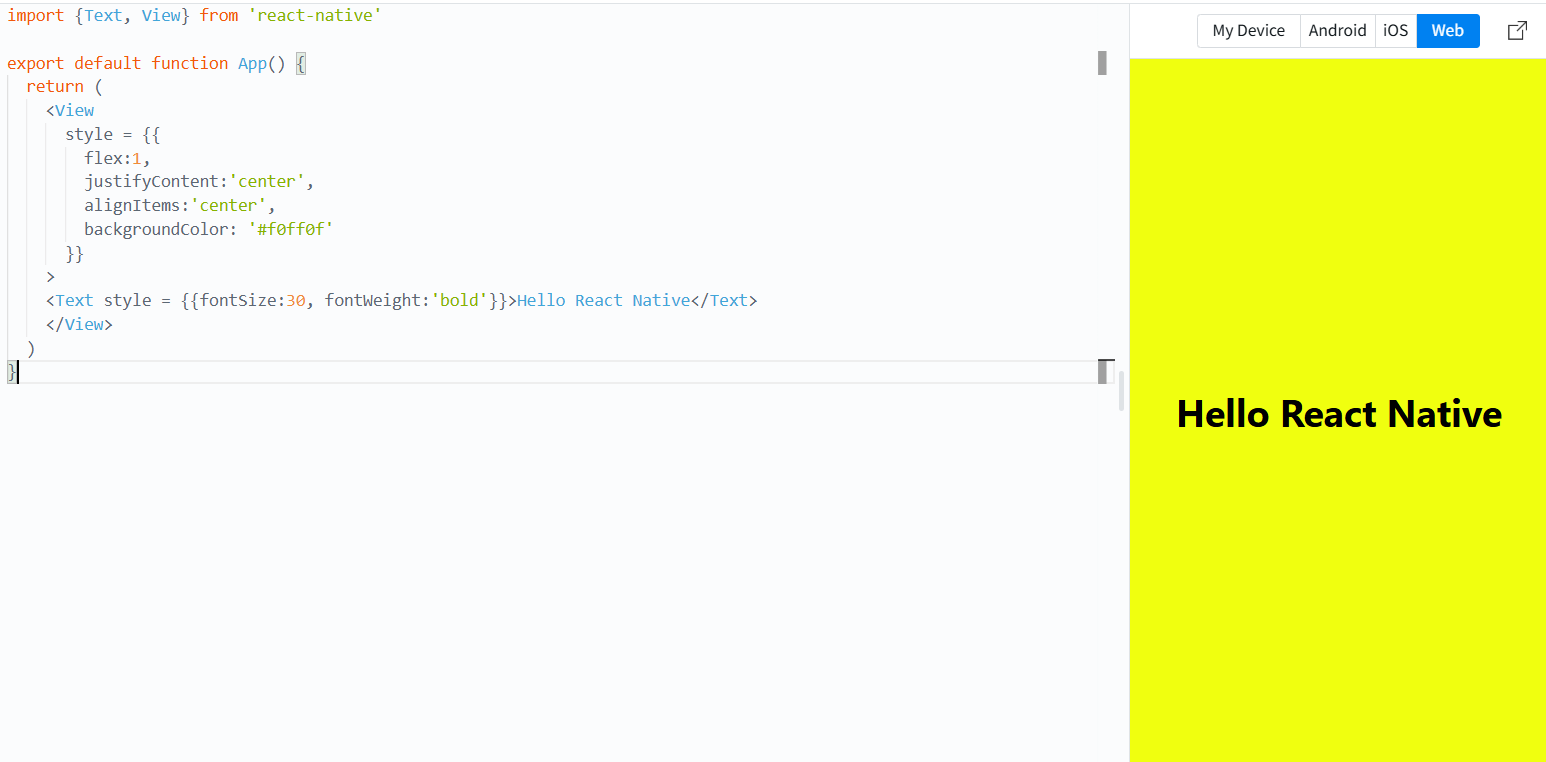
import {Text, View} from 'react-native'

export default function App() {
  return (
    <View
      style = {{
        flex:1,
        justifyContent:'center',
        alignItems:'center',
        backgroundColor: '#f0ff0f'
      }}
    >
    <Text style = {{fontSize:30, fontWeight:'bold'}}>Hello React Native</Text>
    </View>
  )
}
StyleSheet
import {StyleSheet, Text, View} from 'react-native'

const App = () => (
  <View style={styles.container}>
    <Text style={styles.title}>React Native</Text>
  </View>
)//소괄호 사용

JSX 반환 필요

App 함수 안에서 JSX를 return 해야 합니다.
현재 {} 블록 안에서 <View>를 선언했지만, return을 하지 않아서 화면에 아무것도 렌더링되지 않습니다.
화살표 함수의 중괄호 {}와 소괄호 () 문제

중괄호 {}를 사용하면 명시적으로 return을 해야 함
JSX를 단순히 반환하려면 ()를 사용


const styles = StyleSheet.create({
  container : {
    flex: 1,
    padding: 24
  },
  title: {
    marginTop: 16,
    paddingVertical: 8,
    borderWidth: 4,
    borderColor: '#20232a',
    borderRadius: 6,
    backgroundColor: '#61dafb',
    color: '#20232a',
    textAlign: 'center',
    fontSize: 30,
    fontWeight: 'bold'
  }
})

export default App;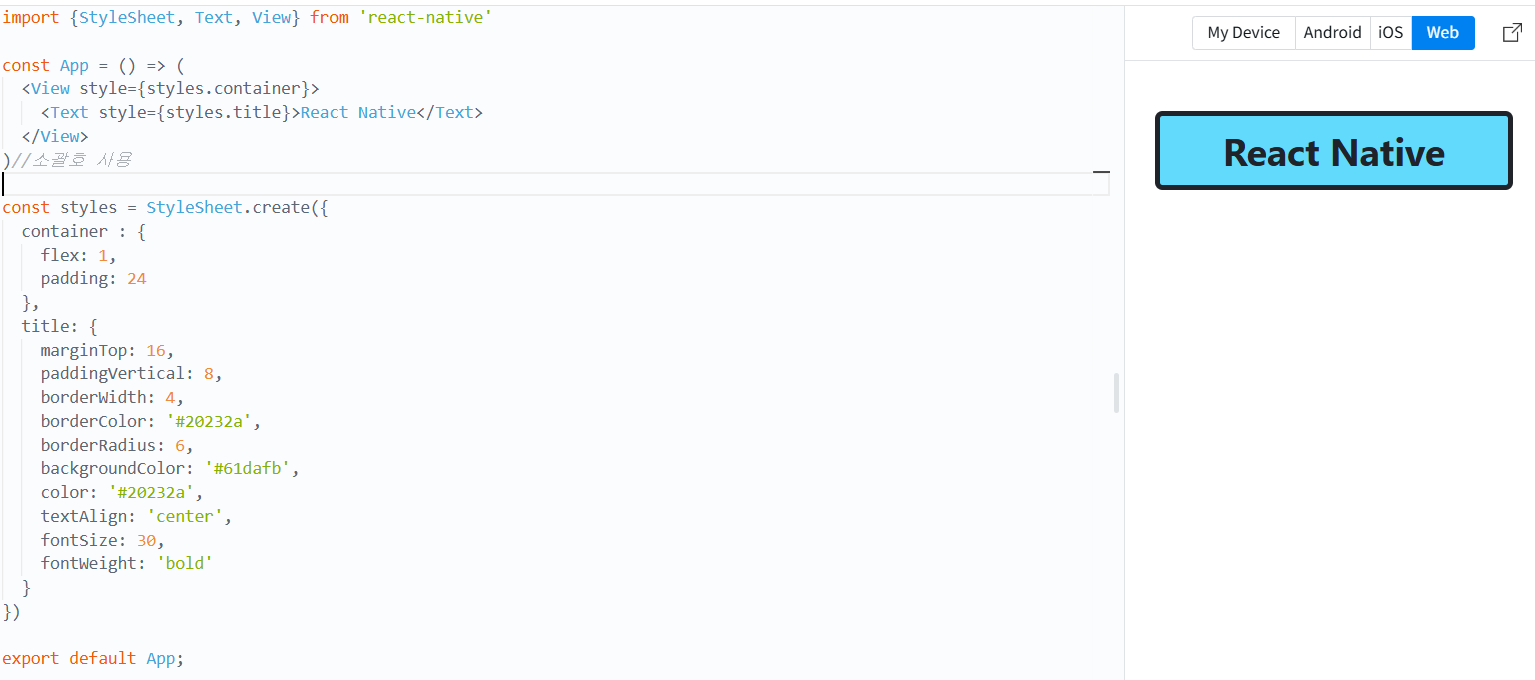
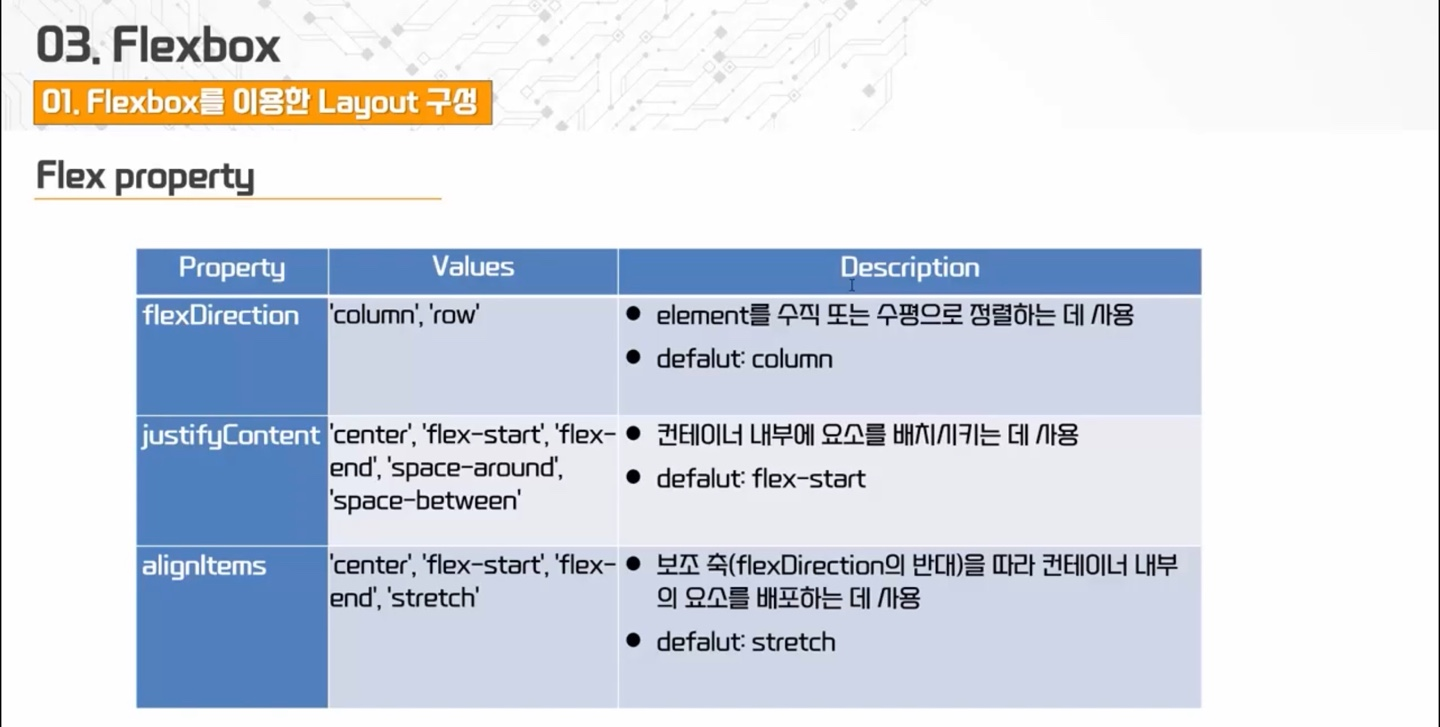
Flexbox
- 하위 Component의 Layout을 지정할 때 사용
- View에서만 사용
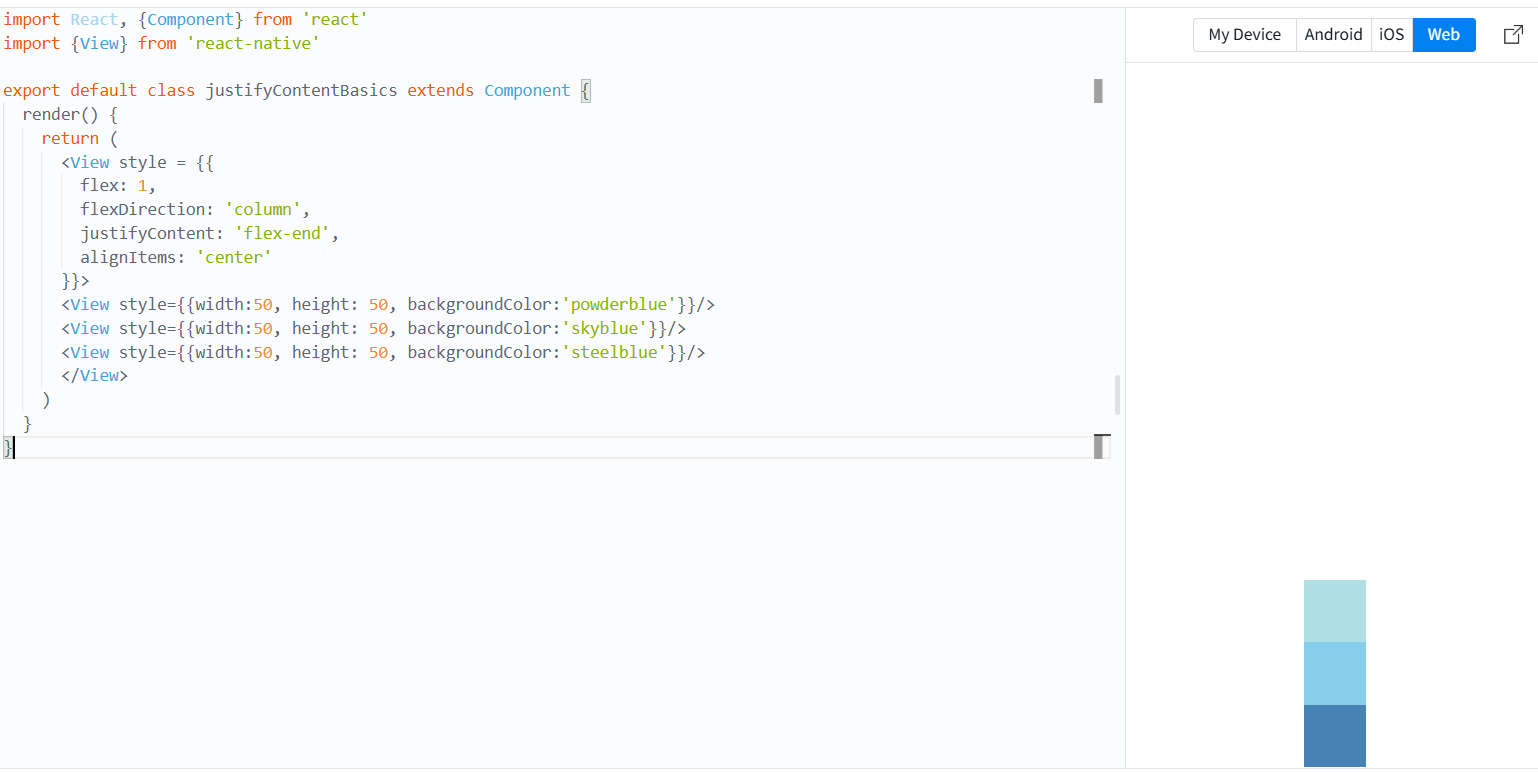
import React, {Component} from 'react'
import {View} from 'react-native'

export default class justifyContentBasics extends Component {
  render() {
    return (
      <View style = {{
        flex: 1,
        flexDirection: 'column',
        justifyContent: 'flex-end',
        alignItems: 'center'
      }}>
      <View style={{width:50, height: 50, backgroundColor:'powderblue'}}/>
      <View style={{width:50, height: 50, backgroundColor:'skyblue'}}/>
      <View style={{width:50, height: 50, backgroundColor:'steelblue'}}/>
      </View>
    )
  }
}
List
ScrollView
import {Image, ScrollView, Text} from 'react-native'

const logo = {
  uri : 'https://reactnative.dev/img/tiny_logo.png',
  width: 32,
  height: 32
}

const App = () => (
  <ScrollView>
    <Text style={{fontSize:20}}>Scroll me</Text>
    <Image source={logo}/>
    <Text style={{fontSize:20}}>Scroll me</Text>
    <Image source={logo}/>
    <Text style={{fontSize:20}}>Scroll me</Text>
    <Image source={logo}/>
    <Text style={{fontSize:20}}>Scroll me</Text>
    <Image source={logo}/>
    <Text style={{fontSize:20}}>Scroll me</Text>
    <Image source={logo}/>
    <Text style={{fontSize:20}}>Scroll me</Text>
    <Image source={logo}/>
    <Text style={{fontSize:20}}>Scroll me</Text>
    <Image source={logo}/>
    <Text style={{fontSize:20}}>Scroll me</Text>
    <Image source={logo}/>
    <Text style={{fontSize:20}}>Scroll me</Text>
    <Image source={logo}/>
    <Text style={{fontSize:20}}>Scroll me</Text>
    <Image source={logo}/>
    <Text style={{fontSize:20}}>Scroll me</Text>
    <Image source={logo}/>
    <Text style={{fontSize:20}}>Scroll me</Text>
    <Image source={logo}/>

  </ScrollView>
)

export default App;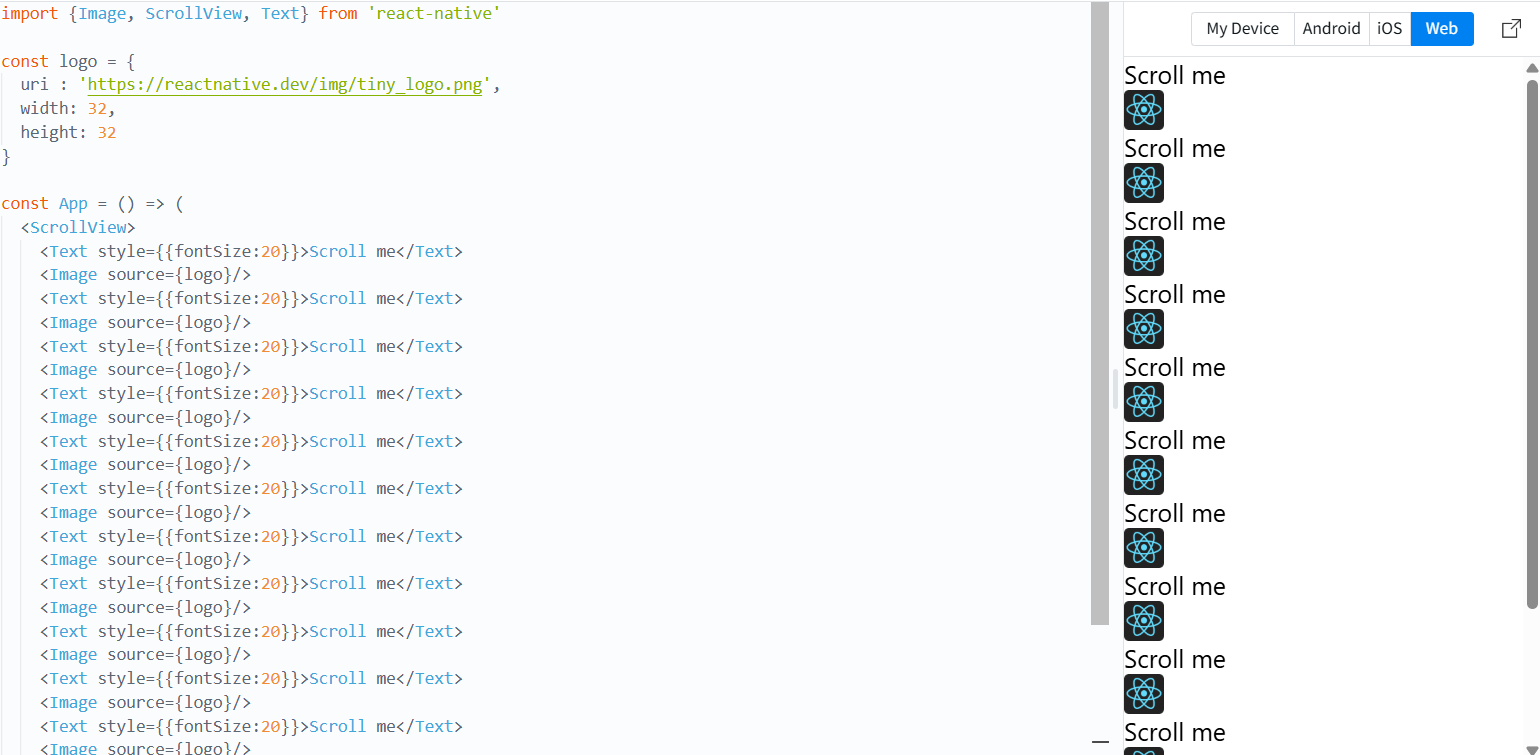
FlatList
import {FlatList, StyleSheet, Text, View} from 'react-native'

const styles = StyleSheet.create ({
  item : {
    padding: 5,
    fontSize: 15,
    height: 45
  }
})

const FlatListBasics = () => {
  return (
    <View>
      <FlatList
        data = {[
          {key:'ABCDEFG'},
          {key:'DEFG'},
          {key:'ABDEFG'},
          {key:'ABCFG'},
          {key:'ABCDFG'},
          {key:'ABDEG'},
          {key:'ABCEFG'},
          {key:'ABCDG'},
          {key:'ABCDEG'},
          {key:'ABCDG'},
        ]}
        renderItem = {({item}) => <Text style={styles.item}>{item.key}</Text>}/>
    </View>
  )
}

export default FlatListBasics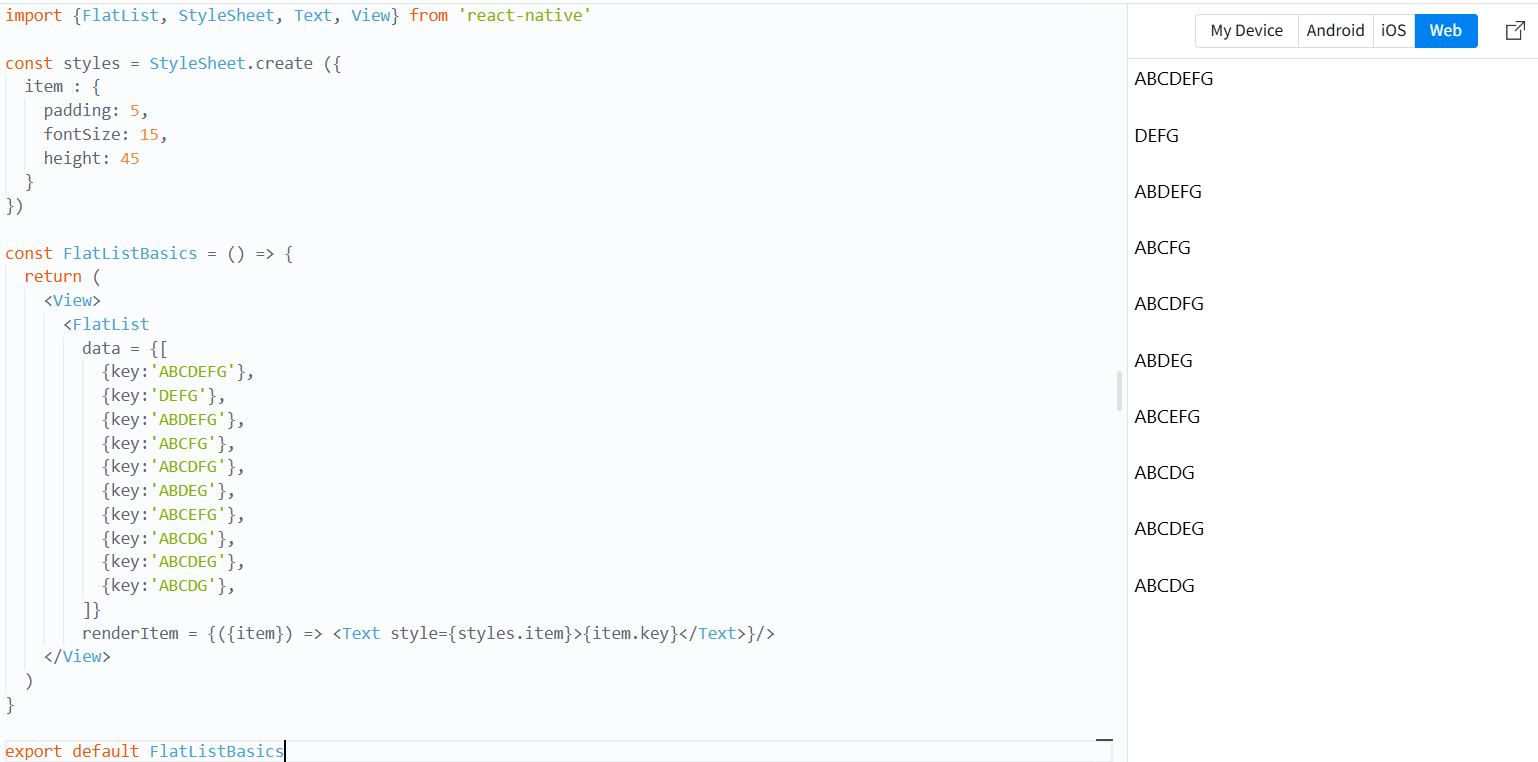
SectionList
import {SectionList, StyleSheet, Text, View} from 'react-native'

const styles = StyleSheet.create ({
  sectionHeader: {
    paddingTop: 2,
    paddingLeft: 10,
    paddingRight: 10,
    paddingBottom: 2,
    fontSize: 14,
    fontWeight: 'bold',
    backgroundColor: '#e0e0e0'
  },
  item : {
    padding: 5,
    fontSize: 15,
    height: 45
  }
})

const FlatListBasics = () => {
  return (
    <View>
      <SectionList
        sections = {[
          {title:"A", data: ["Abc", "GAGdg", "AGDGEEG"]},
          {title:"B", data: ["Abasgdc", "GAasdGdg", "AGEEG"]},
          {title:"C", data: ["Abfvfc", "Gdg", "AEEG"]},
          {title:"D", data: ["Aasbc", "AGdg", "AE"]},
        ]}
        renderItem = {({item}) => <Text style={styles.item}>{item}</Text>}
        renderSectionHeader = {({section}) => (
          <Text style={styles.sectionHeader}>{section.title}</Text>)
        }
      />
    </View>
  )
}

export default FlatListBasics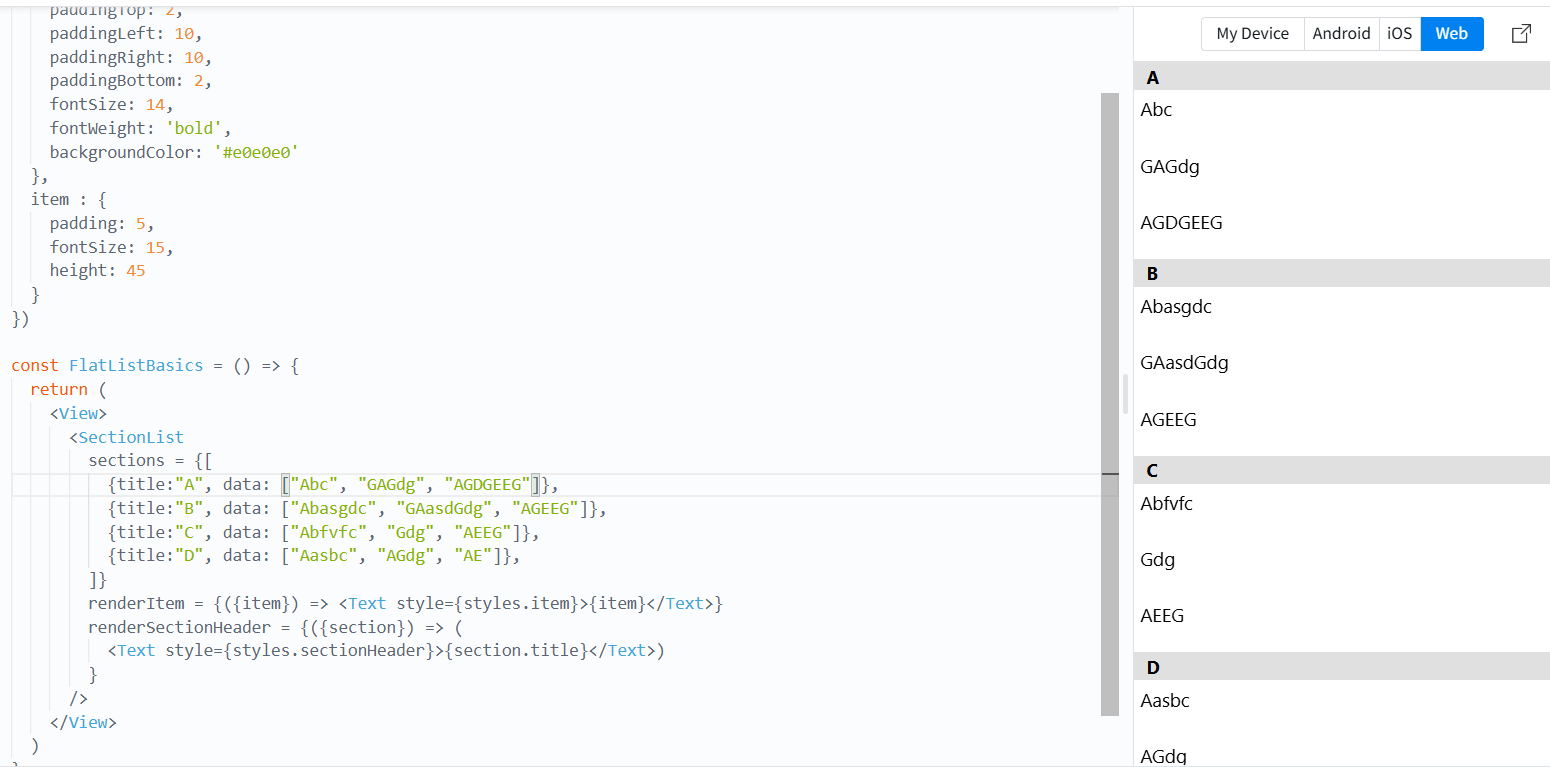
FlatList, SectionList는 화면 밖에 것들에 대해 메모리를 비운다.
-> 메모리를 효율적으로 사용하기 위해 사용

.