논리 연산
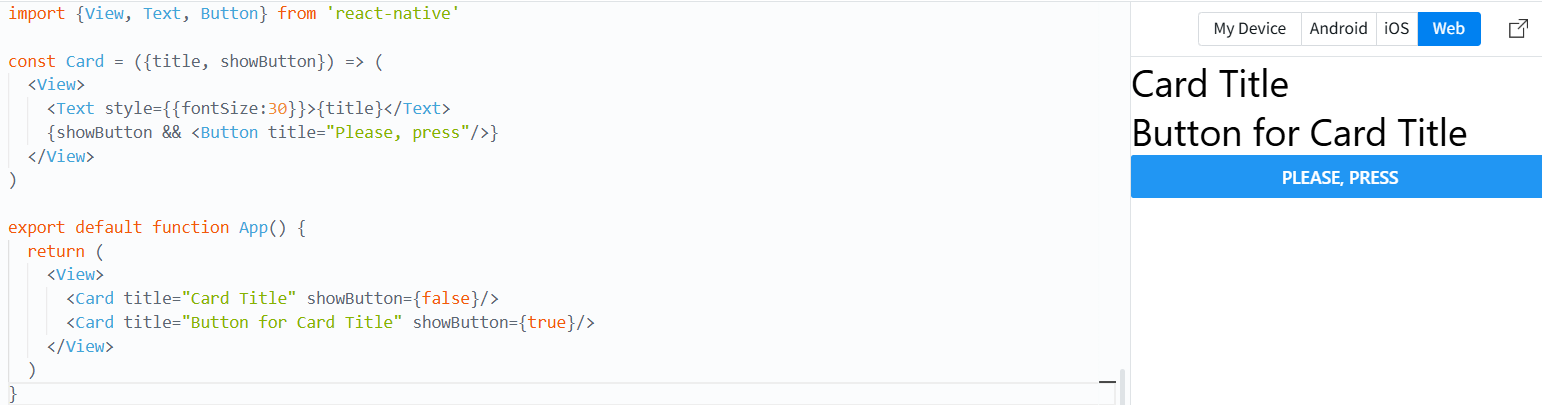
import {View, Text, Button} from 'react-native'

const Card = ({title, showButton}) => (
  <View>
    <Text style={{fontSize:30}}>{title}</Text>
    {showButton && <Button title="Please, press"/>}
  </View>
)

export default function App() {
  return (
    <View>
      <Card title="Card Title" showButton={false}/>
      <Card title="Button for Card Title" showButton={true}/>
    </View>
  )
}
조건 연산자
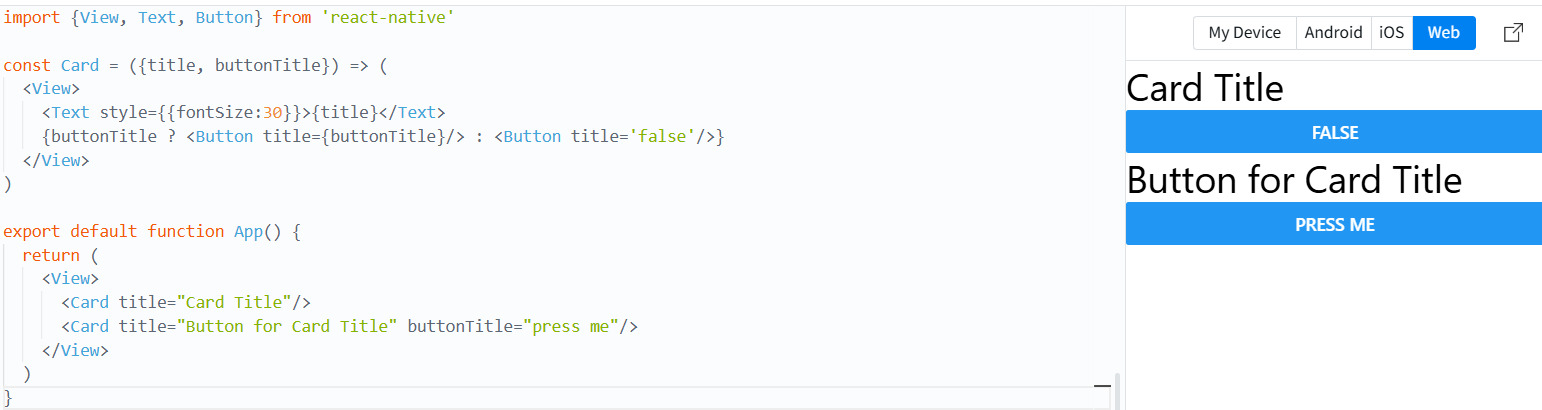
import {View, Text, Button} from 'react-native'

const Card = ({title, buttonTitle}) => (
  <View>
    <Text style={{fontSize:30}}>{title}</Text>
    {buttonTitle ? <Button title={buttonTitle}/> : <Button title='false'/>}
  </View>
)

export default function App() {
  return (
    <View>
      <Card title="Card Title"/>
      <Card title="Button for Card Title" buttonTitle="press me"/>
    </View>
  )
}
if-else 구문
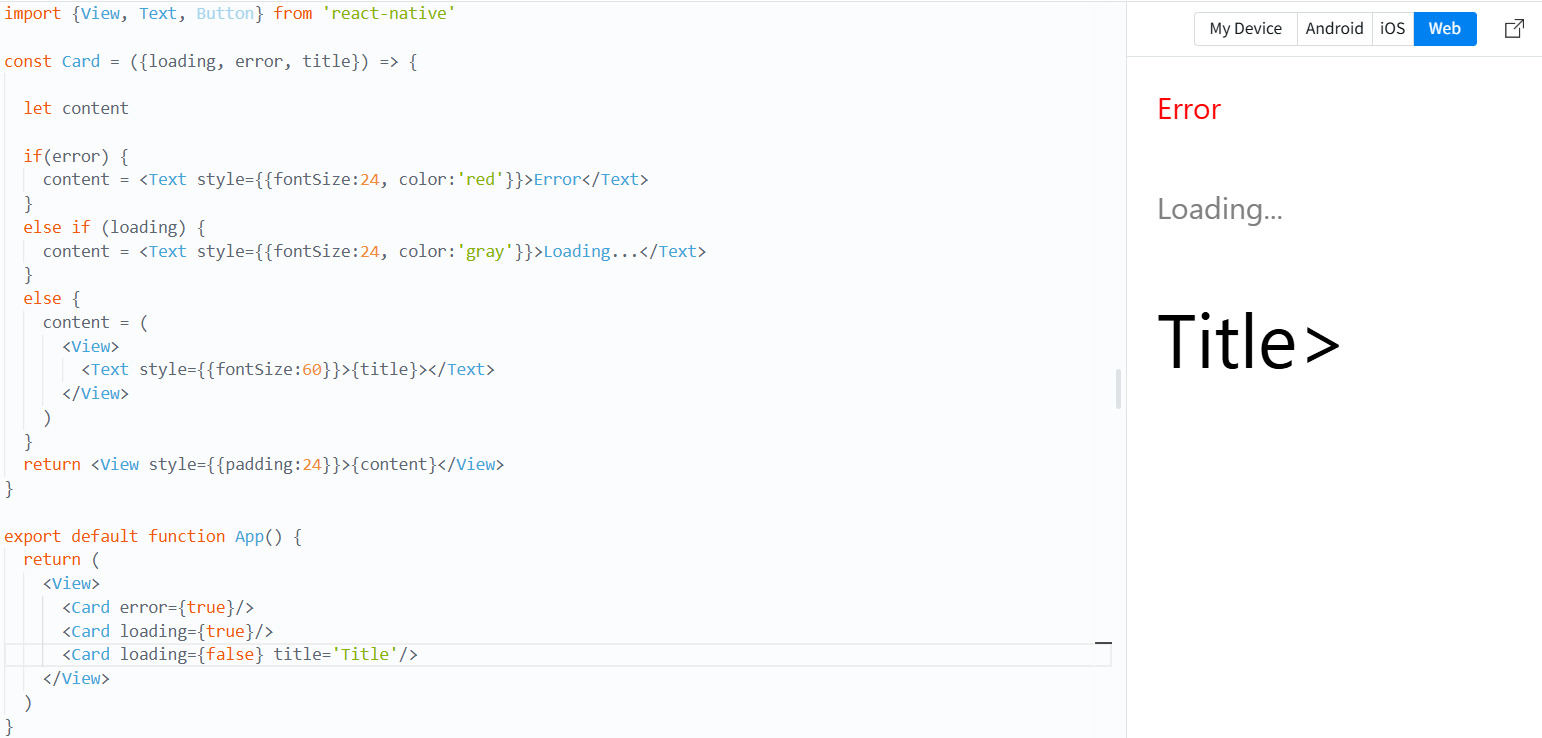
import {View, Text, Button} from 'react-native'

const Card = ({loading, error, title}) => {

  let content

  if(error) {
    content = <Text style={{fontSize:24, color:'red'}}>Error</Text>
  }
  else if (loading) {
    content = <Text style={{fontSize:24, color:'gray'}}>Loading...</Text>
  }
  else {
    content = (
      <View>
        <Text style={{fontSize:60}}>{title}></Text>
      </View>
    )
  }
  return <View style={{padding:24}}>{content}</View>
}

export default function App() {
  return (
    <View>
      <Card error={true}/>
      <Card loading={true}/>
      <Card loading={false} title='Title'/>
    </View>
  )
}
Component간 데이터 전달
1. Props를 통한 데이터 전달
App.js
import {View, Text} from 'react-native'
import ChildComponent from './ChildComponent'

export default function App() {
  const dataToPass = "Hello from Parent"

  return (
    <View style = {{padding:30}}>
      <Text style = {{fontSize:40}}>Parent Component</Text>
      <ChildComponent data={dataToPass}/>
    </View>
  )
}
ChildComponent.js
import {View, Text} from 'react-native'

const ChildComponent = (props) => {
  return (
    <View>
      <Text style={{fontSize:25}}>Child Component</Text>
      <Text style={{fontSize:20}}>Data from Parent: {props.data}</Text>
    </View>
  )
}

export default ChildComponent;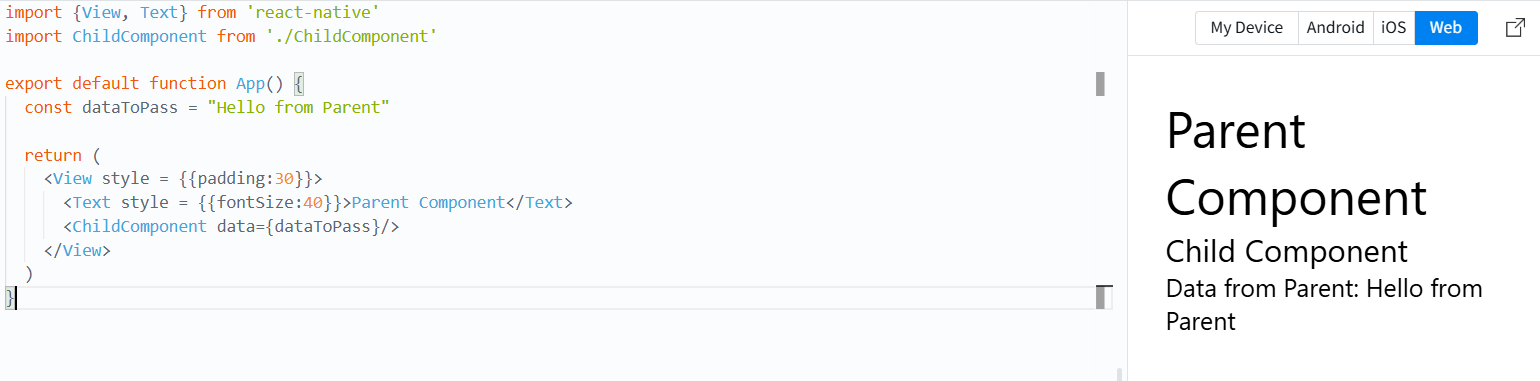
- 콜백(Callback) 함수를 통한 상호작용
- 하위 컴포넌트에서 상위 컴포넌트로 데이터 전달 가능
- 상위 컴포넌트에 Callback 함수를 정의하고 하위 컴포넌트에서 호출
App.js
import React, {useState} from 'react'
import {View, Text} from 'react-native'
import ChildComponent from './ChildComponent'

const ParentComponent = () => {
  const [dataFromChild, setDataFromChild] = useState(null)

  const handleDataFromChild = (data) => {
    setDataFromChild(data);
  }

  return (
    <View style={{padding:20}}>
      <Text>Parent Component</Text>
      <Text>Data from child :{dataFromChild}</Text>
      <ChildComponent sendDataToParent={handleDataFromChild}/>
    </View>
  )
}

export default ParentComponent
ChildComponent.js
import {View, Text, TouchableOpacity} from 'react-native'

const ChildComponent = ({sendDataToParent}) => {
  const dataToSend="Hello from Child"

  const sendDataToParenthandler = () => {
    sendDataToParent(dataTosend)
  }

  return (
    <View>
      <Text>Child Component</Text>
      <TouchableOpacity onPress={sendDataToParenthandler}>
        <Text>Send data to Parent</Text>
      </TouchableOpacity>
    </View>
  )
}

export default ChildComponent;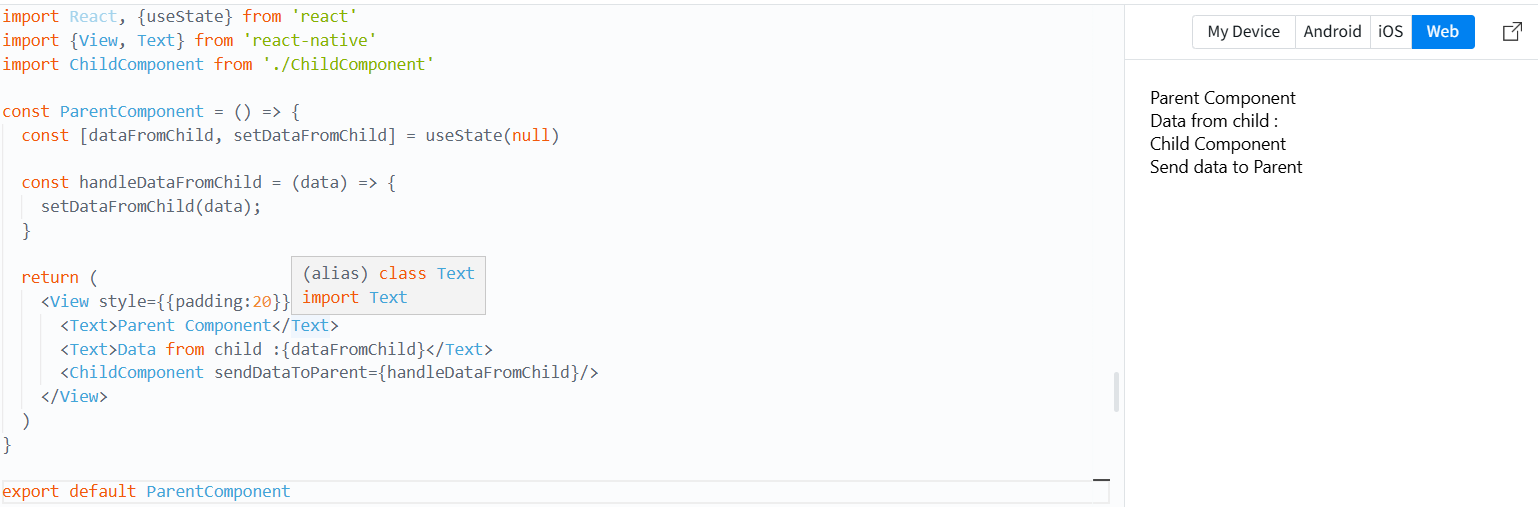
- Context API를 통한 데이터 공유
App.js
import React, {createContext, useContext, useState} from 'react'
import {View, Text, Button} from 'react-native'
import ChildComponent from './ChildComponent'

const MyContext = createContext();

const App = () => {
  const [data, setData] = useState("hello from Context")

  return (
    <MyContext.Provider value={{data,setData}}>
      <View style={{flex: 1, padding: 30, alignItems: 'center'}}>
        <Text style={{fontSize:35, padding: 15}}>Parent Component</Text>
        <ChildComponent/>
      </View>
    </MyContext.Provider>
  )
}

export default App;

export {MyContext}
ChildComponent.js
import React, {useContext} from 'react'
import {View, Text, Button} from 'react-native'
import {MyContext} from './App'

const ChildComponent = () => {
  const {data, setData} = useContext(MyContext)

  const updateData = () => {
    setData("updated data from child")
  }

  return (
    <View>
      <Text style={{fontSize:20}}>ChildComponent</Text>
      <Text style={{fontSize:20}}>Data from Context: {data}</Text>
      <Button title="Update data" onPress={updateData}/>
    </View>
  )
}

export default ChildComponent
이벤트 처리
Button Component
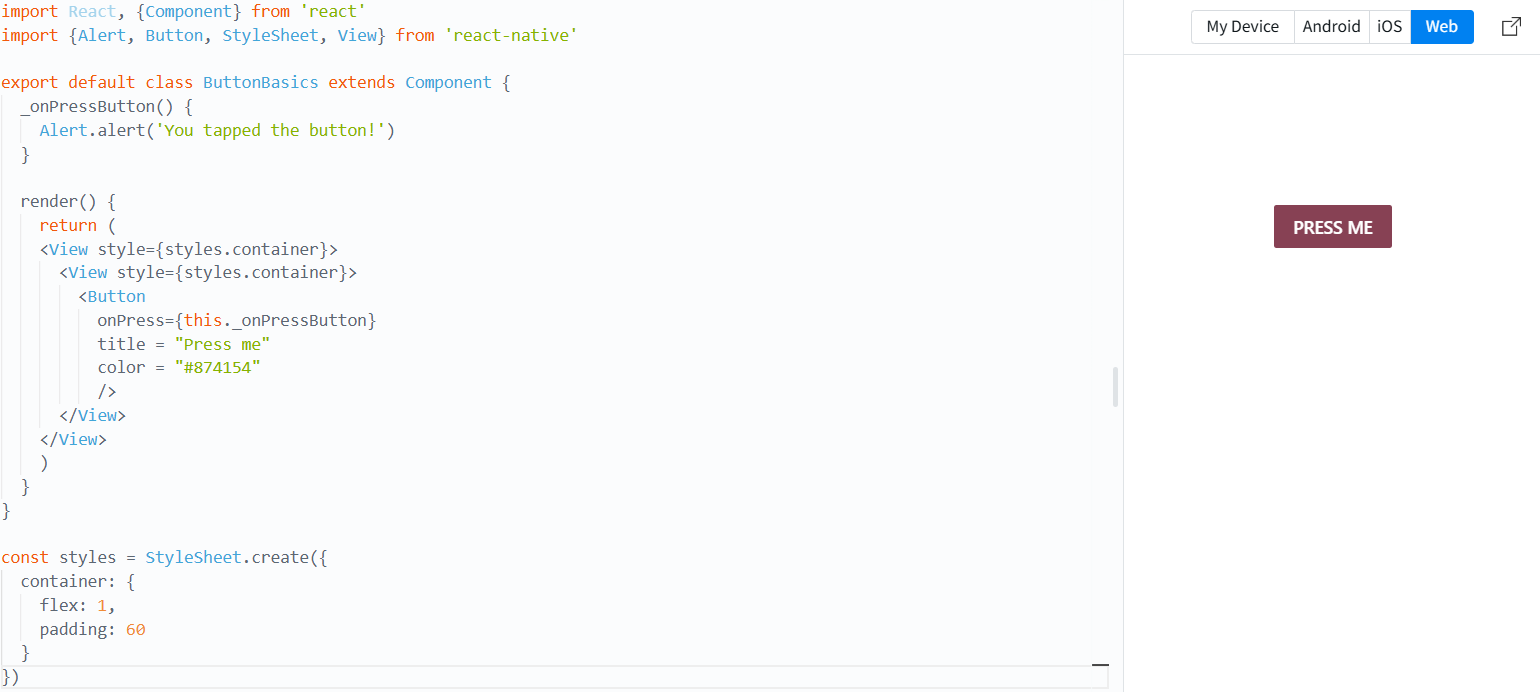
import React, {Component} from 'react'
import {Alert, Button, StyleSheet, View} from 'react-native'

export default class ButtonBasics extends Component {
  _onPressButton() {
    Alert.alert('You tapped the button!')
  }

  render() {
    return (
    <View style={styles.container}>
      <View style={styles.container}>
        <Button
          onPress={this._onPressButton}
          title = "Press me"
          color = "#874154"
          />
      </View>
    </View>
    )
  }
}

const styles = StyleSheet.create({
  container: {
    flex: 1,
    padding: 60
  }
})
onChangeText
import React, {useState} from 'react'
import {View, TextInput, Text, Keyboard, Button} from 'react-native'

const TextEntryScreen = () => {
  const [text, setText] = useState('')
  const [submittedText, setSubmittedText] = useState('')

  const handleTextChange = (newText) => {
    setText(newText)
  }

  const handleSubmit = () => {
    setSubmittedText(text)
    Keyboard.dismiss();
  }

  return (
    <View style={{flex:1, padding:40, alignItems: 'center'}}>
      <Text> Enter Text : </Text>
      <TextInput style={{width:200, borderColor:'gray', borderWidth: 1, padding: 5}}
      placeholder="Type something..."
      onChangeText={handleTextChange}
      value={text}
      />
      <Text>You typed : {submittedText}</Text>
      <Button title = "Submit" onPress={handleSubmit}/>
    </View>
  )
}

export default TextEntryScreen
.