CloudWatch
-> EC2 같은 리소스로부터 생성된 로그를 Watch로 수집하기
:: 리소스(CPU, MEM, HDD 등)의 사용률 정보 수집
AWS 로그 수집 서비스
- 사용자 행위 정보 로그(Cloud 로그인, 로그아웃, 정책생성 등) -> Cloud Trail
- 시스템 행위 정보 로그(EC, RDS, ...) -> Cloud Watch
정책생성(Role) -> EC2 생성, 서비스 설치, EC2 연결(Role) -> Access Key 생성 -> EC2 접속 -> AWS CLI 셋팅 -> CloudWatch Agent 설치 -> CloudAgent 실행 -> 로그생성 -> CloudWatch 검증
- IAM 서비스에서 Role - cloudwatchagentserver 생성 "rookies021_2024" & Rookies021 액세스키 생성
-> - Rookies021_Log_test EC2 생성 ( keyPiar : Rookies021_log_test ) & EC2에 보안 역활 연결(rookies021_2024)
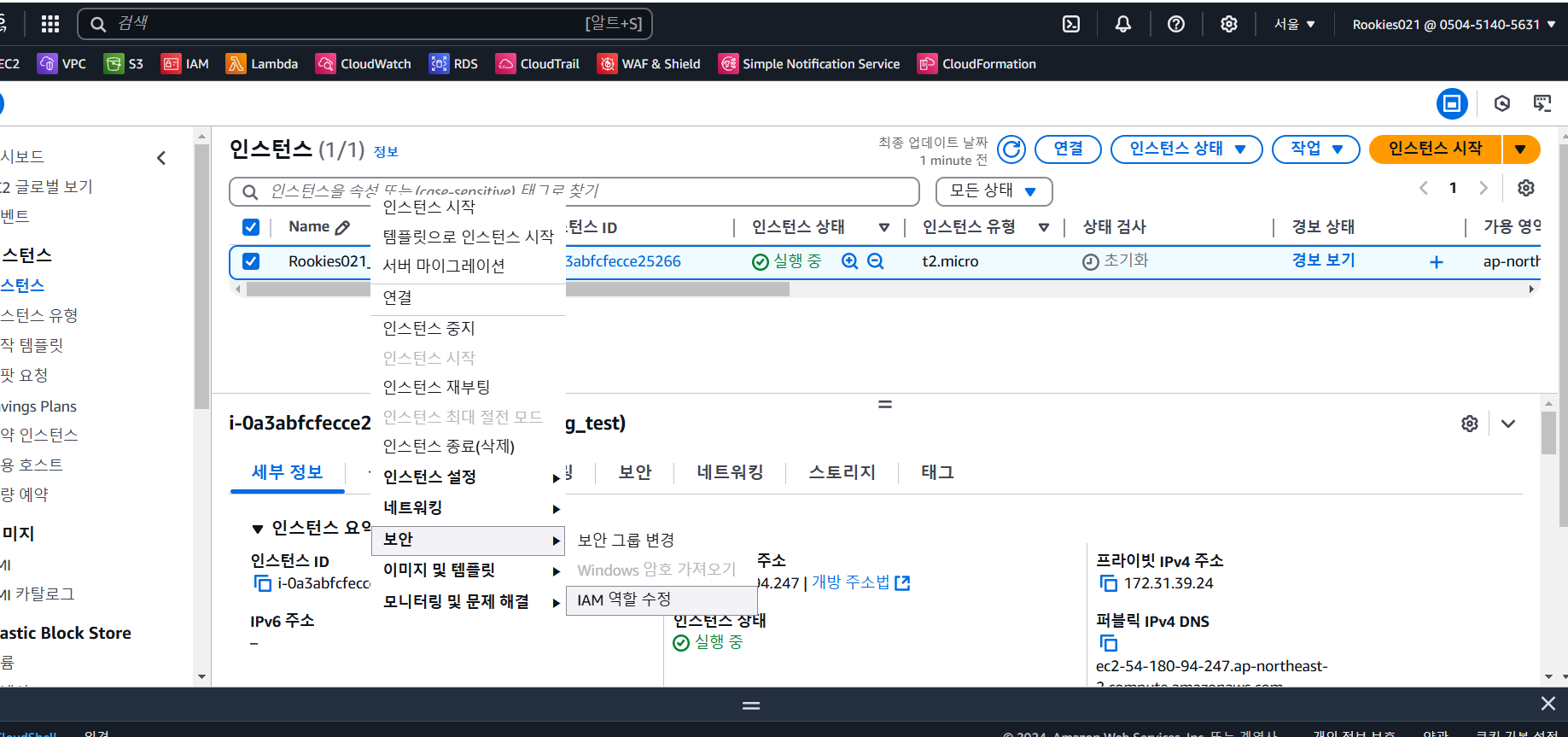
-> - EC2 서비스 설치
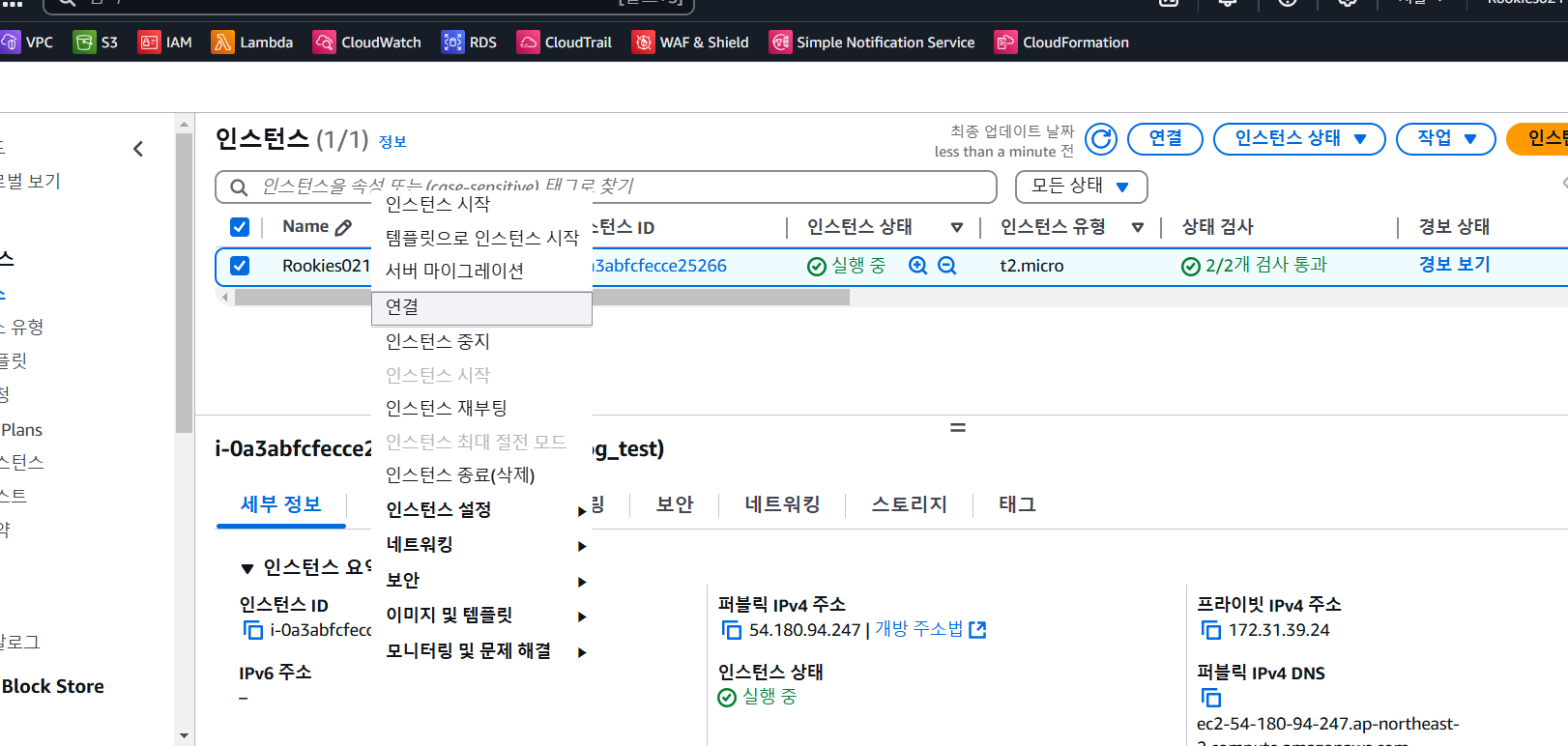
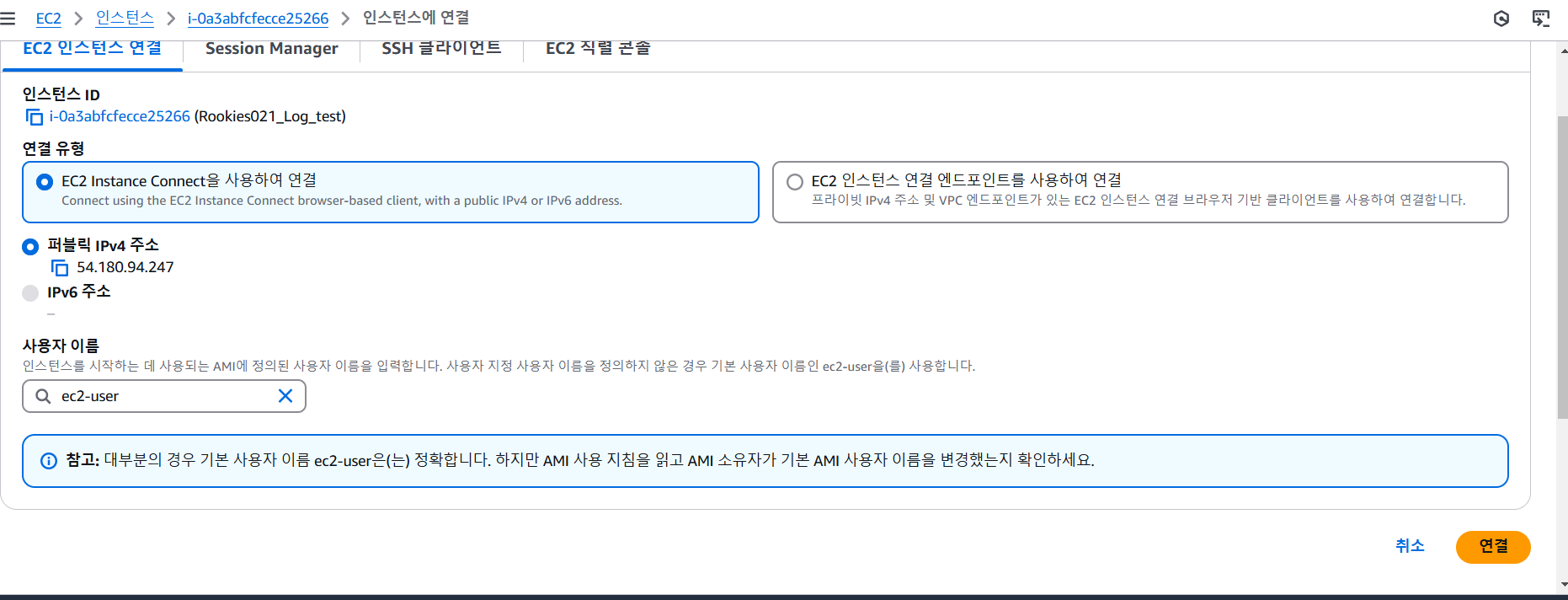
EC2 서비스 설치
yum update
yum install httpd -y
yum install amazon-cloudwatch-agent -y
yum install collectd -y
서비스 실행
systemctl start httpd54.180.94.247 접속 "It works!"
->
4. aws cli 설정
aws configure
ID,비번,리전,format은 기본값으로
->
5. agent 설정
명령어 입력
/opt/aws/amazon-cloudwatch-agent/bin/amazon-cloudwatch-agent-config-wizard
=> agent-config-wizard가 실행되고 설정입력 사항들이 쭈욱나옴
처음 1~3 번째 선택사항
리눅스 : 대상 os
EC2 : 환경
root : 실행 권한
쭈욱 엔터하다가

Do you want to monitor any log files? 메뉴에서
yes하고
Log file path:
/var/log/httpd/access_log
입력하고
다시 쭈욱 엔터

Do you want to specify any additional log files to monitor?
1. yes
2. no
no 입력
다시 쭈욱 엔터

What parameter store name do you want to use to store your config? (Use 'AmazonCloudWatch-' prefix if you use our managed AWS policy)
default choice: [AmazonCloudWatch-linux]
여기서 정책 이름 넣어주면 됨
rookies021_2024
나머지 엔터

Successfully put config to parameter store rookies021_2024.
Program exits now.
마지막에 메세지 나오면 성공!

명령어 입력
/opt/aws/amazon-cloudwatch-agent/bin/amazon-cloudwatch-agent-ctl -a fetch-config -m ec2 -s -c file:/opt/aws/amazon-cloudwatch-agent/bin/config.json

amazon-cloudwatch-agent has already been stopped
Created symlink /etc/systemd/system/multi-user.target.wants/amazon-cloudwatch-agent.service → /etc/systemd/system/amazon-cloudwatch-agent.service.
마지막 메세지 나오면 성공!
AWS CloudWatch > 로그 > 로그그룹에 해당 로그그룹이 생성되어 로그가 쌓인다.

sunseonghwan