Git을 이용하여 프로젝트를 관리하면서 불필요한 파일의 병합을 제외하려고 할 때나 , 스토어용 파일 같은 민감한 파일들의 제외 등 Git에서 관리할 때 gitignore를 사용한다고 한다.
gitignore에 대해서 알아보자.

gitignore란?
민감한 정보가 들어있는 파일이나 형상관리할 필요가 없는 파일들은 git에서 더이상 추적하지 않도록 .gitignore 파일에 추가해 제외하는것을 말한다.
여기서 제외할 파일을 정리해보았다.
- 보안적으로 위험성이 있는 파일을 제외 해야하는 경우 (키 , 스토어 등)
- 프로젝트와 관계없는 파일을 제외 해야하는 경우
- 용량이 큰 파일을 제외 해야하는 경우
gitignore 사용법
사용법은 간단하다. gitignore파일에 제외하고 싶은 파일을 추가해주면 된다.
예시 : Flutter 깃허브의 .gitignore
.gitignore 파일은 프로젝트 디렉토리 최상단에 위치
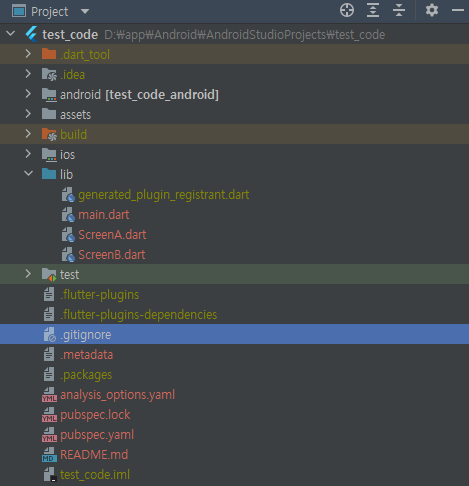
특정 파일 fileName 제외하기
fileName.json
현재 경로에 있는 파일 제외하기
/fileName.json
특정 디렉토리의 특정 파일 제외하기
fileDirectory/fileName.json
특정 디렉토리의 모든 파일 제외하기
fileDirectory/
특정 디렉토리 아래의 모든 fileName2 파일 제외하기
fileFolder/**/fileName2.json
특정 확장자를 가진 모든 파일 제외하기
*.txt
예외 설정
!fileName.json
gitignore 생성 사이트
-
AndroidStudio , Flutter 등 키워드를 입력한다.
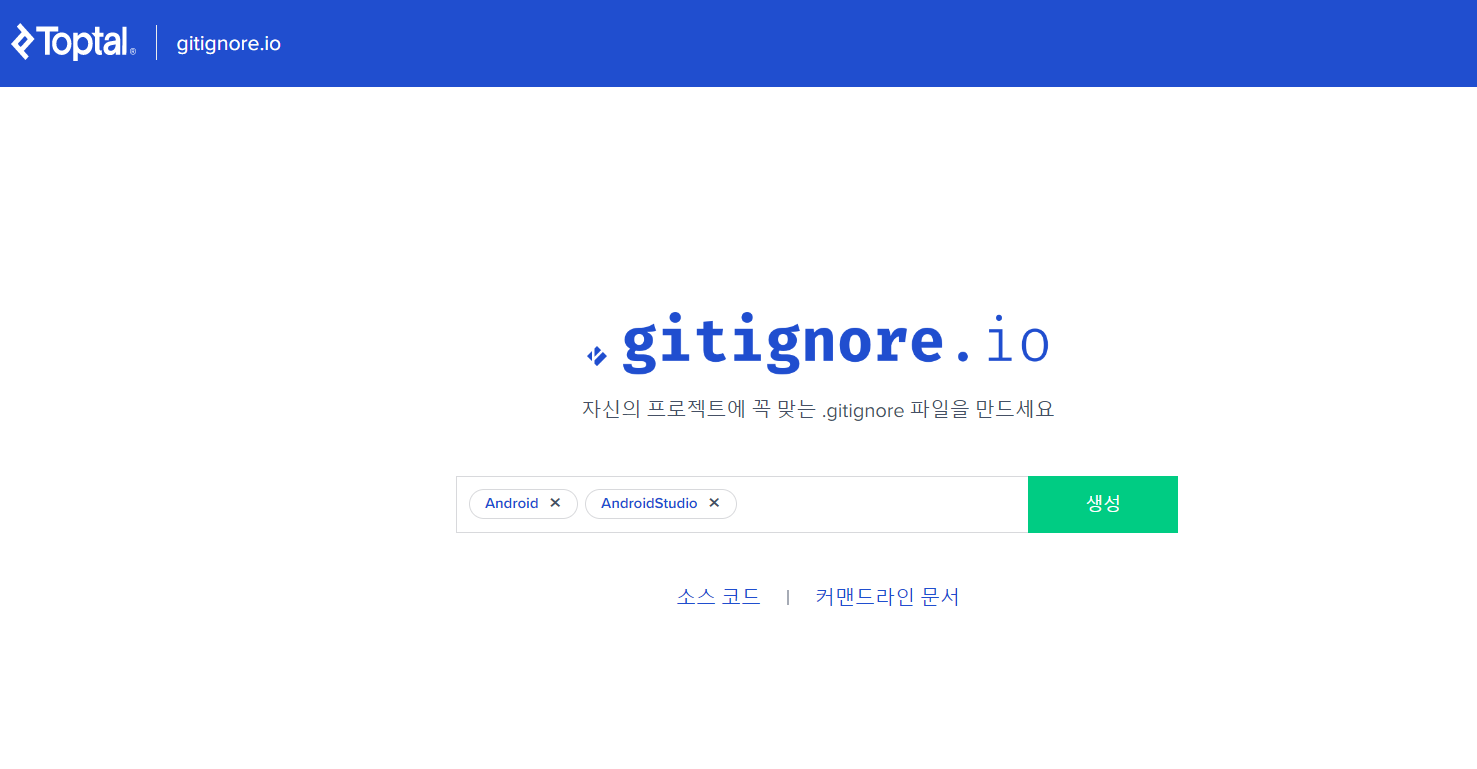
- 그러면 밑의 코드처럼 생성된것을 복사한다.
# Created by https://www.toptal.com/developers/gitignore/api/android,flutter
# Edit at https://www.toptal.com/developers/gitignore?templates=android,flutter

### Android ###
# Gradle files
.gradle/
build/

# Local configuration file (sdk path, etc)
local.properties

# Log/OS Files
*.log

# Android Studio generated files and folders
captures/
.externalNativeBuild/
.cxx/
*.apk
output.json

# IntelliJ
*.iml
.idea/
misc.xml
deploymentTargetDropDown.xml
render.experimental.xml

# Keystore files
*.jks
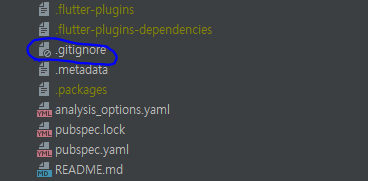
*.keystore- 프로젝트의 gitignore에 추가하면 적용된다.

개인 공부 및 기록겸 벨로그 시작