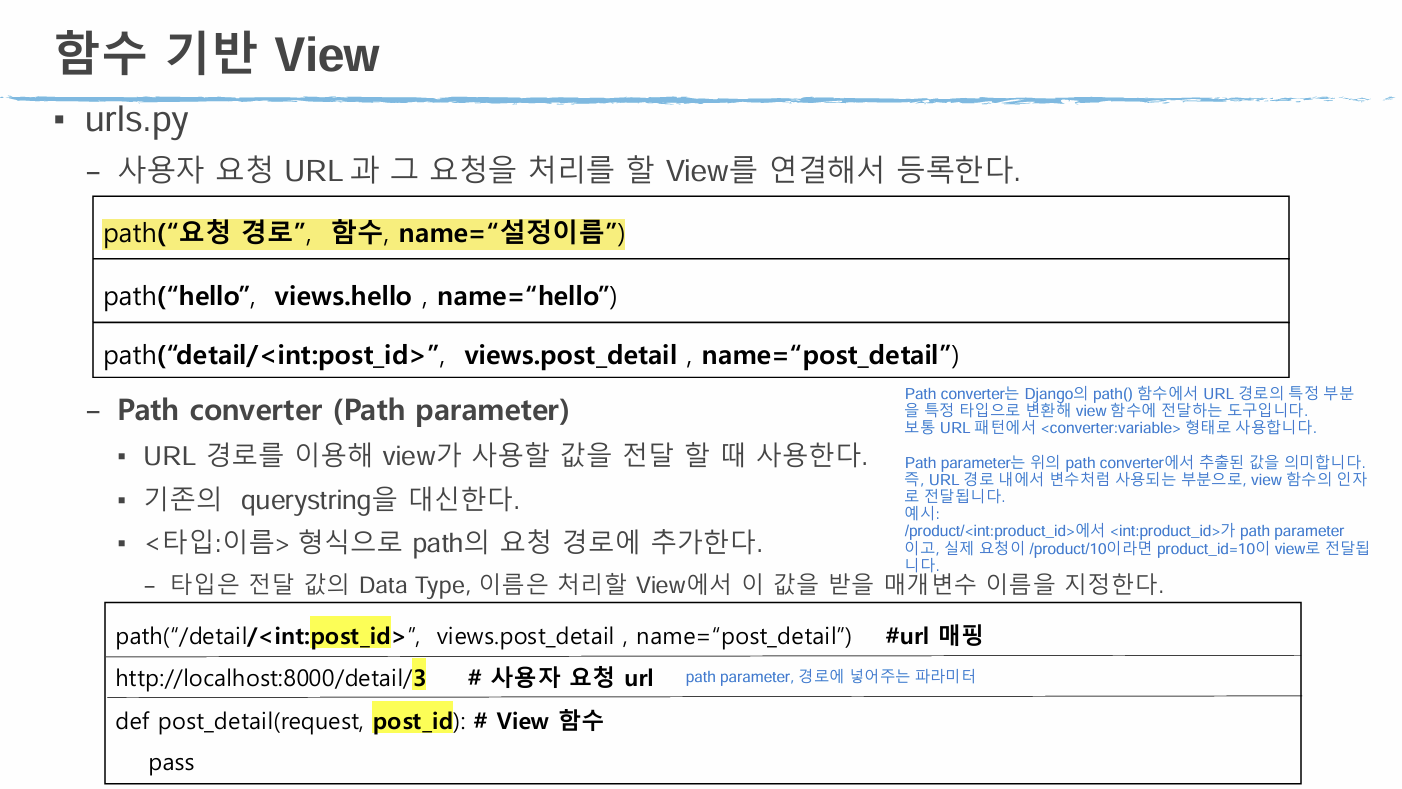
1. 설문 질문 등록 (views.py)
#########################################
# 설문 질문 등록
#
# 요청 url: polls/vote_create
# view 함수: vote_create
##      - GET 방식 요청: 등록 폼을 제공
##      - POST 방식 요청: 등록 처리
# 응답 template
##      - GET 방식 요청: polls/vote_create.html
##      - POST 방식 요청: list로 이동 => redirect 방식으로 이동 (render로 하면 새로고침 이슈 발생!)

# HTTP 요청방식 조회 = HttpRequest.method => "GET", "POST"

def vote_create(request):
    http_method = request.method
    if http_method == "GET":
        return render(request, "polls/vote_create.html")
    elif http_method == "POST":
        pass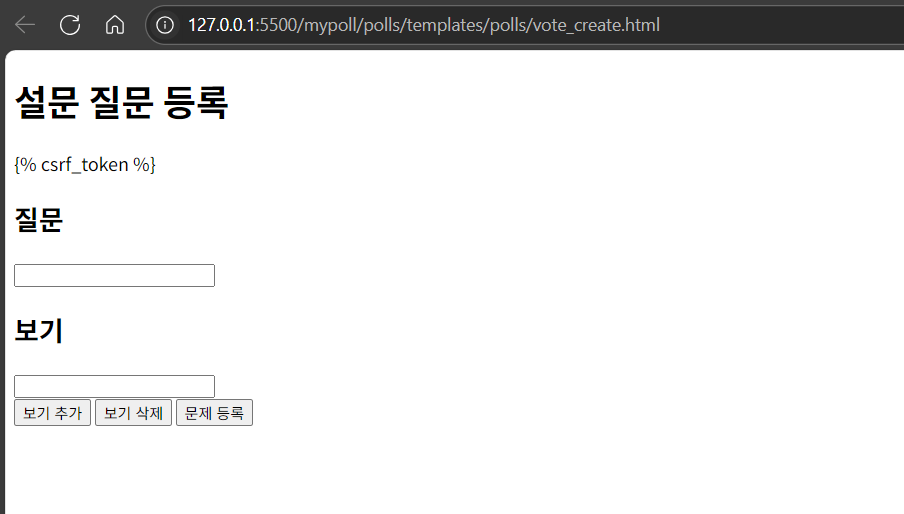
2. vote_create.html 파일 생성
<!-- polls\templates\polls\vote_create.html -->
<!DOCTYPE html>
<html lang="en">
<head>
    <meta charset="UTF-8">
    <meta name="viewport" content="width=device-width, initial-scale=1.0">
    <title>설문 등록</title>
</head>
<body>
    <h1>설문 질문 등록</h1>
    <!-- ACTION 생략: 현재 url로 요청. form 요청, 등록 처리가 같은 url이기 때문에 action을 생략 -->
    <form method="post">
        {% csrf_token %} <!-- post 방식으로 보낼 때 반드시 넣어줘야 하는 토큰 -->
        <h2>질문</h2>
        <input type="text" name="question_text" required> <!-- required: 적어도 하나의 값은 입력해야 함 -->
        <h2>보기</h2>
        <div id="choice_layer">
            <input type="text" name="choice_text" required>
        </div>
        <div>
            <button type="button" onclick="addChoice();">보기 추가</button>
            <button type="button" onclick="delChoice();">보기 삭제</button>
            <button type="submit">문제 등록</button>
        </div>
    </form>
    <script>
        function addChoice() {
            // 보기 입력 input form을 추가하는 함수.
            input = document.createElement("input"); // <input>
            input.setAttribute("type", "text");      // <input type="text">
            input.setAttribute("name", "choice_text"); // <input type="text" name="choice_text">
            input.setAttribute("required", true); // <input type="text" name="choice_text" required>

            var div = document.getElementById("choice_layer");
            div.append(input);
        }
        function delChoice(){
            // 보기 입력 input form이 두 개 이상일 때 마지막 입력 form을 제거하는 함수.
            // 하나만 있을 경우는 삭제하지 않도록 처리.
            div = document.getElementById("choice_layer");
            if (div.children.length > 2) { // form이 두 개 이상 -> 삭제 가능
                div.removeChild(div.lastChild);
            }else { // 한 개만 있는 경우
                alert("보기가 하나일 경우 삭제할 수 없습니다. ");
            }
        }
    </script>
</body>
</html>
3. url.py에 vote_create 추가
urlpatterns = [
    path("welcome", views.welcome_poll, name="welcome"),
    path("list", views.list, name="list"),
    path("vote_form/<int:question_id>", views.vote_form, name="vote_form"),
    path("vote", views.vote, name="vote"),
    path("vote_result/<int:question_id>", views.vote_result, name="vote_result"),
    path("vote_create", views.vote_create, name="vote_create")
]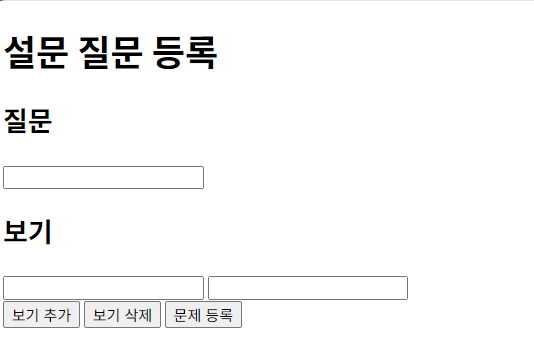
토큰 사라짐
4. 에러
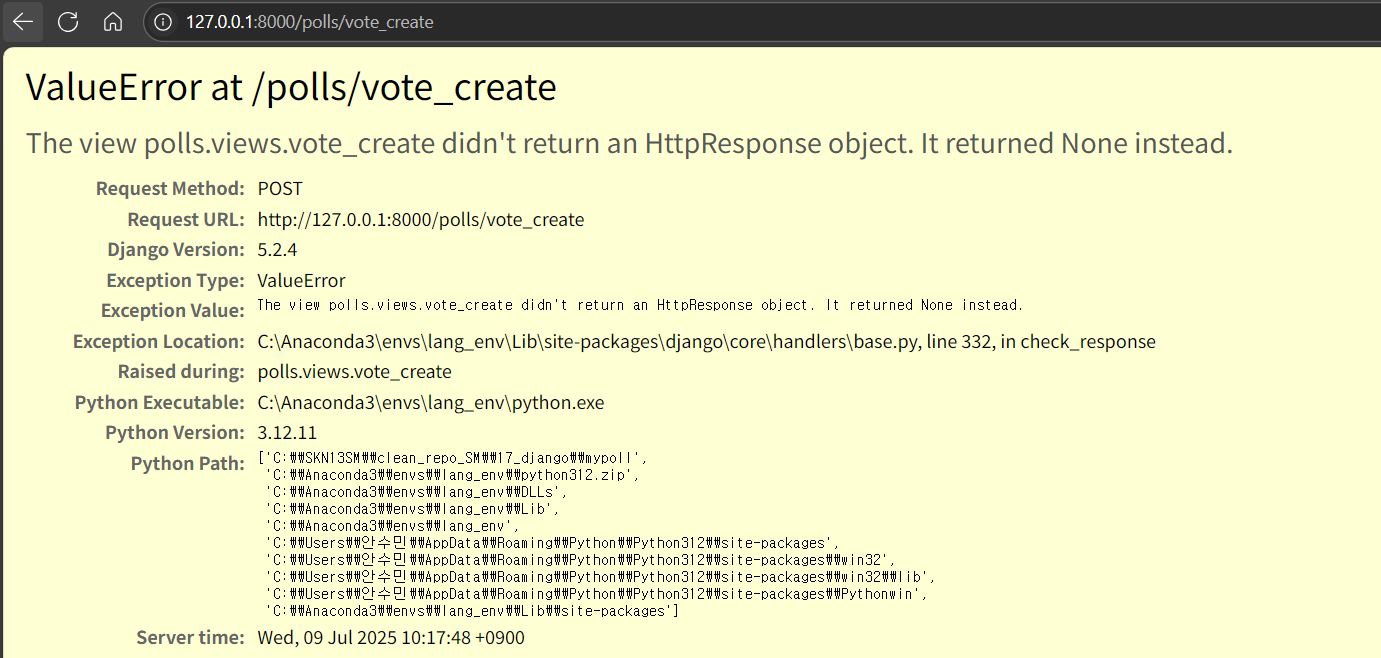
The view polls.views.vote_create didn't return an HttpResponse object. It returned None instead.
설문을 등록했을 때 리턴할 게 없어서 에러가 난다.
5. 질문 보기 등록 (views.py - elif 부분)
def vote_create(request):
    http_method = request.method
    if http_method == "GET":
        return render(request, "polls/vote_create.html")
    elif http_method == "POST":
        # 요청 파라미터 읽기 - 질문, 보기들
        question_text = request.POST.get("question_text")
        # 같은 이름으로 여러 개의 값이 전달된 경우 getlist("요청파라미터 이름"): list
        choice_list = request.POST.getlist("choice_text")

        # DB에 저장
        q = Question(question_text=question_text)
        q.save()
        for choice_text in choice_list:
            c = Choice(choice_text=choice_text, question=q)
            c.save()

        # 응답 - list로 redirect 방식으로 이동
        return redirect("/polls/list")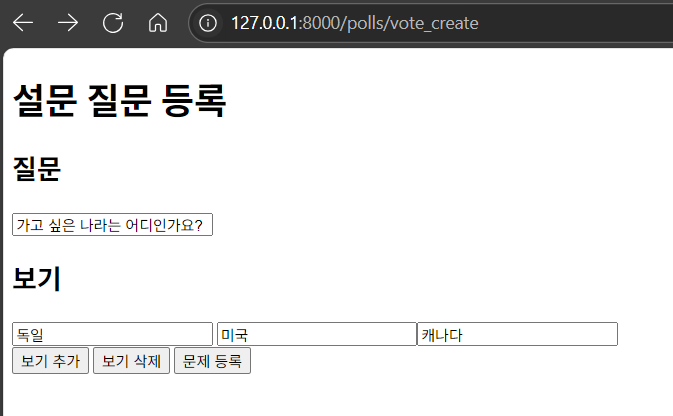
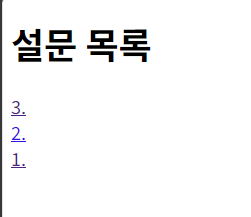
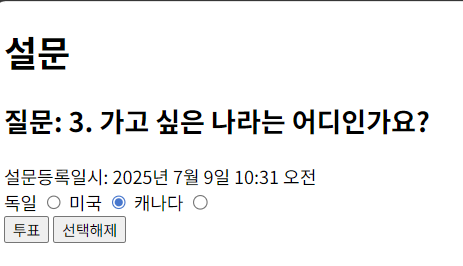
위에 새 질문이 생김(3번). 클릭해보자.
(질문 안 나오고 번호만 나오는 건 개선 필요.)
6. 메뉴 생성
<a href="/polls/vote_create">설문 등록</a>
    <a href="/polls/list">설문 목록</a>
    <hr>
polls 아래 있는 html 파일에 전부 추가해준다.
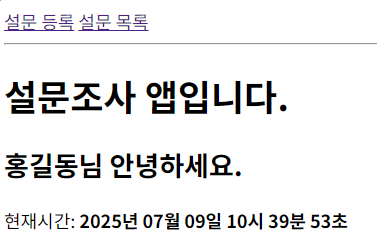
그럼 위처럼 메뉴가 뜨고, 클릭하면 해당 페이지로 바로 이동할 수 있다.
7. 메뉴 클릭을 위해 메인 화면 구축
path("", views.list, name="polls_main")
# http://127.0.0.1:8000/polls/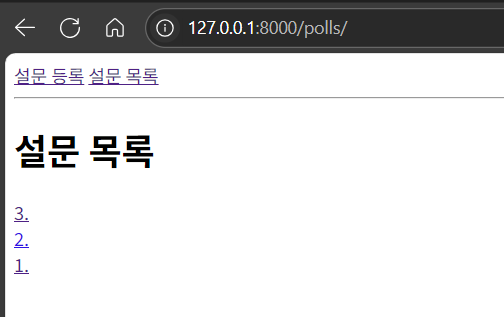
원래 http://127.0.0.1:8000/polls/경로로 가면 에러 떴는데 위처럼 바뀜.
8. (개념 정리) path parameter, path converter