마우스 이벤트에서 클릭위치 확인
<!DOCTYPE html>
<html lang="en">
<head>
    <meta charset="UTF-8">
    <meta name="viewport" content="width=device-width, initial-scale=1.0">
    <title>Document</title>
    <style>
        div{
            width: 500px;
            height: 500px;
            border: 1px solid black;
        }
    </style>
</head>
<body>
    <h1>X와 Y좌표를 구하세요!</h1>
    <div id="area"></div>

    <script>
        // 사용자가 클릭한 마우스의 위치(x,y)를 구하자
        // 1. 이벤트를 부여할 요소 가져오기
        let div = document.getElementById('area')
        // 2. div 클릭했을 때, x,y 좌표를 alert로 출력
        div.addEventListener('click', (e) => {
            let x = e.pageX;
            let y = e.pageY;
            alert(`클릭한 위치의 x좌표는 ${x}, y좌표는 ${y}입니다`);
        })
    </script>
</body>
</html>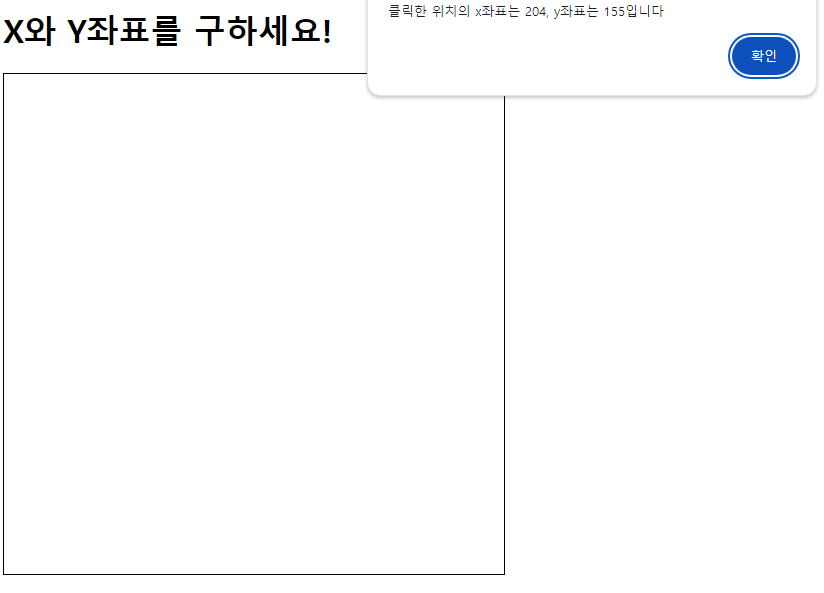

개발자